
About this template
Interior designers, architects, and design students often need to translate bespoke cabinetry concepts into clear production and presentation packages. This template solves the challenge of organizing technical millwork details and client-facing visuals into a single structured set, making it straightforward to communicate kitchen joinery, clearances, and specifications to clients and fabricators.
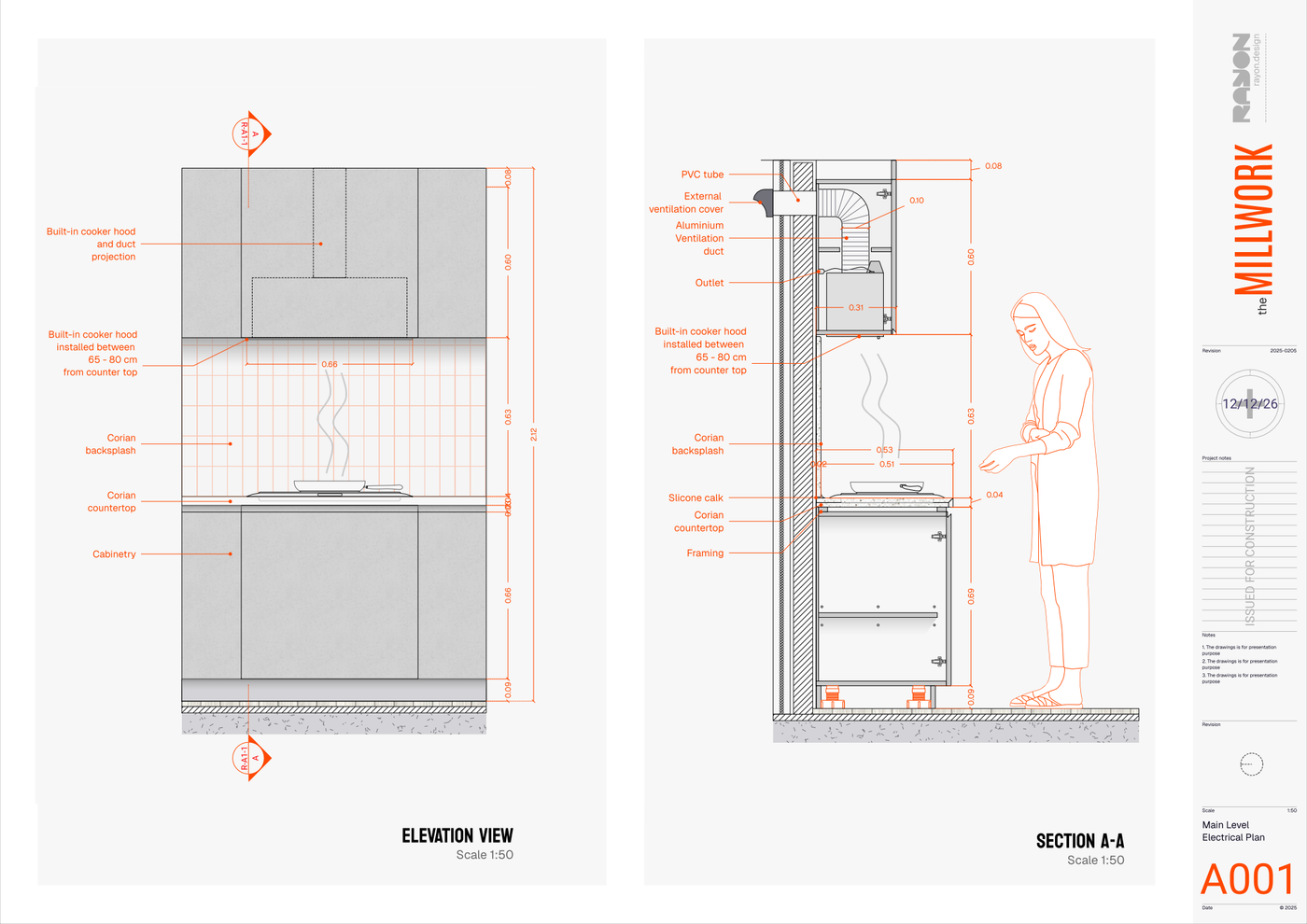
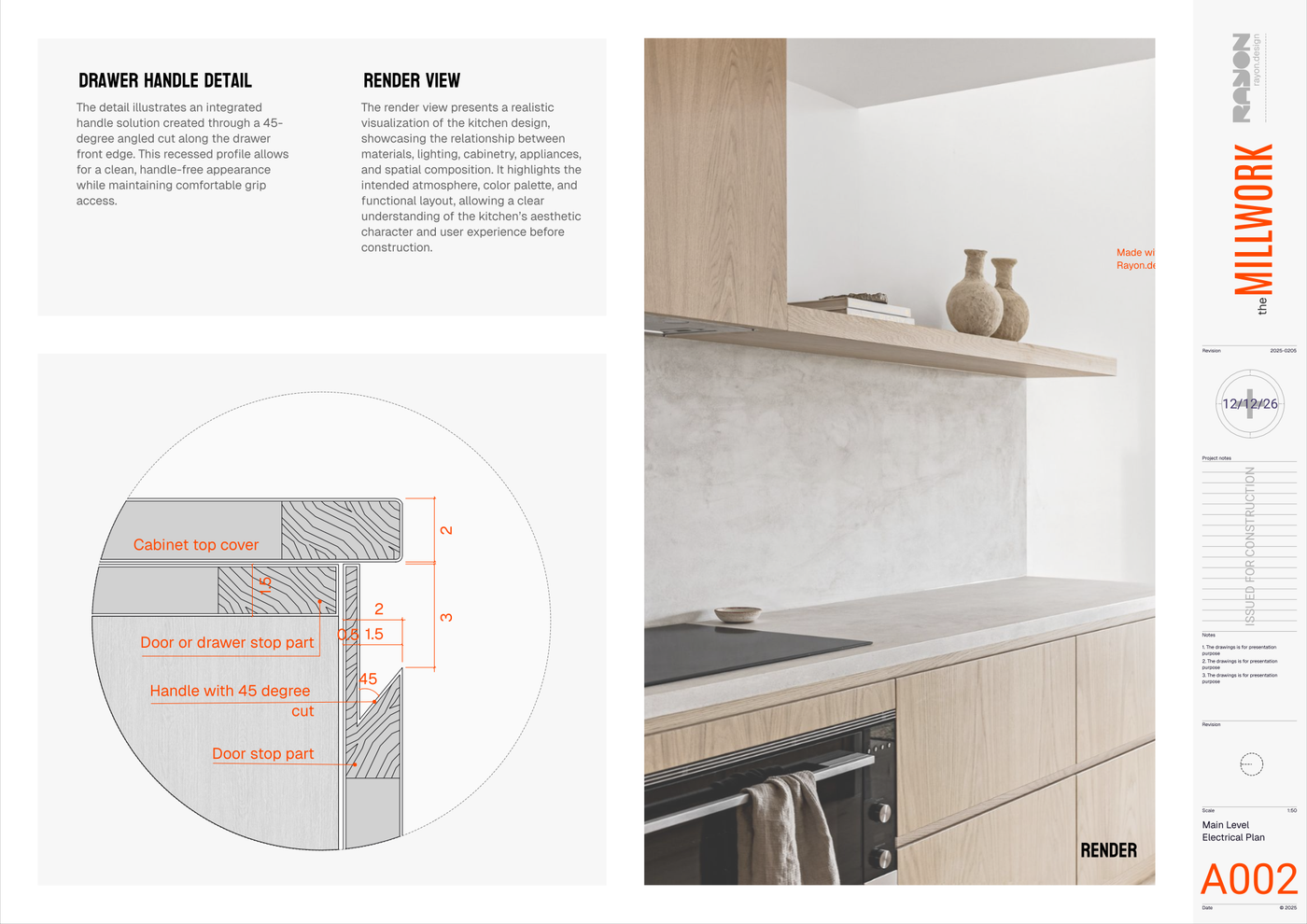
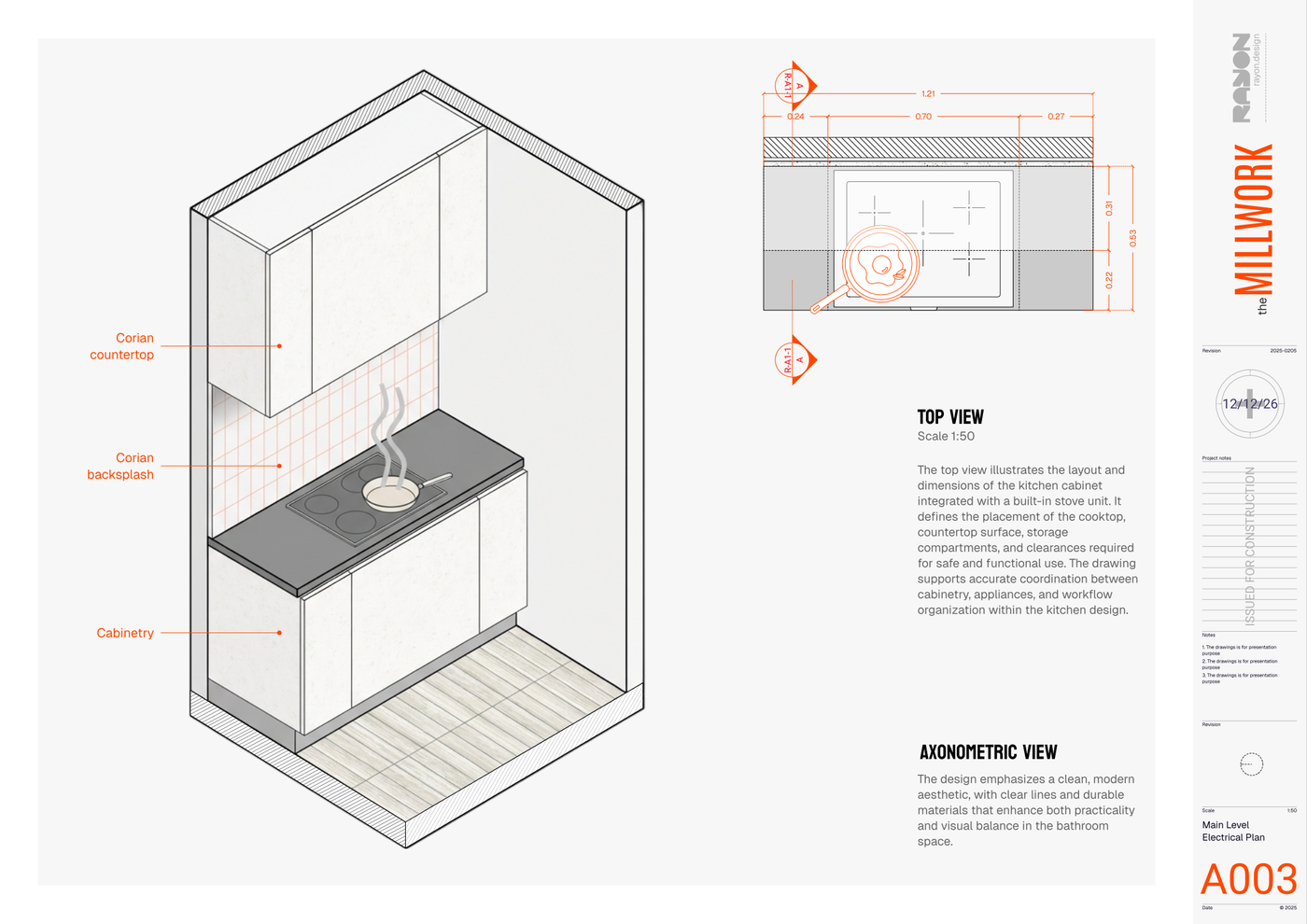
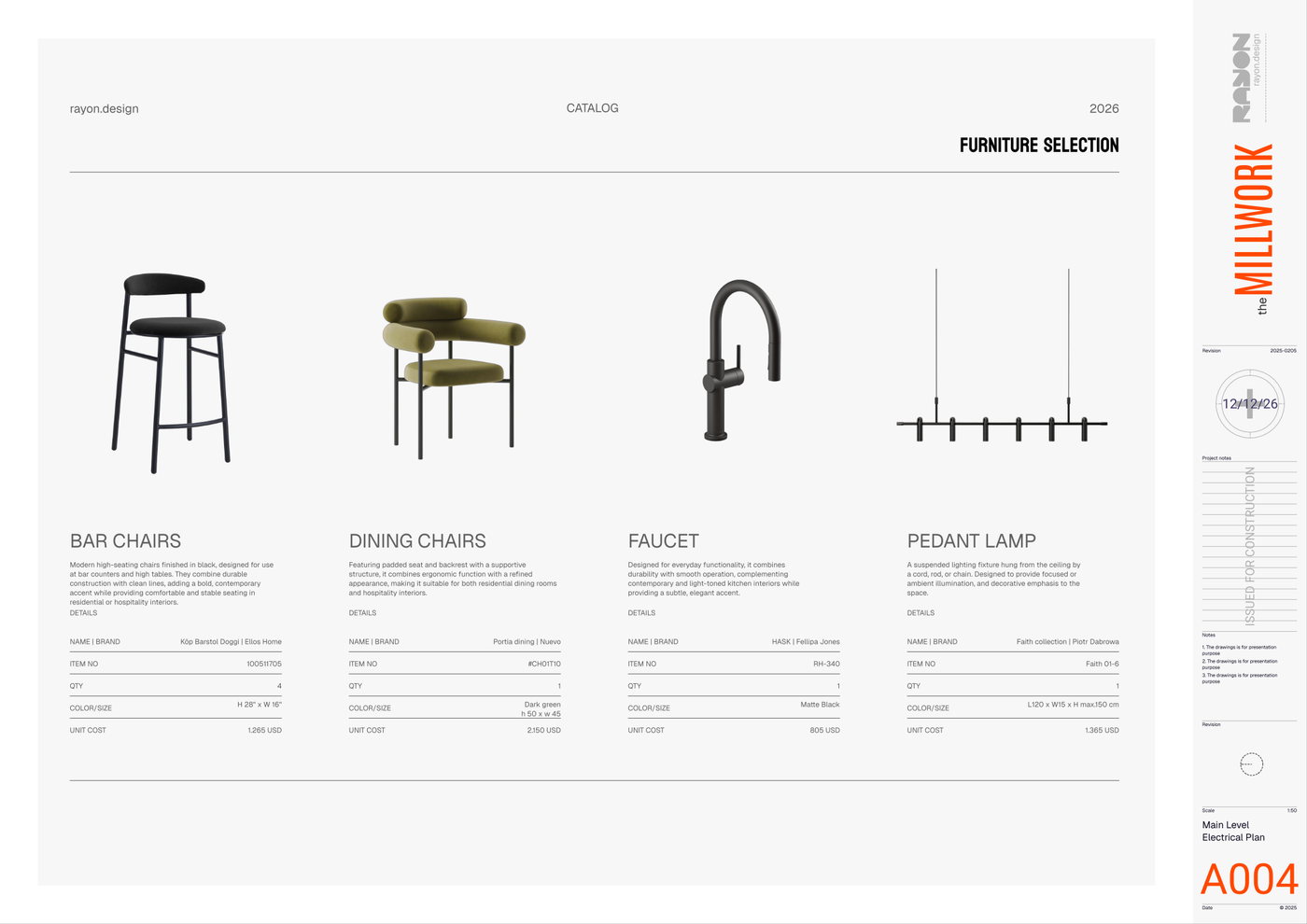
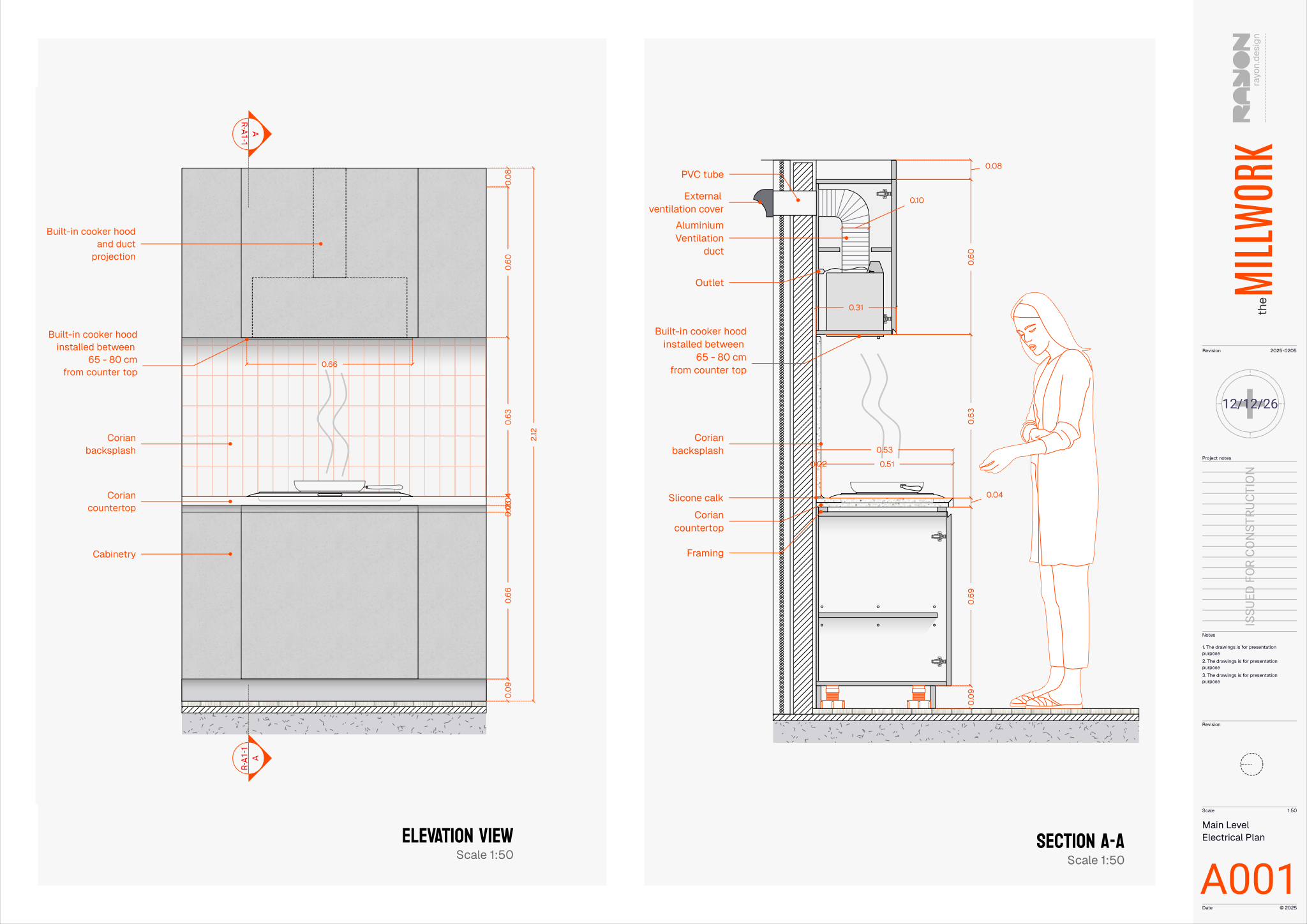
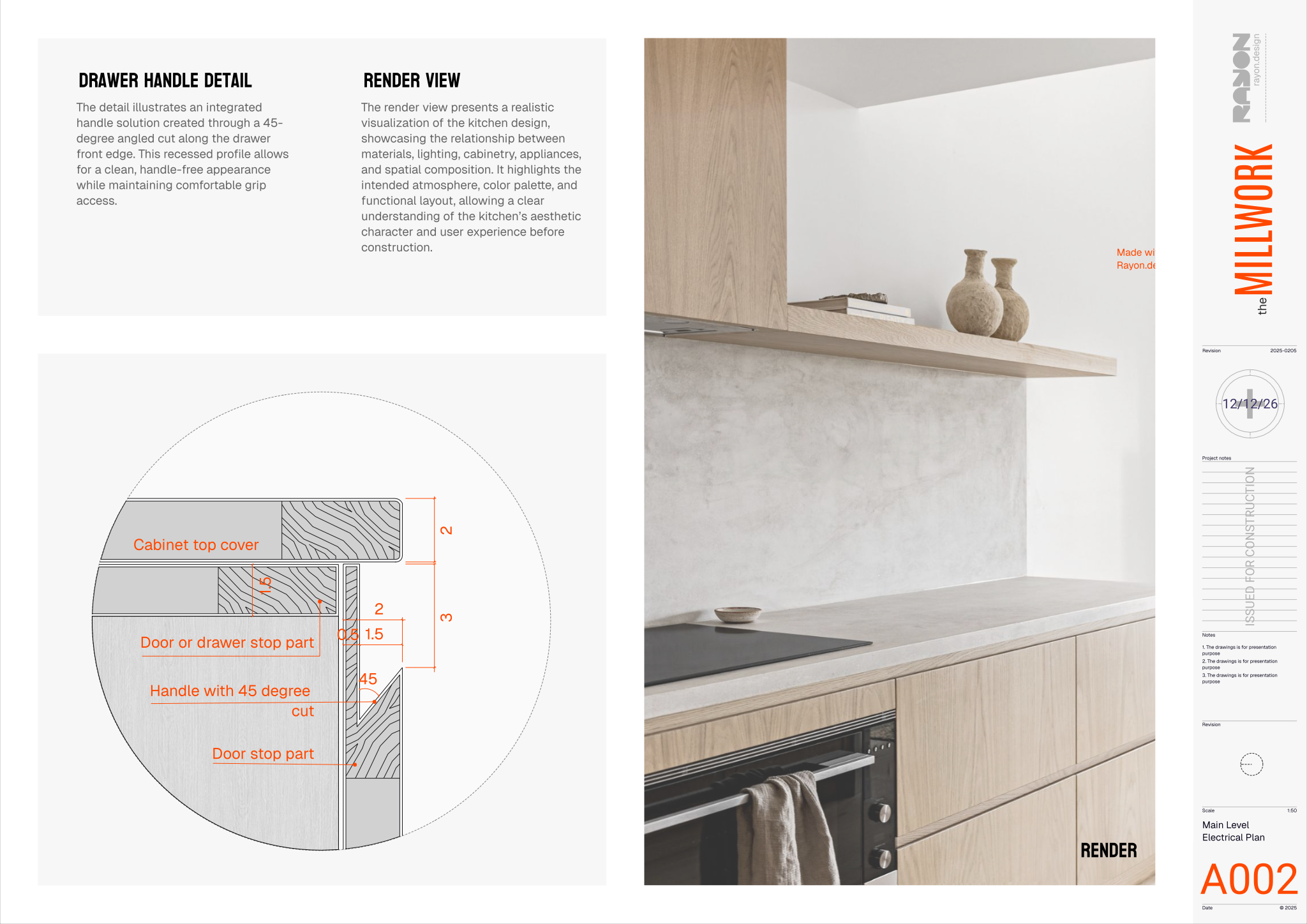
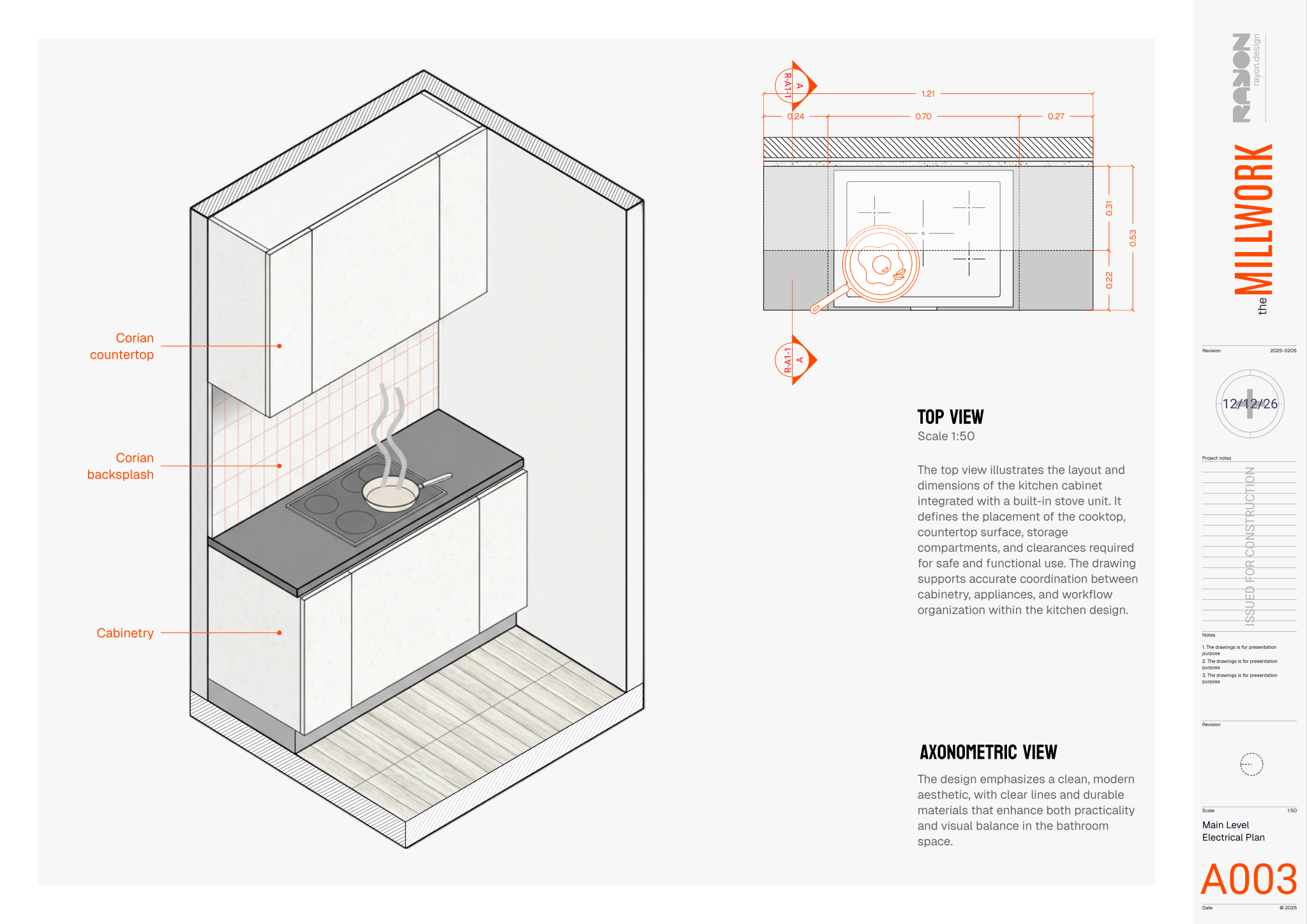
The set brings together top views, axonometric views, elevations, and sections to document cabinetry and countertop arrangements from planning through construction. Elevation drawings outline components and millwork dimensions, while sections show internal parts, ventilation, and appliance placement. Alongside these drawings, presentation renders display materials and lighting, supported by product specification schedules detailing furniture, fixtures, finishes, item numbers, brands, and costs.
Built for Rayon, a browser-based CAD tool, the Kitchen millwork presentation template opens directly in your browser without requiring extra setup. You can adapt the layouts to your project dimensions, place your own renders, and reuse the pre-configured layers, line weights, hatch patterns, and block and style libraries. Once updated, use the prepared print settings to export polished presentation sheets ready for review.
What's included
- Elevation views providing detailed millwork dimensions and component descriptions for kitchen layouts.
- Section drawings illustrating internal kitchen millwork components, ventilation, and appliance placement with key dimensions.
- Detailed product specifications including furniture, fixtures, and finishes with item numbers, brand, and cost information.
- Presentation renders offering realistic visual representations of kitchen designs, showcasing materials, lighting, and overall aesthetic.
- Top views and axonometric views providing comprehensive spatial layouts and three-dimensional representations of cabinet and countertop arrangements.
- The template includes comprehensive block and style libraries, pre-configured layers, line weights, hatch patterns, and print settings for consistent documentation.
Looking for more like this? Browse all millwork drawing templates.
Read the guide
Learn the workflow on Rayon Academy
More templates
Browse all ↗
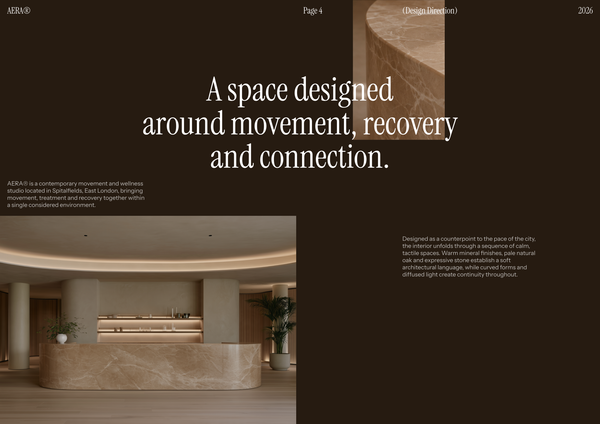
AERA - Millwork drawings
A detailed millwork drawing template for presenting custom reception desks, storage, built-ins, and bespoke joinery for a modern wellness and Pilates studio.
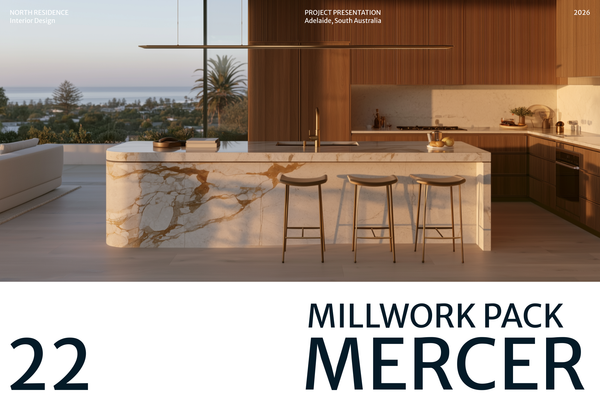
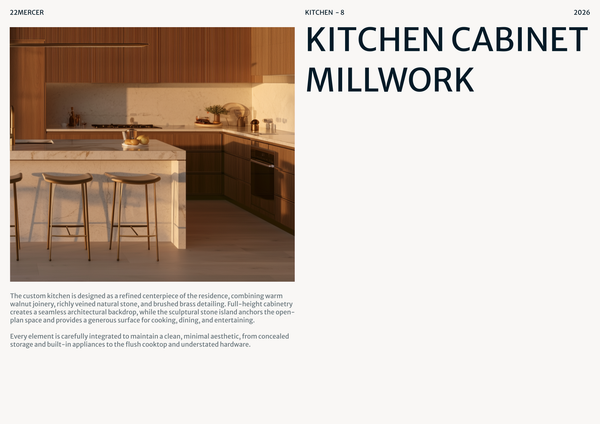
22 MERCER - Millwork drawings
A detailed millwork drawing template for presenting custom cabinetry, kitchen islands, storage, and bespoke joinery for luxury residential kitchens.

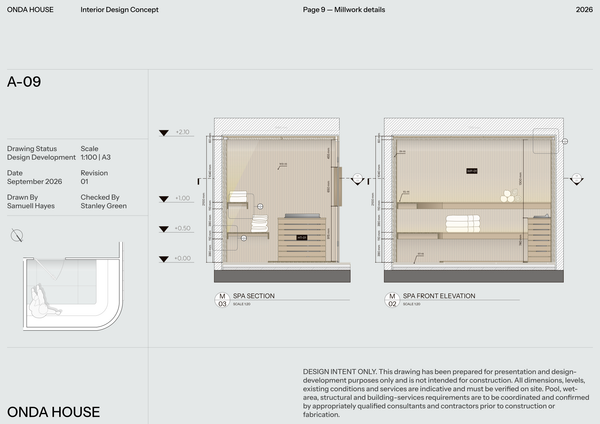
ONDA HOUSE - Millwork set
A detailed millwork set template for presenting custom sauna, treatment room, storage, and bespoke joinery details for a luxury spa and wellness center.

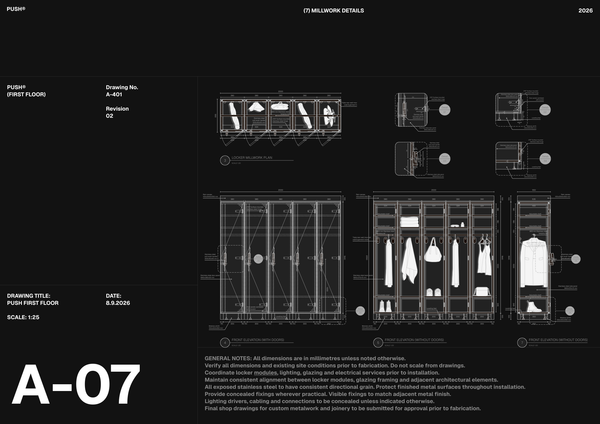
PUSH - Millwork drawings A3
A detailed A3 millwork drawing template for presenting custom lockers, benches, storage, and bespoke joinery for high-end fitness spaces.
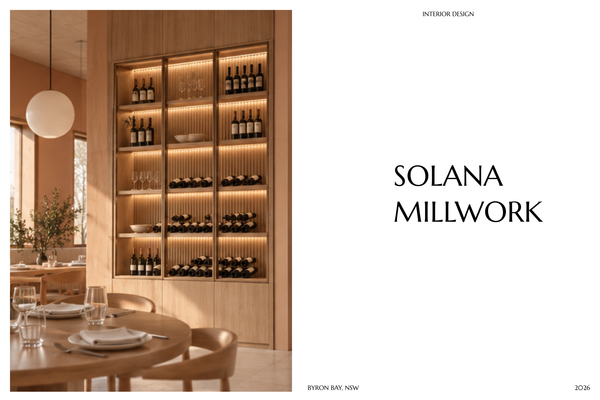
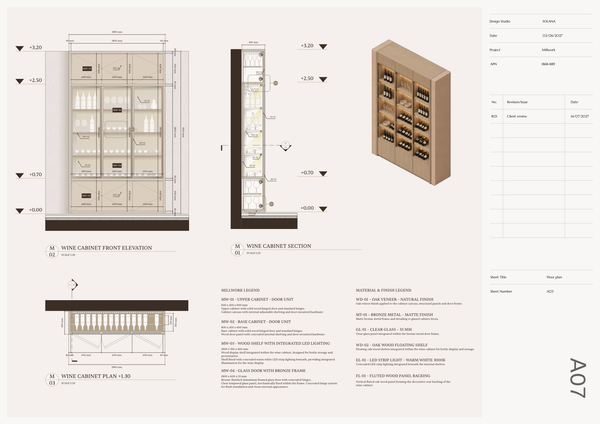
SOLANA - Millwork drawings A4
A detailed A4 millwork drawing template for presenting custom joinery, built-ins, and bespoke details for luxury hotel interiors.

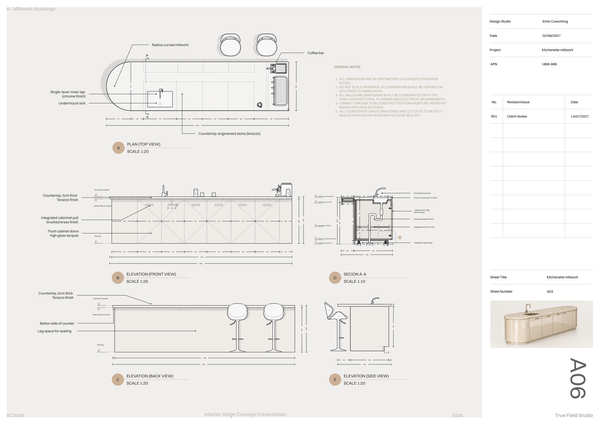
Millwork set - Co working
A detailed millwork set template for presenting custom workstations, storage, communal areas, and bespoke joinery for modern coworking spaces.
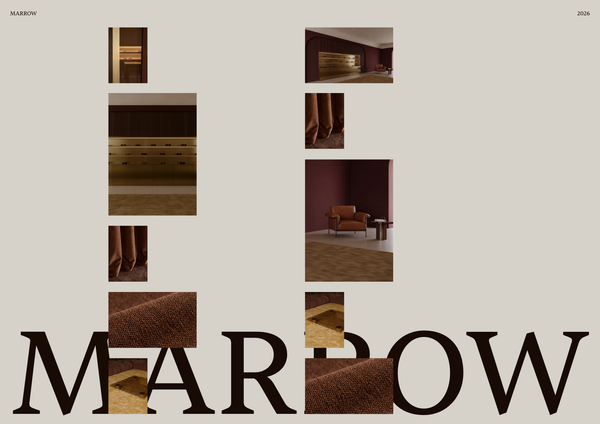
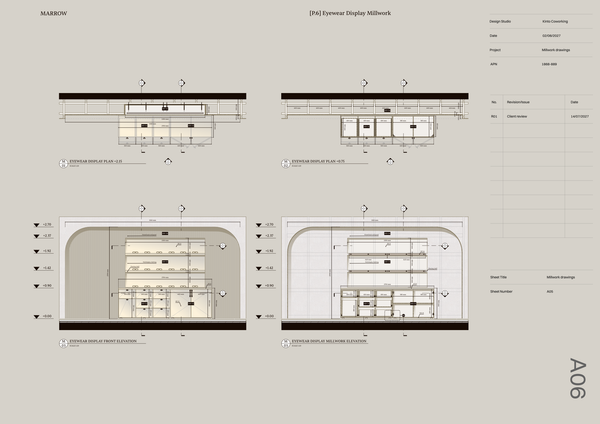
Millwork details - Luxury retail
A detailed millwork template for presenting custom eyewear displays, counters, shelving, and bespoke joinery for luxury optical boutiques.
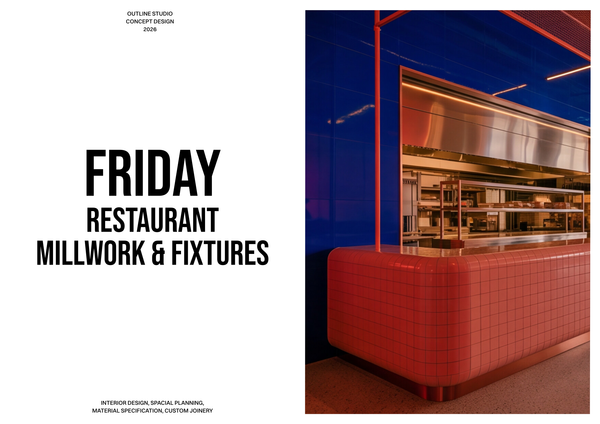
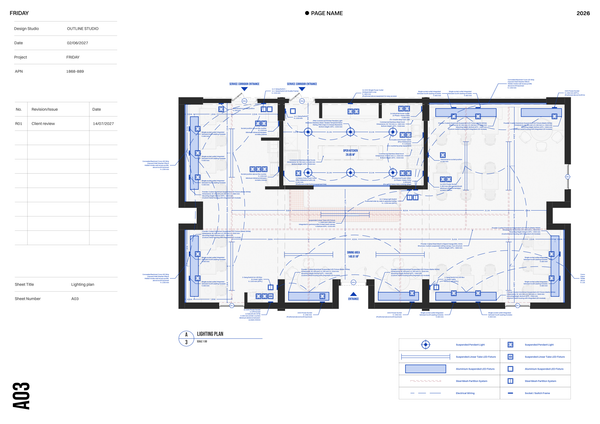
Millwork & fixtures - Restaurant Chain
A detailed millwork and fixtures template for presenting custom counters, seating, displays, and joinery across restaurant chain locations.
Frequently asked questions
Who is this template for?
This template is suited to designers, architects, and students preparing kitchen millwork drawings and presentations. It supports projects that need detailed cabinet and countertop layouts, internal component and appliance placement drawings, and furniture, fixture, and finish specifications. Elevations, sections, top views, axonometric views, and realistic renders help communicate both construction details and the overall kitchen aesthetic.
How do I use this template?
Open the template in Rayon, a browser-based CAD tool, and adapt its kitchen drawings, dimensions, component descriptions, and product specifications to your project. Reuse the included blocks and styles, along with the pre-configured layers, line weights, and hatch patterns, to keep documentation consistent. Then present your kitchen design or export or print the sheets using the included print settings.
What kitchen millwork drawings and presentation content does this template include?
The template includes elevation drawings, section drawings, top views, and axonometric views covering kitchen millwork layouts and components. It also includes detailed product specifications and realistic presentation renders, bringing technical documentation, item information, and visual design communication together in one template.
What information is shown in the kitchen millwork elevations?
The elevation views provide detailed millwork dimensions and component descriptions for kitchen layouts. They document the dimensions and descriptions of the millwork shown, while the top views and sections add complementary information about spatial arrangement, internal components, ventilation, and appliance placement.
How do the section drawings document appliances and ventilation?
The section drawings illustrate internal kitchen millwork components, ventilation, and appliance placement, with key dimensions included. These views complement the elevations by documenting internal relationships, helping connect the arrangement of appliances and ventilation with the surrounding millwork rather than relying on exterior views alone.
What is covered in the template’s product specifications?
The detailed product specifications cover furniture, fixtures, and finishes, with item numbers, brand information, and costs. This specification content sits alongside the drawings and renders, providing a place to document selected items while the other views communicate their spatial context and the kitchen’s overall appearance.
How do the top views and axonometric views work together?
The top views provide spatial layouts of cabinet and countertop arrangements, while the axonometric views present those arrangements in three dimensions. Together, they complement the elevations and sections by showing how the kitchen millwork fits into a broader layout and how its components relate spatially.
What design decisions do the kitchen presentation renders communicate?
The presentation renders offer realistic visual representations of the kitchen design, showcasing materials, lighting, and the overall aesthetic. They complement the dimensioned drawings and product specifications by communicating the intended appearance of the kitchen, rather than serving as the primary source of dimensional or item information.
Which parts of the template can be adapted for a different kitchen layout?
For a different kitchen layout, adaptation can focus on the cabinet and countertop arrangements, millwork dimensions, component descriptions, and appliance placement shown in the drawings. The corresponding specifications and renders should reflect those project choices so that the technical views, selected items, and visual presentation remain consistent.
What documentation settings and libraries are included in the template?
The template includes comprehensive block and style libraries, along with pre-configured layers, line weights, hatch patterns, and print settings. These resources support consistent documentation across the kitchen millwork drawings, providing a shared graphic framework as the layouts, dimensions, and component information are adapted to a project.