The short answer
A strong interior design portfolio shows 4 to 8 of your best projects, each told as a short story: the brief, your concept, the plan, one or two technical drawings, the material and furniture choices, and the finished result. Decide first whether it is for a studio job or for clients, because they look for different things. Open with your strongest and most relevant project, use one grid and two typefaces throughout, mix technical drawings with imagery so readers see you can both design and deliver, state your role on every project, and end with a short about page and clear contact details. Keep a master file and tailor a shorter version for each application or pitch.
Start with who will read it
 Open template
A portfolio for a studio job and a portfolio for private clients are different documents. Studio directors and recruiters skim for evidence that you can be useful from day one: a clear plan, a millwork elevation, a finishes schedule, a coordinated set. Clients want to picture their own home or business: atmosphere, finished spaces, and proof that you listen to a brief, keep to a budget and finish what you start.
| Reader | What they look for | What to emphasise |
|---|---|---|
| Studio director or recruiter | Technical skill, software, ability to work in a team | Drawings, details, schedules, your role on each project |
| Private client | Taste, trust, a result they can imagine living in | Photographs, before and after, testimonials, process |
| Commercial client or developer | Delivery, budget and programme control, sector experience | Built work in their sector, scale, key figures |
| Graduate school or competition jury | Thinking, process, originality | Concept development, sketches, research |
Most readers spend only a few minutes on a first look, often on a phone or a laptop between other tasks. Design for that: a cover that says who you are and what you do, a strong opening project, and pages that make sense in a few seconds each. Detailed technical pages are for the second, longer look, often in an interview.
Which projects to include
 Open template
Choosing projects is an editing exercise. Every project you add should strengthen the case for hiring you for the work you want next, and every weak one dilutes the strong ones around it. Use these rules to decide what stays in and what comes out.
- 4 to 8 projects. Fewer, well-presented projects beat a long catalogue.
- Lead with your strongest and most relevant project: readers rarely reach page 30.
- Show range on purpose: for example one residential, one hospitality or retail, and one detailed technical package.
- Match the reader: lead with hospitality work when applying to a hospitality studio, residential when pitching to a homeowner.
- Include unbuilt, competition or student work if it is strong, and label it honestly as concept or academic.
- Be explicit about your role on team projects: “Lead designer, concept to handover” or “FF&E package and millwork drawings”.
- Check permissions: some employers and clients do not allow publication, or require credits and photographer names.
- Remove anything you would not want to be hired to do again.
If you are early in your career and have few built projects, depth beats quantity. One student project developed through concept, plan, sections, a millwork detail and a material board shows more ability than five projects shown only as renders. You can also include a short technical section with drawings from internships, provided you have permission and state your role.
Keep a long master file of everything you have done, then build a shorter, tailored version for each application or pitch. Ten minutes of tailoring is often what gets the interview.
How to structure each project
 Open template
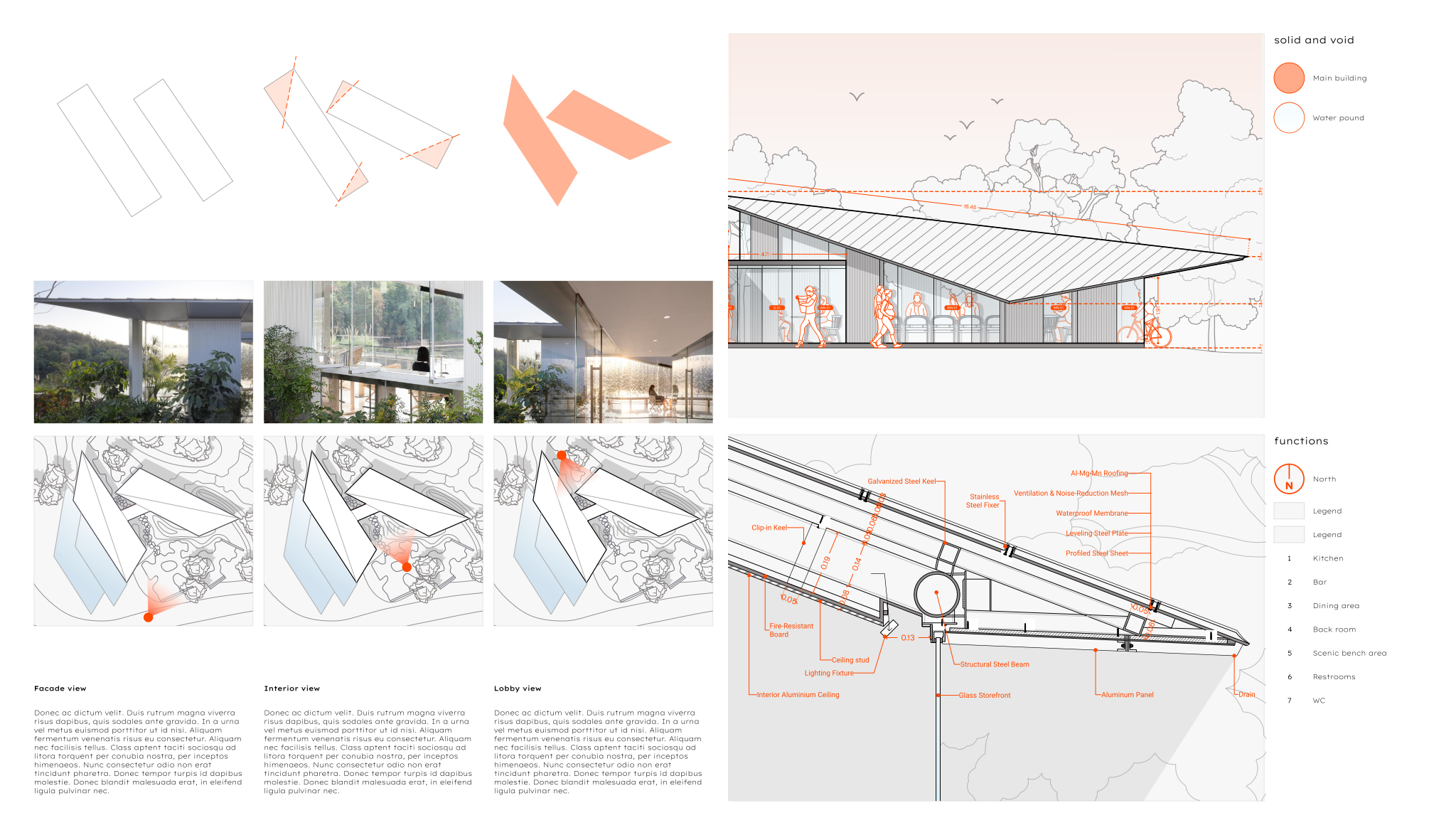
Give each project the same sequence so the reader learns how to read your portfolio after the first one:
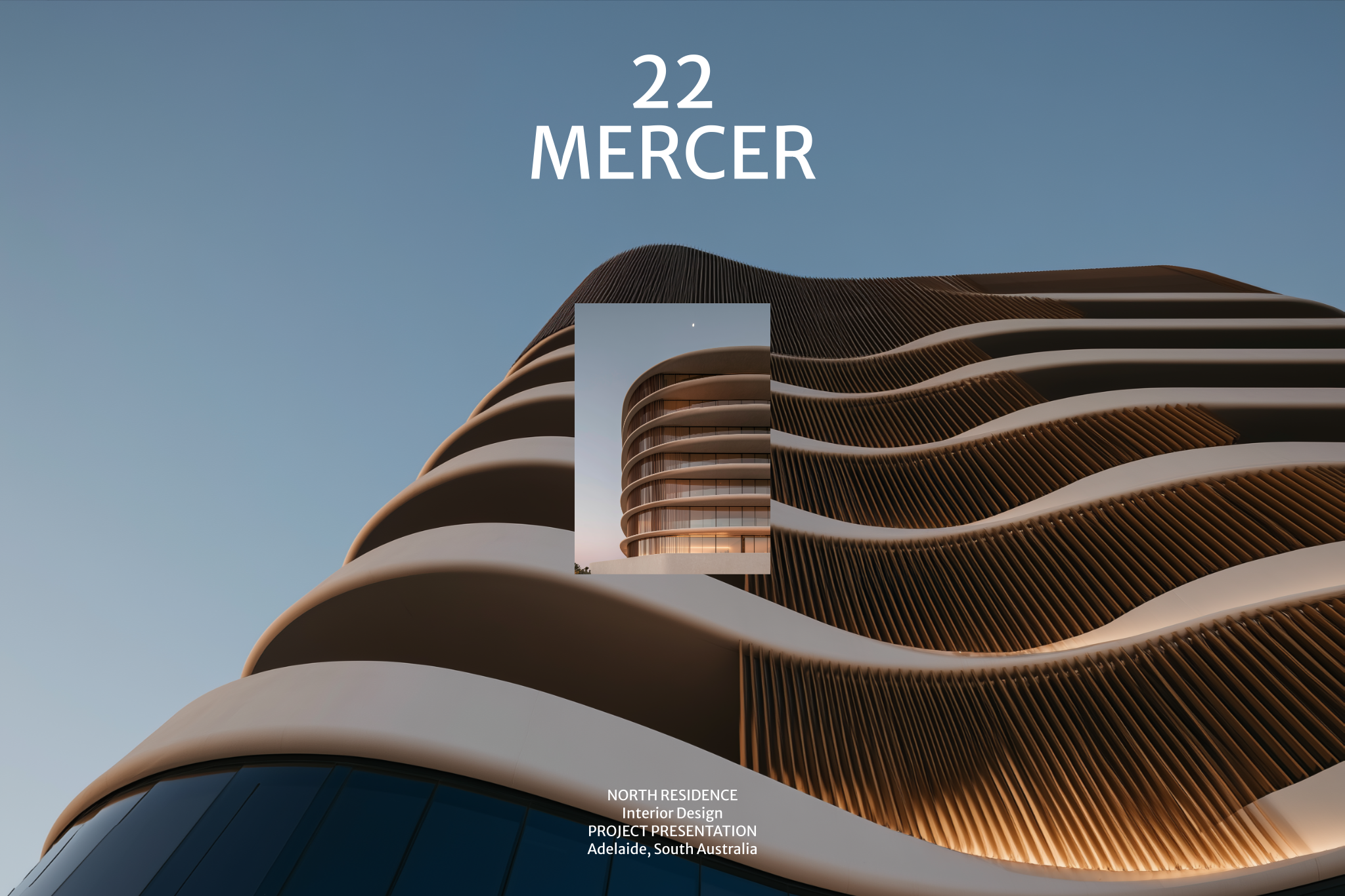
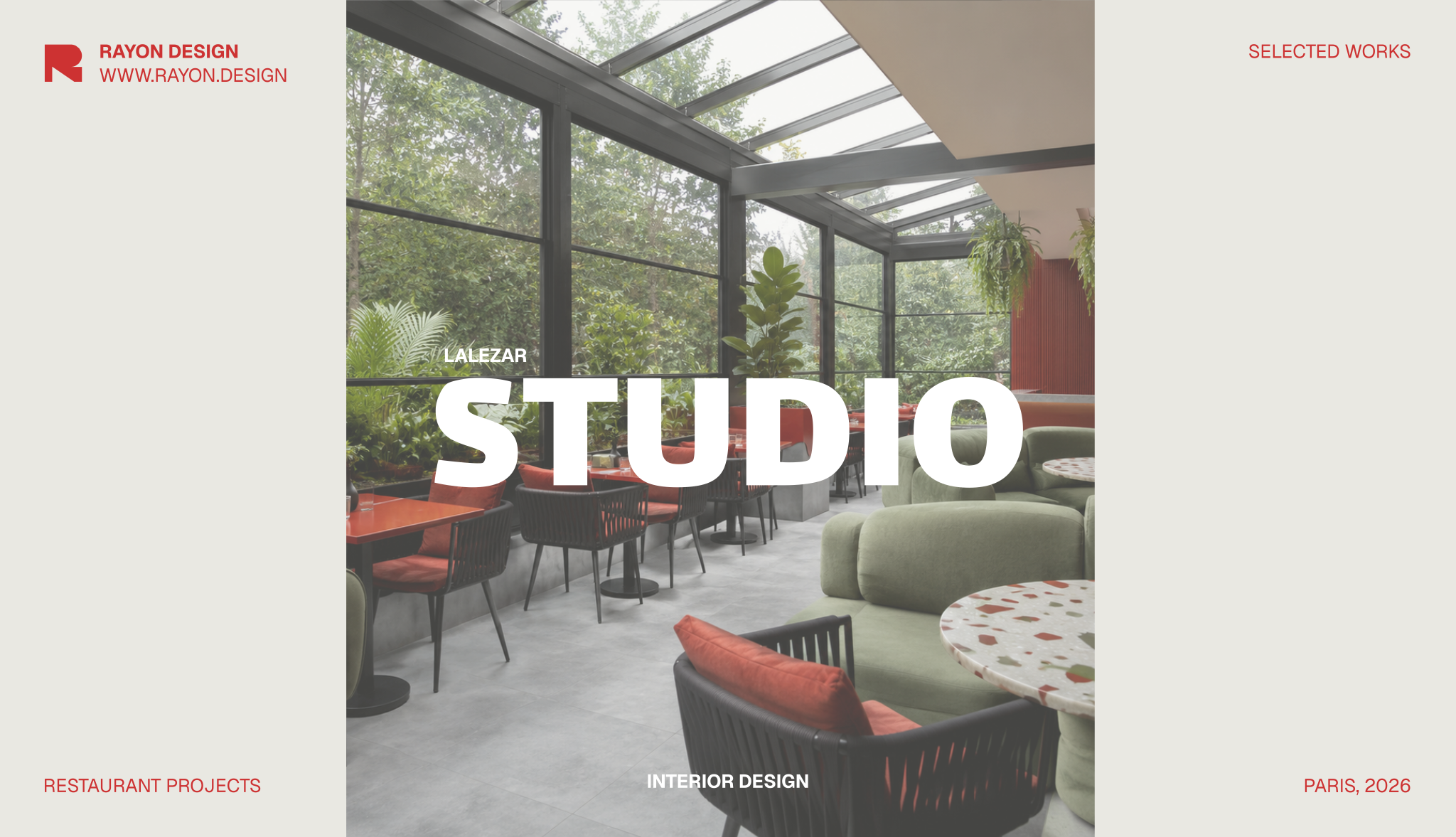
- Opener: one strong image, project name, location, type, size in m², your role and the year.
- Brief and challenge, in two or three sentences: what the client needed and what made it difficult.
- Concept: a mood board or concept diagram and one sentence of intent.
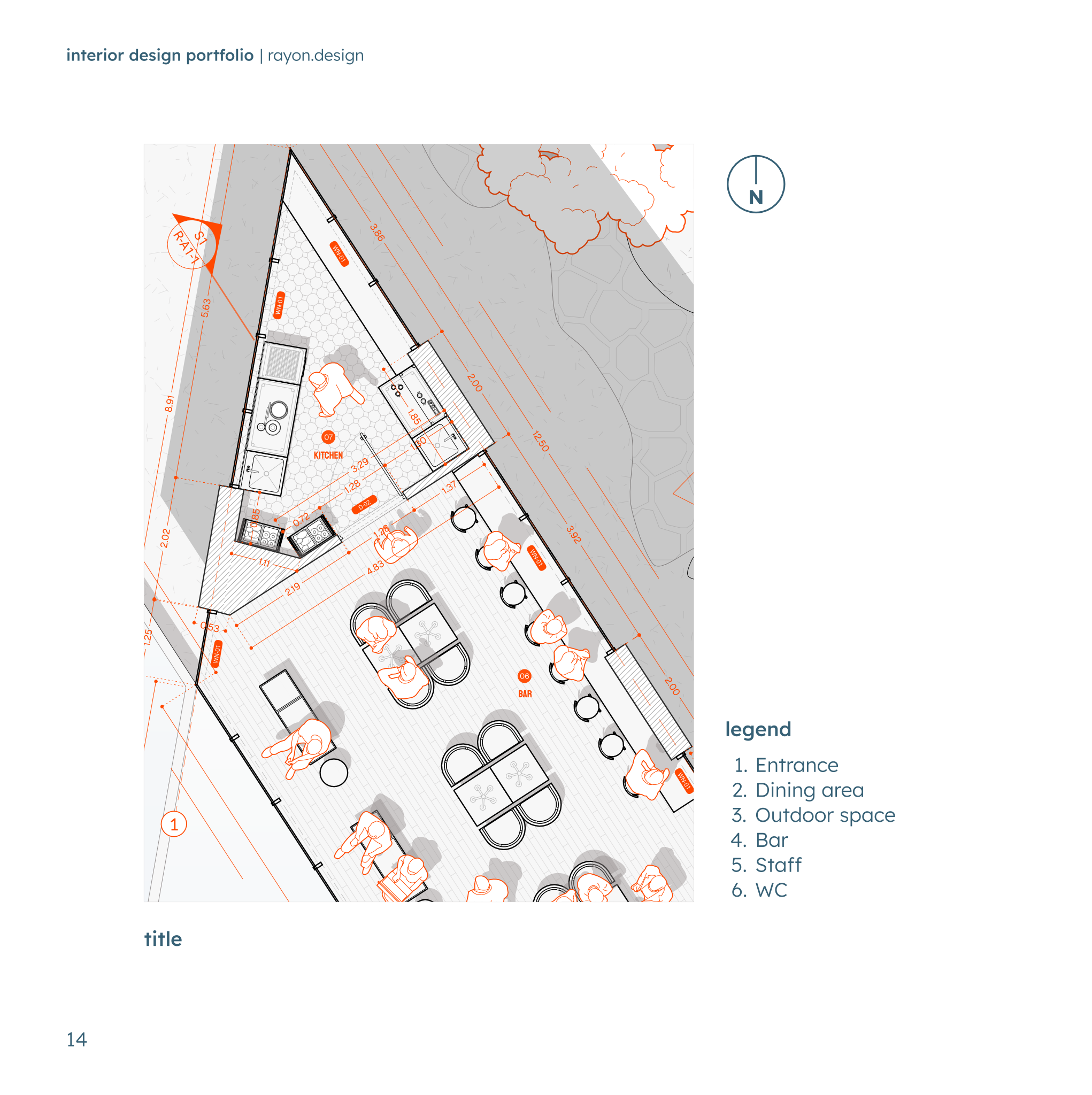
- Plans: the floor plan, ideally with a furniture layout and zoning; a before and after plan for renovations.
- Key drawings: an elevation, section or millwork detail that shows technical skill.
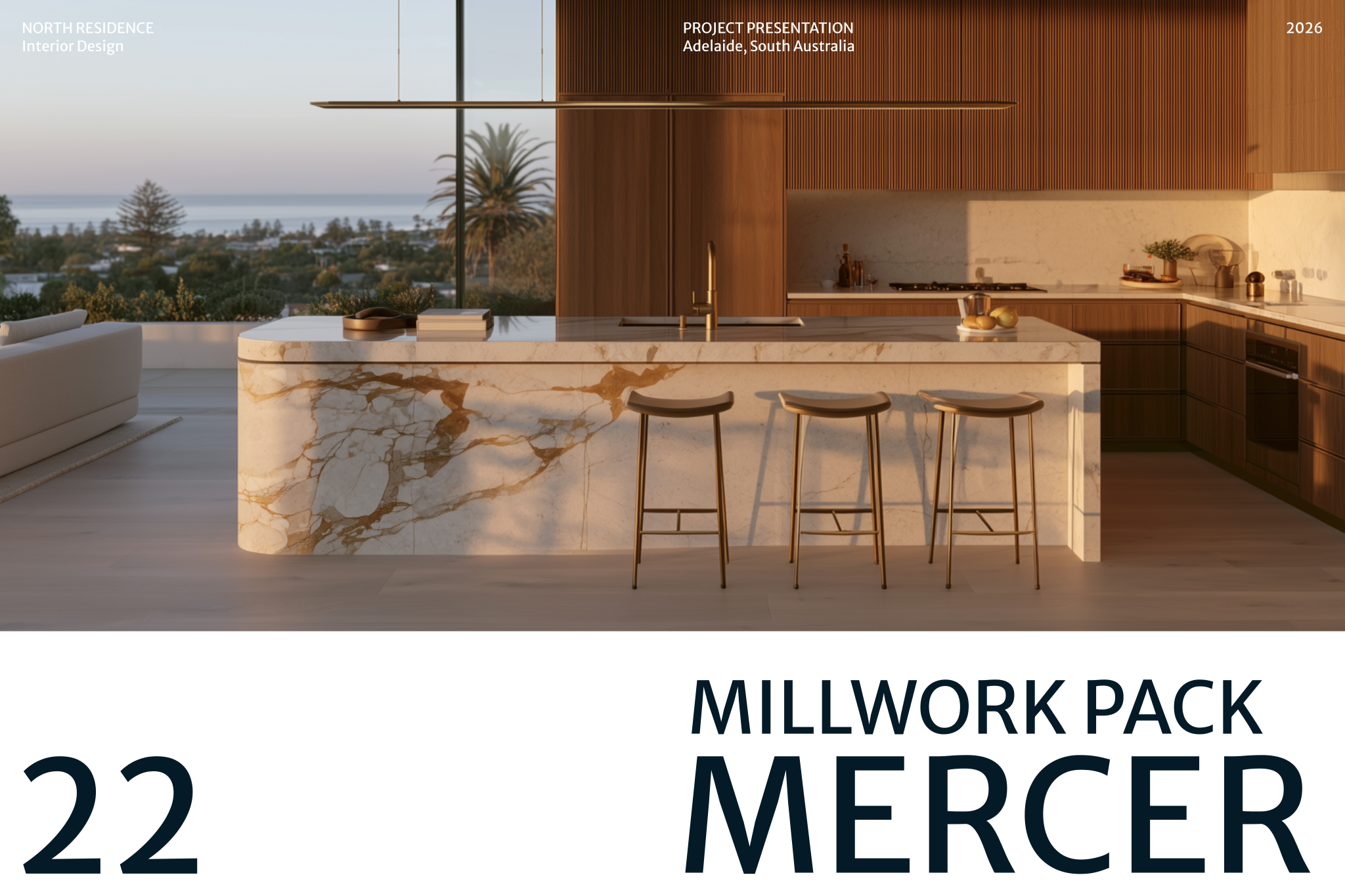
- Materials and furniture: a material board or FF&E selection.
- Result: final visuals or professional photographs, and a short outcome (a client quote, an award, a measurable result).
Two to six spreads per project is usually enough. Your opening project can take more space; later ones can be shorter. Write captions that explain decisions, not just name rooms: “The kitchen moved to the window wall to free the plan for a 10-seat table” tells the reader how you think.
Layout principles that make portfolios look professional
 Open template
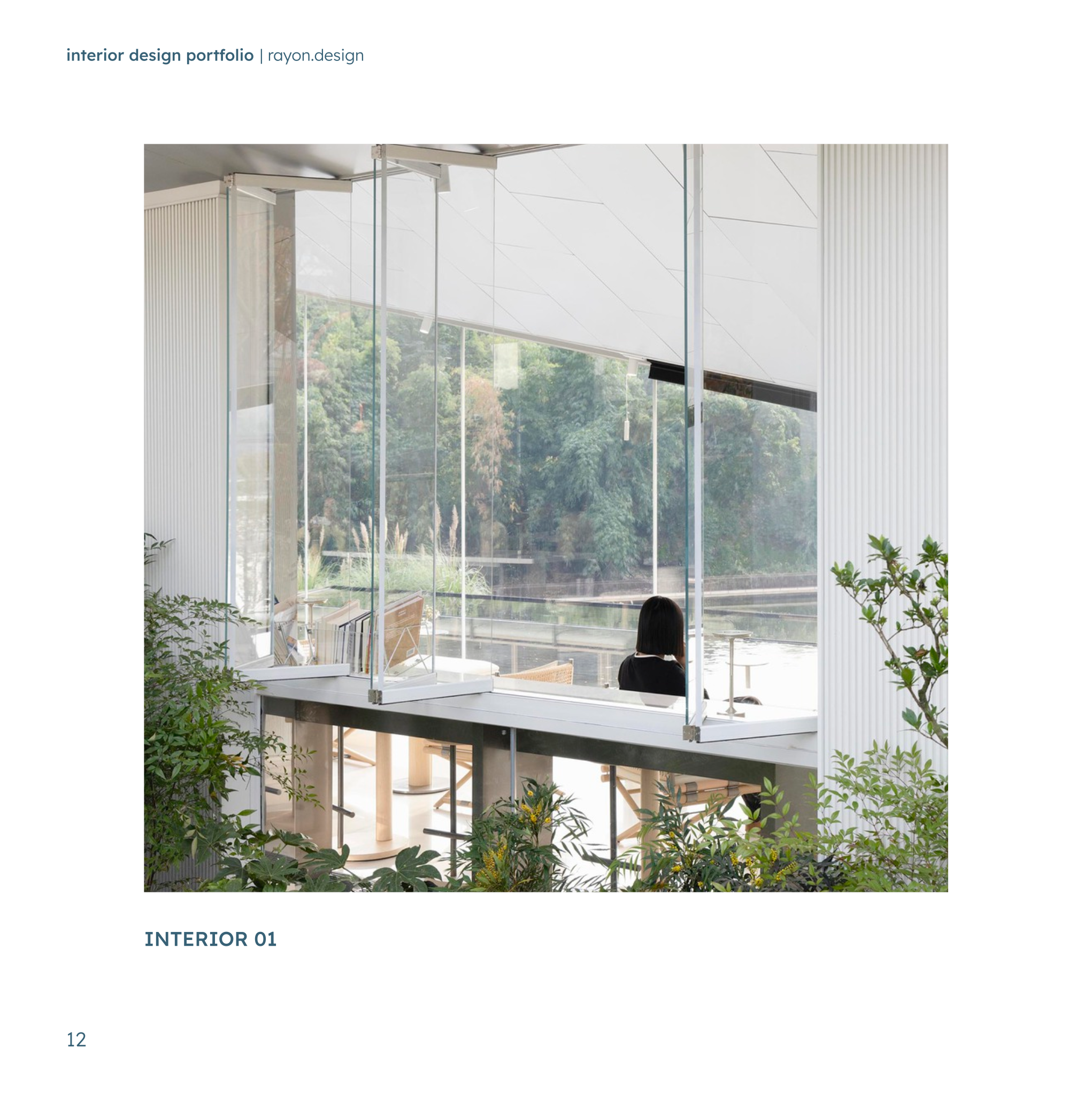
A portfolio is itself a piece of design, and readers judge your eye from its layout before they look closely at any project. Consistency does most of the work: the same grid, type and drawing style on every page makes the document feel considered and lets the projects stand out. These principles apply whatever style you choose.
- One grid for the whole document. Consistent margins and gutters matter more than clever layouts.
- Two typefaces at most, with a clear size scale for titles, captions and body text, and body text no smaller than about 9–10 pt in print.
- Let images breathe. One large image is stronger than six thumbnails.
- Redraw plans cleanly for presentation: no construction clutter, consistent line weights, a north arrow and a scale bar.
- Use a consistent colour treatment for drawings (for example black linework with one accent colour for zoning).
- Keep captions short and factual: what the reader is looking at and why it matters.
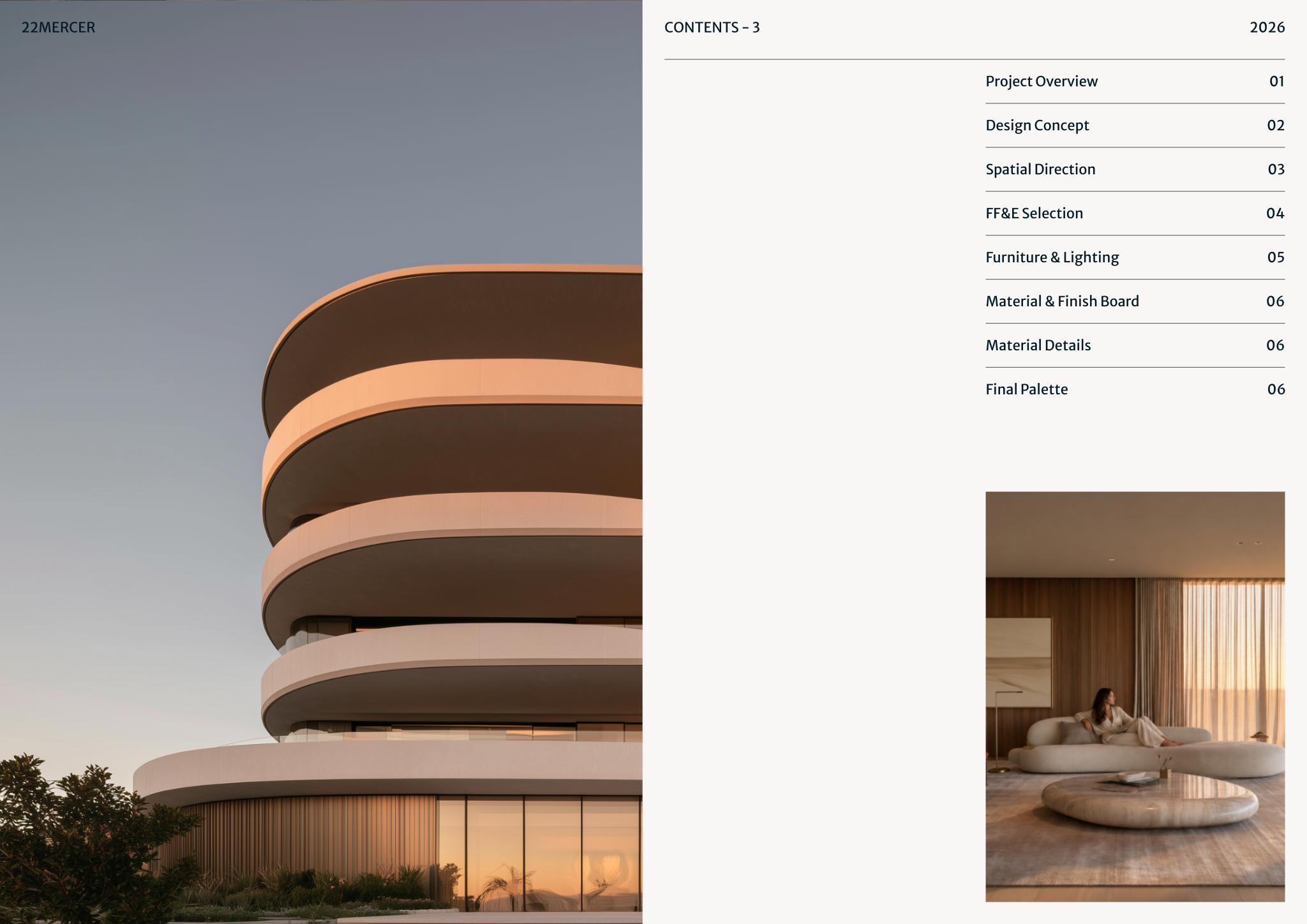
- Number pages and include a short contents page if the document runs beyond about 20 pages.
- Landscape A4 or A3 reads well on screen and in print; export a compressed PDF under 10–15 MB for email and keep a high-resolution version for print and interviews.
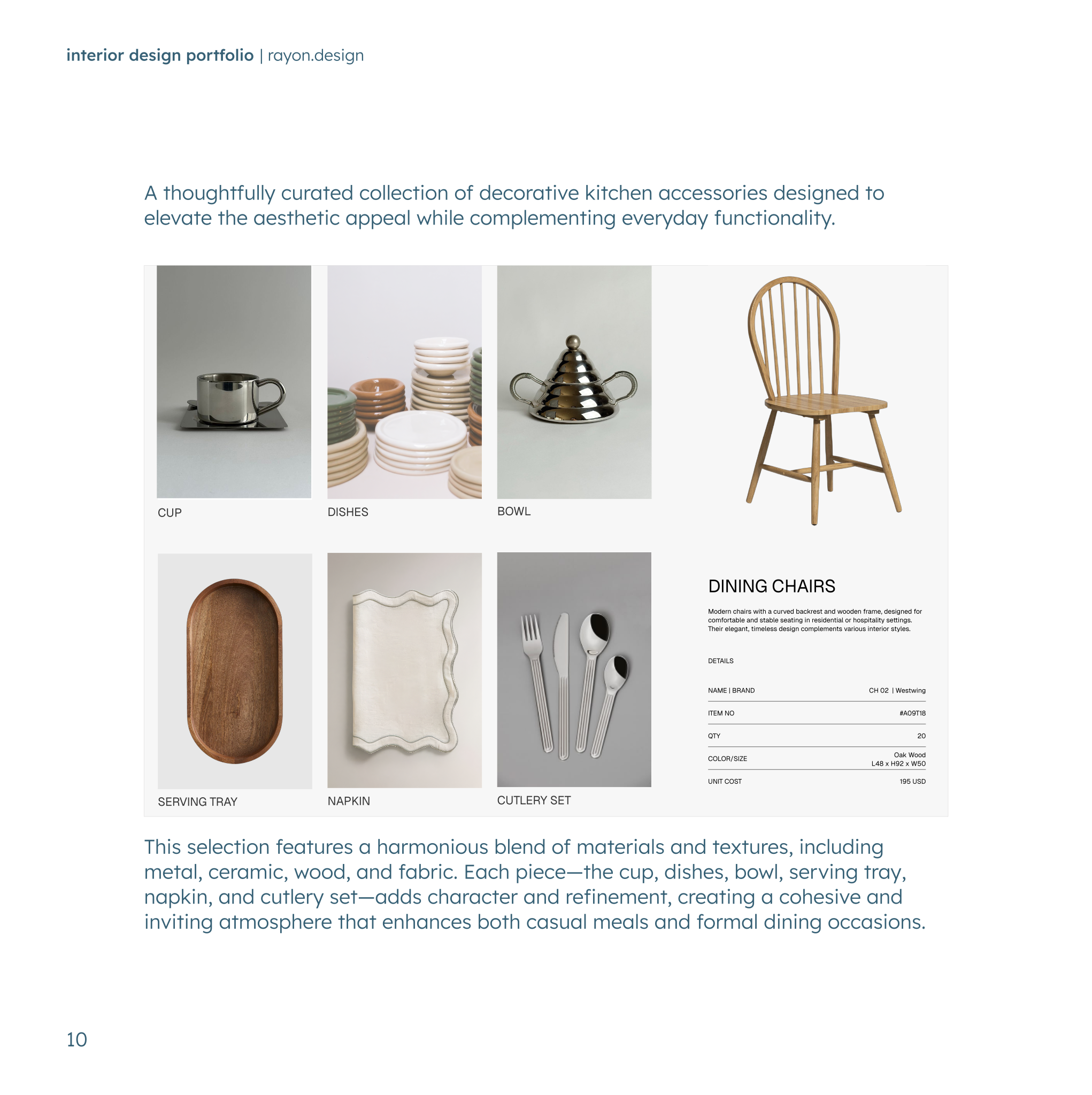
Image quality decides first impressions. Use professional photography where you can; if you must use your own photos, shoot in daylight, keep verticals straight, and remove clutter. Renders should be labelled as visualisations, and all images should share a similar colour balance so the document feels like one body of work.
Prepare three versions from the same file: a short PDF teaser of 8–12 pages to send cold, the full PDF for applications, and a version for presenting on screen in interviews with larger images and fewer words.
The about and contact pages
Close with a short about page: who you are, your design approach in two sentences, software and skills, education and experience. Add a portrait if you are pitching to clients; people hire people. Make your email, phone, website and Instagram easy to find on the last page, and put your name and email in the footer of every page if the document will be forwarded or printed.
- Approach: two sentences on how you work, written in plain language.
- Skills: the software you use for drawing, 3D, rendering and presentation, and what you use each for.
- Experience: studios, roles and dates, in brief.
- Recognition: awards, publications or client testimonials, if you have them.
- Contact: email, phone, website, social links and the city you are based in.
Watch it on Rayon Academy
Common questions
How many projects should an interior design portfolio have?
Usually 4 to 8. Enough to show range, few enough that every project is presented properly.
Should I include student work in my portfolio?
Yes, if it is strong and you are early in your career. Label it clearly as academic or concept work, and replace it with built projects over time.
What format should an interior design portfolio be?
A landscape PDF is the most common format. Keep a compressed version for email, a high-resolution one for print or interviews, and consider a website or online version for discovery.
How long should an interior design portfolio be?
For applications, roughly 20 to 40 pages. A teaser sent with a cold email should be shorter, around 8 to 12 pages.
Can I include projects I worked on at a previous studio?
Usually yes, if you have permission, credit the studio and state exactly what you did. Some employers restrict publication, so check your contract.