
Mediterranean | Portfolio
Designed to showcase drawings, renders, mood boards, and project details in a calm, timeless aesthetic.
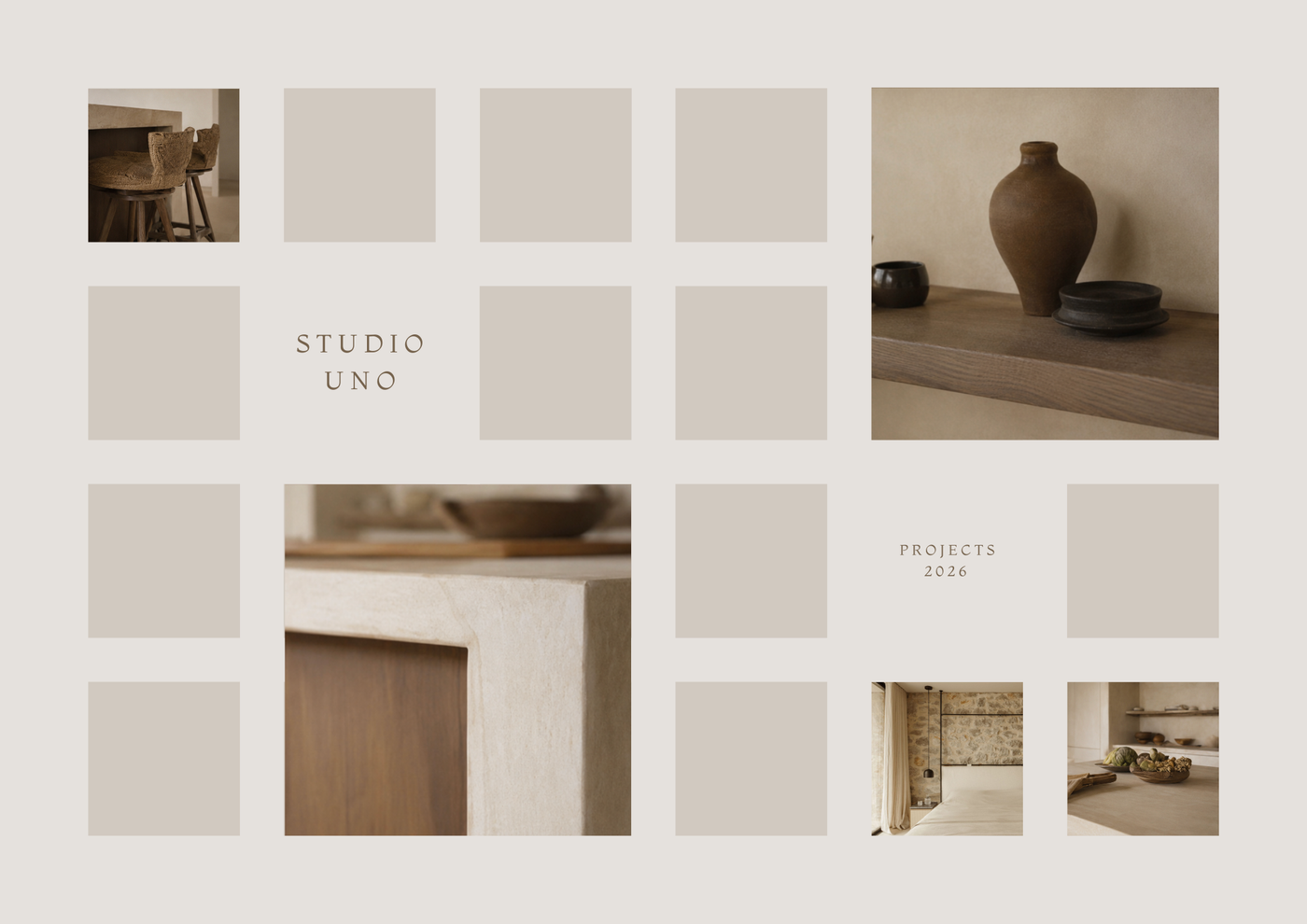
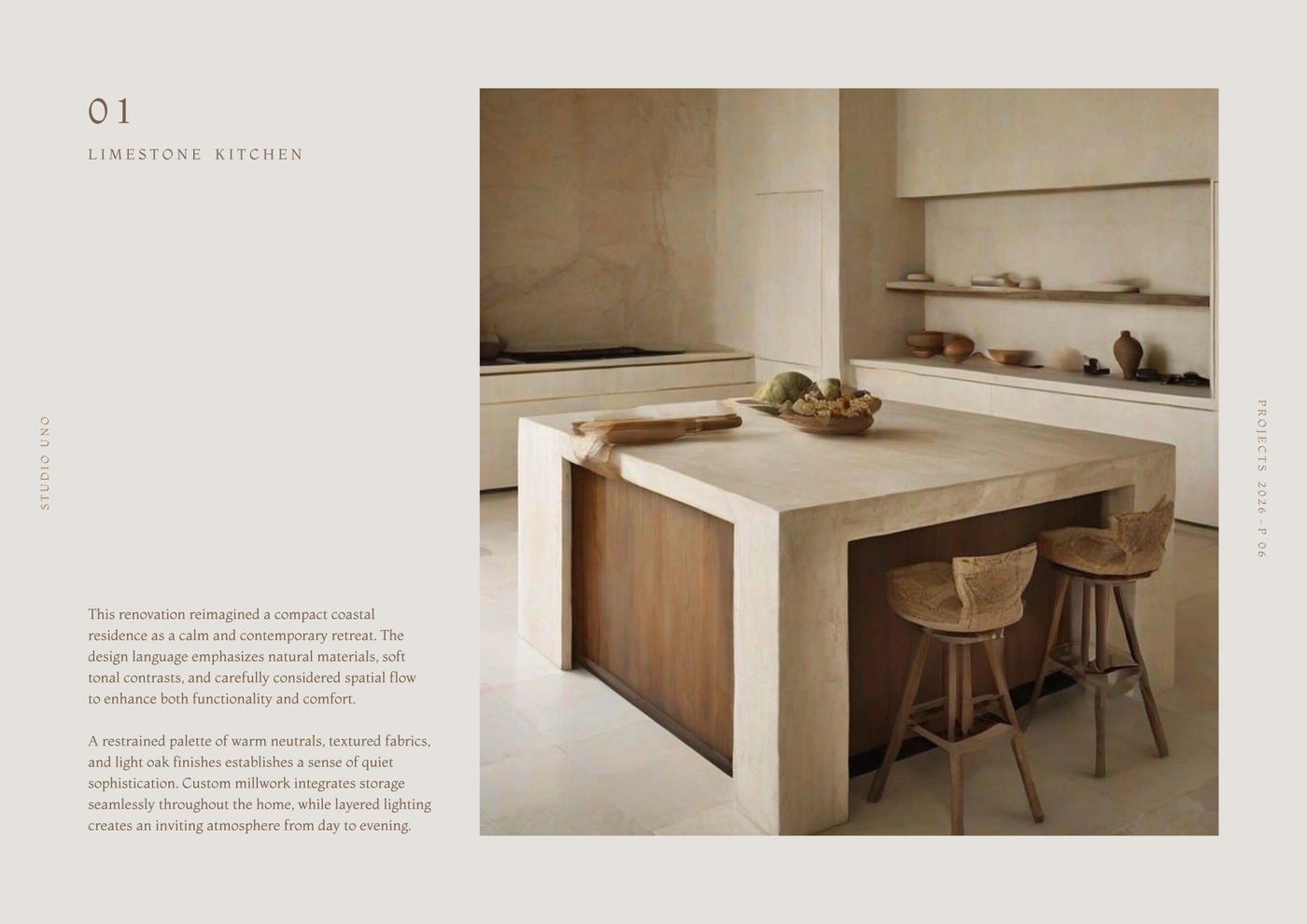
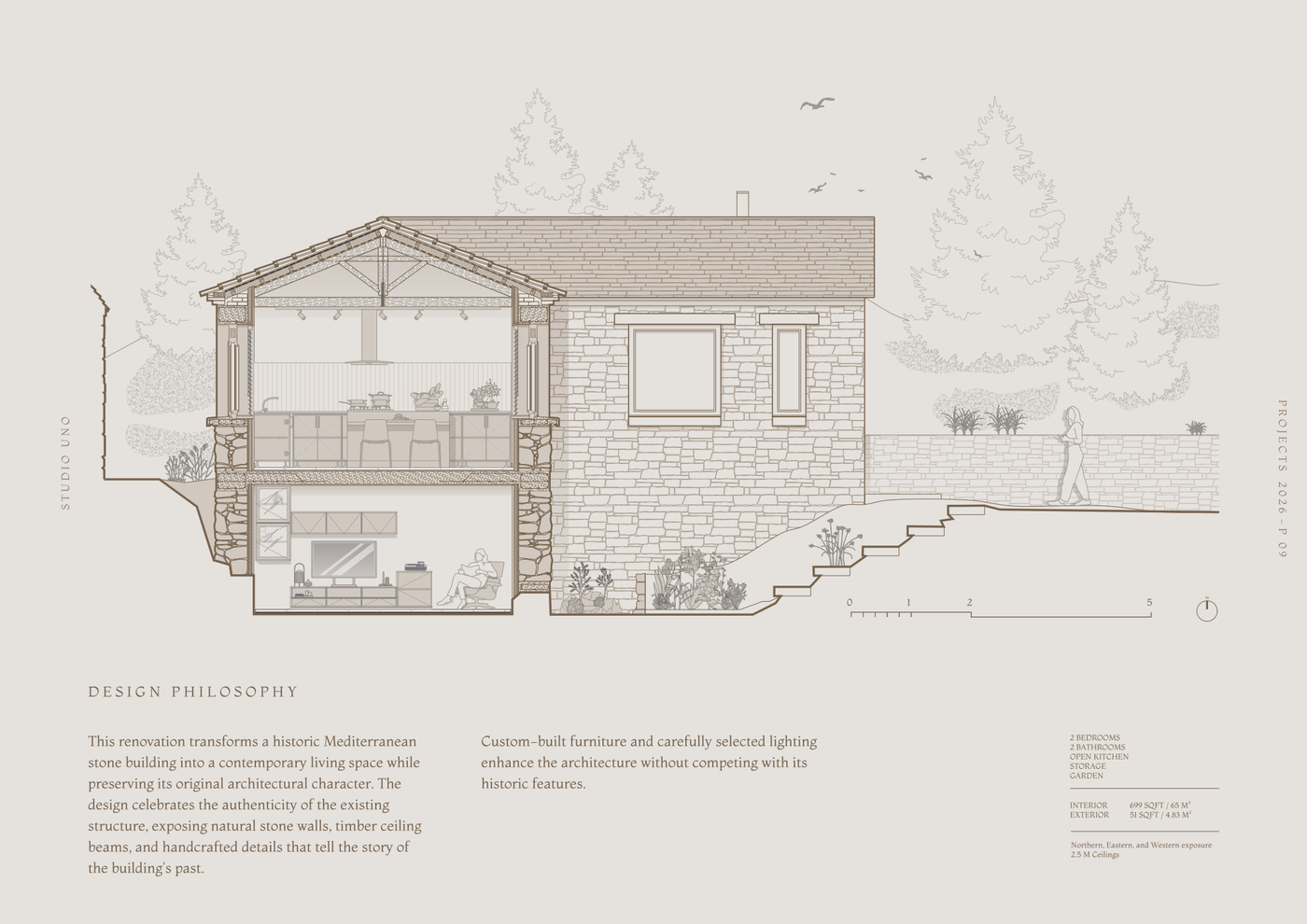
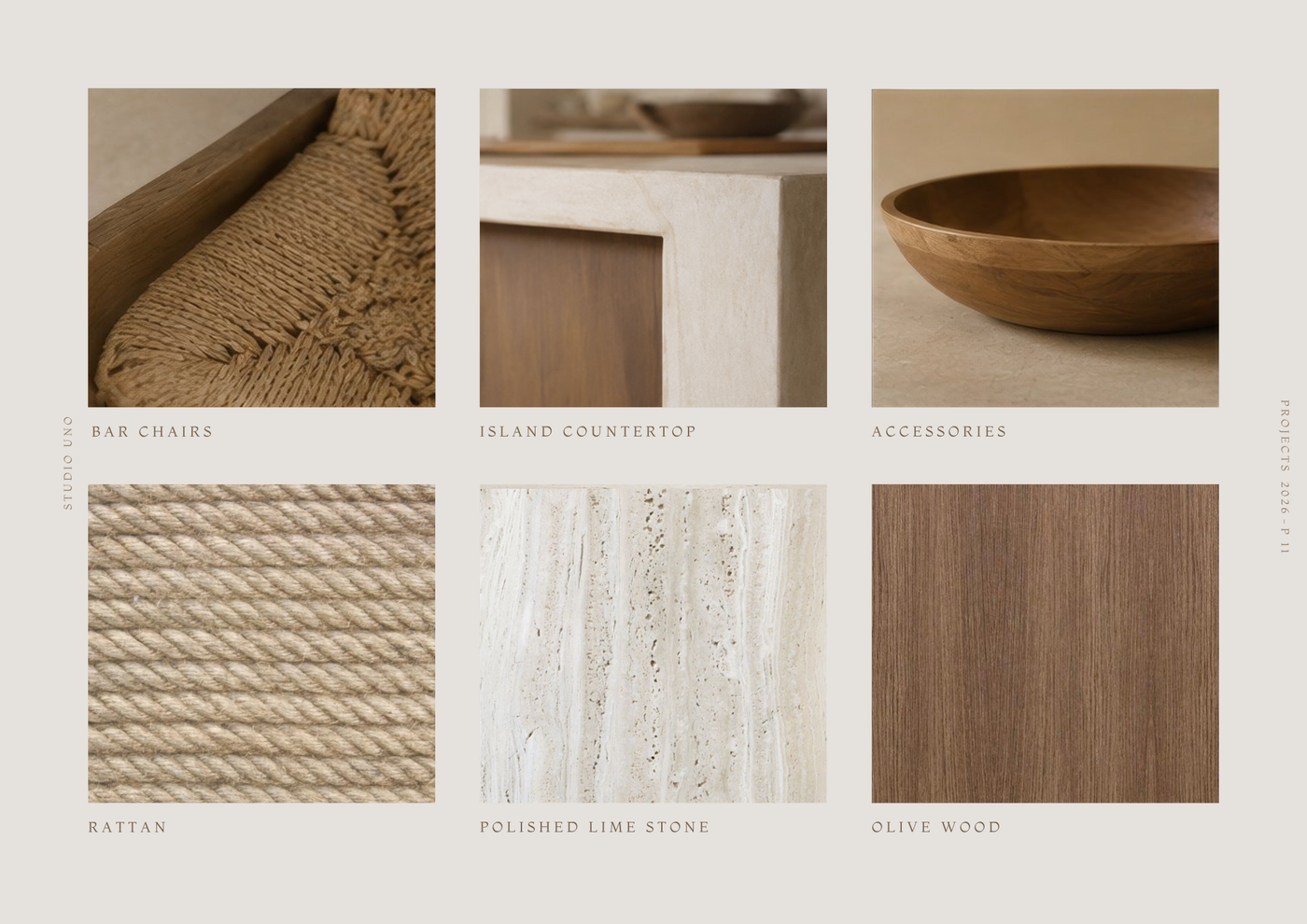
About this template
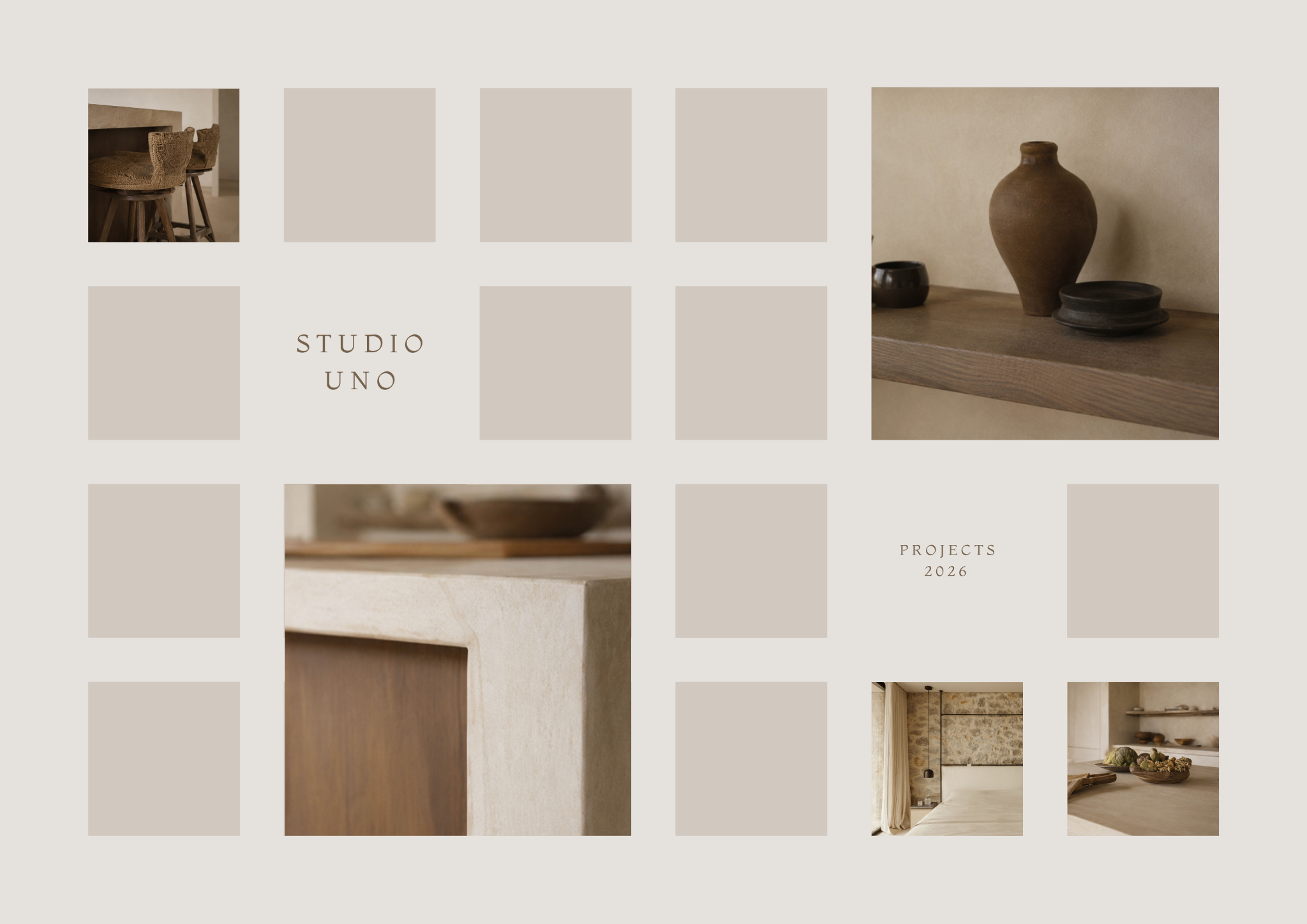
This template is designed for architects, interior designers, and students looking to compile their work into a clean, cohesive presentation. Assembling various project assets into a unified narrative can be challenging, but the Mediterranean | Portfolio template simplifies the process by organizing drawings, renders, mood boards, and project details within a calm, timeless aesthetic.
The document includes cover pages structured for studio introductions and project overviews, alongside a pre-configured title block and sheet index for consistent project documentation. Dedicated project showcase pages highlight individual schemes using large renders and detailed textual descriptions. To communicate technical intent, building sections illustrate architectural design, landscape integration, and specific room layouts, while material specification pages provide space to present mood boards of finishes and textures.
To get started, open the template in Rayon, a browser-based CAD tool. You can quickly adapt the drawings, update the text to reflect your work, and reuse the existing graphic styles and blocks across your presentation. When your project documentation is ready, export or print the finished sheets directly from your browser to share with clients, reviewers, or prospective employers.
What's included
- Cover pages, including a studio introduction and project overview, setting a professional tone.
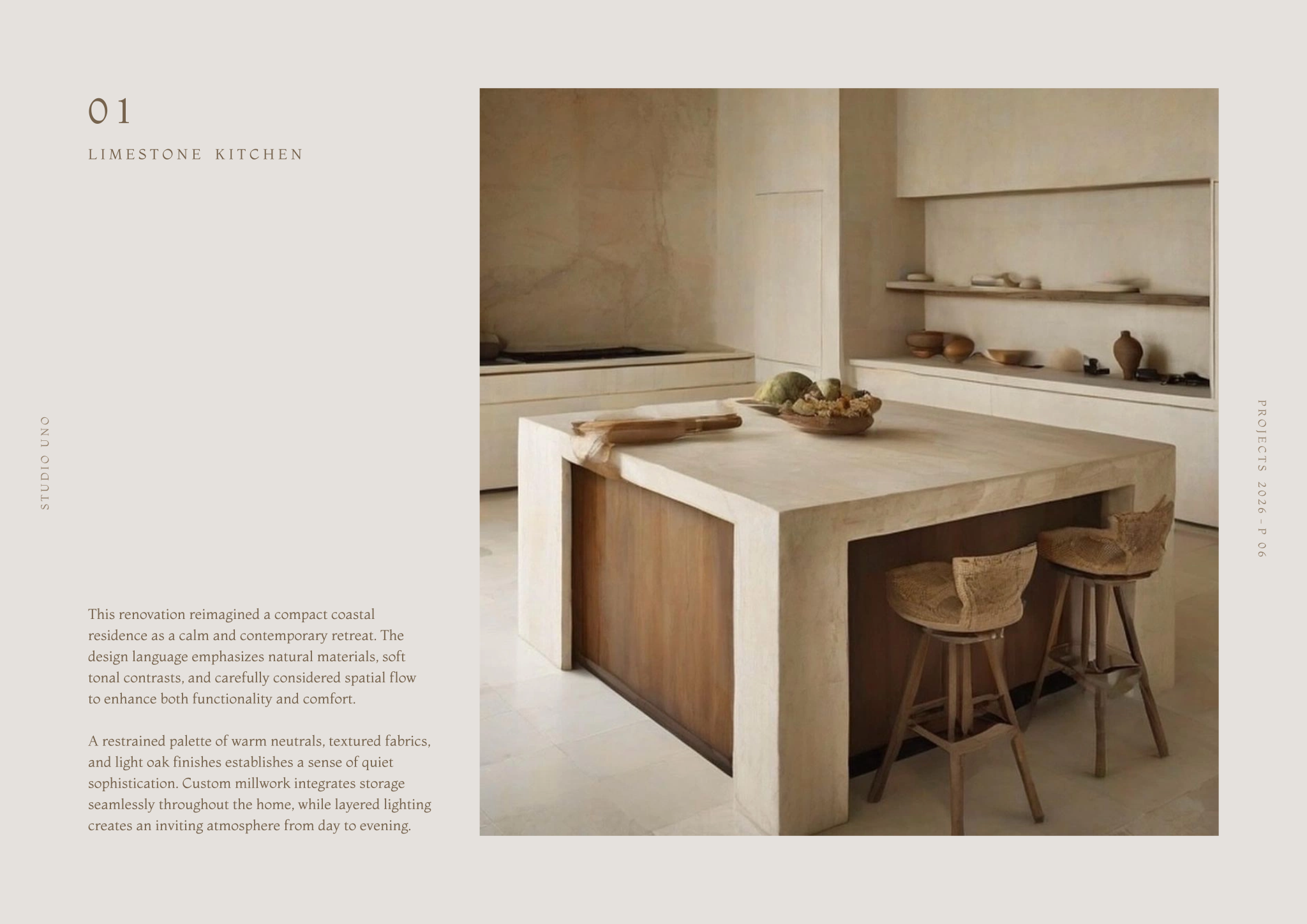
- Project showcase pages for individual projects, featuring large renders and detailed textual descriptions.
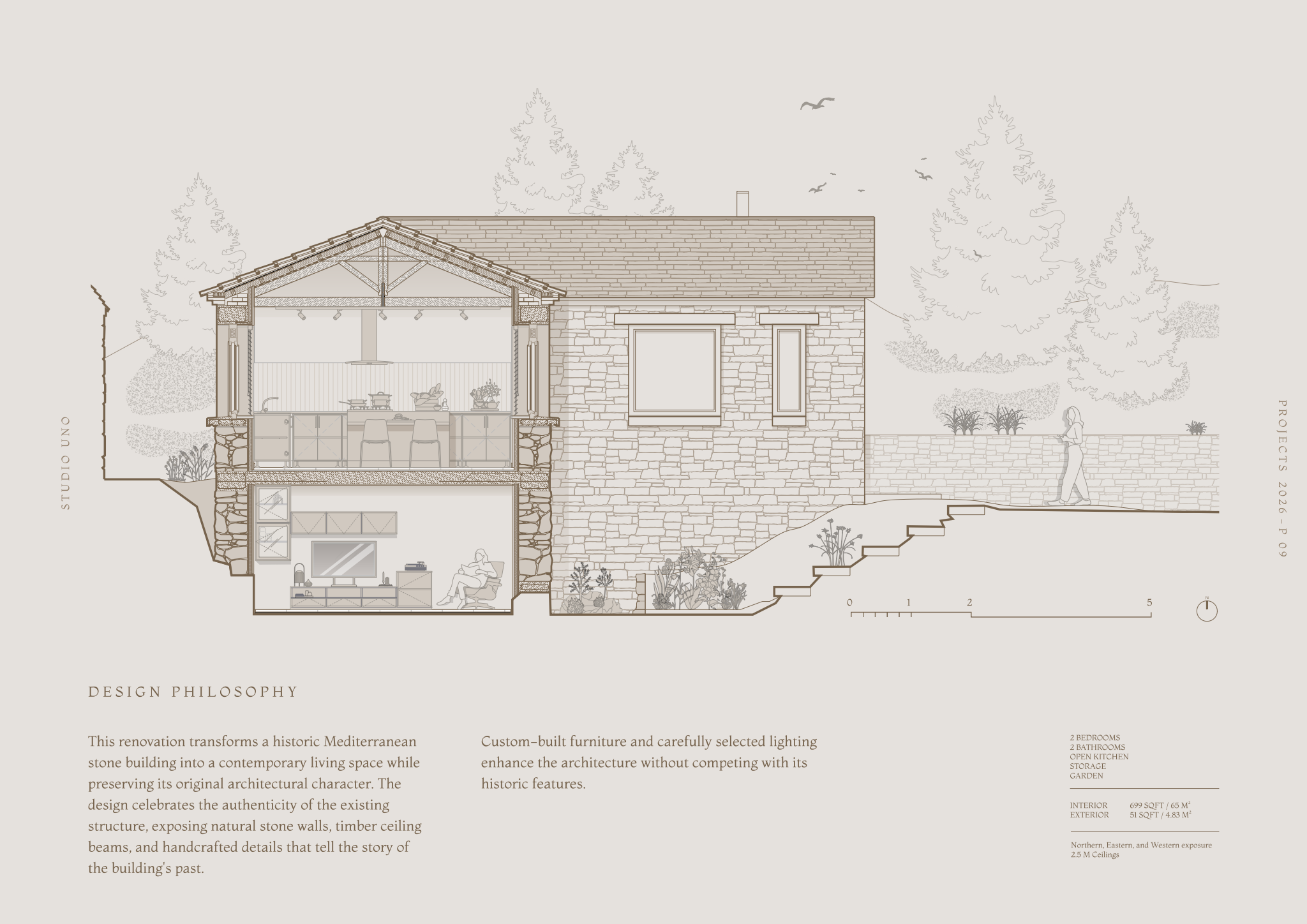
- Detailed building sections displaying architectural design, landscape integration, and specific room layouts.
- Material specification pages for presenting a mood board of textures and finishes.
- Pre-configured title block and sheet index for consistent project documentation.
Looking for more like this? Browse all interior design portfolio templates.
Read the guide
Learn the workflow on Rayon Academy
More templates
Browse all ↗
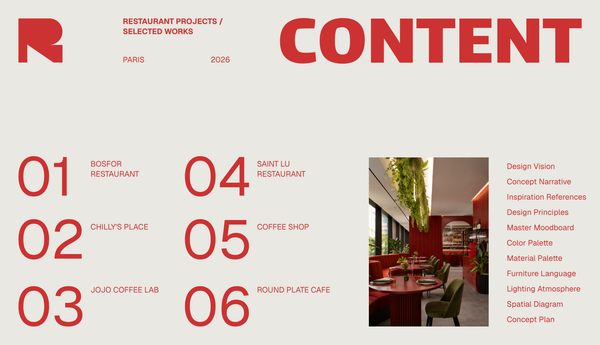
Studio portfolio template
A template for presenting your design studio, team, philosophy, and portfolio.
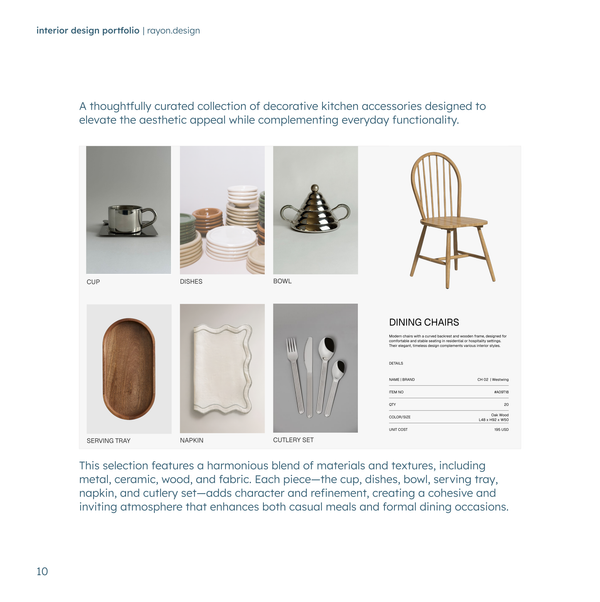
Interior design portfolio
A clean, minimal portfolio for interior designers.
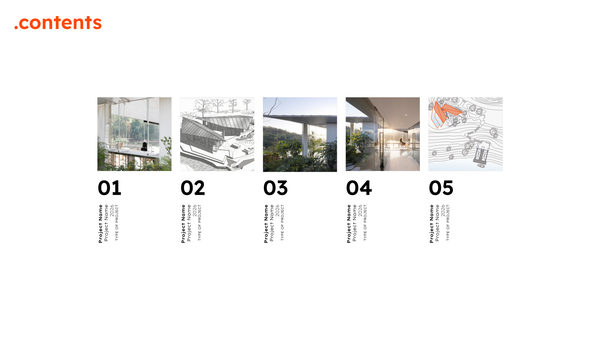
Orange-style architecture portfolio
A clean portfolio template created for architects and designers.
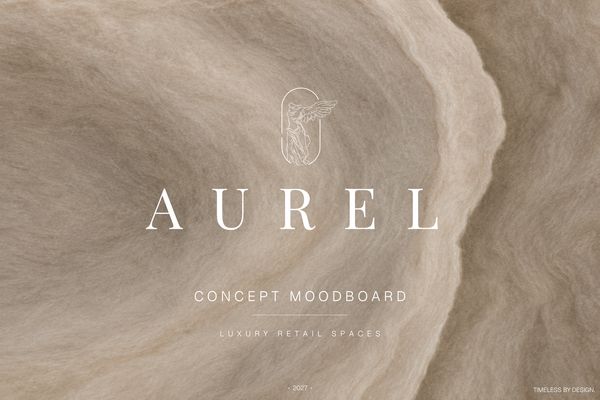
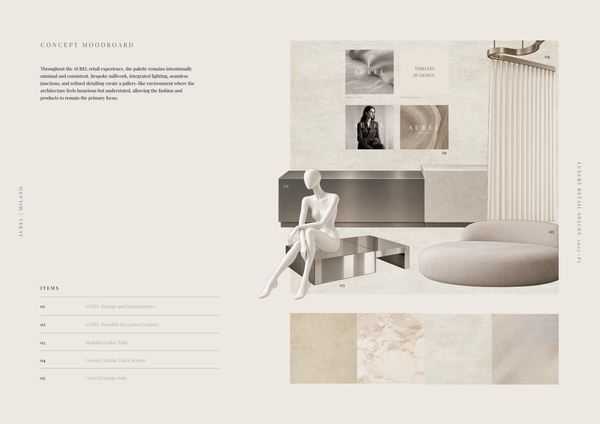
AUREL - Concept moodboard
A curated concept moodboard template for presenting the visual identity, materials, colors, and atmosphere of a luxury retail space.
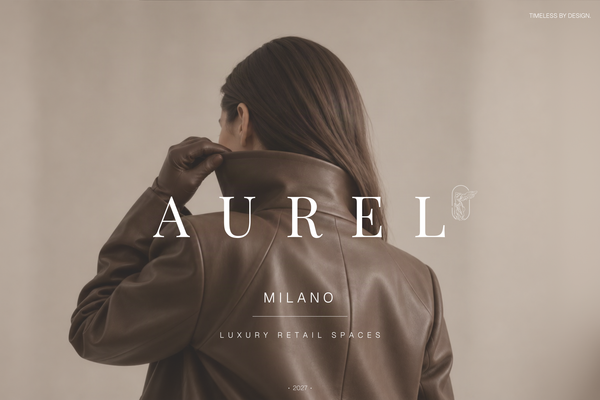
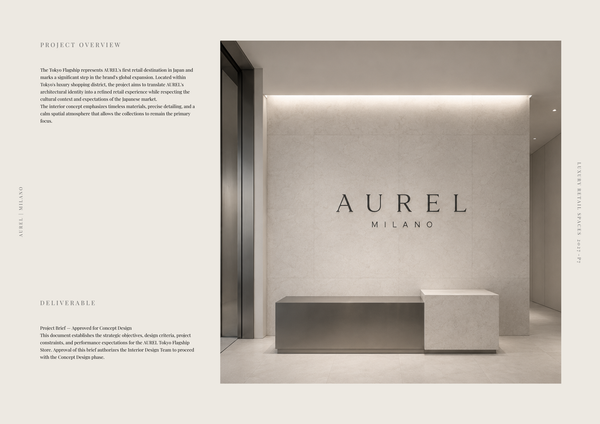
AUREL - Concept deck
A concept deck template for presenting the brand vision, spatial experience, materials, and design direction of a luxury retail space.
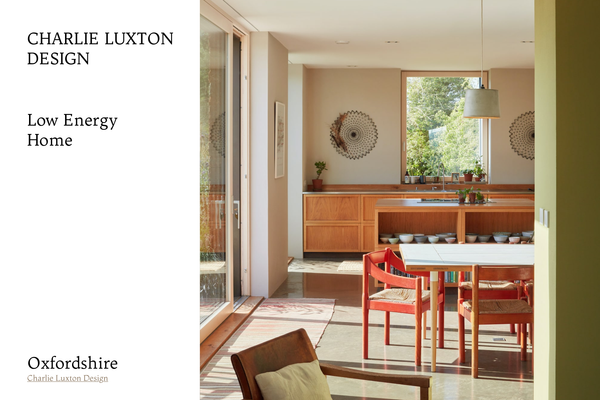
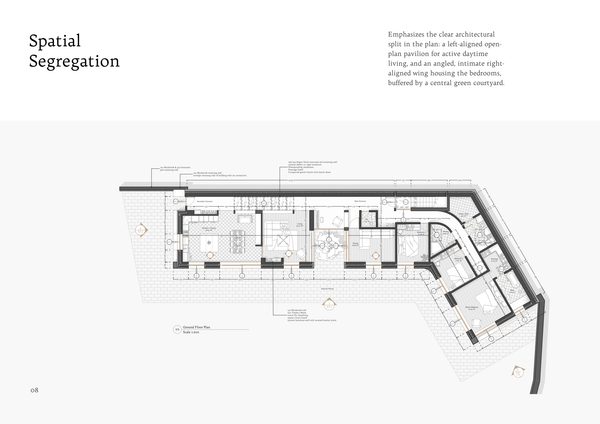
Charlie Luxton - Low energy home
A real-project template showcasing Charlie Luxton Design’s Low Energy Home through architectural drawings, details, and sustainable design solutions.
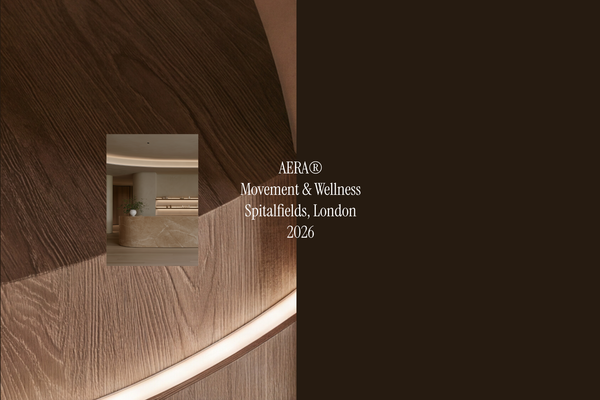
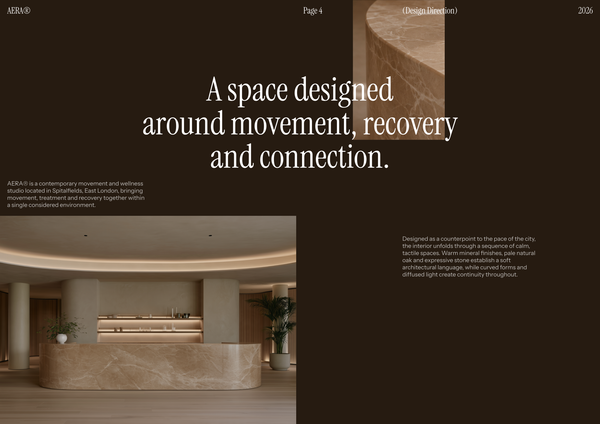
AERA - Millwork drawings
A detailed millwork drawing template for presenting custom reception desks, storage, built-ins, and bespoke joinery for a modern wellness and Pilates studio.
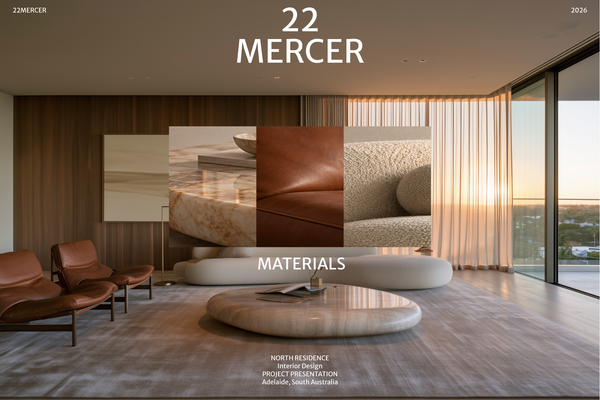
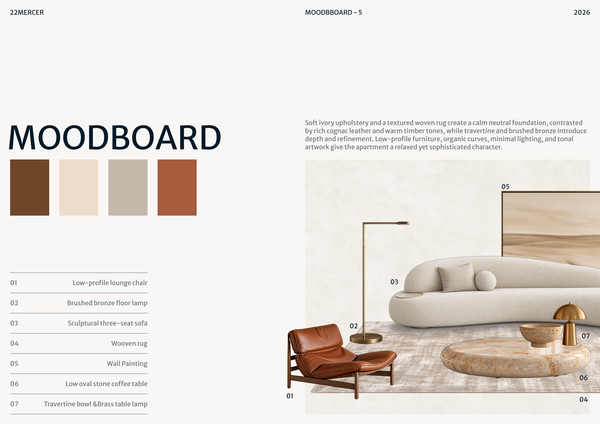
22 MERCER - Materials & FF&E
A refined Materials & FF&E template for presenting curated finishes, furniture, lighting, and fixtures for a luxury residence.
Frequently asked questions
Who is this template for?
Mediterranean | Portfolio suits designers, architects, and students presenting architectural projects in a calm, timeless aesthetic. It is designed for portfolios that combine drawings, renders, mood boards, and project details, with pages for building sections, landscape integration, room layouts, and material specifications.
How do I use this template?
Open the template in Rayon, a browser-based CAD tool, and adapt the drawings, studio introduction, and project overview to your project. Reuse its blocks and styles, including the pre-configured title block and sheet index, to keep documentation consistent. Add your renders, descriptions, and material selections, then present the sheets or export or print them.
What content does the Mediterranean | Portfolio template bring together?
The template brings together cover pages, project showcases, building sections, material specifications, and project documentation elements. These parts provide space for drawings, renders, mood boards, and project details within a calm, timeless aesthetic. A pre-configured title block and sheet index support consistency across the presentation.
How do the cover pages introduce the studio and its projects?
The cover pages include a studio introduction and a project overview, establishing a professional tone before the detailed presentation begins. They provide an opening layer of context, while the project showcase pages carry the larger renders and detailed descriptions. This separates introductory information from the fuller account of each project.
How are individual projects presented in the showcase layouts?
The project showcase pages feature large renders alongside detailed textual descriptions for individual projects. This pairing gives visual material a prominent role while leaving room to explain the project in words. Within the portfolio, these pages complement the more focused building sections and material specification pages.
What architectural information do the detailed building sections display?
The detailed building sections display architectural design, landscape integration, and specific room layouts. They add a more focused layer of information alongside the large renders and project descriptions. Together, these elements allow the portfolio to present both the overall project and details of its spatial organization and relationship to the landscape.
What belongs on the material specification pages?
The material specification pages are intended for a mood board of textures and finishes. They provide a dedicated place to present the project's material selections alongside its architectural imagery and descriptions. This keeps material information distinct from the building sections while making it part of the same portfolio narrative.
How do the title block and sheet index fit into the portfolio?
The template includes a pre-configured title block and sheet index for consistent project documentation. These elements provide an organizational framework alongside the cover, showcase, section, and material pages. Their role is to help the portfolio function as a coordinated presentation rather than a collection of unrelated project images.
Does the Mediterranean | Portfolio template cover a specific building type?
The description emphasizes architectural project presentation but does not specify a particular building type. Its included content covers architectural design, landscape integration, room layouts, and textures and finishes. The Mediterranean name accompanies a calm, timeless aesthetic; the listed deliverables do not establish a narrower project category.
How can the included pages be adapted to tell a project's design story?
You can organize your project content around the roles of the included pages: introduction and overview, render-led showcases, detailed sections, and material mood boards. Use the sections to present architectural, landscape, and room-layout decisions, and the material pages to show textures and finishes. The title block and sheet index support consistent documentation across those parts.