
What to include in an interior design portfolio
This interior design portfolio template is laid out so each project tells a clear story. A strong portfolio usually includes:
- A clean title page with your name, studio and a short line about your design approach.
- 3 to 6 selected projects, each opening with a one-paragraph brief: client, space and goal.
- Dimensioned floor plans with room labels and furniture layouts, so reviewers can read the space.
- Product and material mood boards showing the pieces you specified, with quantities and costs.
- Short text blocks explaining your design decisions, not just the final images.
Go deeper in our guide: Interior design portfolio: examples, layout and what to include
About this template
This template is tailored for interior designers, architects, and design students who need a cohesive way to showcase their projects. Creating an organized presentation from scratch can be time-consuming, and this layout solves that problem by offering a clean, minimal structure that balances technical documentation with visual curation.
The layout begins with a title page to introduce your selected works, supported by integrated text blocks for project descriptions and stylistic statements. Inside, detailed product mood boards organize specifications by displaying individual items alongside their descriptions, quantities, and unit costs. For spatial design, the template includes fully dimensioned floor plans complete with room labels, furniture layouts, and a comprehensive legend to keep technical details legible.
To begin, open the Interior design portfolio in Rayon, a browser-based CAD tool. You can easily adapt the drawings to your own projects and leverage the preloaded block and style libraries. With model formatting already set up—including a layer list, line weights, hatches, and print settings—you can customize your content efficiently and export or print polished sheets ready for presentation.
What's included
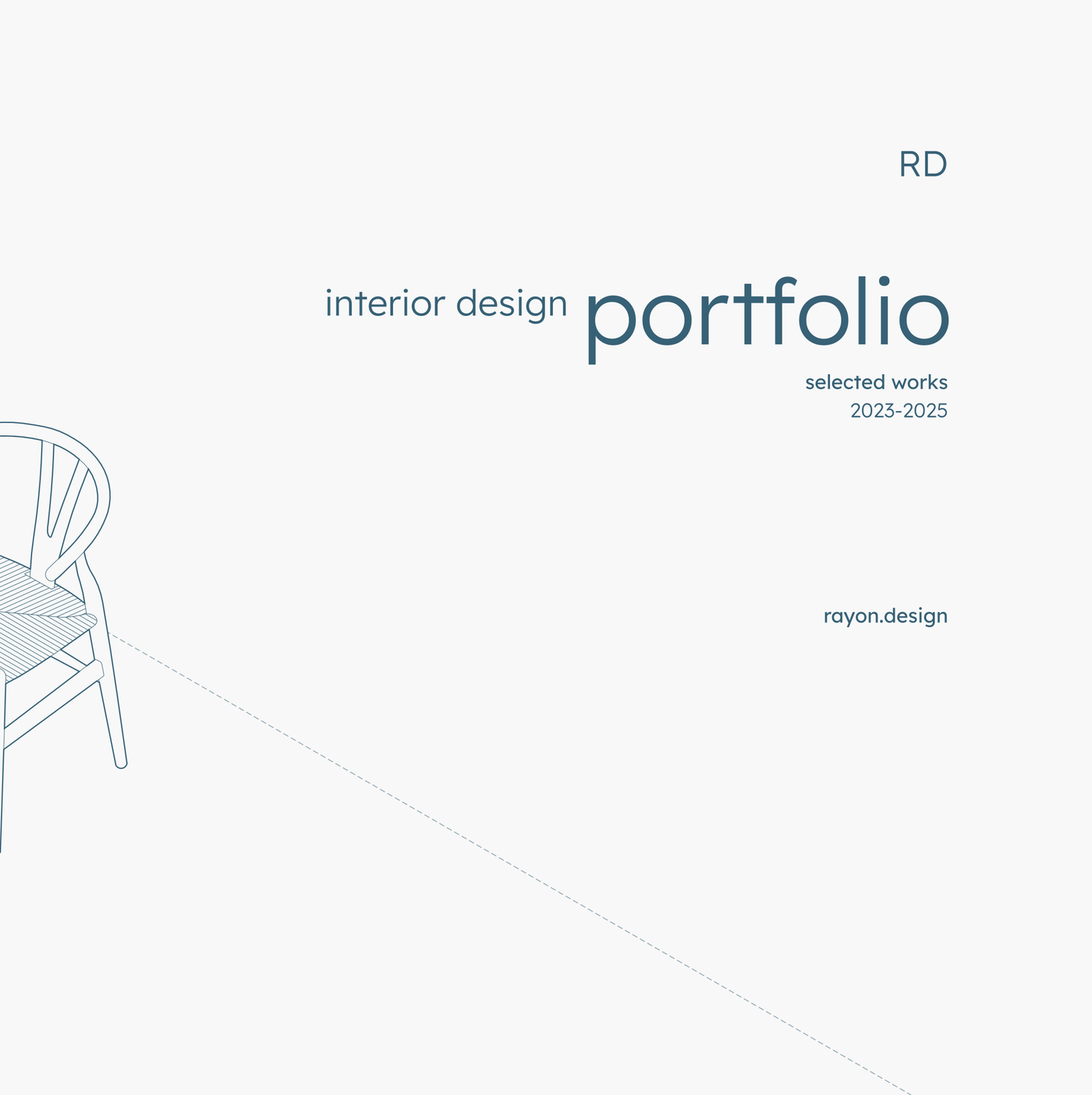
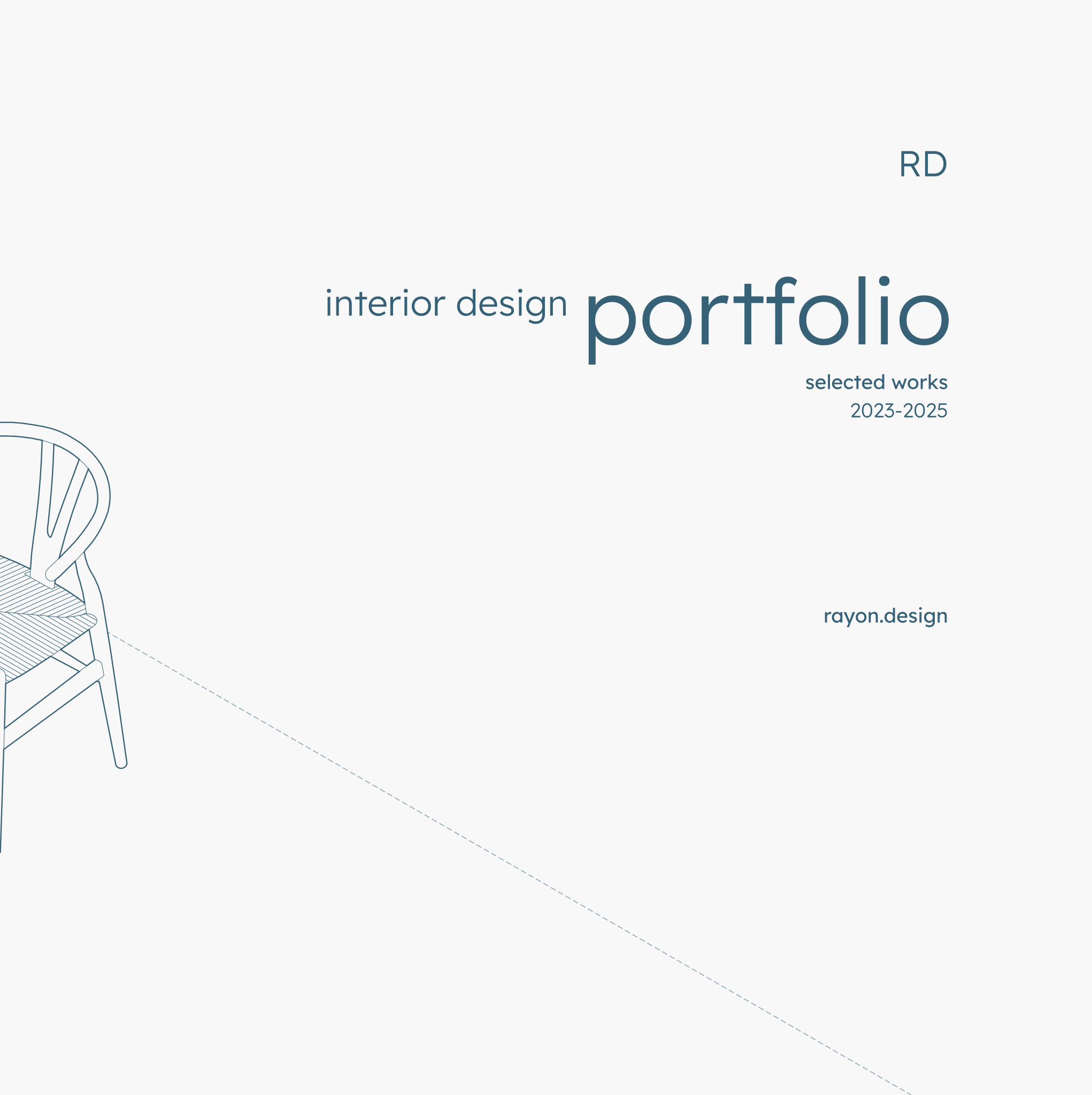
- A clean, minimal title page for an interior design portfolio, presenting the designer's selected works.
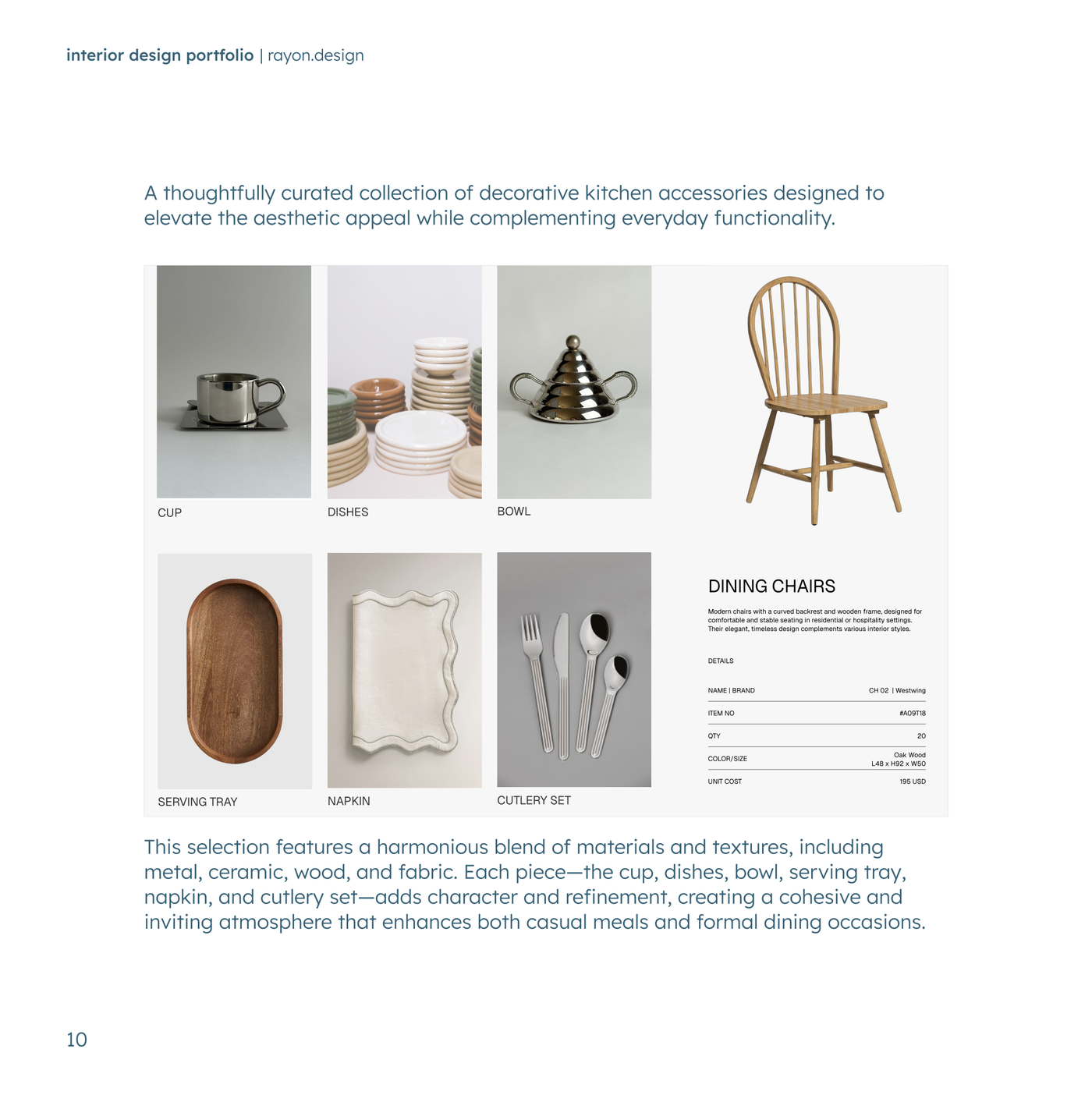
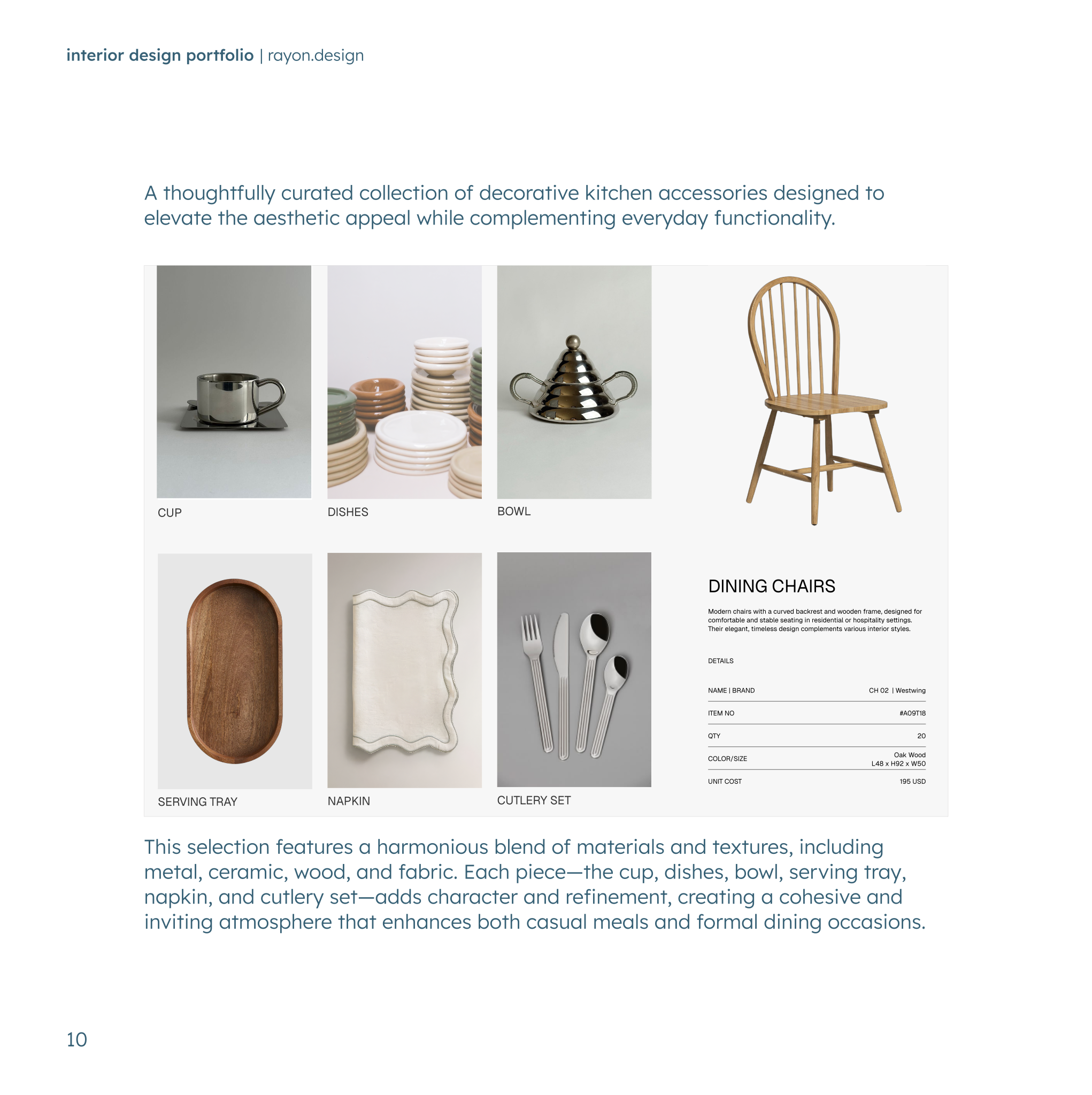
- Detailed product mood boards showcasing various items with descriptions, quantities, and unit costs.
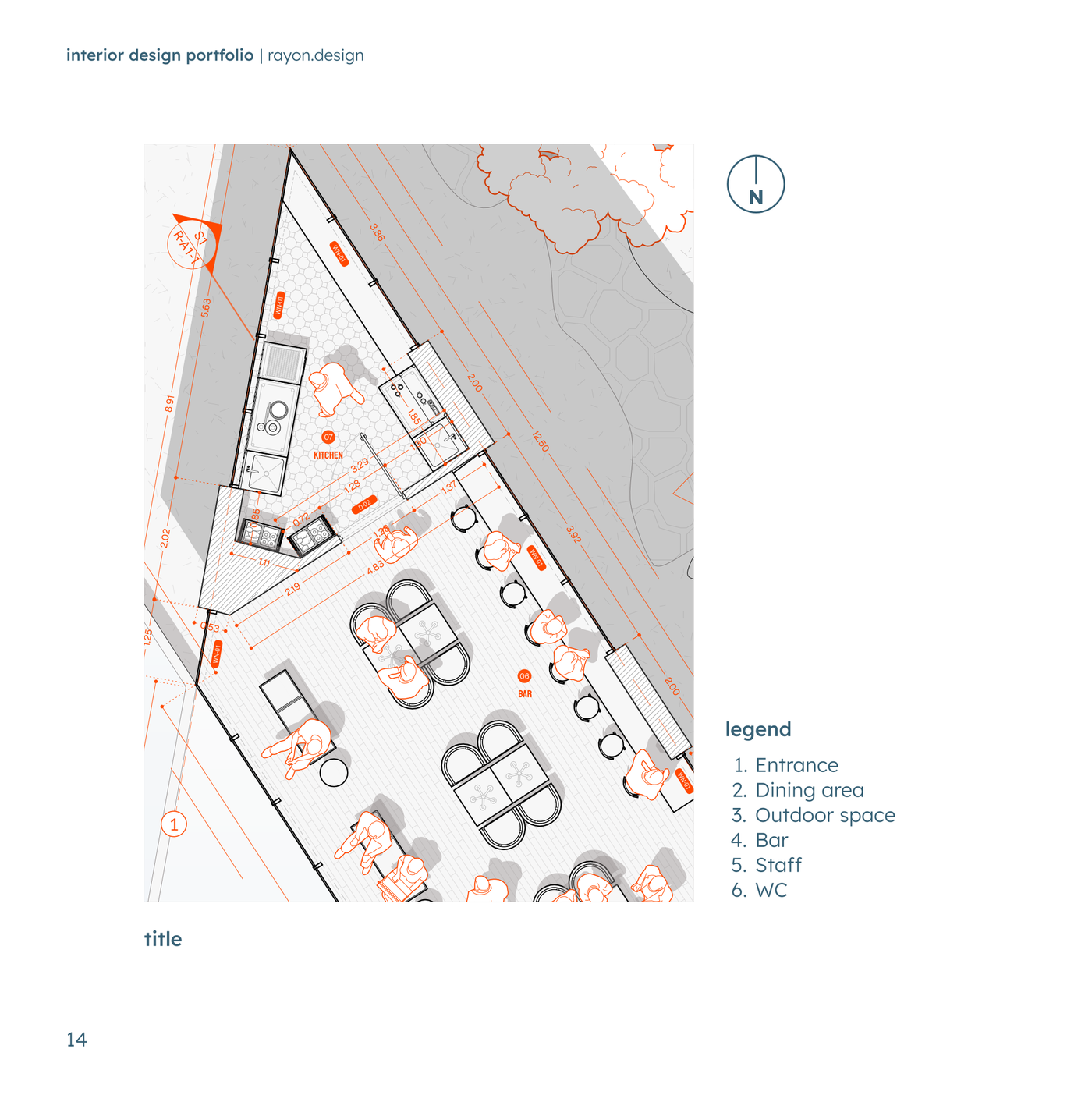
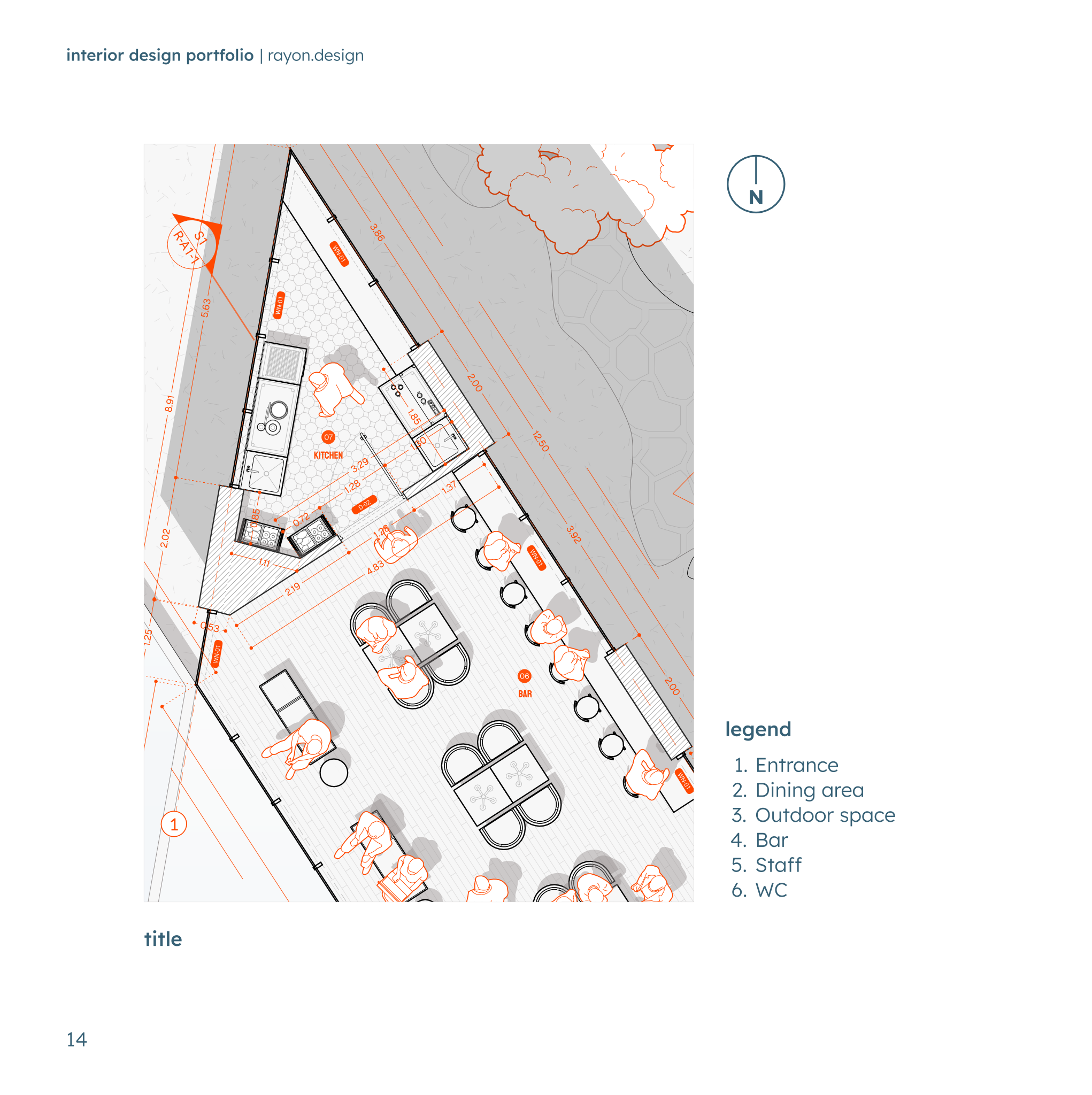
- Fully dimensioned floor plans with room labels, furniture layouts, and a comprehensive legend for clarity.
- Integrated text blocks for project descriptions and stylistic statements complement the visual content.
- The template ships with full block and style libraries plus model formatting like a layer list, line weights, hatches, and print settings, ready to support the use case.
Looking for more like this? Browse all interior design portfolio templates.
Read the guide
Learn the workflow on Rayon Academy
More templates
Browse all ↗
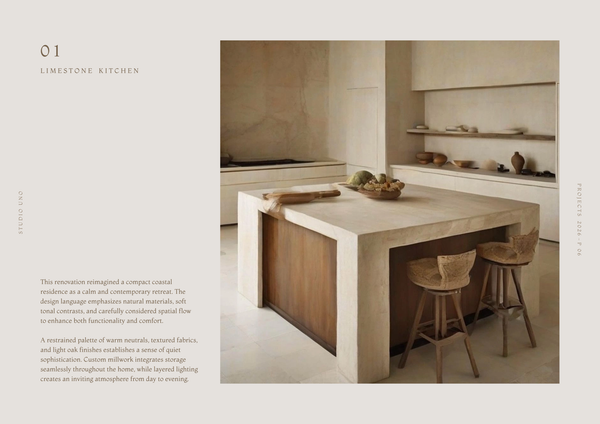
Mediterranean | Portfolio
Designed to showcase drawings, renders, mood boards, and project details in a calm, timeless aesthetic.
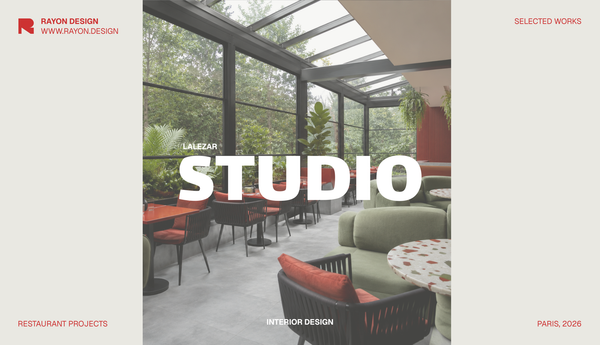
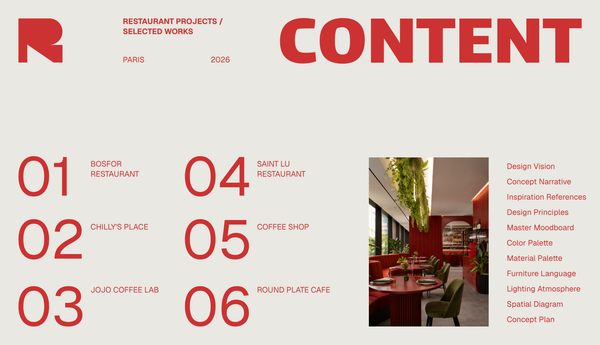
Studio portfolio template
A template for presenting your design studio, team, philosophy, and portfolio.
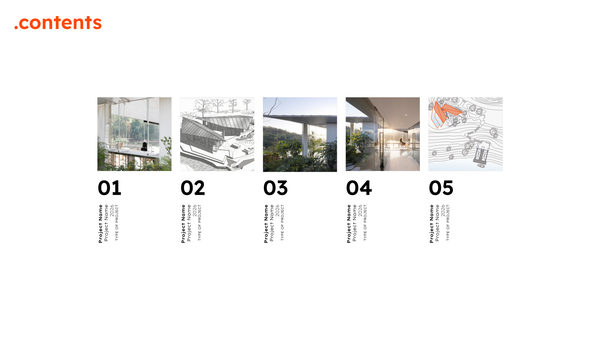
Orange-style architecture portfolio
A clean portfolio template created for architects and designers.
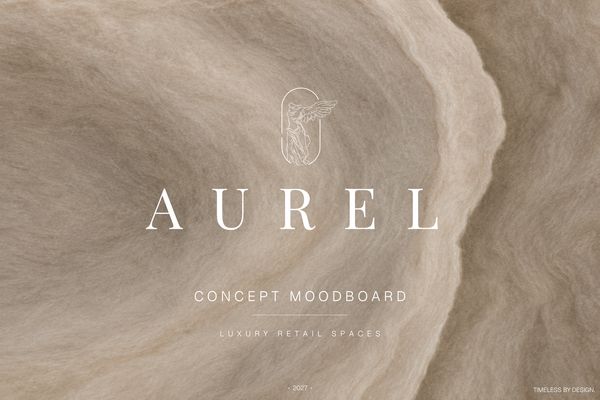
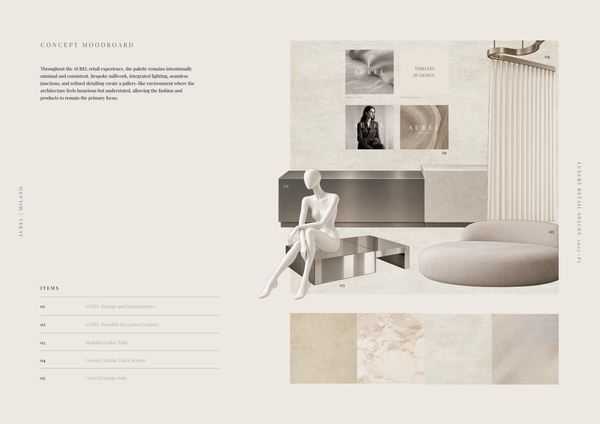
AUREL - Concept moodboard
A curated concept moodboard template for presenting the visual identity, materials, colors, and atmosphere of a luxury retail space.
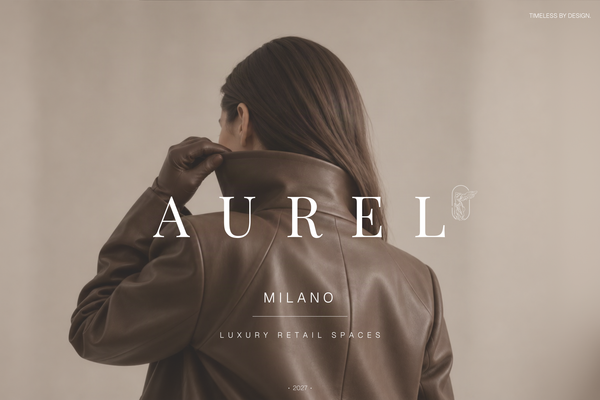
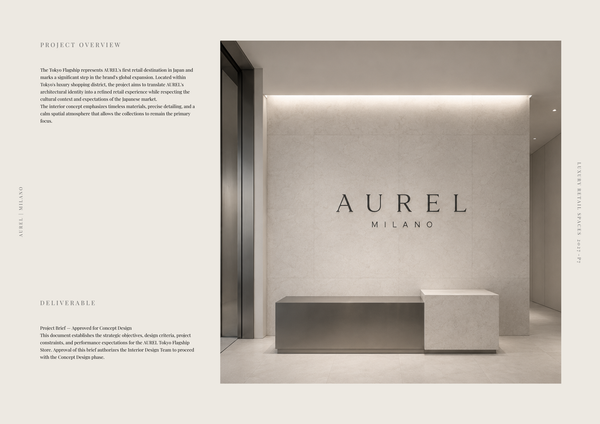
AUREL - Concept deck
A concept deck template for presenting the brand vision, spatial experience, materials, and design direction of a luxury retail space.
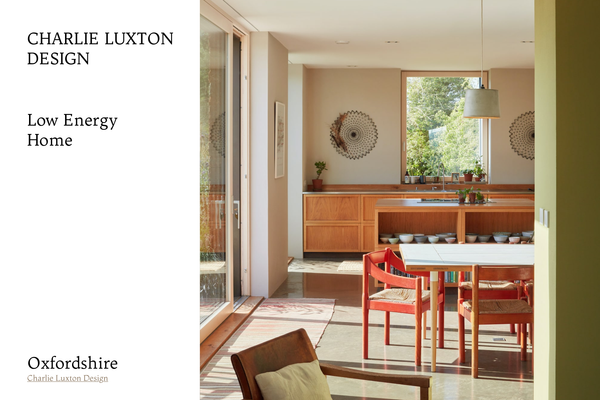
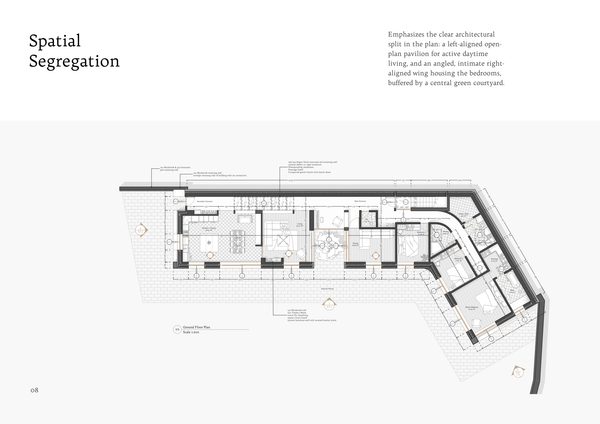
Charlie Luxton - Low energy home
A real-project template showcasing Charlie Luxton Design’s Low Energy Home through architectural drawings, details, and sustainable design solutions.
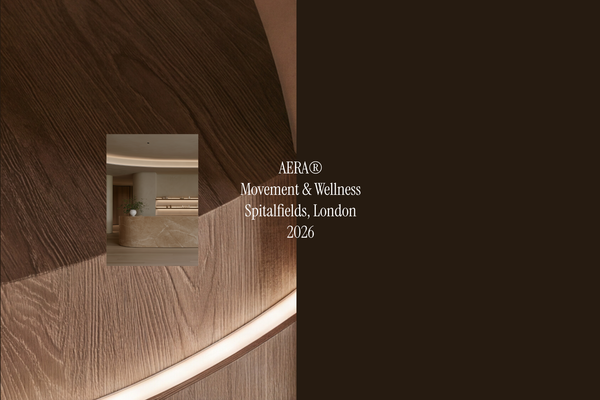
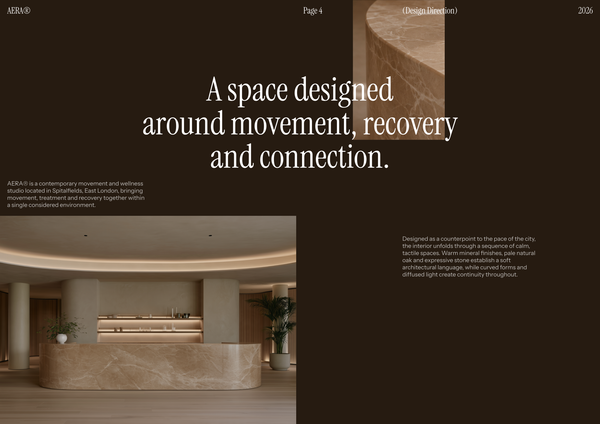
AERA - Millwork drawings
A detailed millwork drawing template for presenting custom reception desks, storage, built-ins, and bespoke joinery for a modern wellness and Pilates studio.
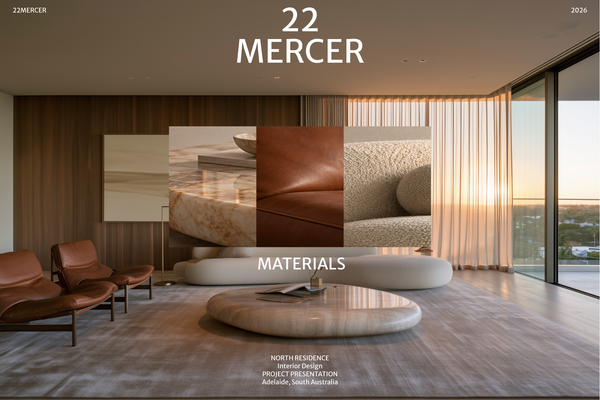
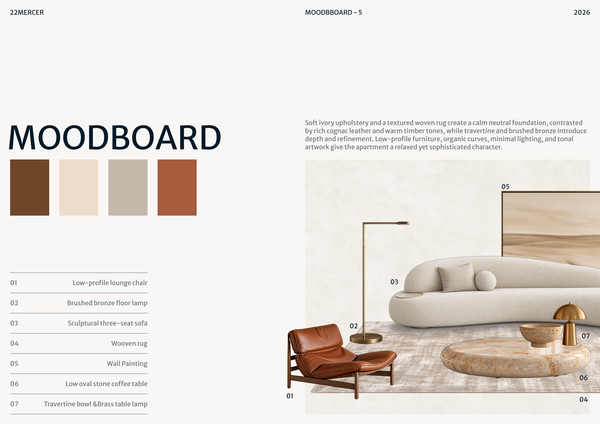
22 MERCER - Materials & FF&E
A refined Materials & FF&E template for presenting curated finishes, furniture, lighting, and fixtures for a luxury residence.
Frequently asked questions
Who is this template for?
This template is for interior designers, architects, and students presenting interior design work in a clean, minimal portfolio. It suits projects that combine dimensioned floor plans and furniture layouts with product mood boards, item descriptions, quantities, and unit costs. A title page and integrated text blocks help introduce selected works and explain each project’s design approach.
How do I use this template?
Open the template in Rayon, a browser-based CAD tool, and adapt its floor plans, furniture layouts, mood boards, and project text to your work. Reuse the included block and style libraries, along with the layer list, line weights, and hatches, to format your drawings. Then present the sheets or export or print them using the included print settings.
What does the title page include in this interior design portfolio template?
The template includes a clean, minimal title page that presents the interior designer’s selected works. It establishes the portfolio’s visual direction without competing with the project content. When adapting it, keep the introduction focused on the work you want to showcase and carry that restrained approach through the supporting pages.
What information is included on the product mood boards?
The detailed product mood boards showcase individual items alongside descriptions, quantities, and unit costs. This combines visual selections with practical information about what is specified. Within the portfolio, these boards can support the project descriptions by showing the items associated with the interior design direction.
What do the floor plans show beyond the room arrangement?
The template includes fully dimensioned floor plans with room labels and furniture layouts, supported by a comprehensive legend. These elements document both the spatial arrangement and the placement of furnishings. Together, they give readers a more detailed understanding of the proposed interior than the product mood boards alone provide.
How do the mood boards, floor plans, and text blocks fit together?
The mood boards present product selections, while the floor plans show room arrangements, dimensions, and furniture placement. Integrated text blocks provide space for project descriptions and stylistic statements that complement those visuals. When adapting the portfolio, use these parts to explain the same project from product, spatial, and design-intent perspectives.
What written content can accompany the interior design drawings?
Integrated text blocks are included for project descriptions and stylistic statements. They allow the written explanation to sit alongside the visual content rather than leaving the drawings and product selections to communicate everything on their own. You can adapt these blocks to describe the project and explain the stylistic direction represented in its plans and mood boards.
What drawing and formatting resources come with the template?
The template ships with full block and style libraries, along with model formatting that includes a layer list, line weights, hatches, and print settings. These resources support the interior design portfolio’s drawing and presentation needs. They provide a starting point for adapting the included content while maintaining a consistent approach to graphic formatting.
Which parts should be updated when adapting the portfolio to a different interior project?
Adapt the selected works presented on the title page, the project descriptions, and the stylistic statements to reflect your project. Update the mood-board items, descriptions, quantities, and unit costs, along with the floor-plan dimensions, room labels, and furniture layouts. Review the legend alongside any drawing changes so its explanations remain consistent with the plans.
Which interior design decisions can this portfolio template document?
The included content supports documentation of spatial arrangement, furniture placement, product selection, and stylistic direction. Dimensioned plans and room labels describe the layout, while mood boards record selected items with quantities and unit costs. Project descriptions and stylistic statements provide space to explain the intent behind those choices alongside the visual evidence.