
Orange-style architecture portfolio
A clean portfolio template created for architects and designers.
About this template
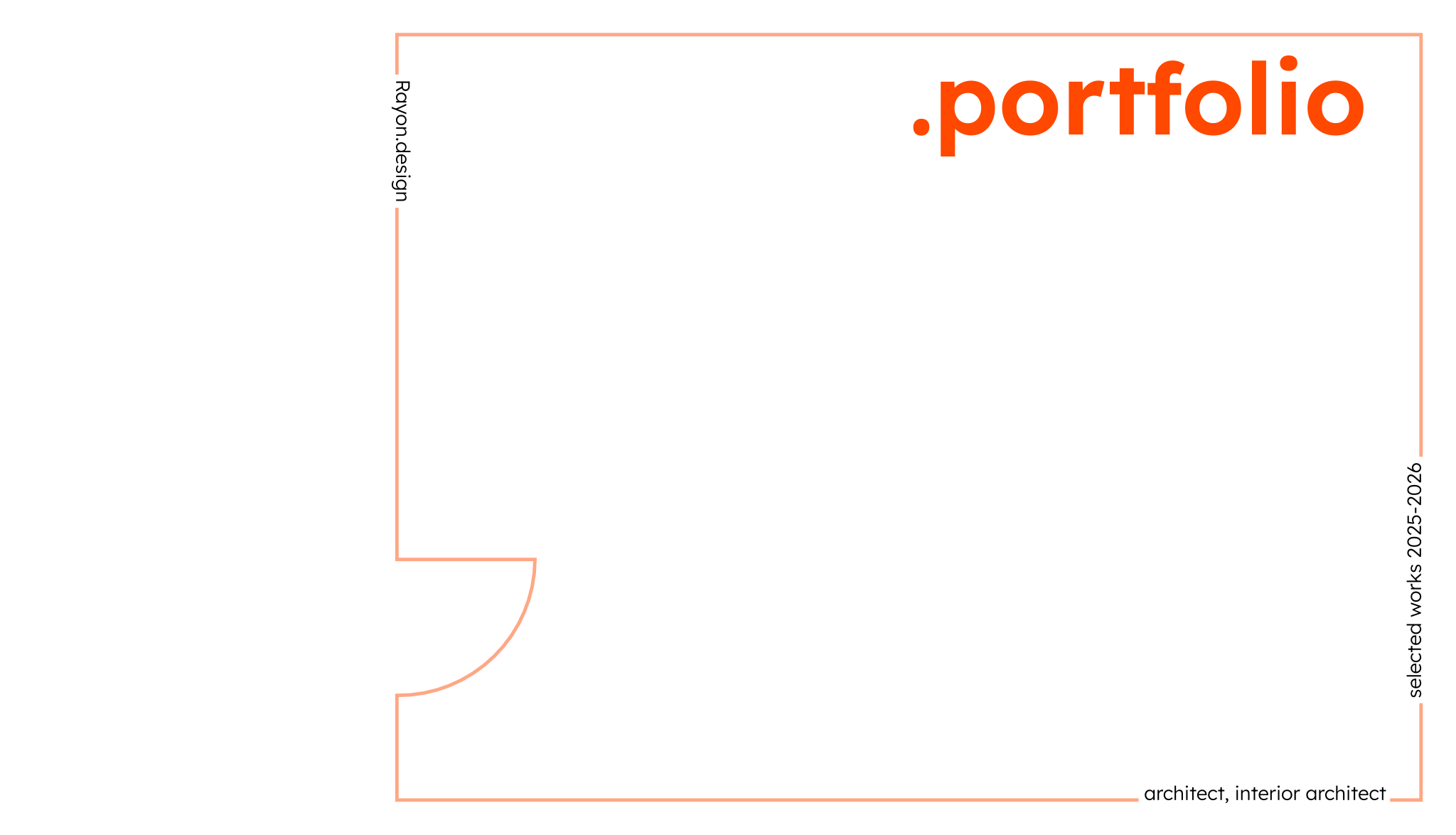
The Orange-style architecture portfolio template is created for architects and designers seeking a clean, structured format to document and present their work. Assembling individual drawings, narratives, and diagrams into a unified submission often requires extensive setup, and this template provides a ready-made presentation structure that handles both visual storytelling and technical representation.
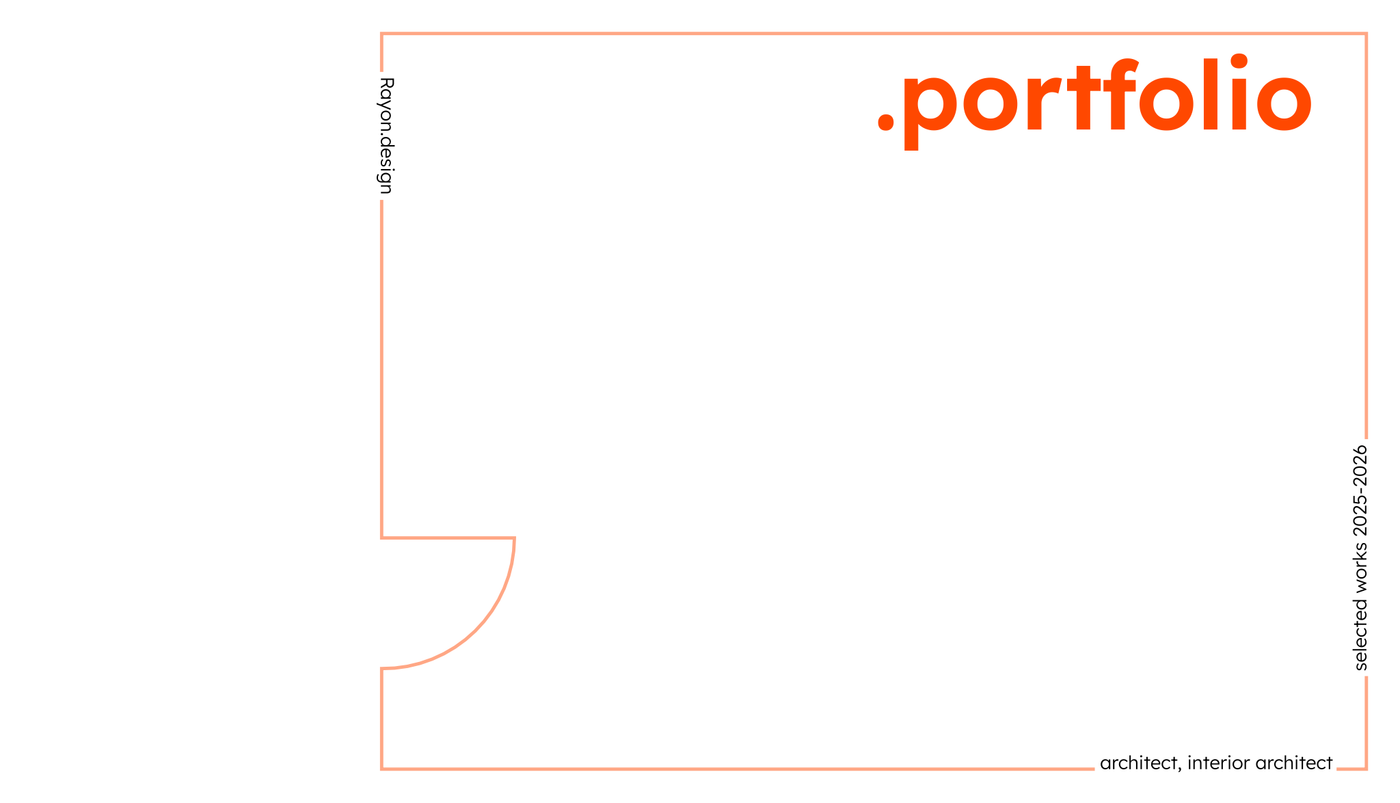
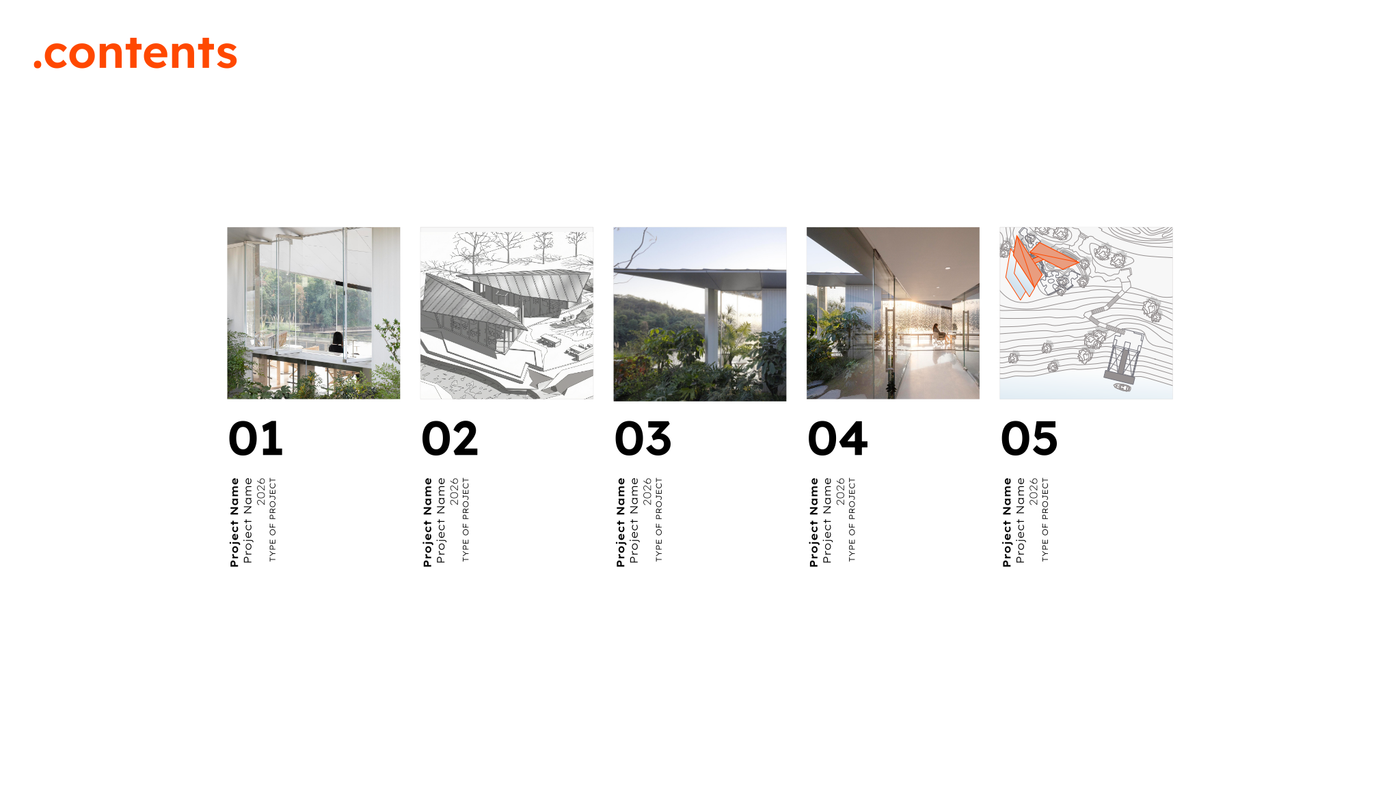
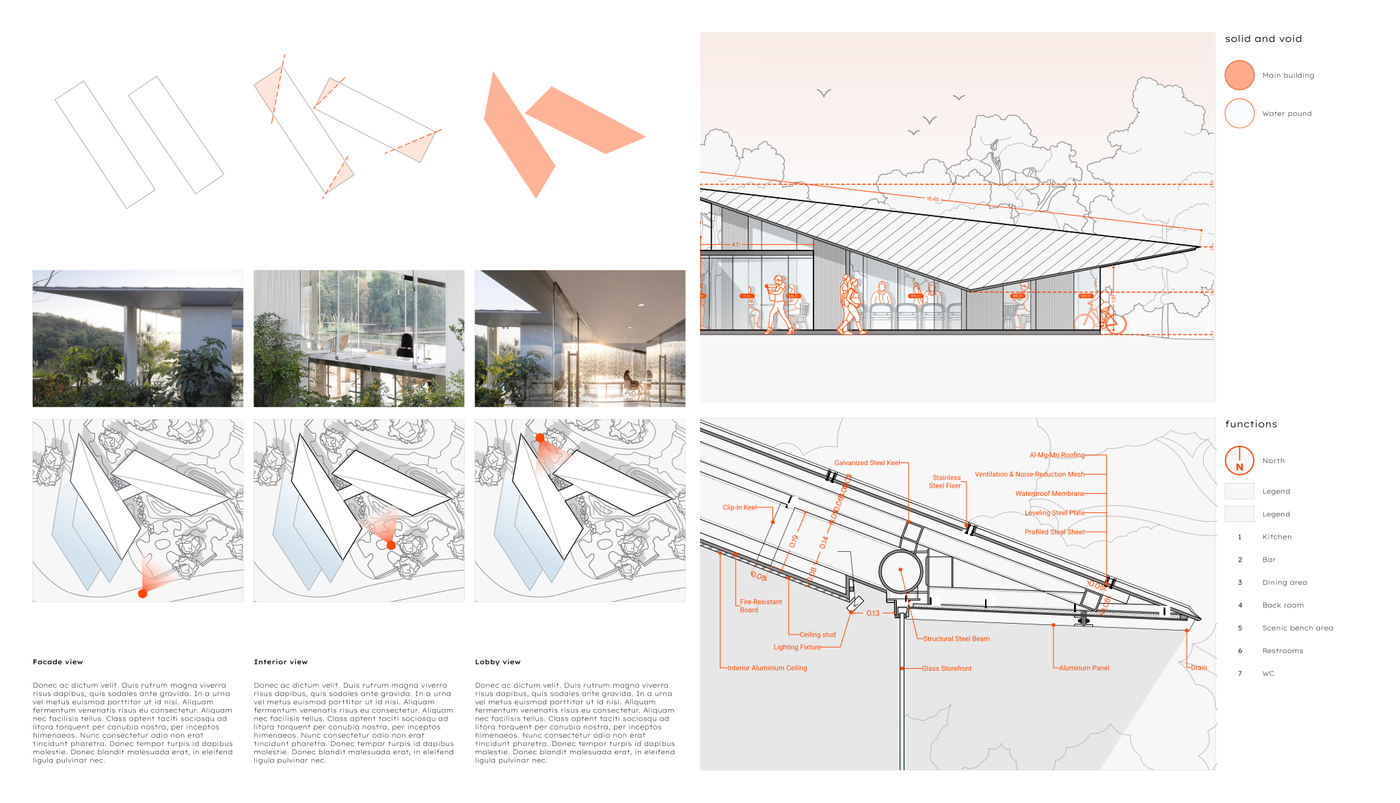
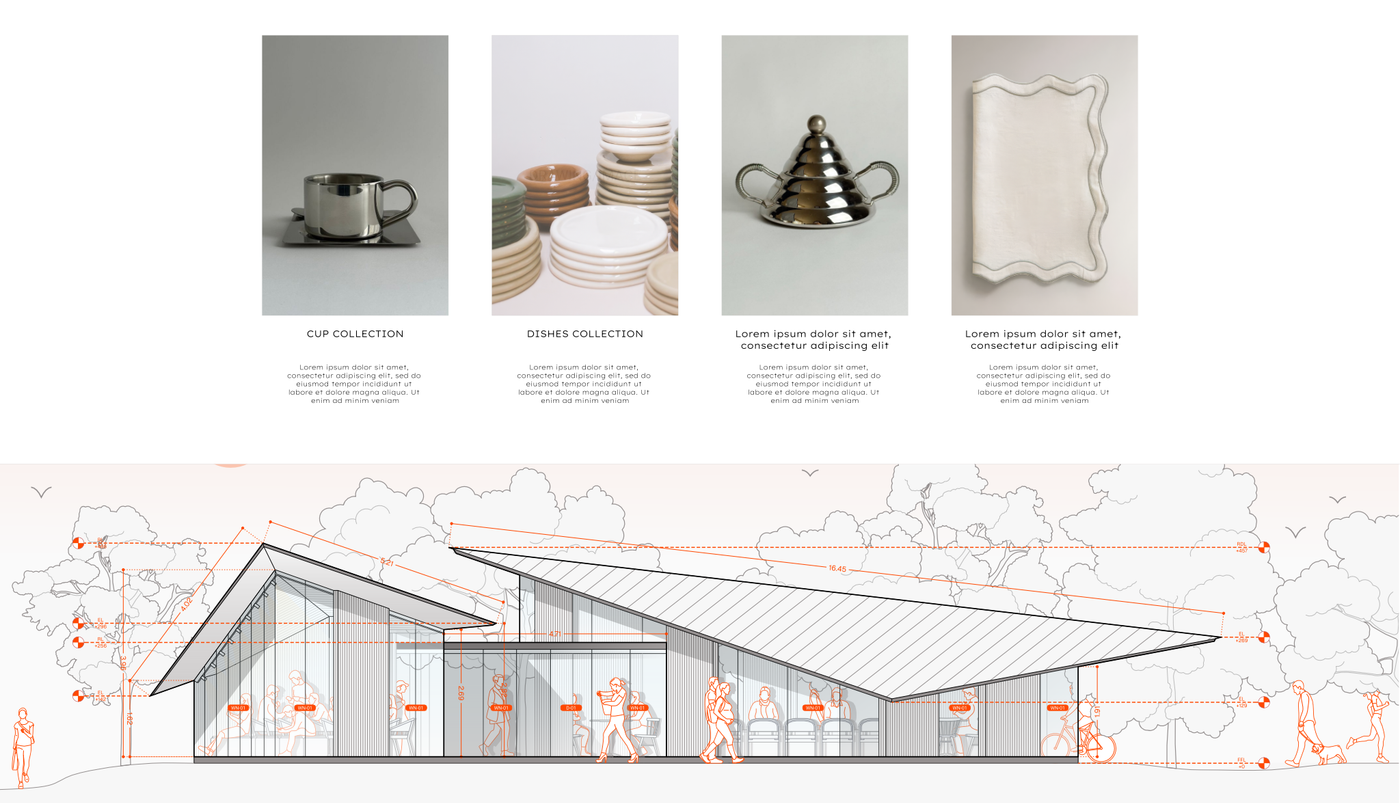
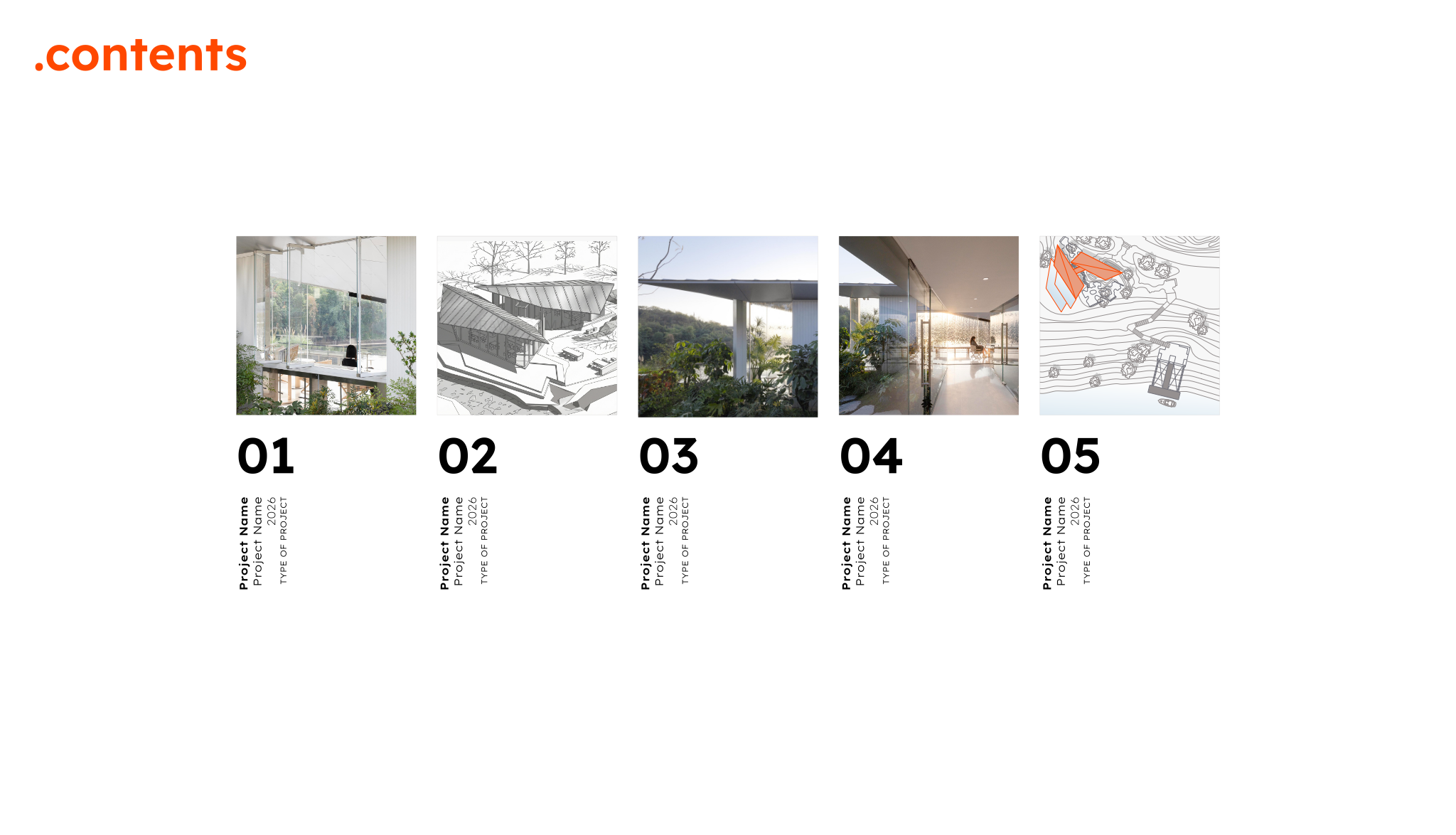
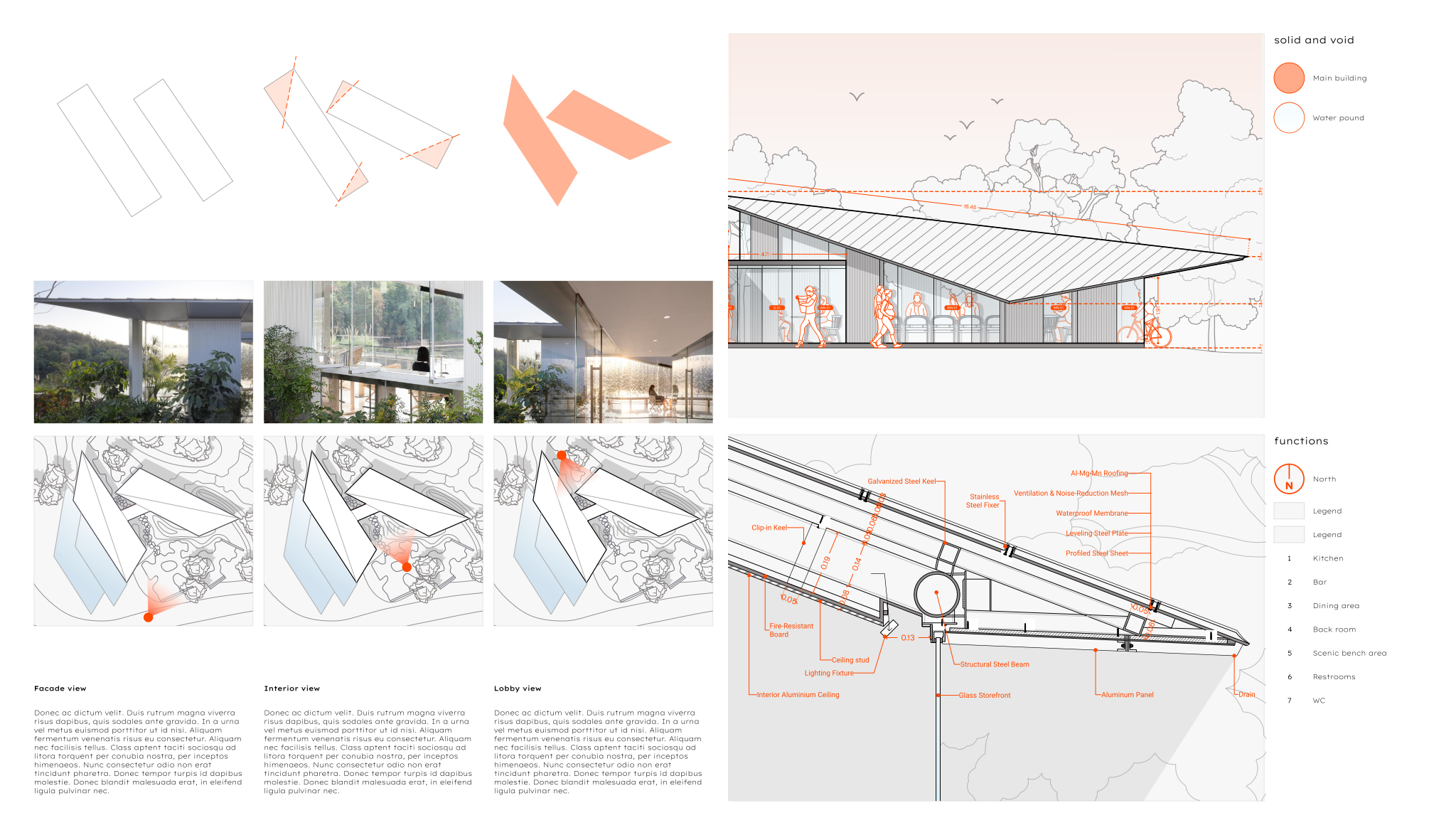
The template begins with a cover sheet layout featuring a prominent project title, designer name, and selected works date range, leading into a table of contents layout organized with visual thumbnails and project details. It provides detailed project spreads that accommodate multiple views, diagrams, and descriptive text to showcase design solutions. It also incorporates section drawings highlighting building structures, material callouts, and key dimensional information. Backing these layouts are comprehensive block and style libraries, alongside model formatting that includes a structured layer list, line weights, hatches, and print settings.
To build your portfolio, open the file in Rayon, a browser-based CAD tool, and adapt the layouts to your own designs. You can easily modify the drawings, incorporate your project notes, and reuse the provided blocks and graphic styles to ensure visual consistency across every spread. Once your layout is finalized, export or print the sheets directly from Rayon for client presentations, applications, or print production.
What's included
- Cover sheet layout with prominent project title, designer name, and selected works date range for immediate professional presentation.
- Table of contents layout providing clear navigability through project sections with visual thumbnails and project details.
- Detailed project spreads featuring multiple views, diagrams, and descriptive text to comprehensively showcase design solutions.
- Section drawings illustrating building structures, material callouts, and key dimensional information for technical clarity.
- The template ships with full block and style libraries plus model formatting like layer list, line weights, hatches, and print settings ready to support this professional portfolio use case.
Looking for more like this? Browse all interior design portfolio templates.
Read the guide
Learn the workflow on Rayon Academy
More templates
Browse all ↗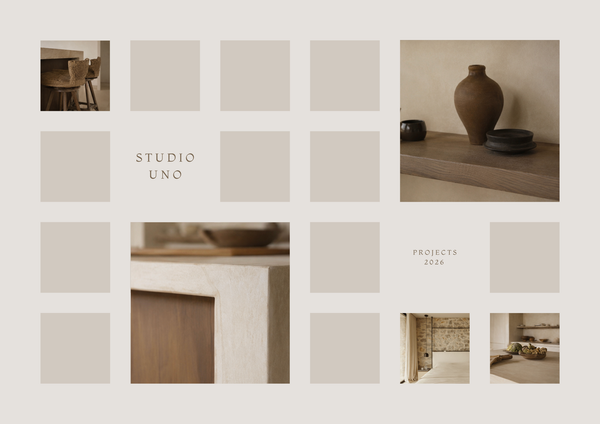
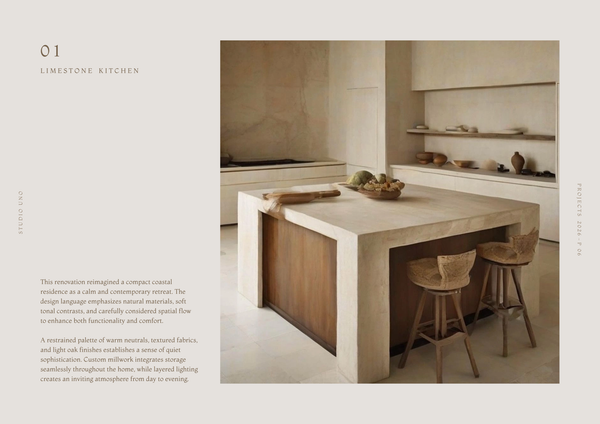
Mediterranean | Portfolio
Designed to showcase drawings, renders, mood boards, and project details in a calm, timeless aesthetic.
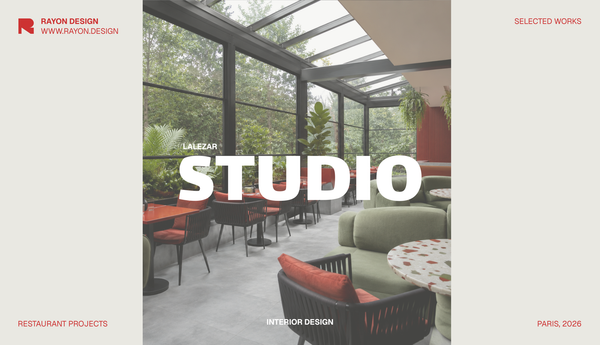
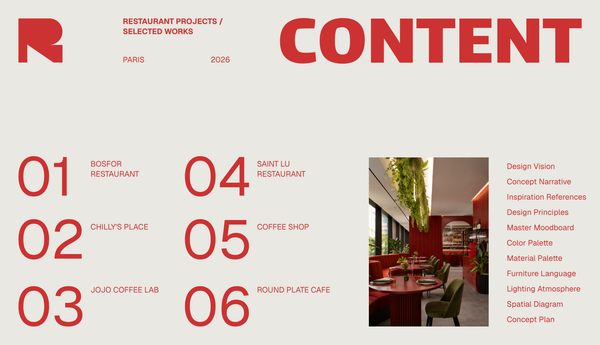
Studio portfolio template
A template for presenting your design studio, team, philosophy, and portfolio.
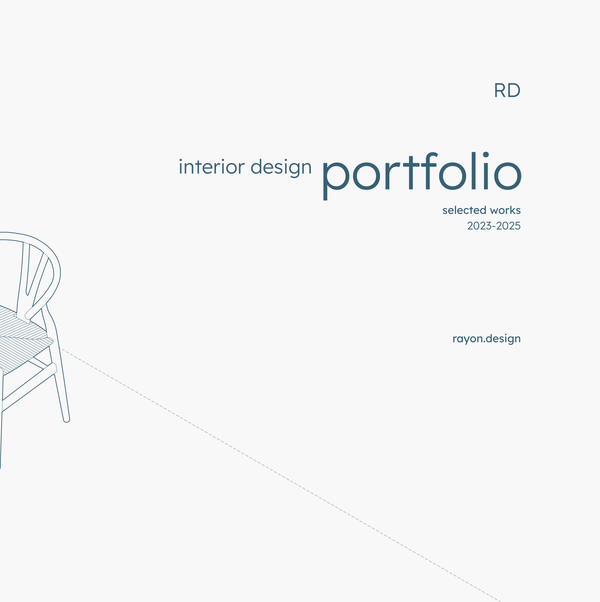
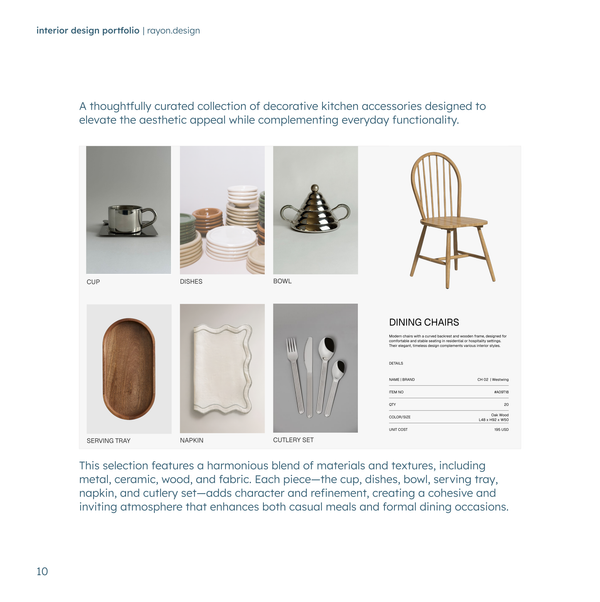
Interior design portfolio
A clean, minimal portfolio for interior designers.
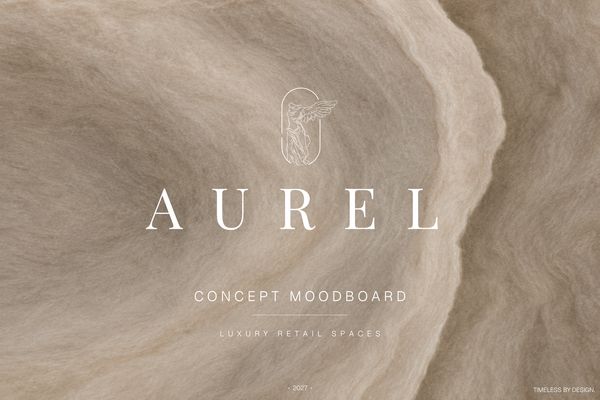
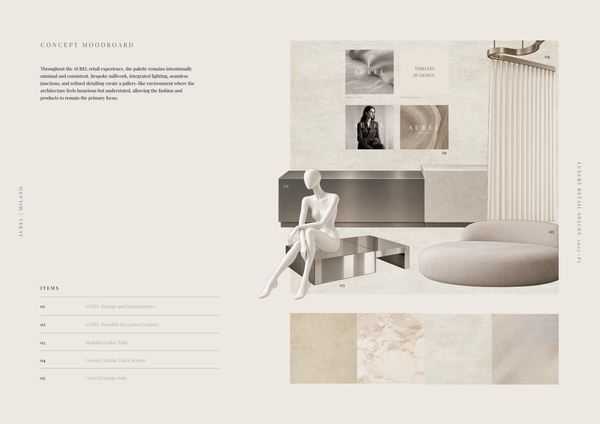
AUREL - Concept moodboard
A curated concept moodboard template for presenting the visual identity, materials, colors, and atmosphere of a luxury retail space.
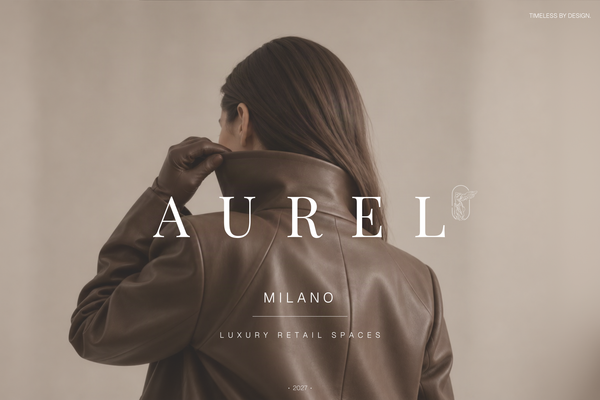
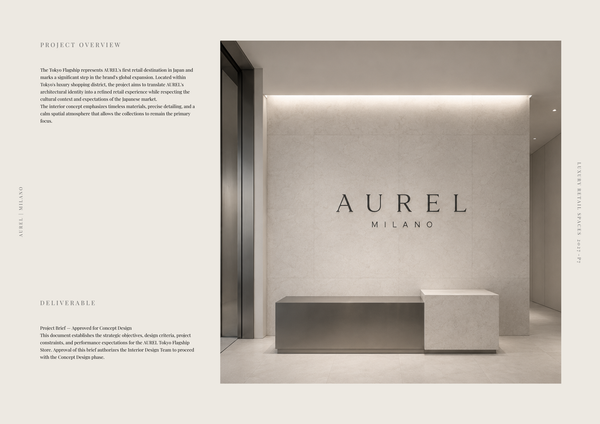
AUREL - Concept deck
A concept deck template for presenting the brand vision, spatial experience, materials, and design direction of a luxury retail space.
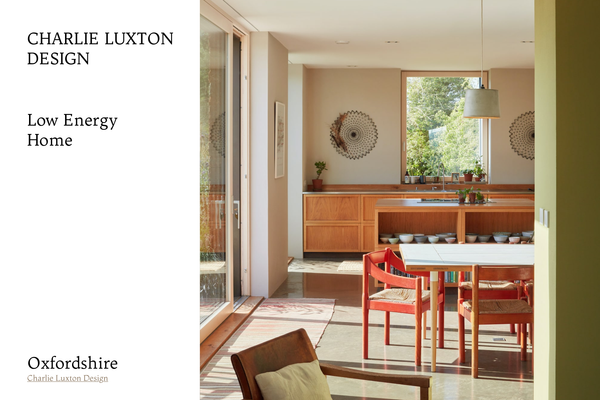
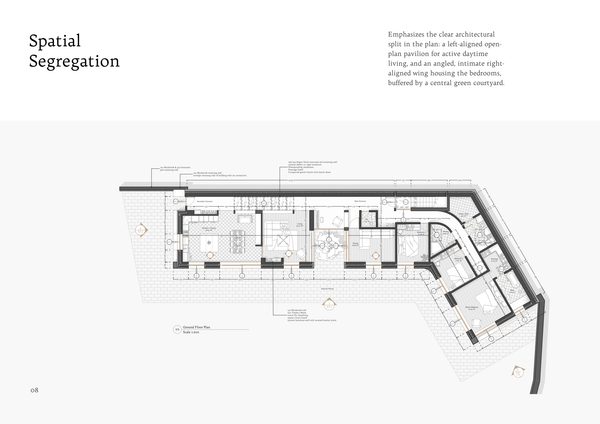
Charlie Luxton - Low energy home
A real-project template showcasing Charlie Luxton Design’s Low Energy Home through architectural drawings, details, and sustainable design solutions.
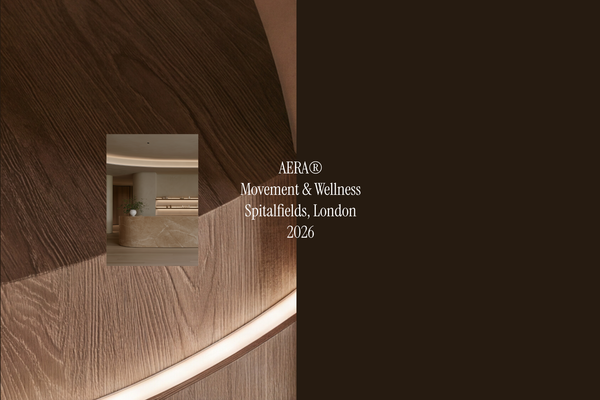
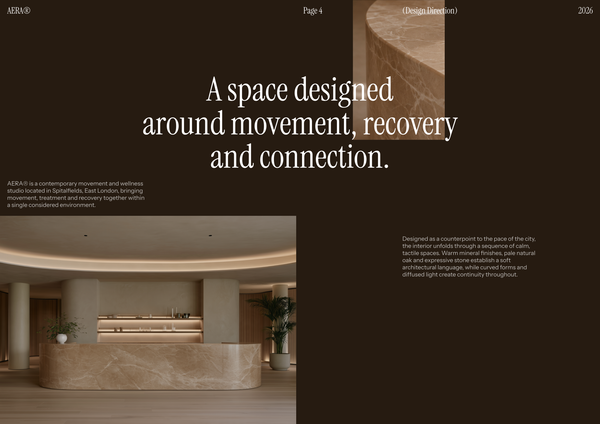
AERA - Millwork drawings
A detailed millwork drawing template for presenting custom reception desks, storage, built-ins, and bespoke joinery for a modern wellness and Pilates studio.
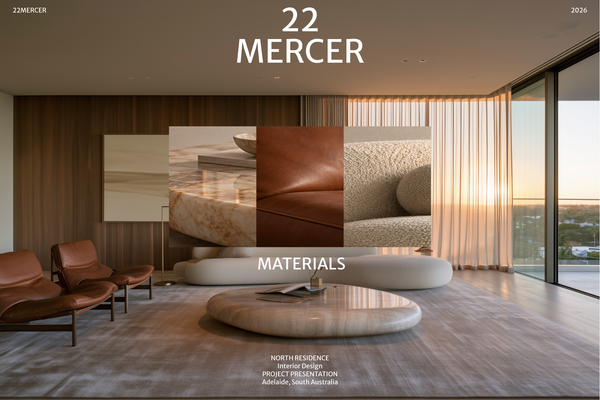
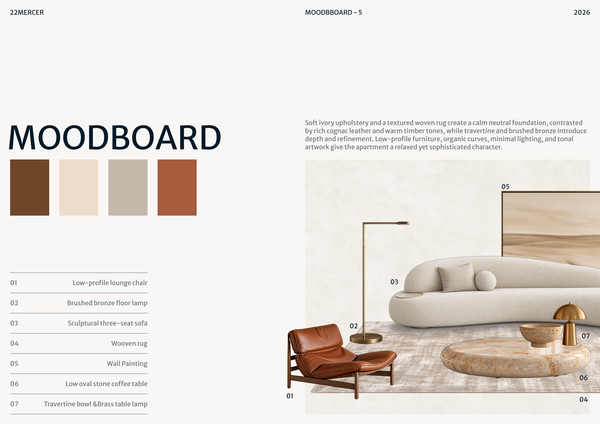
22 MERCER - Materials & FF&E
A refined Materials & FF&E template for presenting curated finishes, furniture, lighting, and fixtures for a luxury residence.
Frequently asked questions
Who is this template for?
This template is for architects, designers, and architecture or design students presenting selected work in a clean, professional portfolio. It suits projects that benefit from multiple views, diagrams, descriptive text, and technical sections showing structures, materials, and dimensions. Cover and contents layouts help organize the work and introduce each project clearly.
How do I use this template?
Open the template in Rayon, a browser-based CAD tool, and adapt its drawings, project spreads, cover, and contents to your own work. Reuse the included block and style libraries, along with the layer list, line weights, hatches, and print settings. Add your project details, then present the sheets or export or print them.
What information does the Orange-style architecture portfolio cover sheet include?
The cover sheet brings together a prominent project title, the designer’s name, and a date range for the selected works. This arrangement establishes the portfolio’s identity at the outset and gives the collection an immediate professional presentation before readers move into the project sections.
How does the table of contents organize the portfolio’s projects?
The table of contents combines project details with visual thumbnails to make the project sections easier to navigate. It provides a visual introduction to the work as well as a guide to its organization, helping readers connect each listed project with the material that follows.
What content is included in the detailed project spreads?
The detailed project spreads feature multiple views, diagrams, and descriptive text to present design solutions comprehensively. These elements let you pair visual evidence with an explanation of the project, rather than relying on images alone to communicate its architectural ideas and design decisions.
What technical information do the section drawings communicate?
The section drawings illustrate building structures and include material callouts and key dimensional information. They add technical clarity to the portfolio by showing information that complements the project views, diagrams, and descriptions, allowing the presentation to address both design intent and building detail.
How do the cover, contents, project spreads, and sections fit together?
The cover introduces the portfolio, while the table of contents guides readers through its project sections using thumbnails and project details. The detailed spreads then explain the design solutions through views, diagrams, and text, with section drawings adding structural, material, and dimensional information to the presentation.
Which parts of this template can be adapted for my selected works?
You can adapt the cover’s project title, designer name, and selected works date range to identify your collection. The contents thumbnails and project details can reflect that selection, while the project spreads and section drawings can present the corresponding views, diagrams, descriptions, material callouts, and dimensional information.
What drawing and formatting resources come with the portfolio layouts?
The template includes full block and style libraries alongside model formatting for the portfolio workflow. The supplied formatting covers a layer list, line weights, hatches, and print settings, providing a ready foundation for coordinating the technical drawings with the template’s professional presentation layouts.
Does this template focus on a particular architectural project type?
The description presents it as a clean portfolio template for architectural and design work, rather than naming a particular building type. Its content focuses on presenting selected works through project layouts and technical sections, so adaptation should center on the design solutions and drawing information relevant to your projects.