The short answer
An interior design mood board communicates how a space will feel before anything is drawn in detail. Start from a short written concept and three to five keywords, collect references widely, then edit hard: one dominant image, a palette of four to six tones with clear proportions, three to six key materials and a few signature pieces, usually 6 to 12 images in total. Compose with clear hierarchy and white space, label sparingly, present one or two distinct directions, and once a direction is approved translate it into a coded material selection board.
What a mood board is (and isn't)
 Open template
A mood board is a decision tool, not a scrapbook. Its job is to get the client to agree on a direction (atmosphere, palette, material character, level of formality) before you spend time on layouts and specifications. A good board lets someone who has never seen the space describe how it will feel: bright or enveloping, polished or tactile, calm or energetic.
It differs from a material board. The mood board is evocative and early; the material board is specific and later, showing the actual finishes with codes and suppliers. Most projects need both, in that order. Skipping the mood board often means debating individual tiles before anyone has agreed what the space is trying to be.
It also protects your time. Each round of revision on an agreed direction is cheap; each change of direction after drawings have started is expensive. Treat the signed-off mood board as the first milestone in your fee stages.
Step 1 — Write the concept first
 Open template
Before collecting a single image, write two or three sentences: who uses the space, how it should feel, and one idea that ties it together (“a calm, mineral retreat that softens as you move deeper into the spa”). Pull three to five keywords from it. Every image you choose should earn its place against those words.
Build the concept from the brief, not from your current taste. Useful prompts: what should someone feel in the first ten seconds? What do the users do here, and at what time of day? What is the context (the building, the city, the climate, the brand)? What should the space never feel like? Clients are often clearer about what they dislike than what they want, and those answers are just as useful.
- Users and activity: who, doing what, for how long.
- Atmosphere: three to five adjectives, ideally with one tension (warm but disciplined, raw but refined).
- Context: architecture, location, light, history of the building.
- Constraints: budget level, durability, maintenance, brand guidelines.
- Anti-references: what to avoid, with an example image if the client has one.
Put the concept sentence on the board itself. It frames the images and gives the client words to react to.
Step 2 — Collect wide, edit hard
 Open template
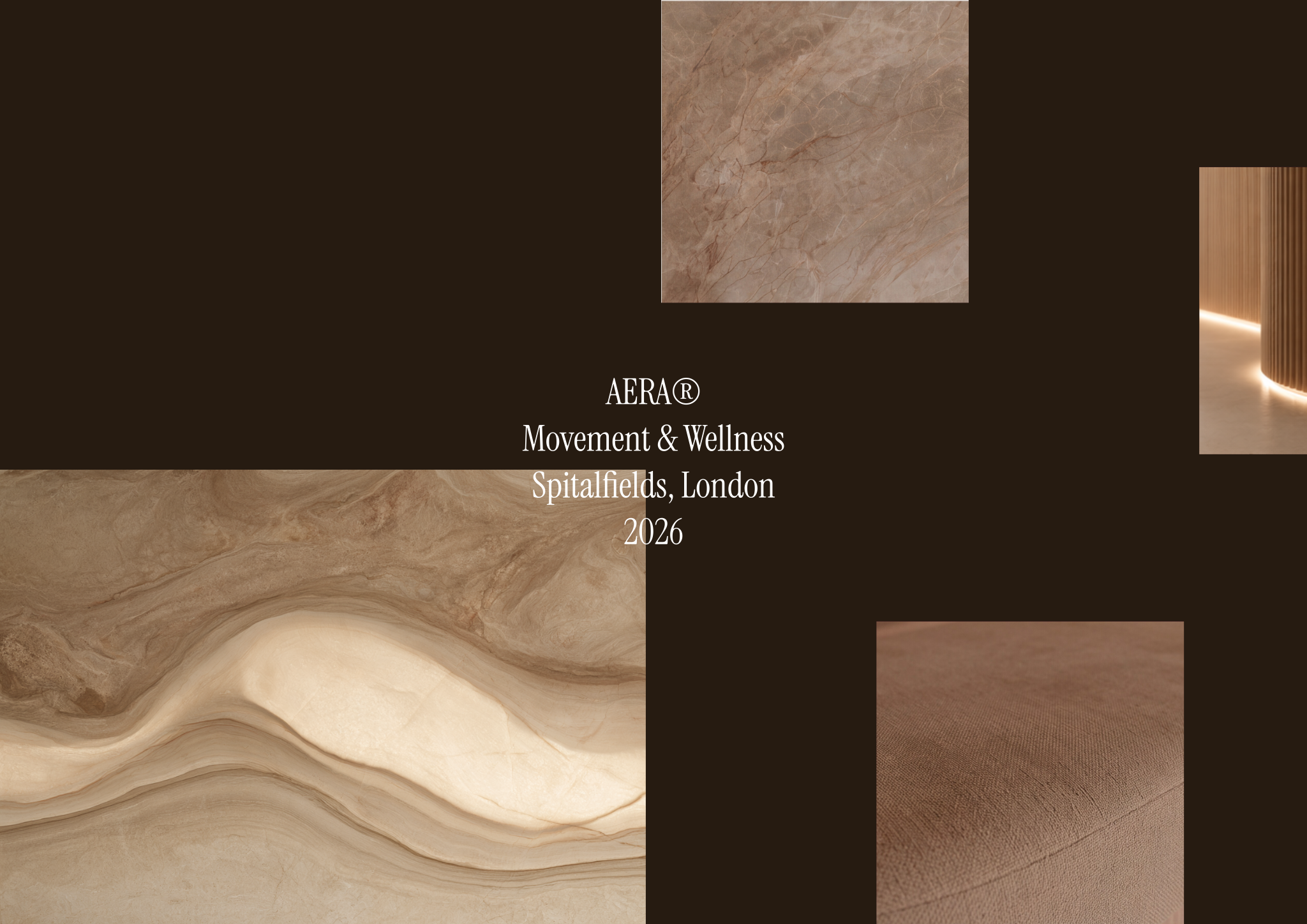
Gather broadly: built interiors, architecture, art, fashion, landscape, product design and close-up textures. Your own photos of materials, places and details are often stronger than the most-shared images online, which clients may already have seen many times. Then cut. Most strong boards end up with 6 to 12 images. Remove anything that repeats an idea or pulls in a different direction, and resist including a reference only because you like it.
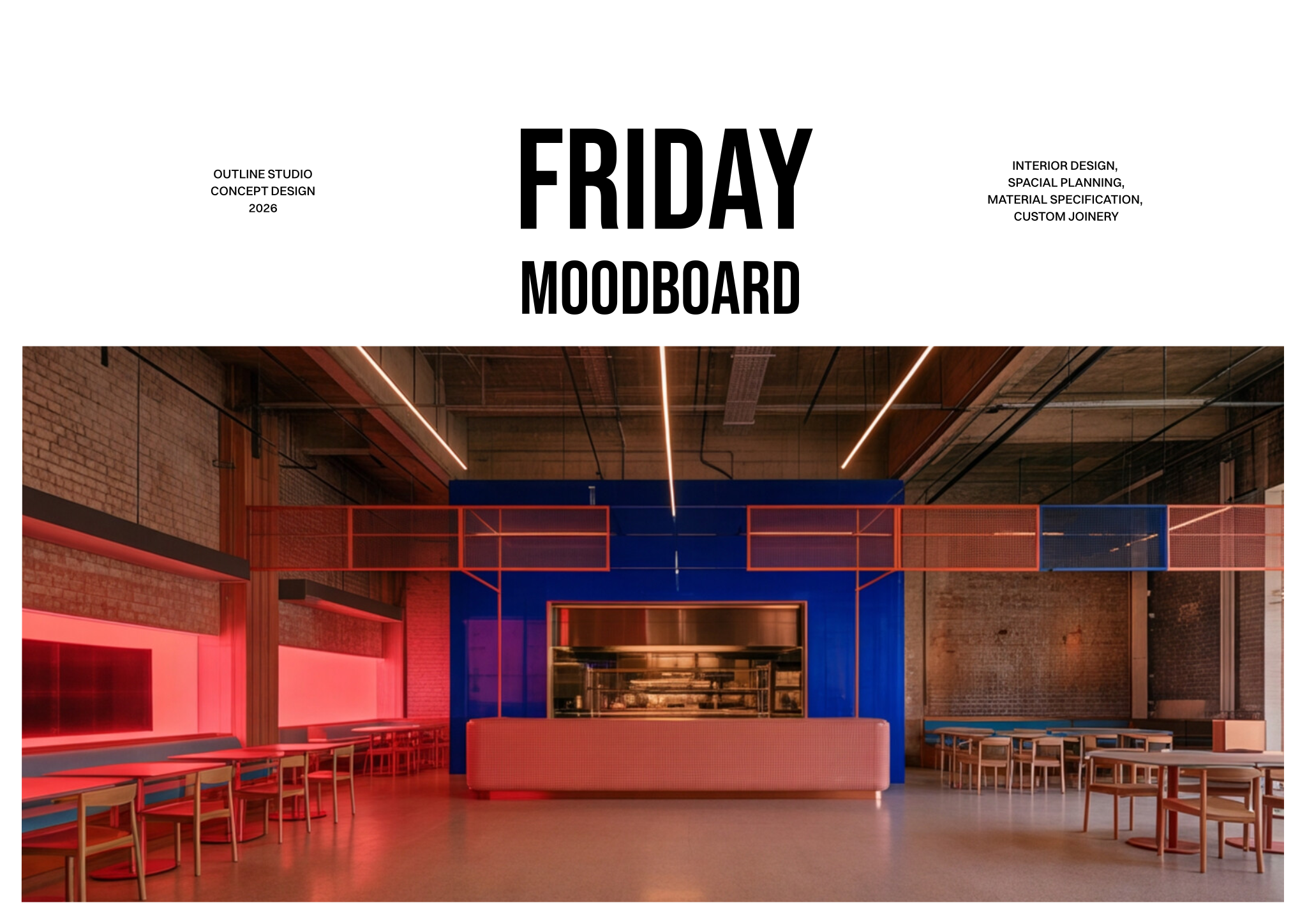
- One hero image that captures the atmosphere on its own.
- Two or three spatial references showing light, proportion and scale.
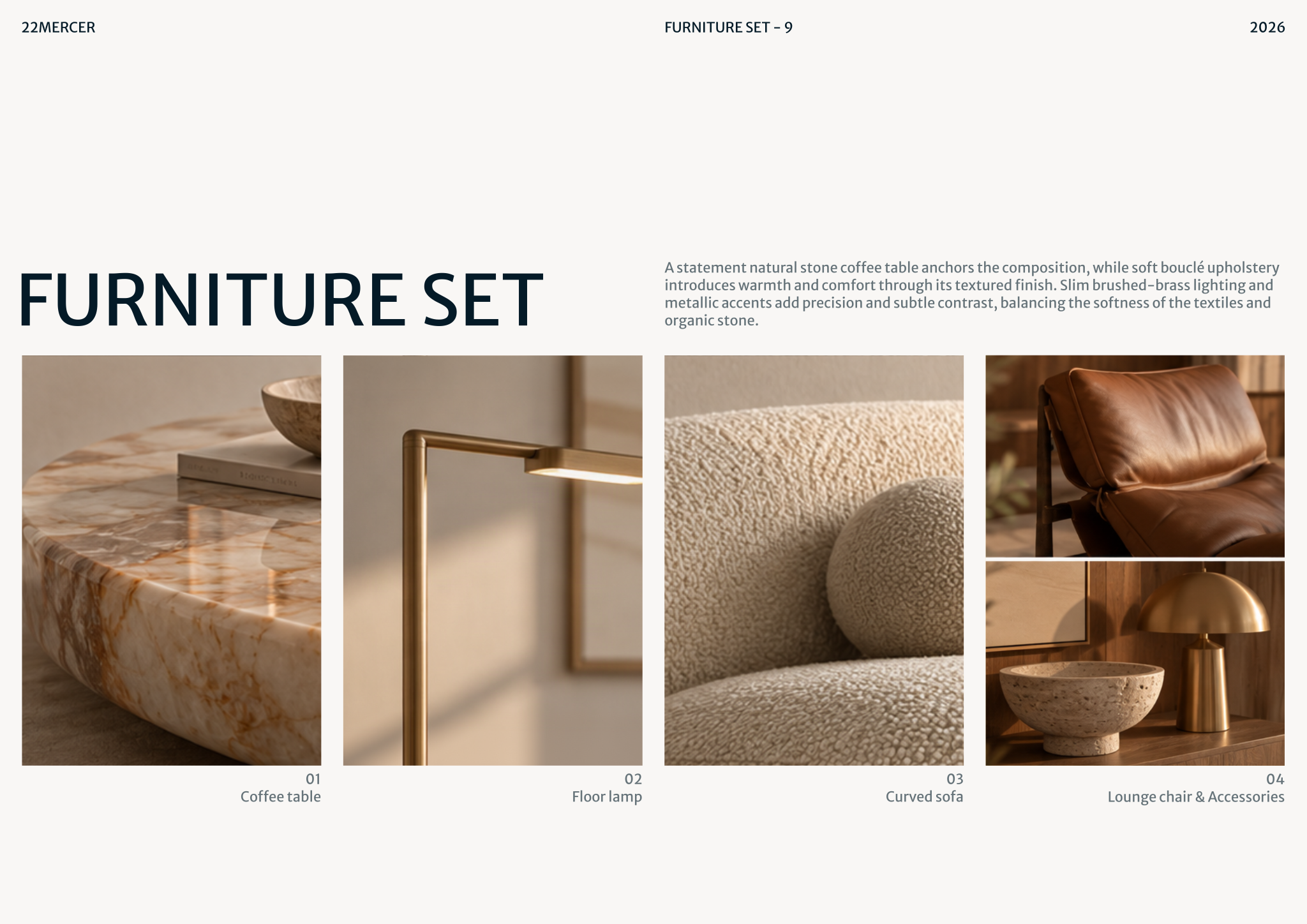
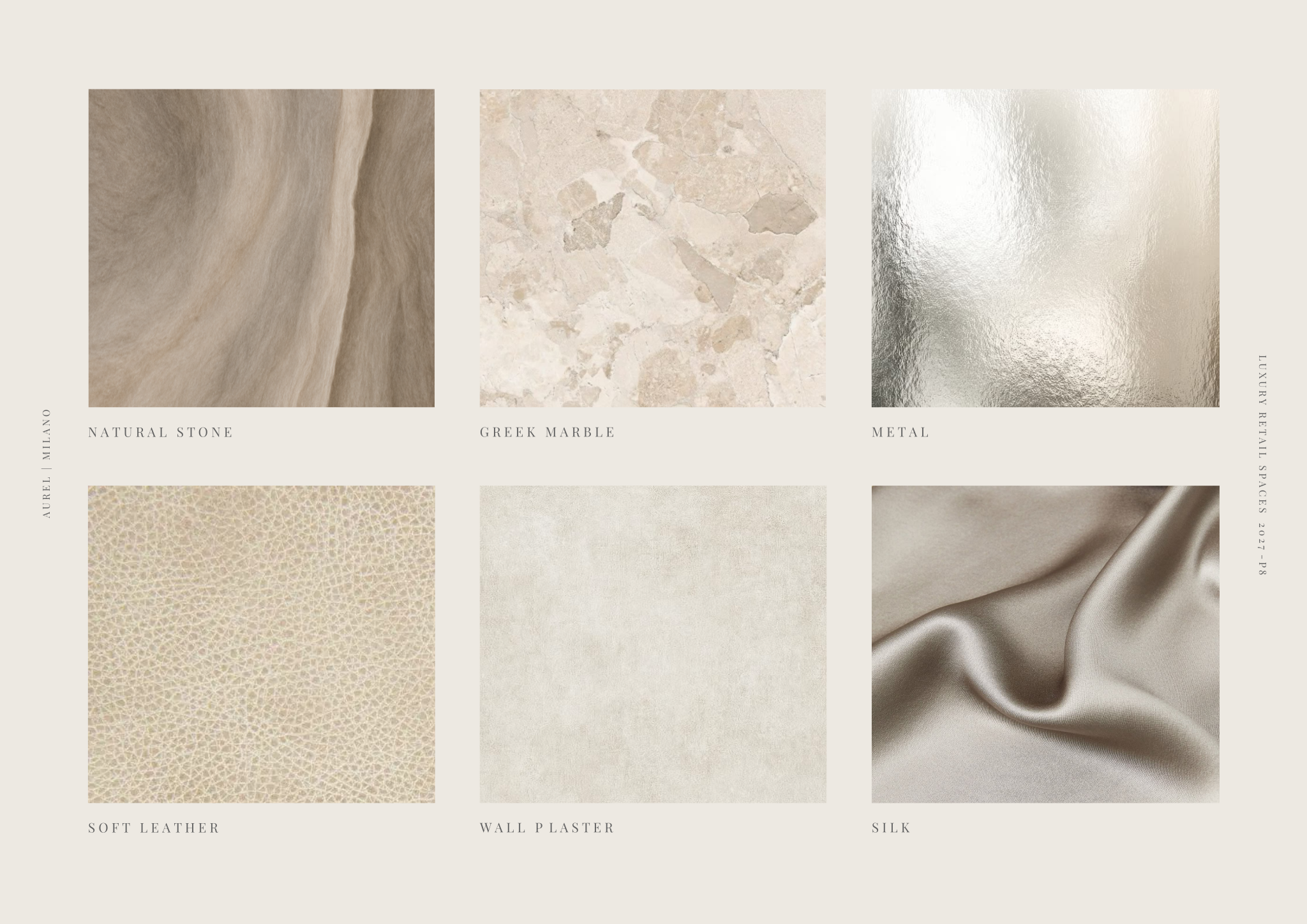
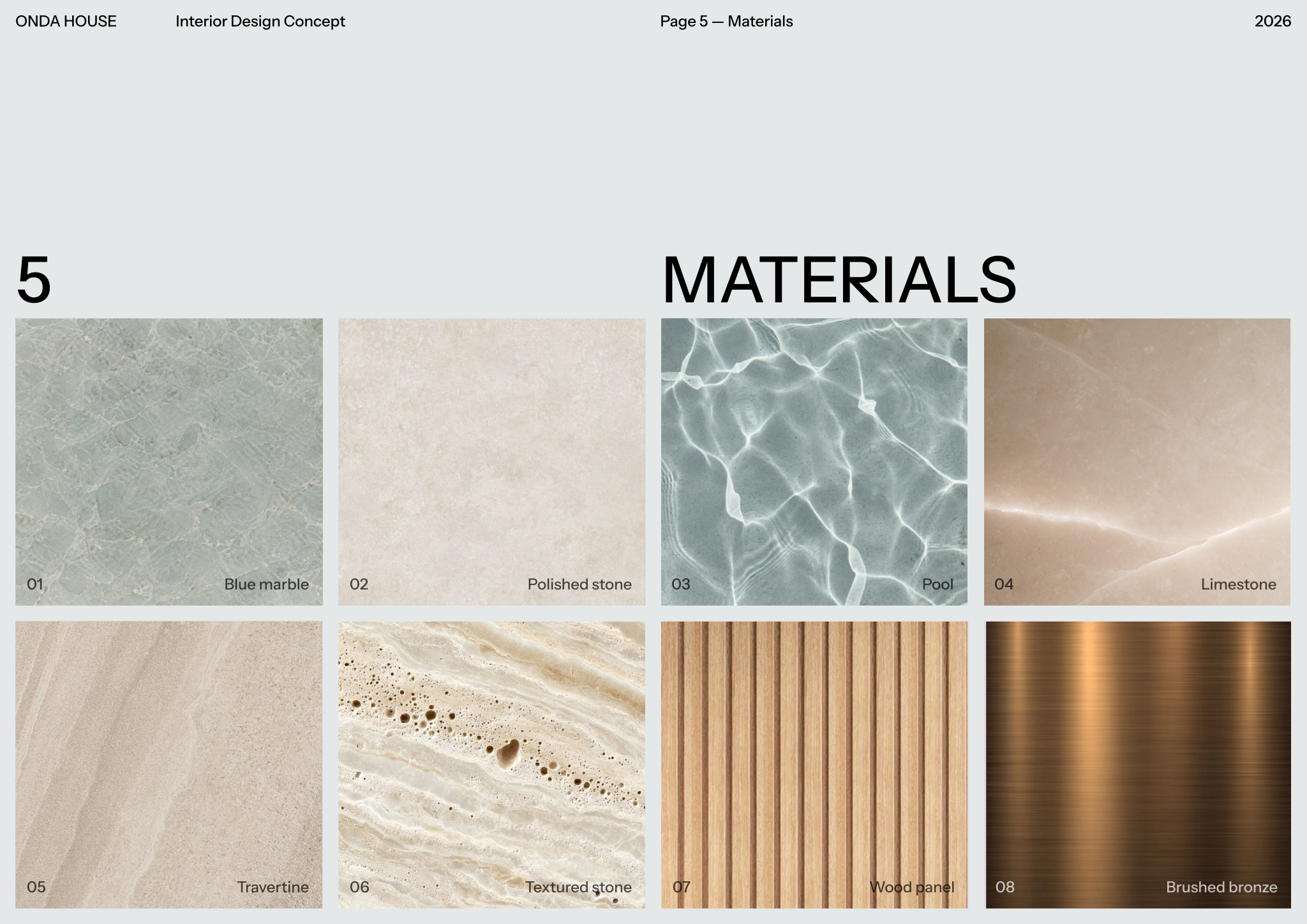
- Material and texture close-ups: timber grain, stone, plaster, fabric weave, metal finish.
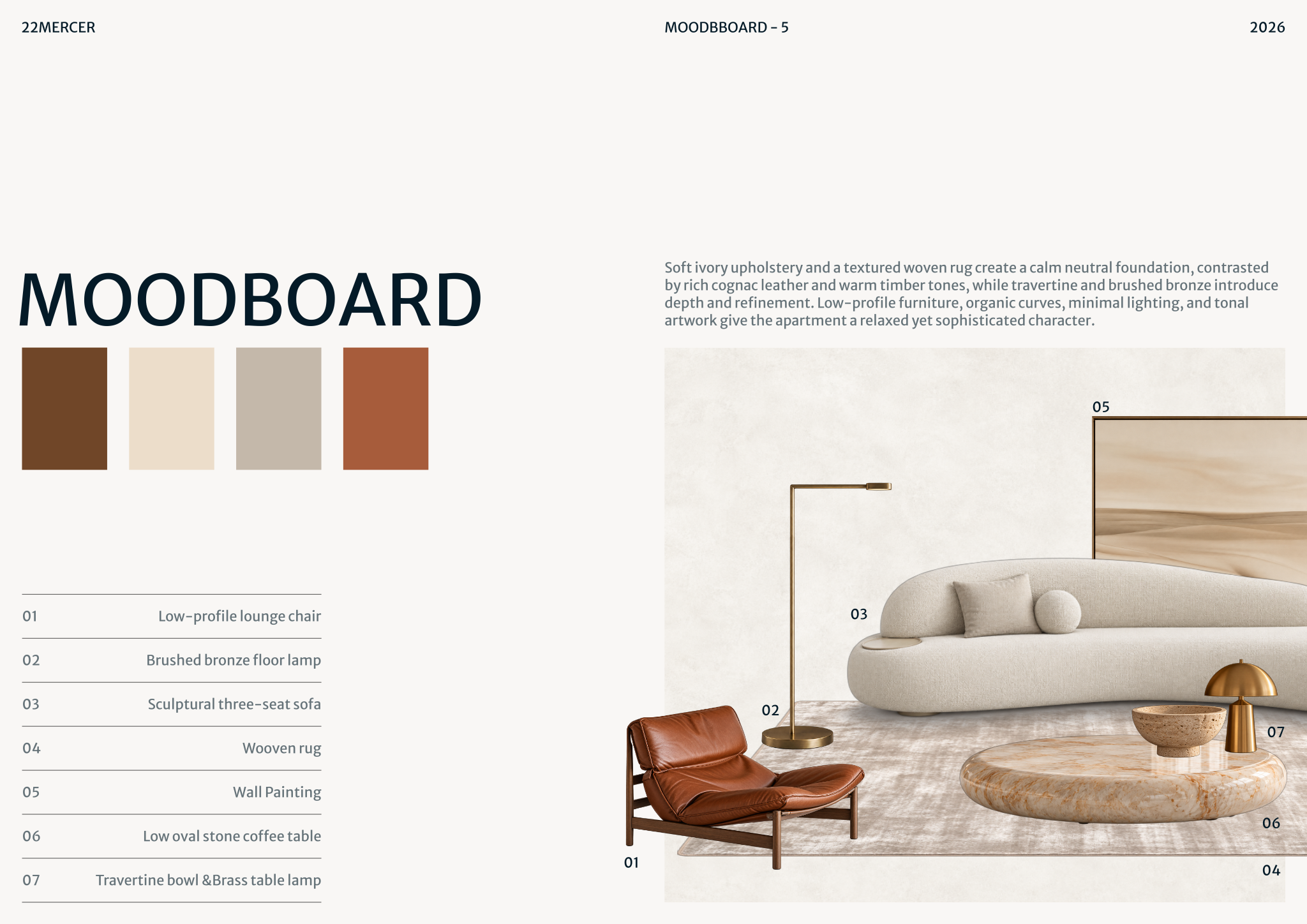
- A few signature objects: a light, a chair, a fabric, a piece of art.
- A colour palette of four to six tones, sampled from the images.
Check the edited set against the keywords one by one. If a keyword has no image supporting it, either find one or remove the word. If one image supports none, remove the image. Also check consistency of light: mixing warm evening photographs with cold daylight shots makes a palette look contradictory even when the colours match.
Credit the sources you use and keep reference images inside the presentation. They show direction; they are not designs to copy.
Step 3 — Compose with hierarchy
 Open template
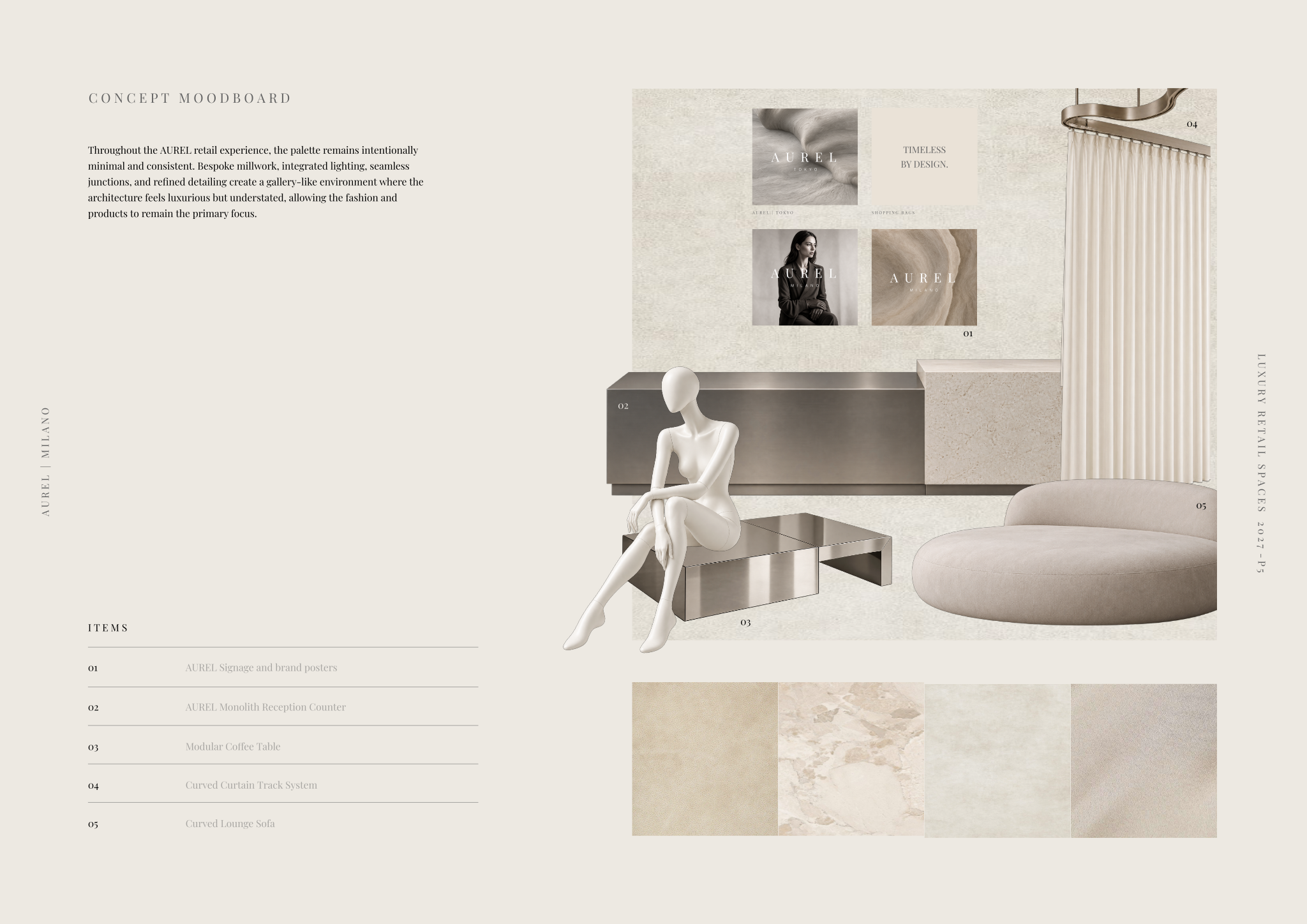
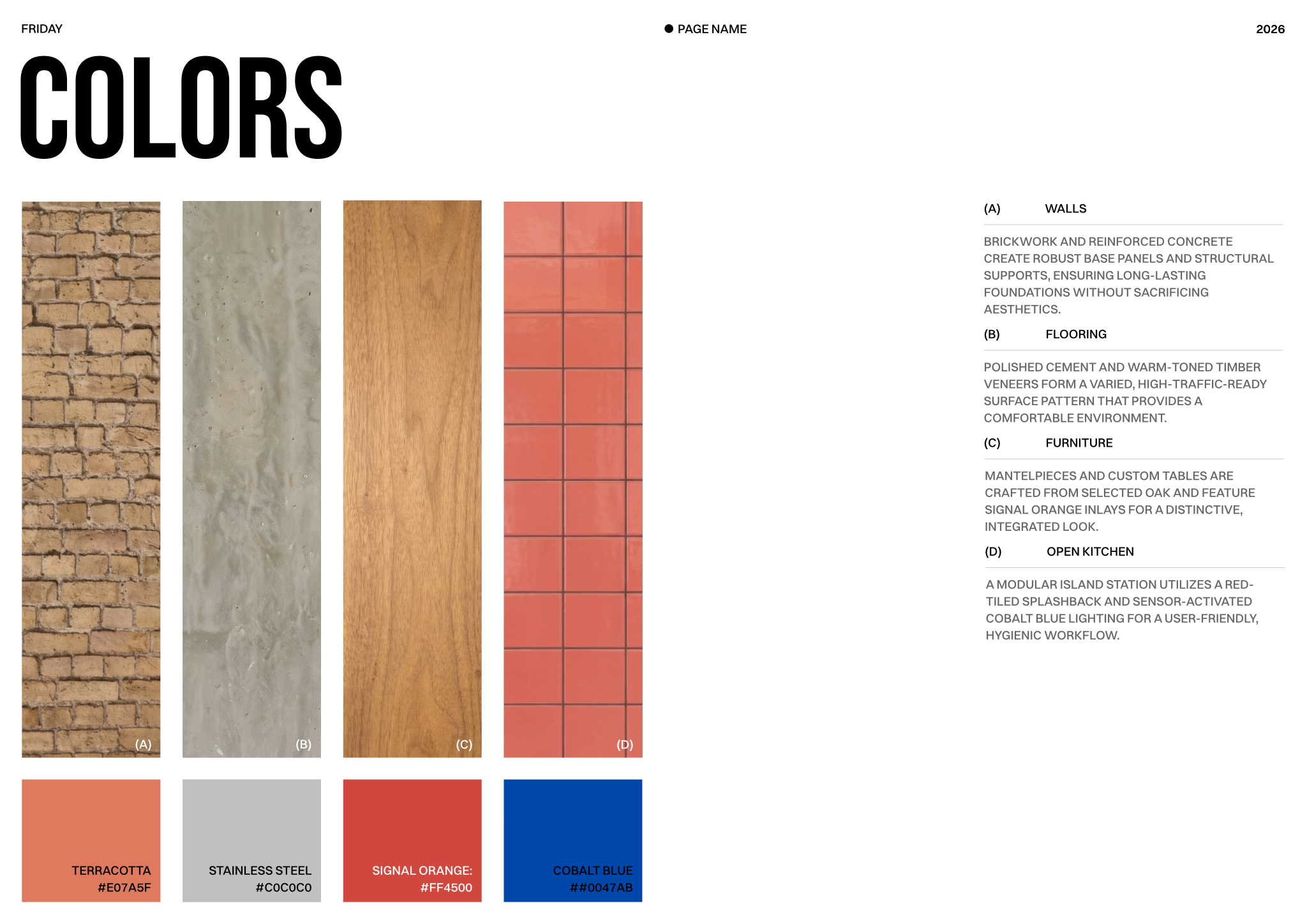
Lay the hero image large, then cluster supporting images around it by theme. Keep consistent margins and gutters and let white space do work. Align the colour palette in a strip or as swatches, sized by proportion: the dominant tone that will cover walls and floors should look dominant, and the accent should be small. Group materials together so they read as a family. Labels should be minimal: a material name, a room, a keyword.
- Use a simple grid: two or three columns on an A3 landscape page is enough for most boards.
- Balance light and dark across the page so the eye moves through it, rather than piling dark images on one side.
- Crop images to show what matters: the junction, the texture, the light, not the whole room.
- Keep typography quiet: one typeface, two sizes.
- For larger projects, make one overall board and one per key space, all on the same layout.
A useful palette rule is to plan proportions roughly as a dominant tone for about 60% of the surfaces, a secondary tone for about 30% and an accent for about 10%. It is a starting point, not a law, but showing those proportions on the board helps clients understand that an orange accent does not mean an orange room.
Step 4 — Turn it into a material selection
 Open template
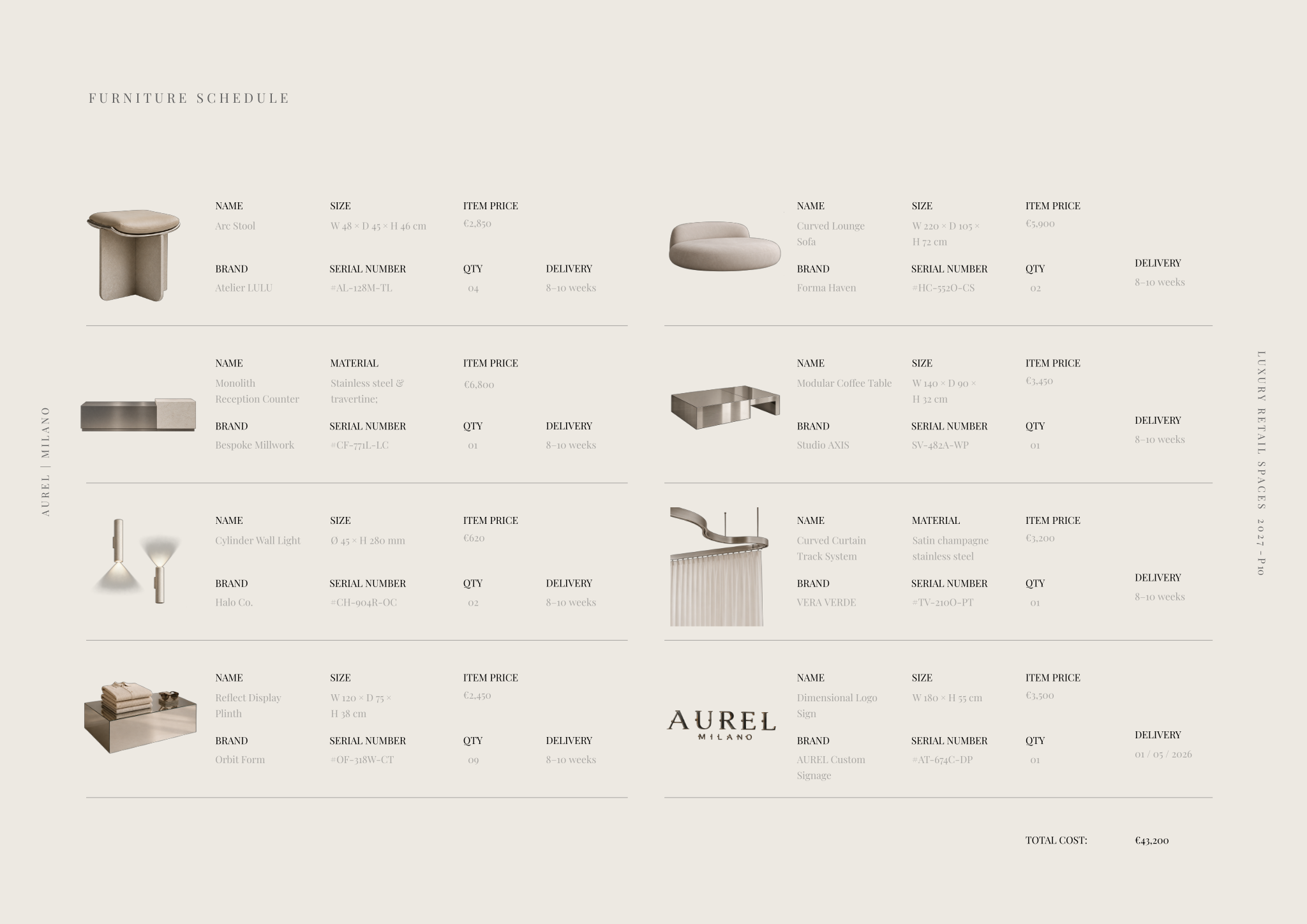
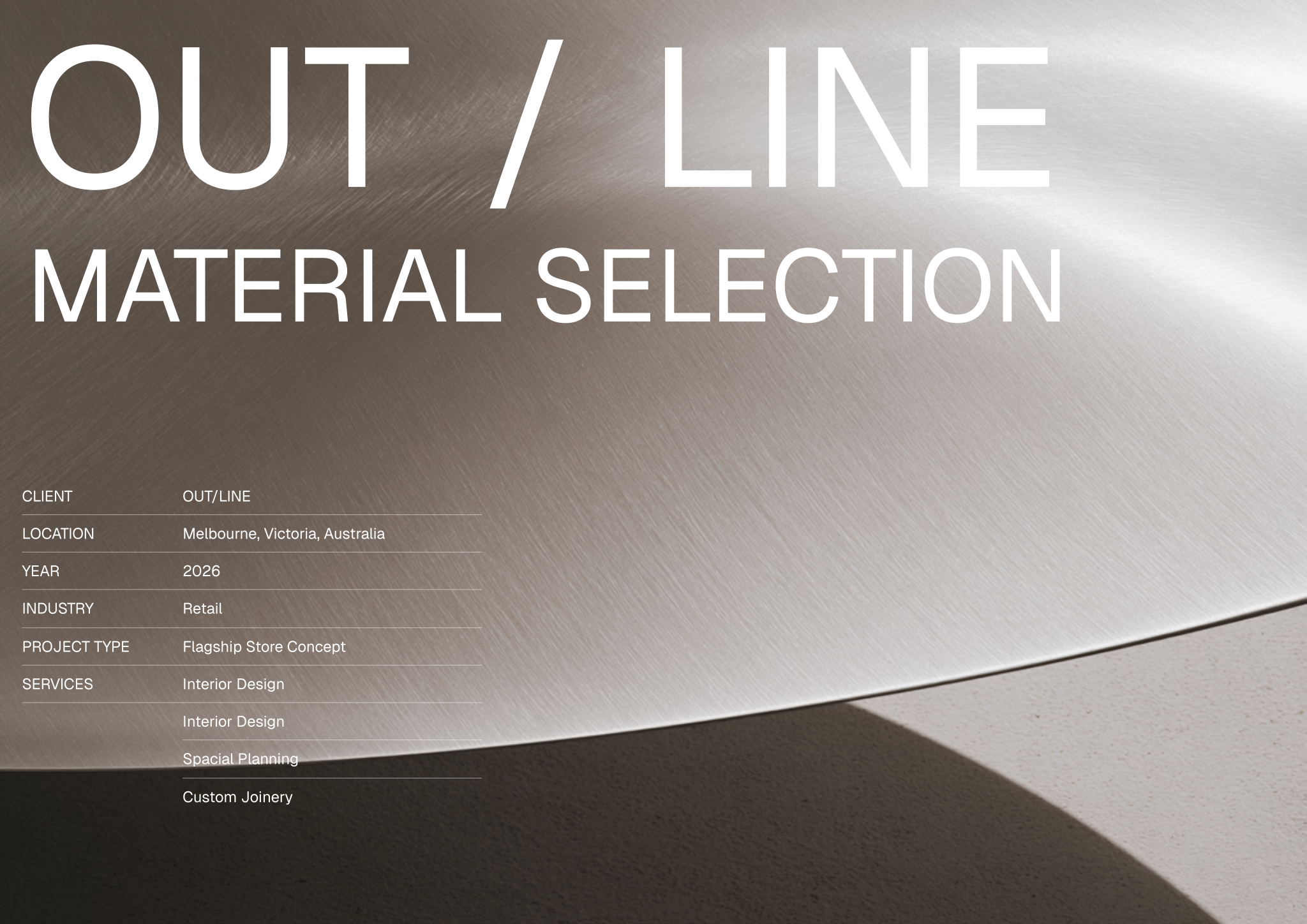
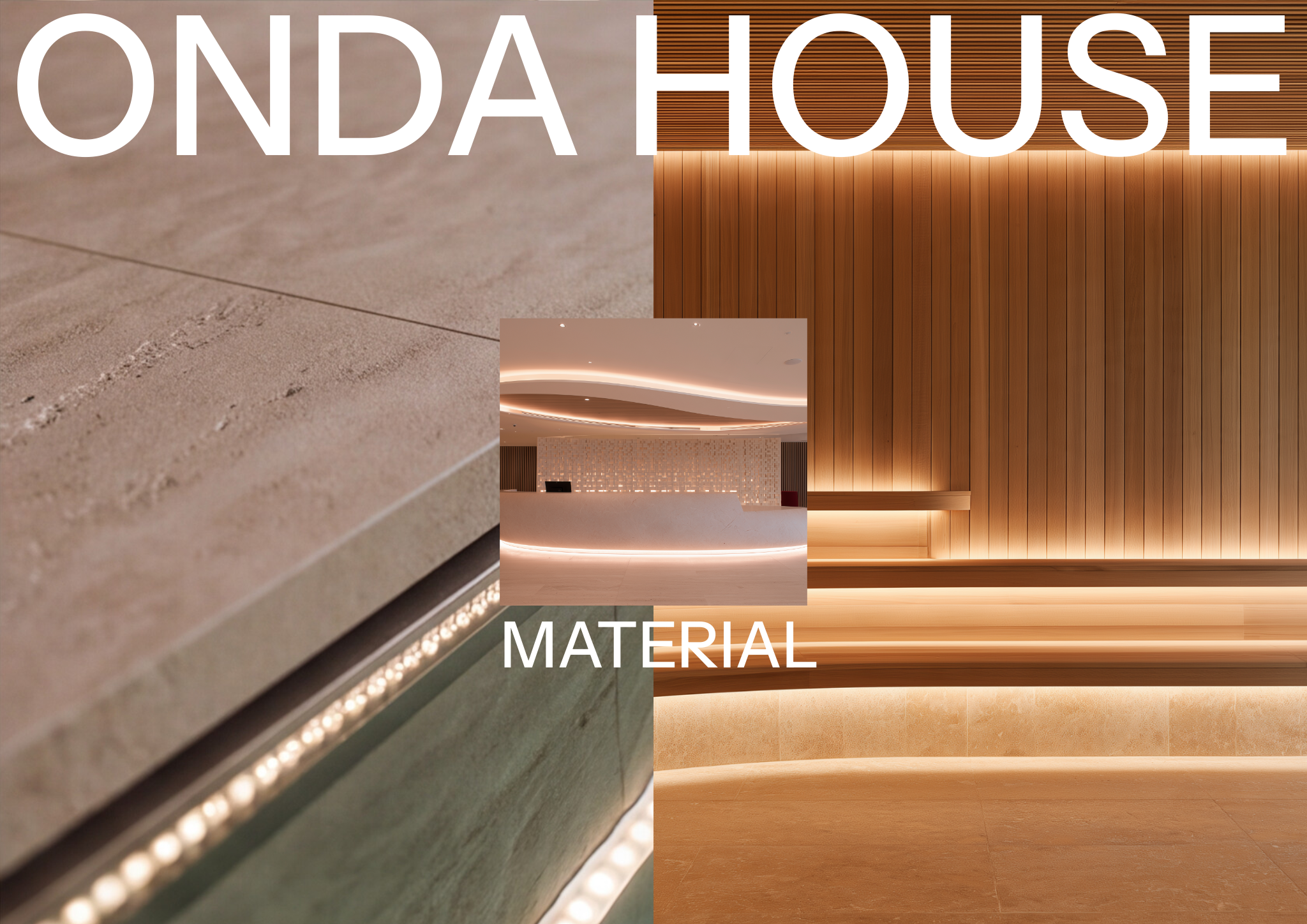
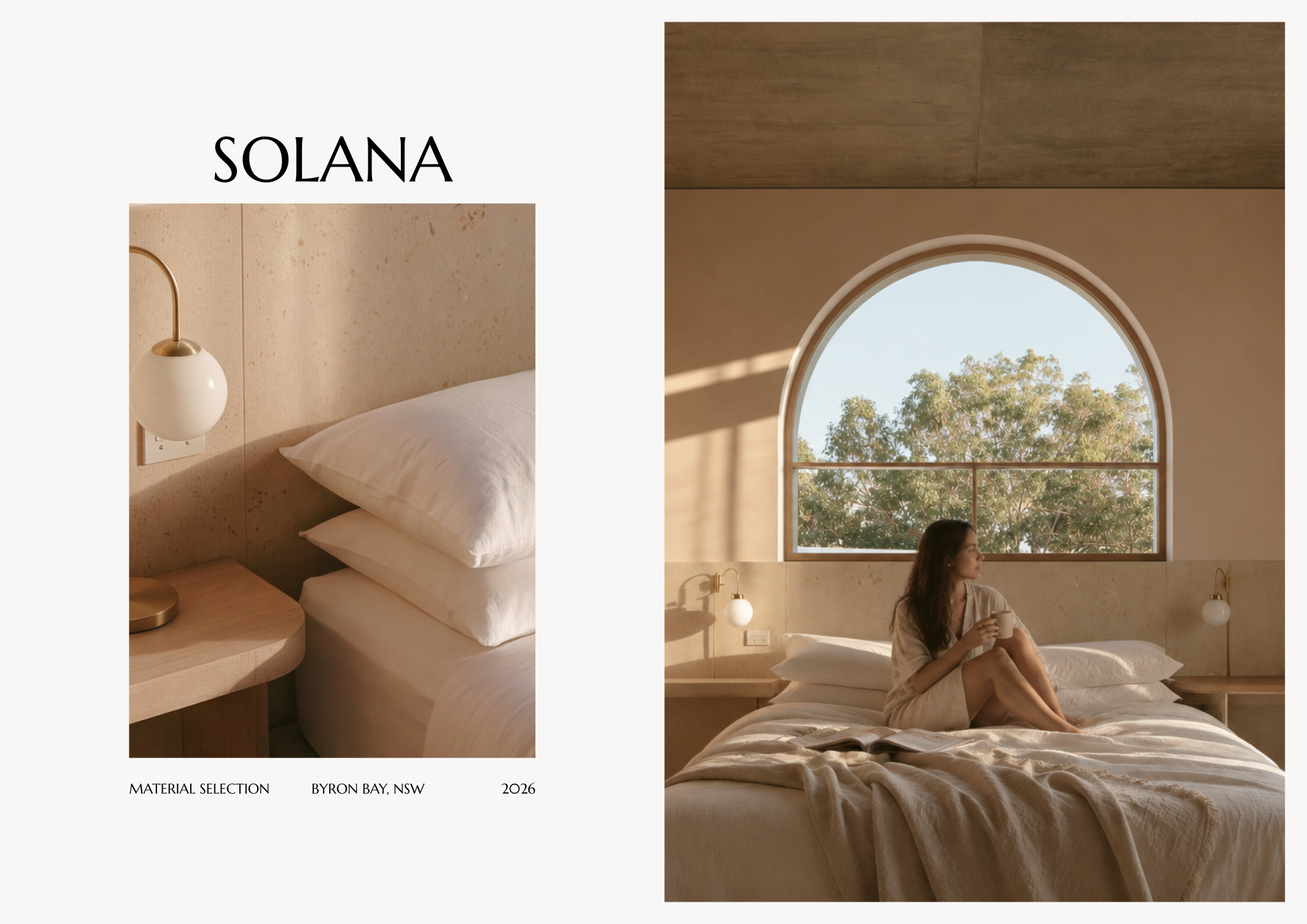
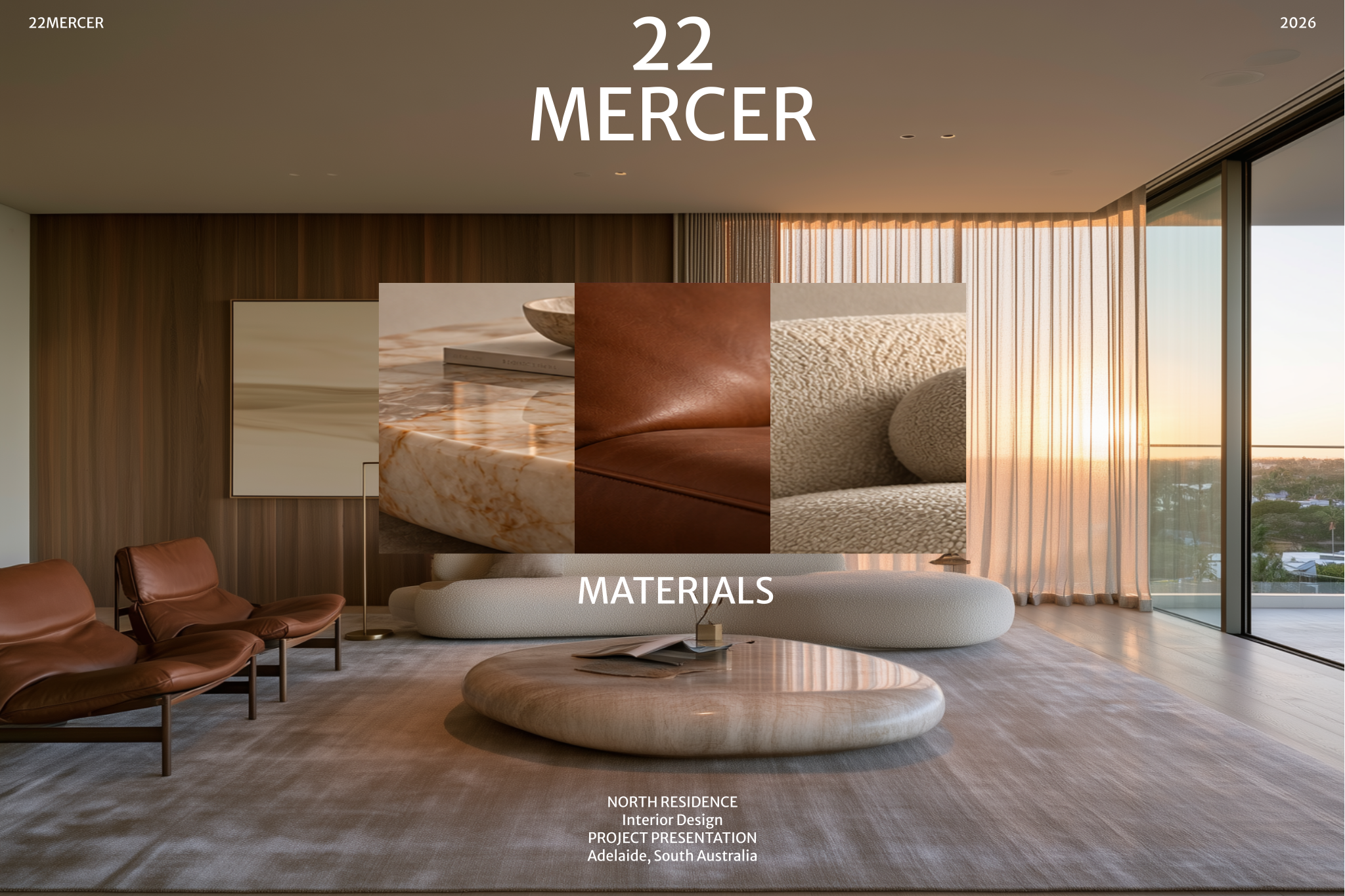
Once the direction is approved, translate it into real products. A material selection board shows each finish as a swatch or photo with its code, supplier and where it is used (floor, wall, joinery, upholstery). These codes then carry through to your millwork drawings, finishes plans and FF&E schedule.
This is the step where performance enters. The “warm pale timber floor” of the mood board becomes an engineered oak with a stated wear layer and finish; the “soft textured wall” becomes a lime plaster or a fabric wallcovering with a fire classification suitable for the space. Check slip resistance, abrasion, cleanability, lead time and budget before the client falls in love with a product that cannot be used.
Step 5 — Present it well
 Open template
How a mood board is presented matters almost as much as what is on it. The same board can win a quick, confident approval or start an open-ended debate depending on how you frame it, which options you show and what you ask the client. These habits help the meeting end with a clear, recorded decision.
- Present one direction confidently, or two clearly different ones. Never five similar options.
- Walk the client through the concept sentence and keywords before showing images.
- Bring physical samples of the key materials: colour and texture on screen are approximations.
- Ask specific questions (“Is this warmer or cooler than you imagined?”, “Which of these feels too formal?”) rather than “Do you like it?”
- Separate taste from function: a client who dislikes a dark wall may be worried about light, which you can solve.
- Record feedback on the board and issue a revised version so the agreed direction is documented and dated.
When you offer two directions, make each one internally consistent and name it (“Mineral” and “Woodland”, for example). Names give the client something to choose between and stop them from mixing the best images of each into a third board that has no idea at all.
Watch it on Rayon Academy
Common questions
How many images should a mood board have?
Usually 6 to 12. Fewer, well-chosen images communicate a clearer direction than a crowded collage.
What's the difference between a mood board and a material board?
A mood board sets the atmosphere with references and colour. A material board specifies the actual finishes, with codes, suppliers and locations, once the direction is agreed.
Should a mood board be digital or physical?
Digital boards are easier to share, revise and keep on record. Physical samples are still worth bringing to a meeting for touch and true colour.
How many mood board options should I show a client?
One confident direction, or two clearly different ones. More options usually slow the decision and suggest you have not committed to a view.
Can I use Pinterest images on a client mood board?
As reference within a presentation, yes, ideally credited. Do not publish other people's images as your own work, and prefer your own photographs of materials and details where you can.