
Moodboard - Restaurant chain
A curated moodboard template for presenting the visual identity, materials, colors, and design direction of a restaurant chain.
About this template
Interior designers, architects, and hospitality teams often need a clear method to communicate a unified concept across multiple dining locations. The Moodboard - Restaurant chain template resolves this by providing a cohesive framework to present visual identity, material palettes, colors, and overall design direction in a professional presentation.
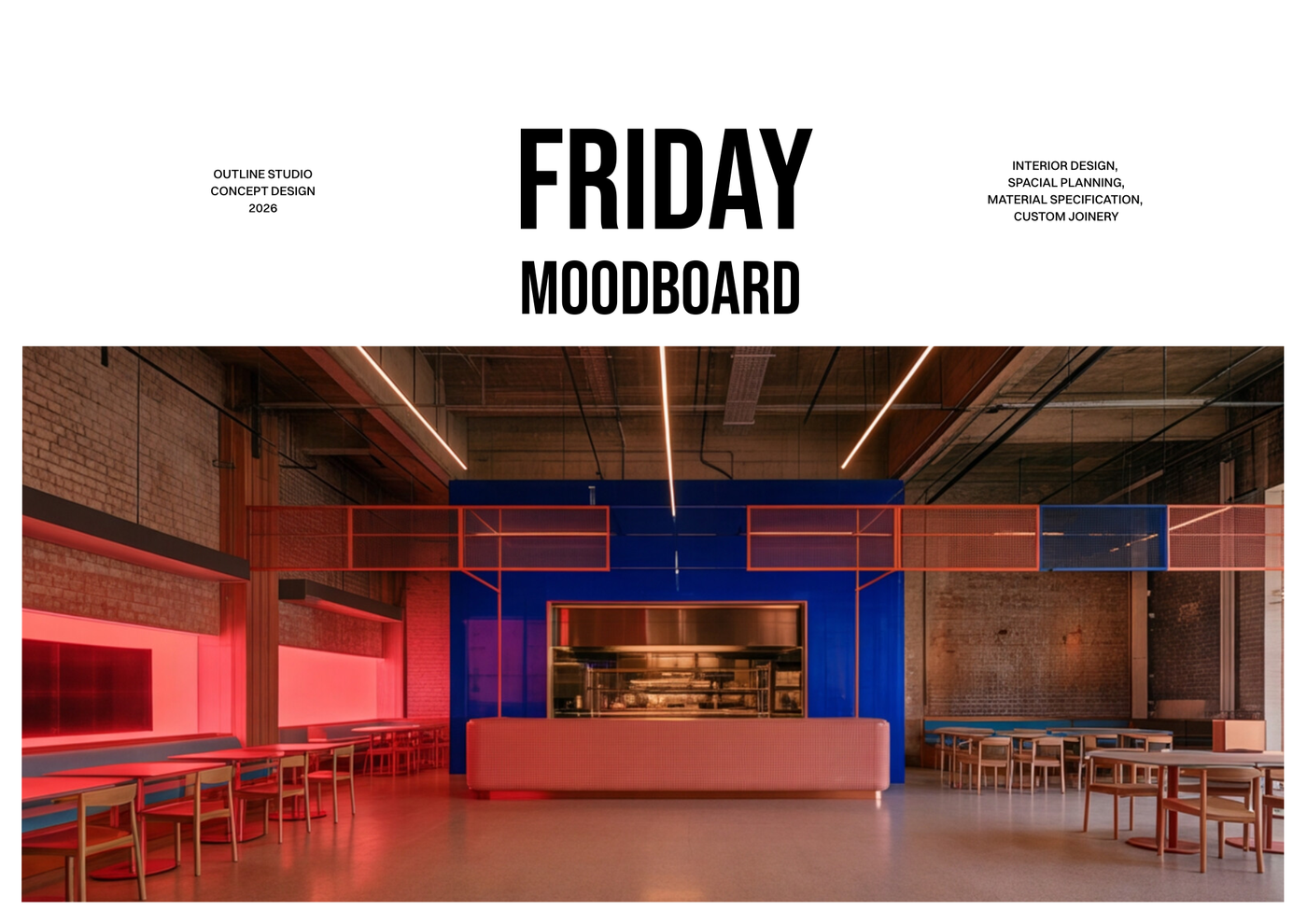
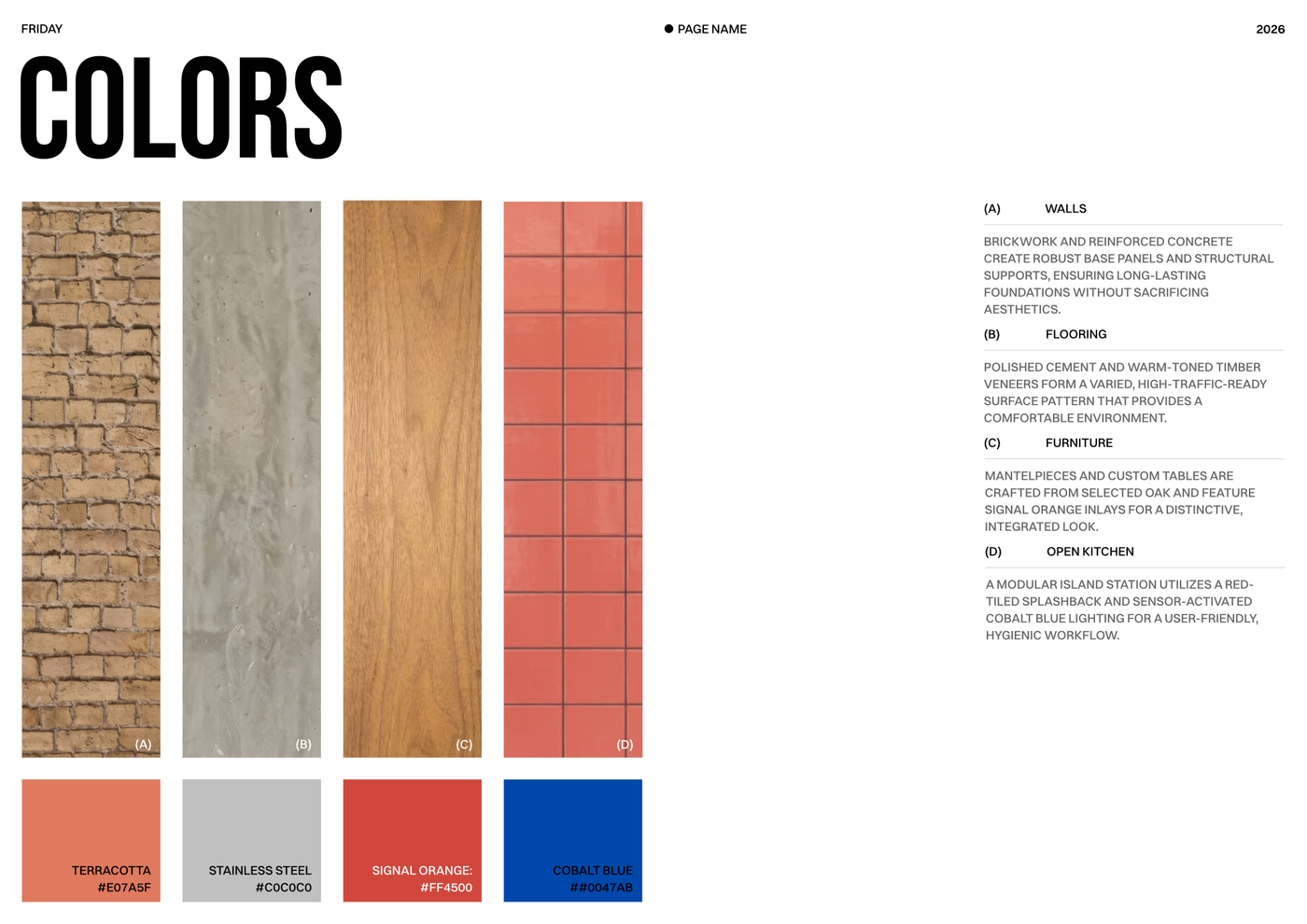
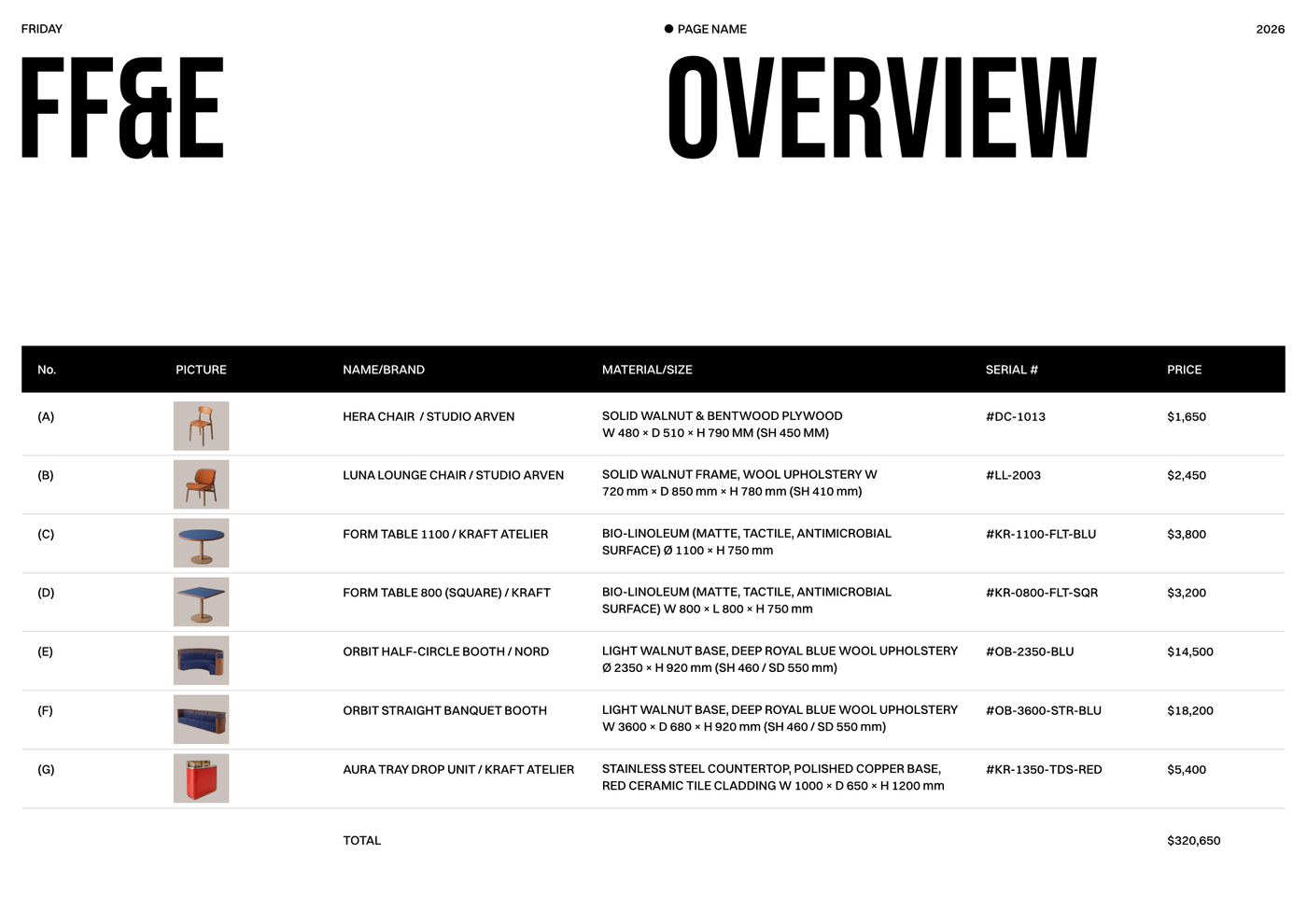
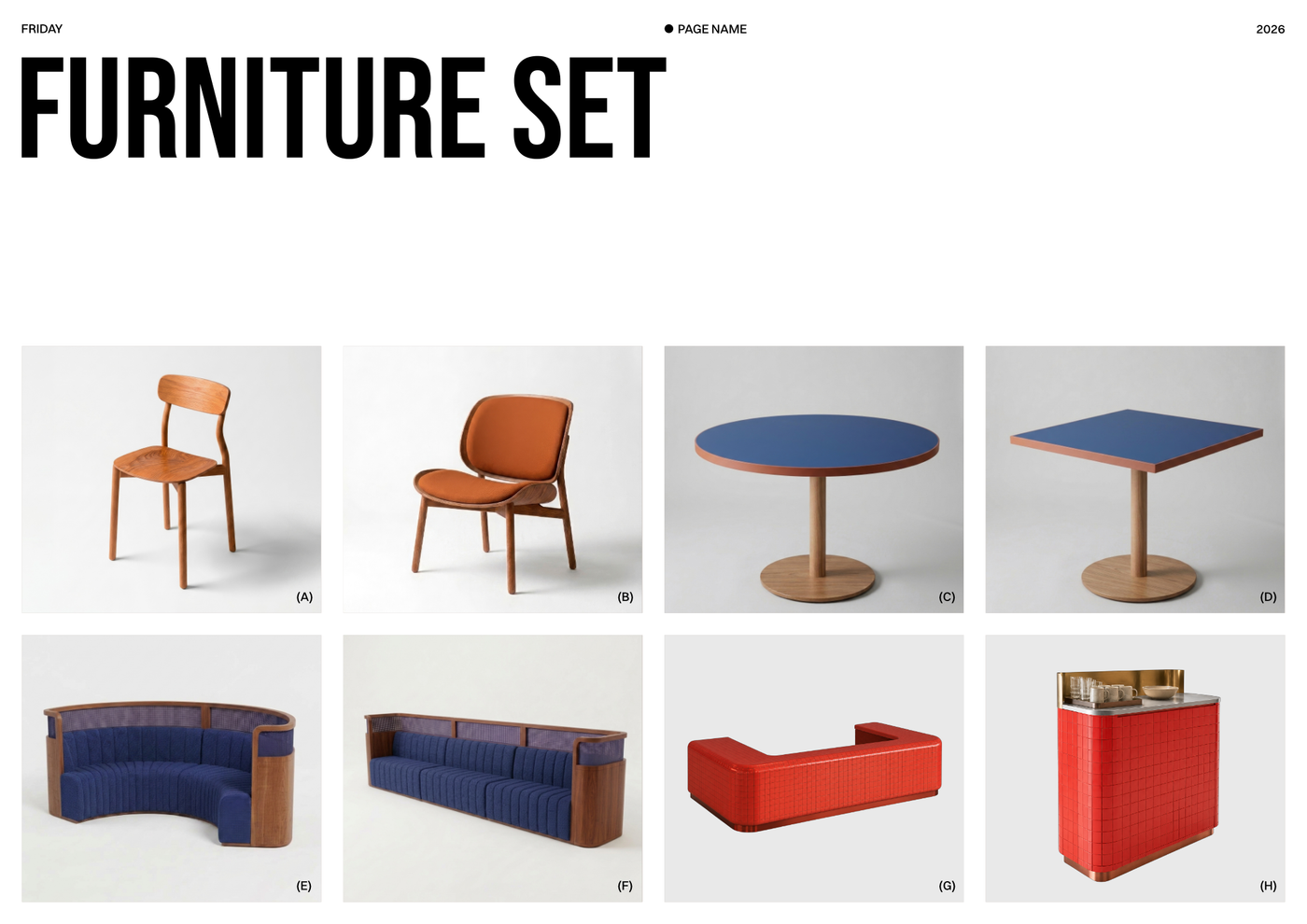
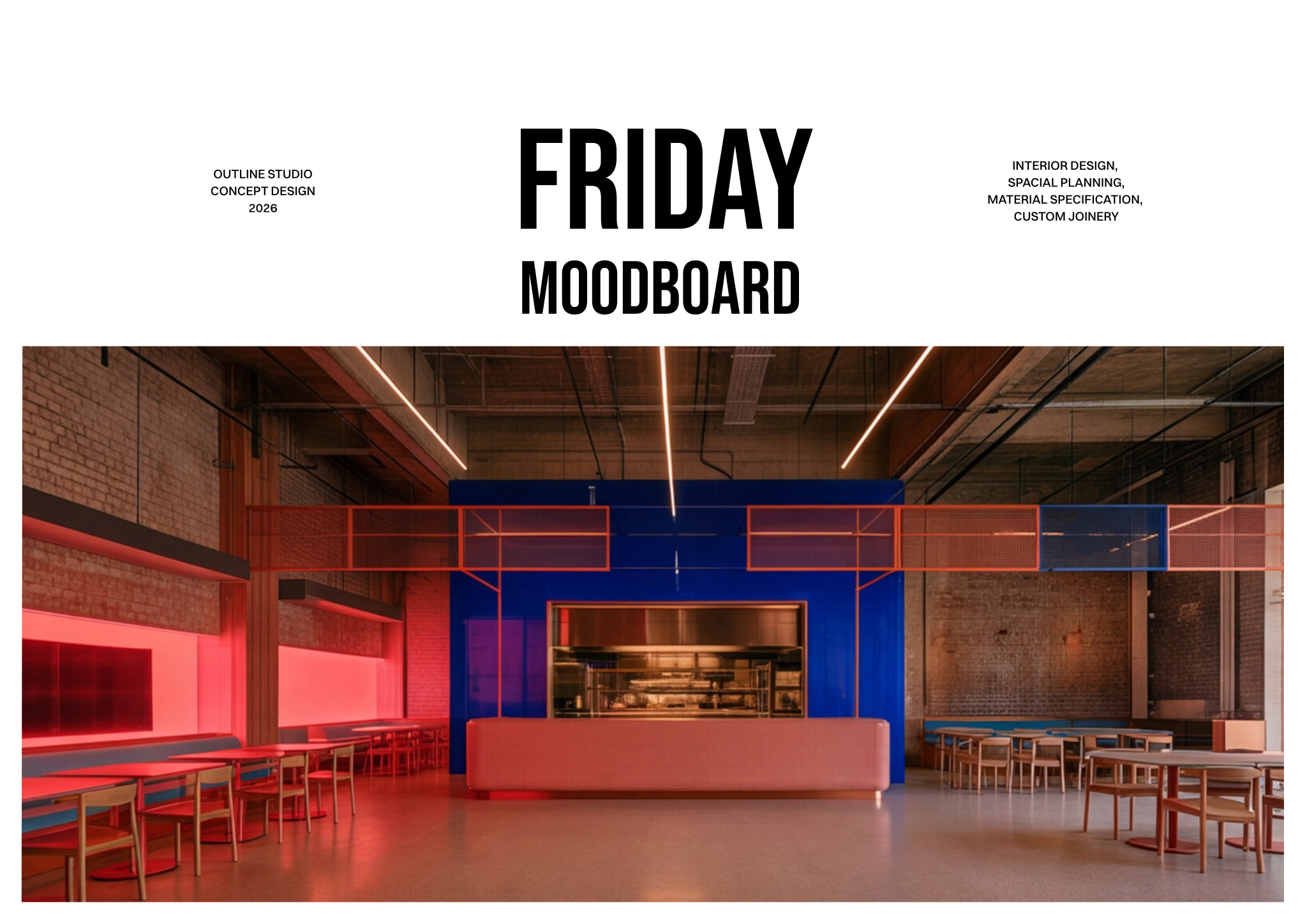
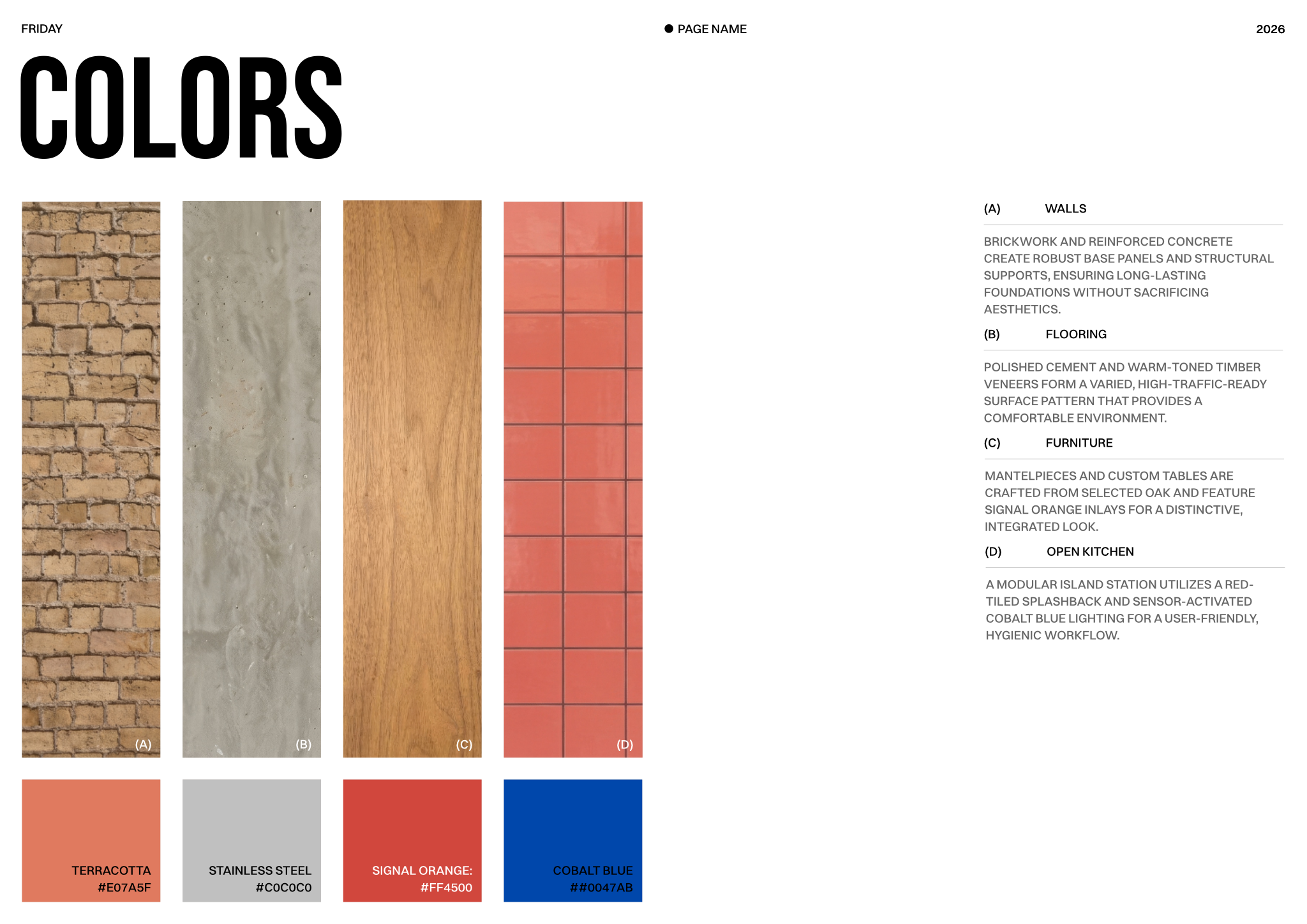
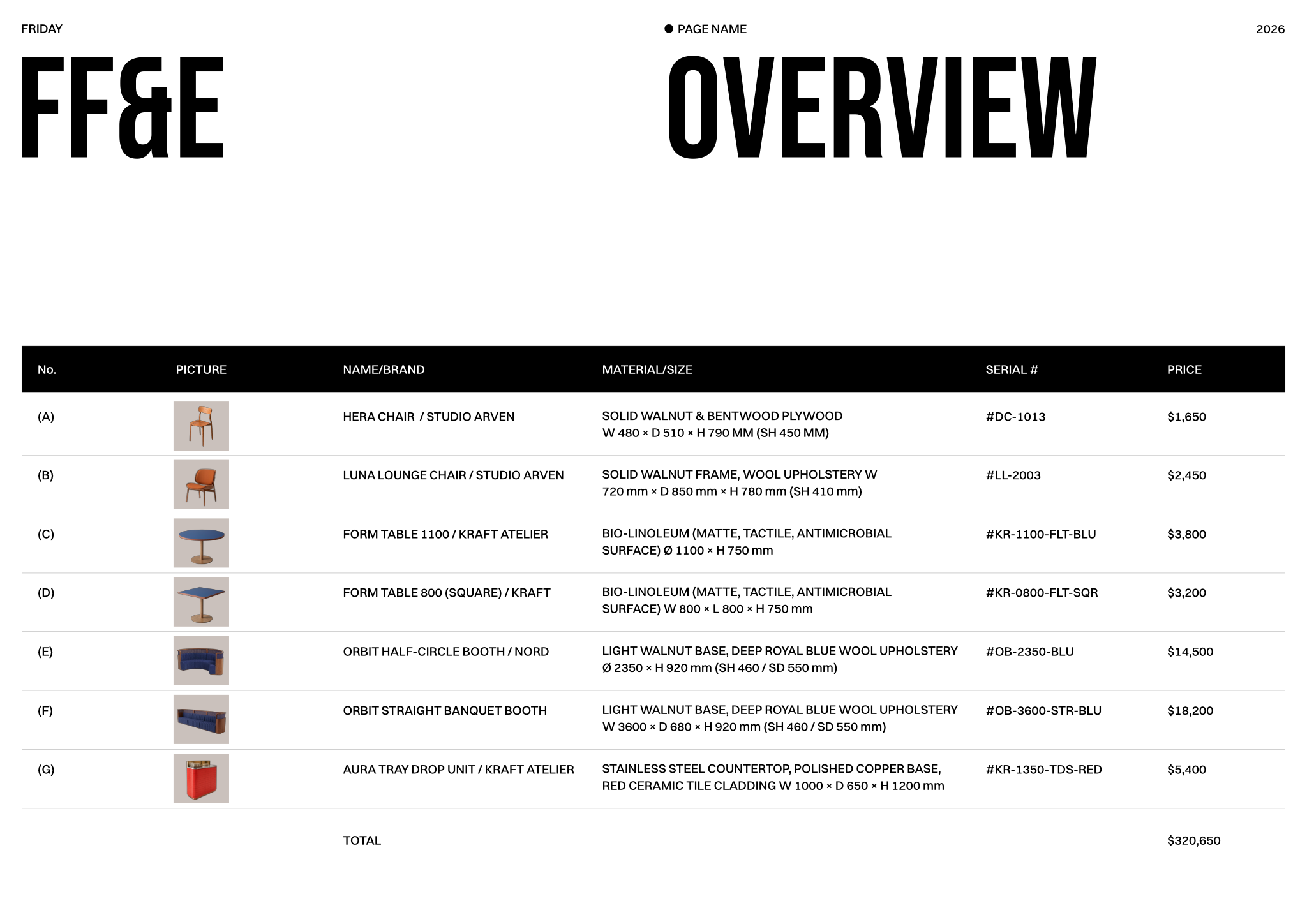
The document set features a cover page layout detailing the project title, design studio, and concept overview details. It includes material palette sheets with curated finishes, descriptive notes, and color specifications, paired with dedicated furniture set layouts displaying individual product shots for visual clarity. A detailed Furniture, Fixtures, and Equipment (FF&E) schedule organizes specifications, materials, and pricing for each item, supported by comprehensive block and style libraries with standardized layer lists, line weights, hatches, and print settings.
To begin, open the template in Rayon, a browser-based CAD tool, and adapt the layouts to your project requirements. You can easily insert new images, modify finish schedules, and reuse the built-in block and style libraries to maintain visual consistency across all sheets. Once the concept is finalized, export or print the presentation boards directly from your workspace.
What's included
- Cover page layout clearly defining project title, design studio, and concept overview details.
- Material palette sheets presenting a curated selection of finishes with descriptive notes and color specifications.
- Furniture, Fixtures, and Equipment (FF&E) schedule providing detailed specifications, materials, and pricing for each item.
- Dedicated furniture set layouts showcasing individual product shots for visual clarity and selection purposes.
- Comprehensive block and style libraries, including consistent layer lists, line weights, hatches, and print settings.
Looking for more like this? Browse all moodboard and material selection templates.
Read the guide
Learn the workflow on Rayon Academy
More templates
Browse all ↗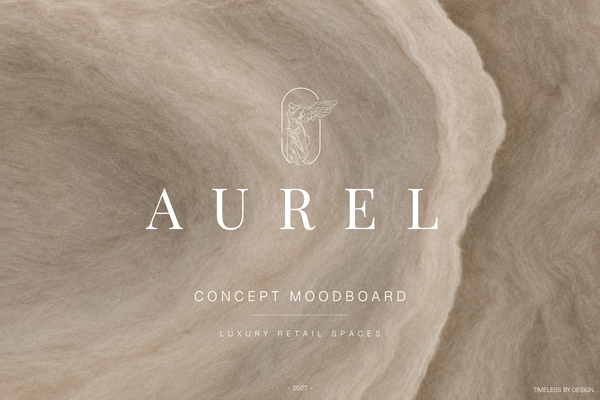
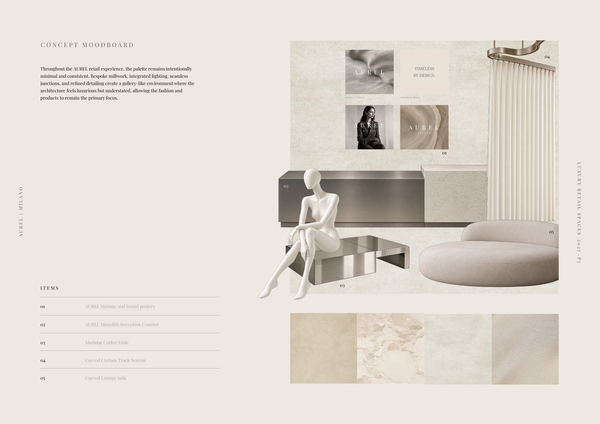
AUREL - Concept moodboard
A curated concept moodboard template for presenting the visual identity, materials, colors, and atmosphere of a luxury retail space.
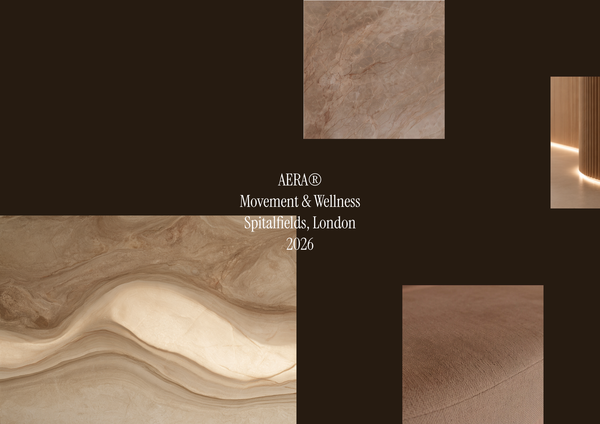
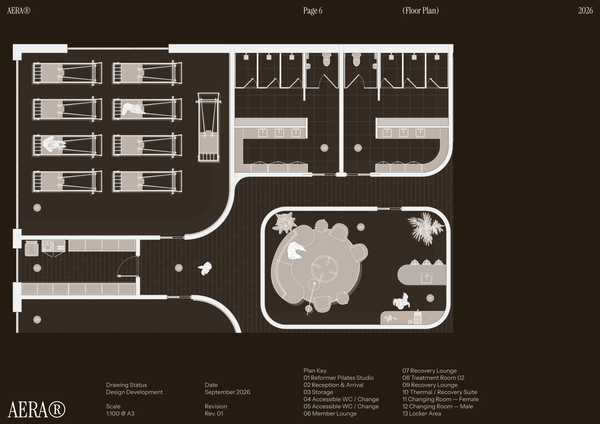
AERA - Moodboard
A curated moodboard template for presenting the atmosphere, materials, colors, and design direction of a modern wellness center and pilates studio.
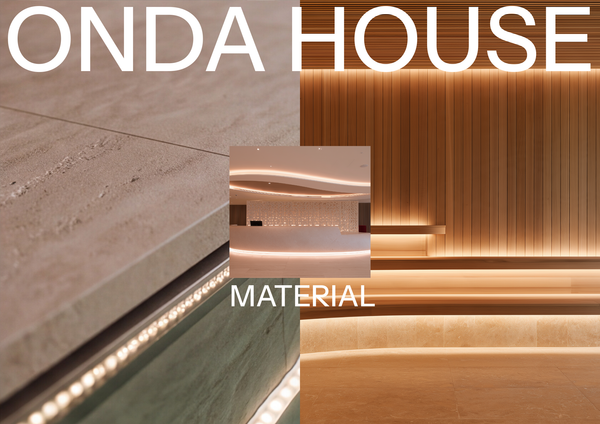
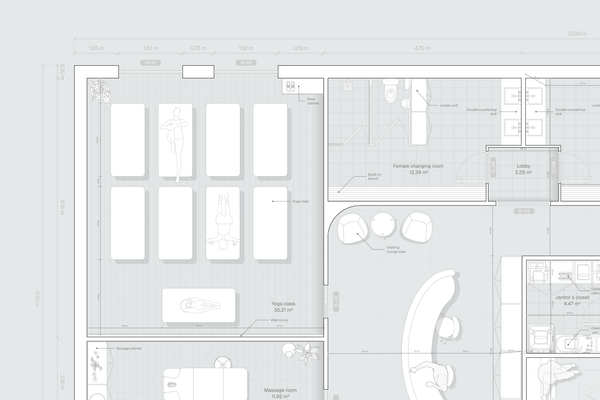
ONDA HOUSE - Material selection
A refined material selection template for presenting curated finishes, textures, colors, and natural materials for a luxury spa and wellness center.
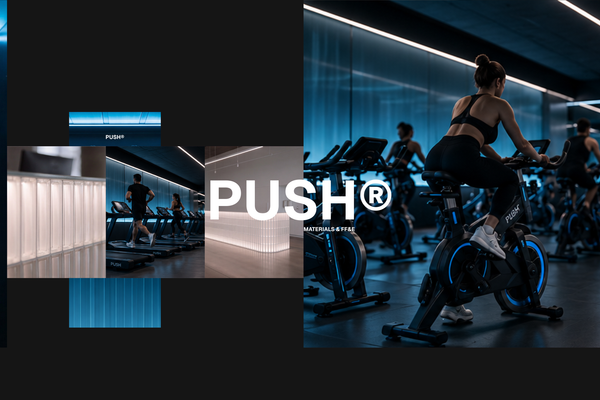
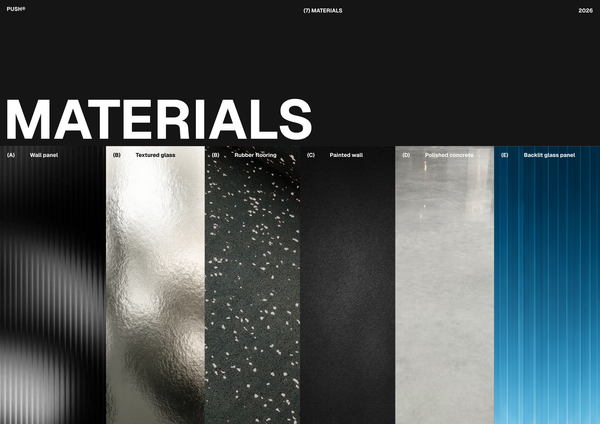
PUSH - Materials & FF&E A3
A refined A3 Materials & FF&E template for presenting curated finishes, furniture, fixtures, and equipment for high-end fitness spaces.
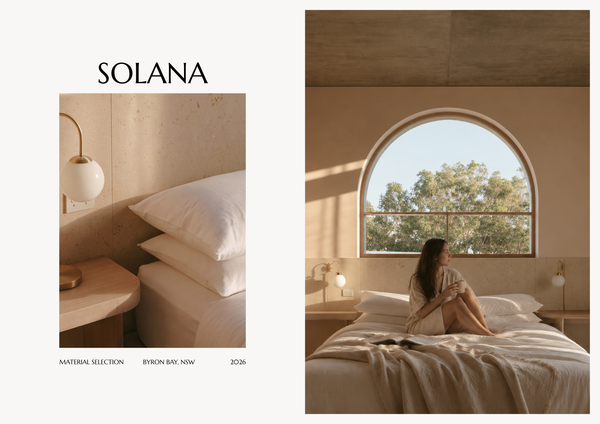
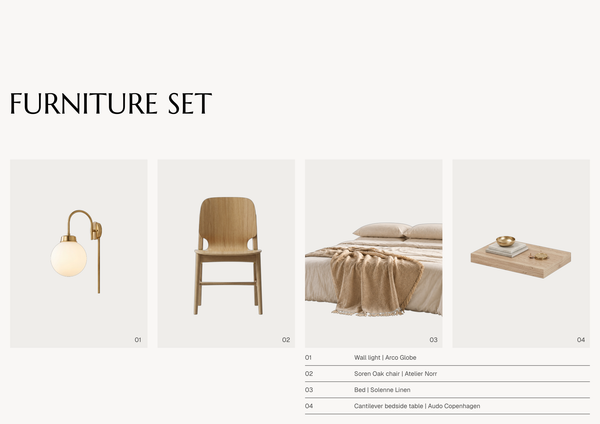
SOLANA - Material selection A4
A refined A4 material selection template for presenting curated finishes, textures, colors, and materials for luxury hotel interiors.
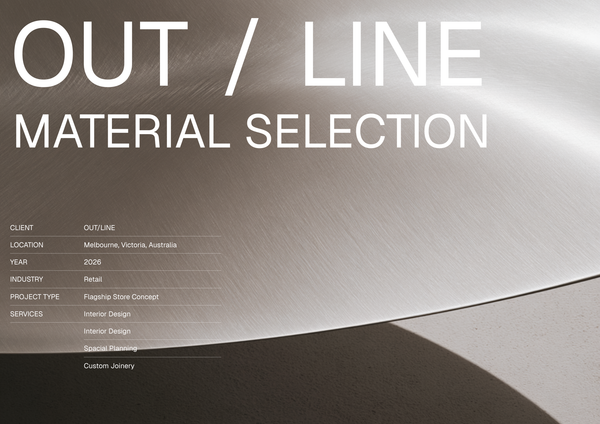
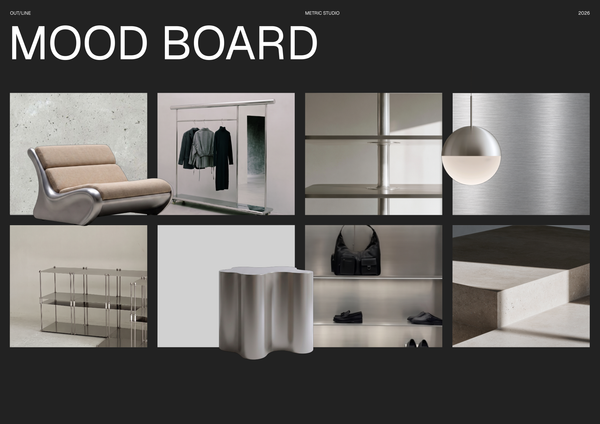
OUTLINE - Material selection
A curated material selection template for presenting finishes, textures, and key design elements for modern sports retail interiors.
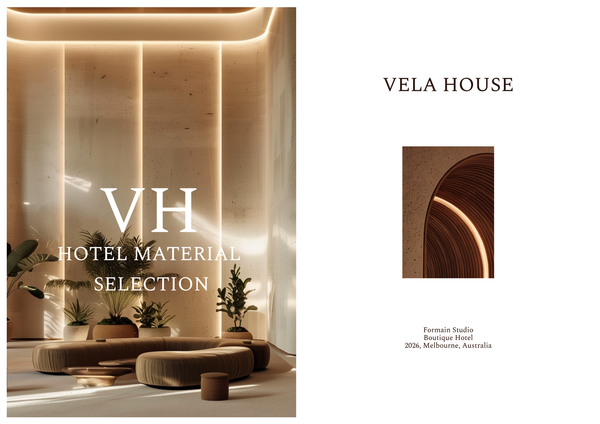
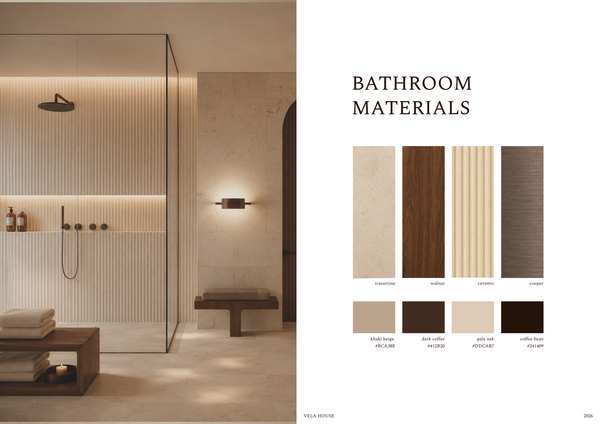
Material selection & FF&E - Luxury hotel
A refined material selection and FF&E template for presenting luxury hotel finishes, furniture, fixtures, and specifications in one cohesive layout.
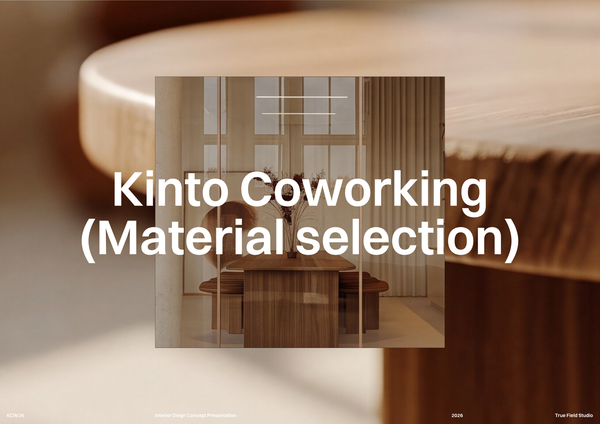
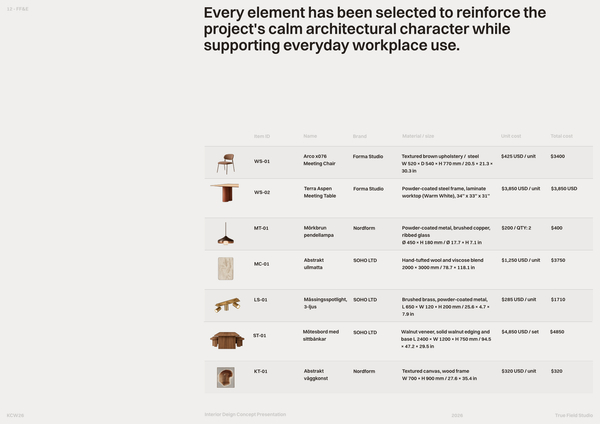
Co-working space material selection
A curated material selection template to organize finishes, textures, colors, and key specifications for office interior projects.
Frequently asked questions
Who is this template for?
This template is for designers, architects, and students developing or presenting the visual identity and design direction of a restaurant chain. It suits projects that need a coordinated presentation of concept details, materials, colors, furniture, fixtures, and equipment, supported by palette sheets, product layouts, and a detailed FF&E schedule.
How do I use this template?
Open the template in Rayon, a browser-based CAD tool, and adapt the drawings, cover page, material palettes, and furniture layouts to your restaurant project. Update the FF&E specifications, materials, and pricing, and reuse the included blocks and styles for consistent layers, line weights, and hatches. Then present the sheets or export/print them using the included print settings.
What does the Moodboard - Restaurant chain template include?
The template includes a cover page, material palette sheets, an FF&E schedule, and dedicated furniture set layouts. It also provides block and style libraries with consistent layer lists, line weights, hatches, and print settings. Together, these parts support a presentation of a restaurant chain’s visual identity, materials, colors, and design direction.
What project information belongs on the cover page?
The cover page layout provides space to clearly identify the project title, design studio, and concept overview details. For a restaurant chain presentation, these elements establish the identity and overall direction of the proposal before the material selections and furniture information appear on the following sheets.
What information do the material palette sheets present?
The material palette sheets present a curated selection of finishes, supported by descriptive notes and color specifications. They document the material and color choices that shape the restaurant chain’s visual direction. When adapting these sheets, keep the finish selections and their descriptions aligned with the concept outlined on the cover page.
What details are included in the FF&E schedule?
The Furniture, Fixtures, and Equipment schedule includes detailed specifications, materials, and pricing for each item. It provides a structured reference for the selections that contribute to the restaurant chain’s design direction. Alongside the visual moodboard content, it records item-level information so the presentation is not limited to imagery alone.
How do the furniture set layouts complement the FF&E schedule?
The dedicated furniture set layouts showcase individual product shots for visual clarity and selection purposes. The FF&E schedule provides the accompanying type of information needed to describe those selections: specifications, materials, and pricing. Keeping the product imagery and schedule entries consistent helps the visual presentation and written details communicate the same furniture choices.
What presentation standards are covered by the block and style libraries?
The block and style libraries include consistent layer lists, line weights, hatches, and print settings. These resources support a coordinated presentation across the template’s sheets and layouts. When adapting the content, maintaining those conventions can help the cover, material palettes, schedule, and furniture imagery read as parts of one design presentation.
How can the template be adapted to a different restaurant chain identity?
Start by revising the project title, studio information, and concept overview to reflect the restaurant chain being presented. Update the finish selections, descriptive notes, color specifications, furniture product shots, and FF&E details to match that direction. Retain consistent presentation styles across the revised sheets so the new identity is communicated coherently.
Which design decisions can this restaurant chain moodboard document?
The template can document the proposed visual identity, finish palette, color choices, and furniture, fixture, and equipment selections for a restaurant chain. Its concept overview explains the overall direction, while the palette sheets and furniture layouts make selections visible. The FF&E schedule adds specifications, materials, and pricing to support those choices with written detail.