
OUTLINE - Material selection
A curated material selection template for presenting finishes, textures, and key design elements for modern sports retail interiors.
About this template
This template is built for interior designers, architects, and design students working on modern sports retail interiors. Curating and communicating tactile finishes, fixtures, and design intent often requires balancing high-level inspiration with precise specification data. The OUTLINE - Material selection template organizes these elements into a single cohesive presentation, helping teams communicate aesthetic directions and technical details clearly to clients and contractors.
The set begins with a cover sheet outlining project details and services offered, followed by a mood board presentation layout designed to capture visual inspiration and establish the core aesthetic vision. For technical coordination, it includes an FF&E schedule that details furniture, fixtures, and equipment choices with material descriptions and placement data. An individual product specification sheet captures specific brand, dimension, material, pricing, and lead time information. All sheets are supported by preconfigured layer lists, line weights, hatches, print settings, and complete block and style libraries.
To get started, open the template in Rayon, a browser-based CAD tool. You can readily adapt the layouts to your specific project, modify finishes and schedules, and reuse the built-in blocks and drawing styles for ongoing work. When your documentation is finalized, export or print the sheets for presentation meetings or client reviews.
What's included
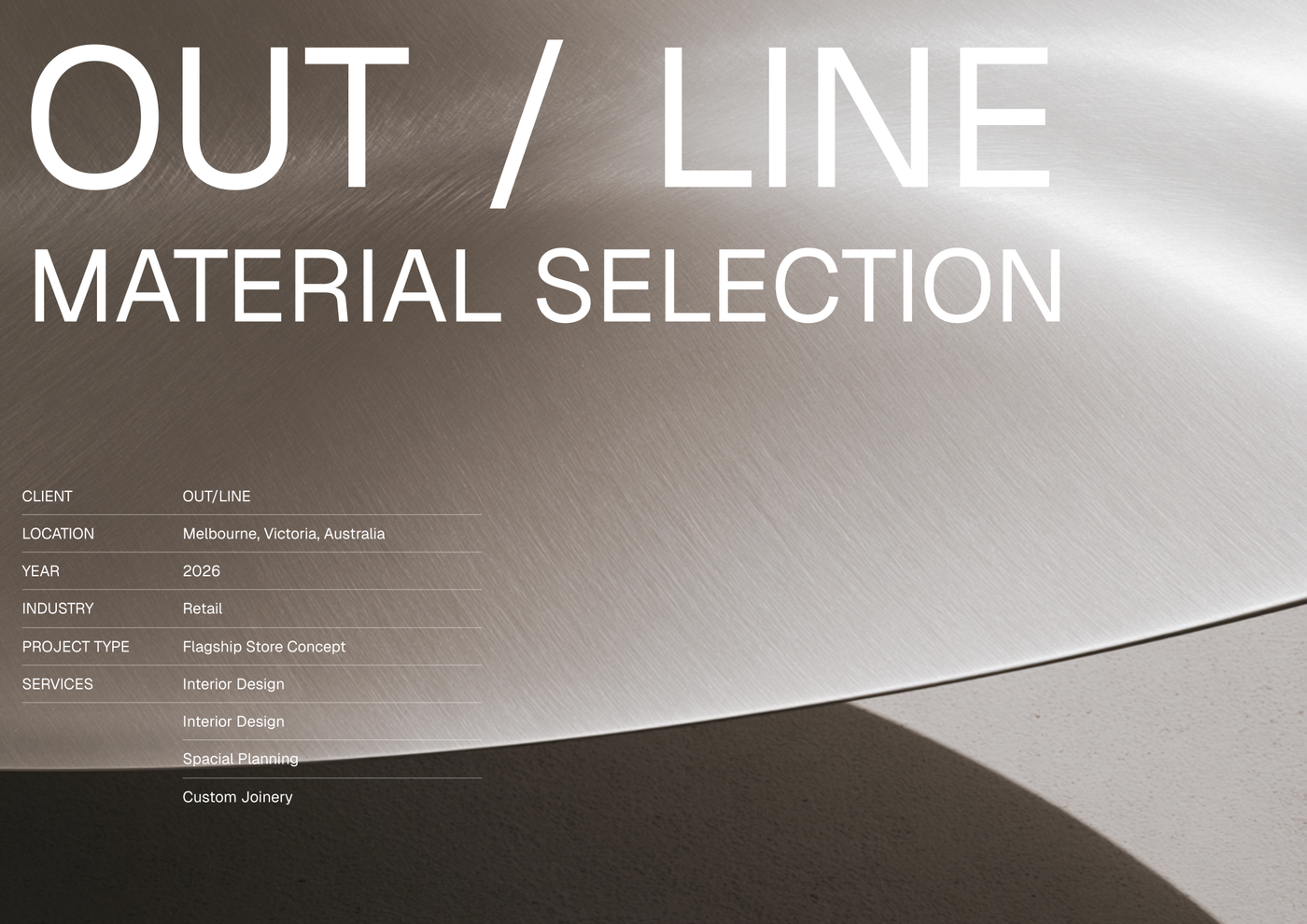
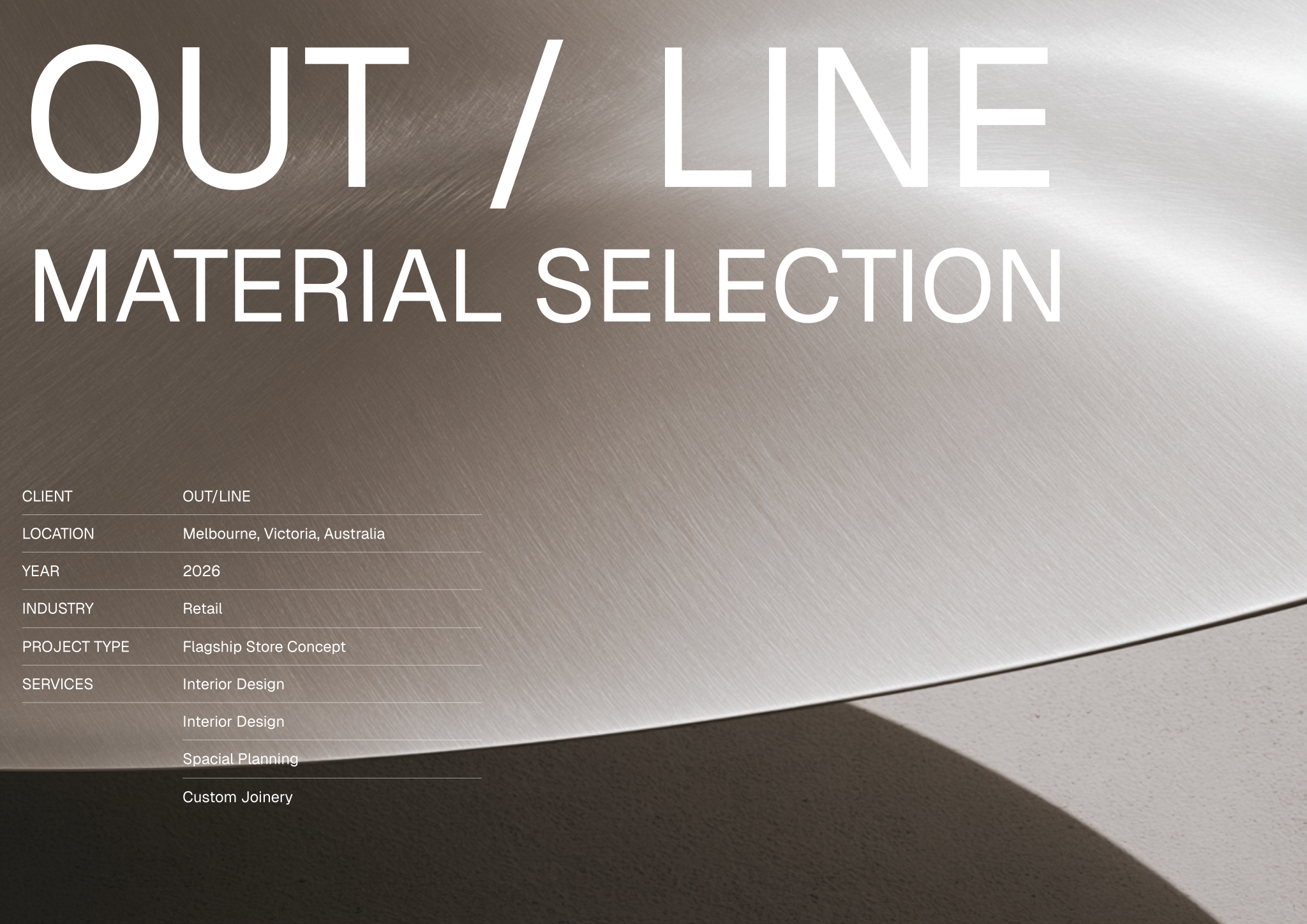
- Template cover sheet for 'OUTLINE - Material Selection' providing project details and services offered.
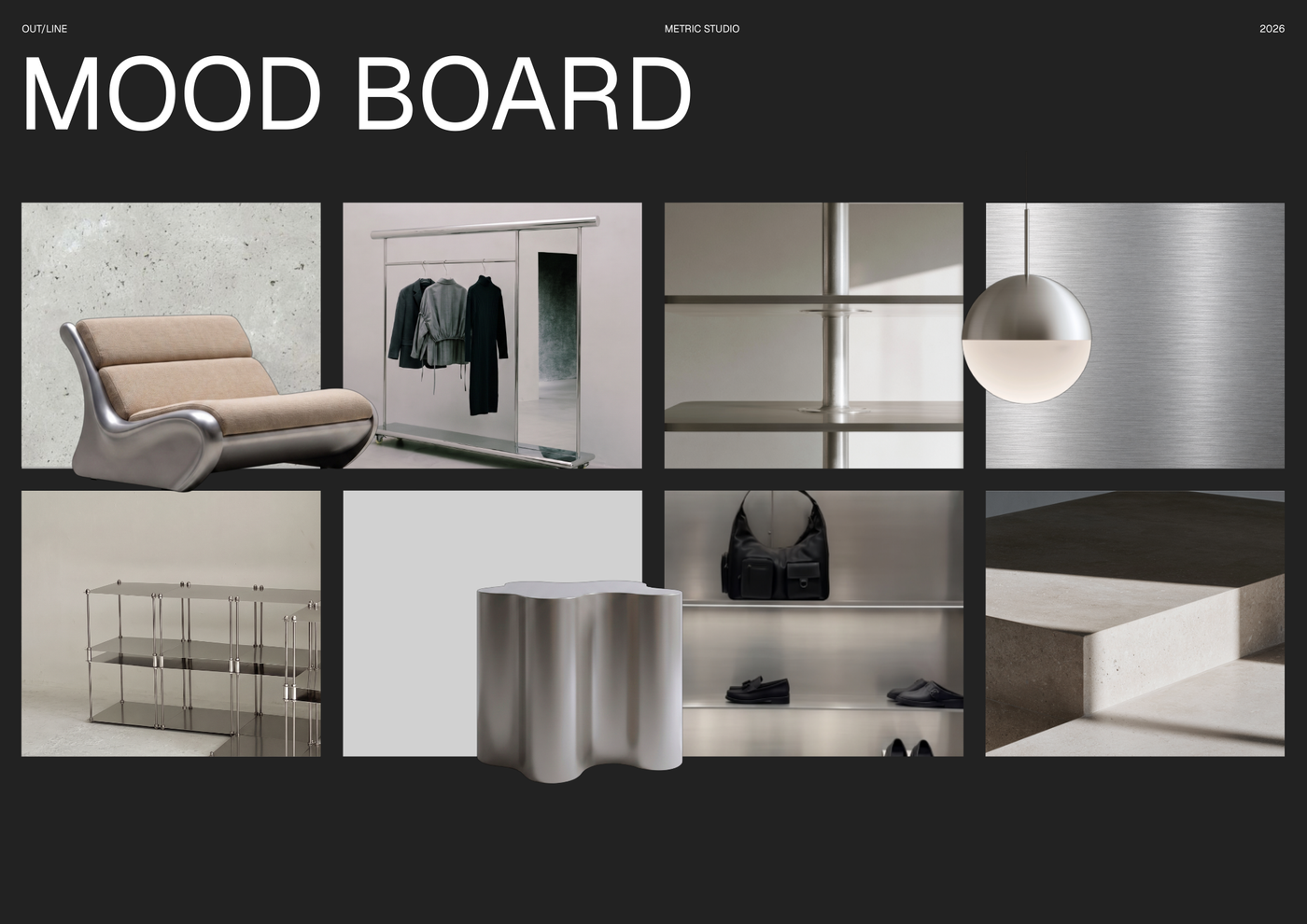
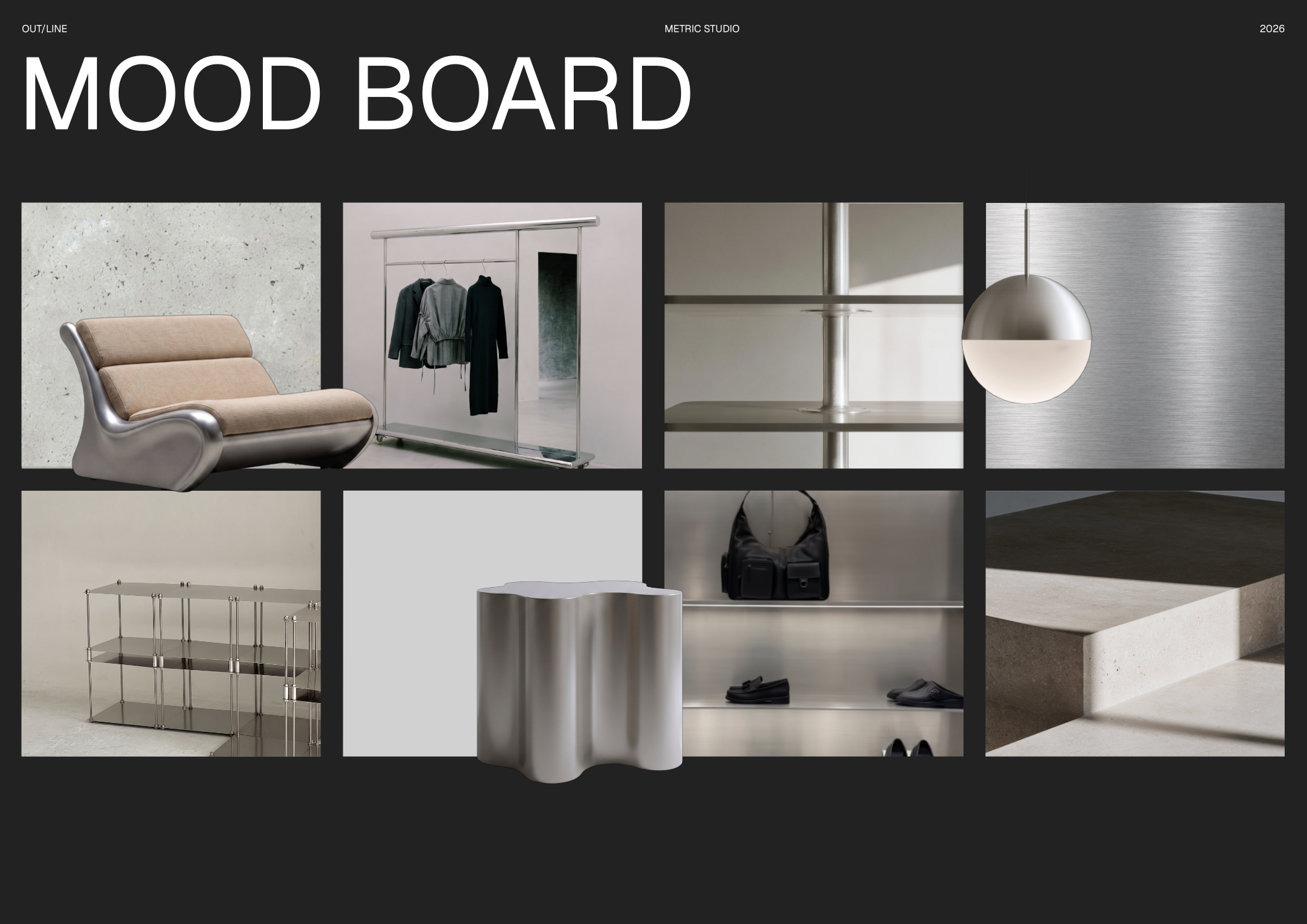
- Mood board presentation layout for capturing design inspiration and establishing the core aesthetic vision.
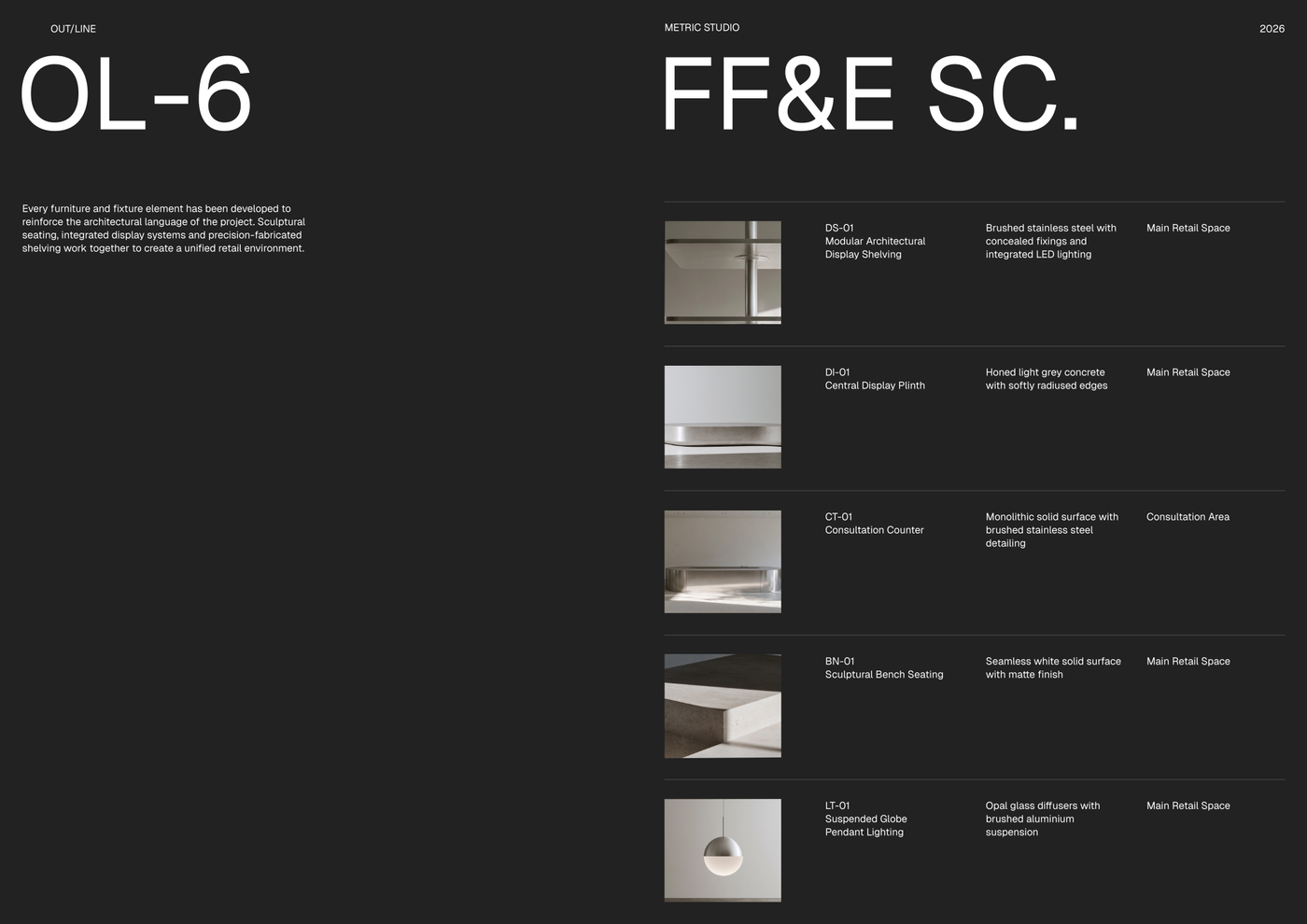
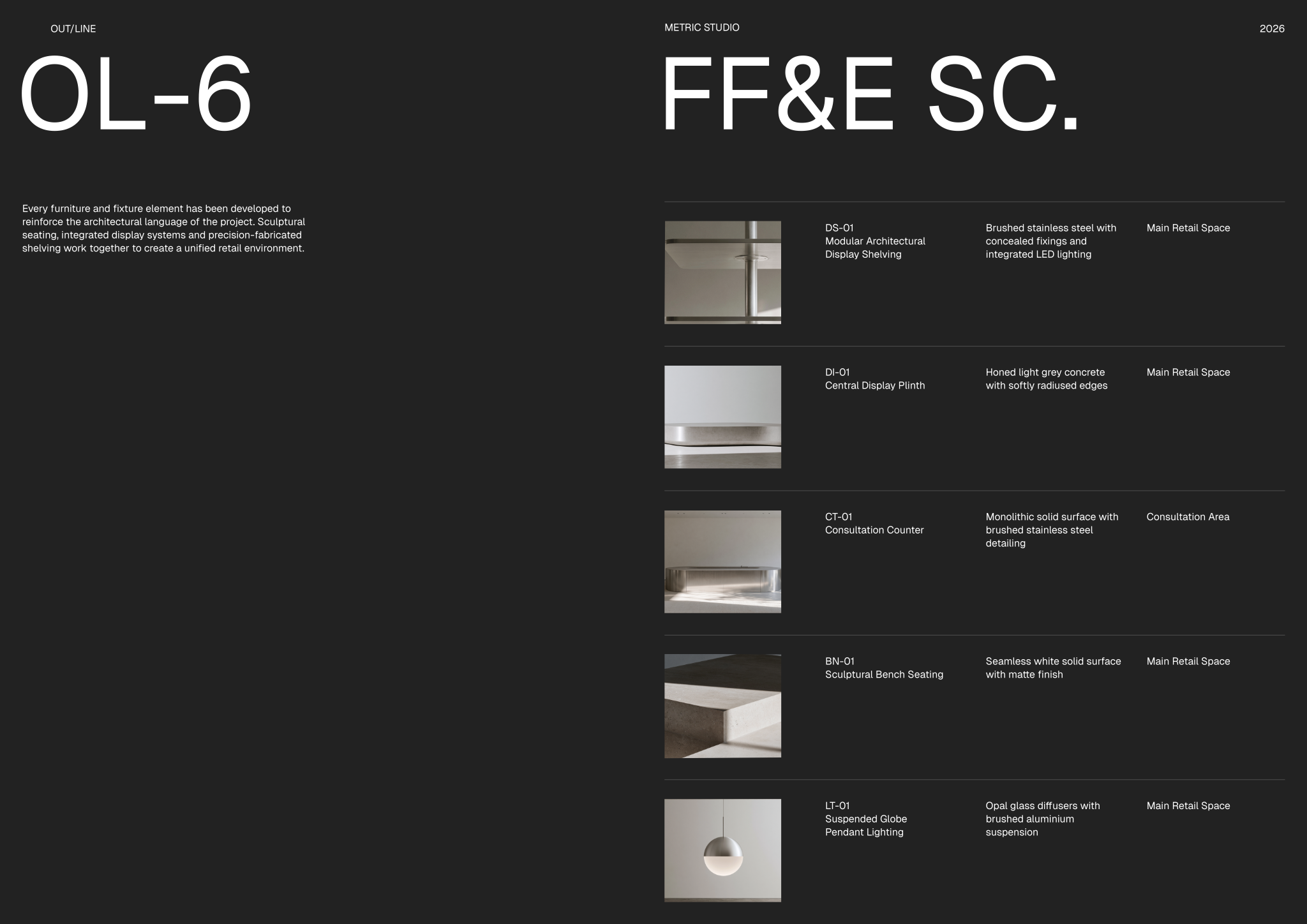
- FF&E schedule detailing specific furniture, fixtures, and equipment selections with material descriptions and placement.
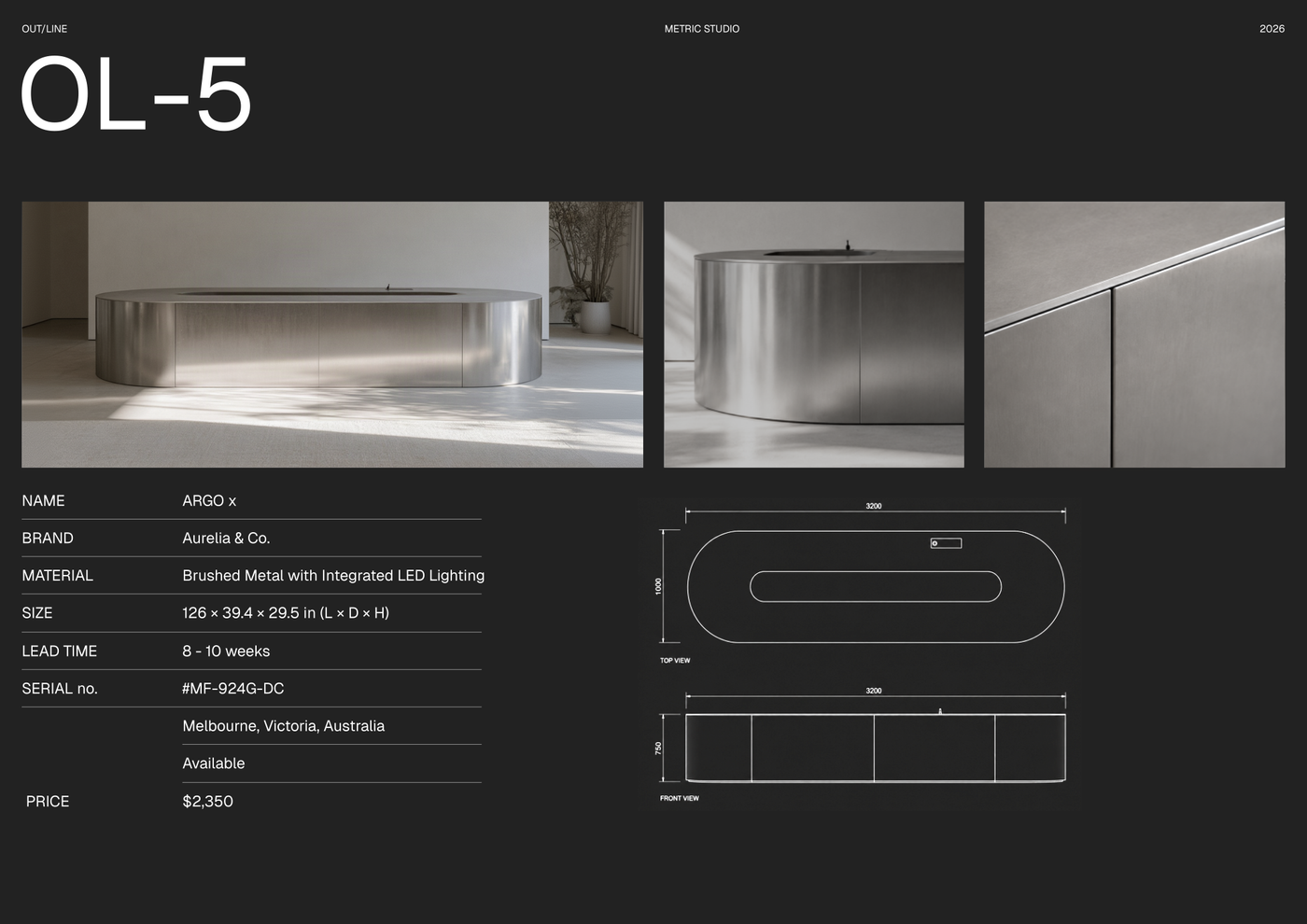
- Individual product specification sheet including dimensions, materials, brand, lead time, and pricing information.
- The template ships with full block and style libraries plus model formatting (layer list, line weights, hatches, print settings, etc.) ready to support the use case.
Looking for more like this? Browse all moodboard and material selection templates.
Read the guide
Learn the workflow on Rayon Academy
More templates
Browse all ↗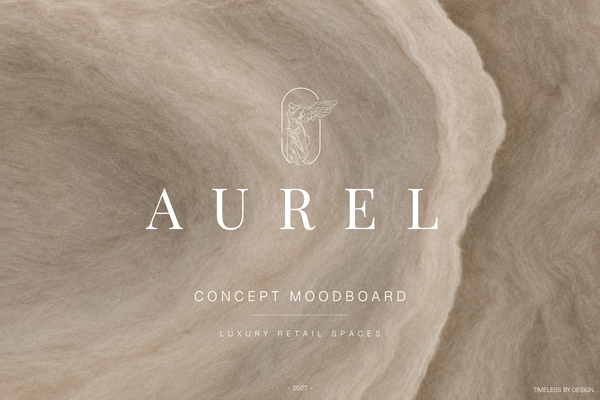
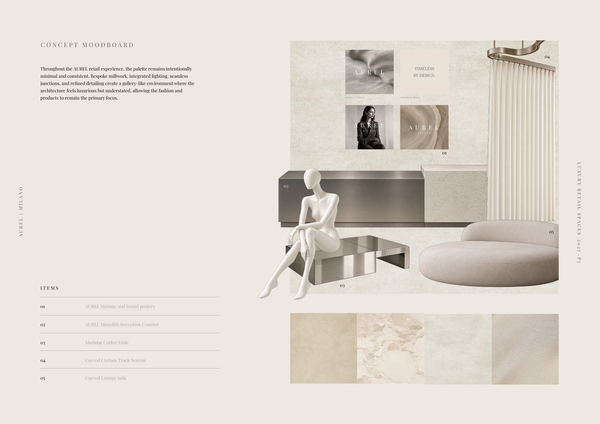
AUREL - Concept moodboard
A curated concept moodboard template for presenting the visual identity, materials, colors, and atmosphere of a luxury retail space.
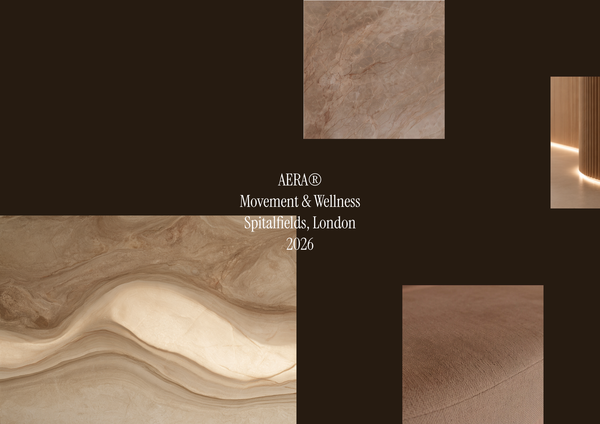
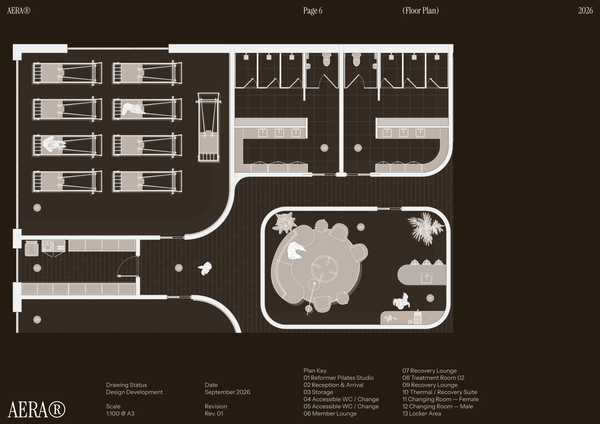
AERA - Moodboard
A curated moodboard template for presenting the atmosphere, materials, colors, and design direction of a modern wellness center and pilates studio.
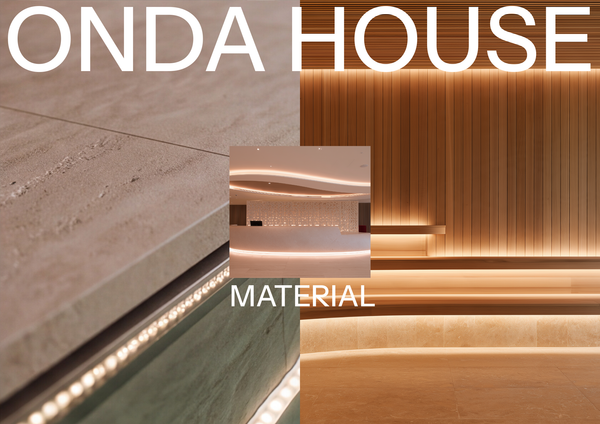
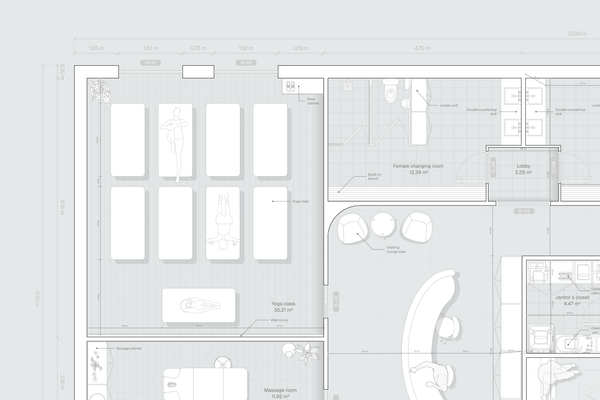
ONDA HOUSE - Material selection
A refined material selection template for presenting curated finishes, textures, colors, and natural materials for a luxury spa and wellness center.
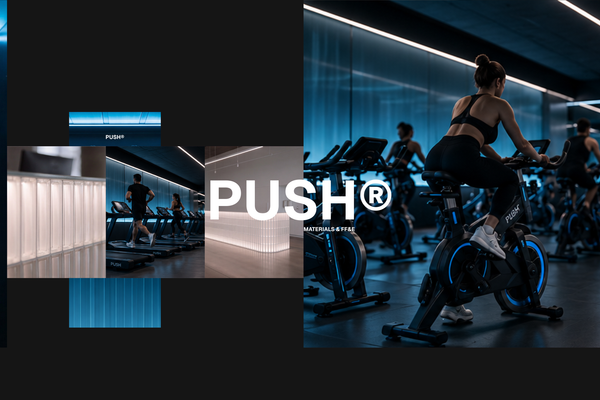
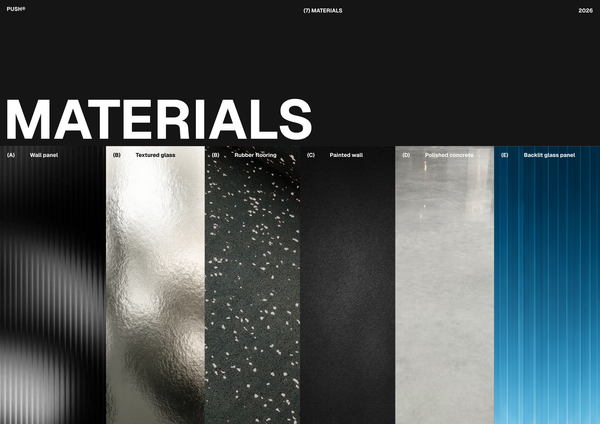
PUSH - Materials & FF&E A3
A refined A3 Materials & FF&E template for presenting curated finishes, furniture, fixtures, and equipment for high-end fitness spaces.
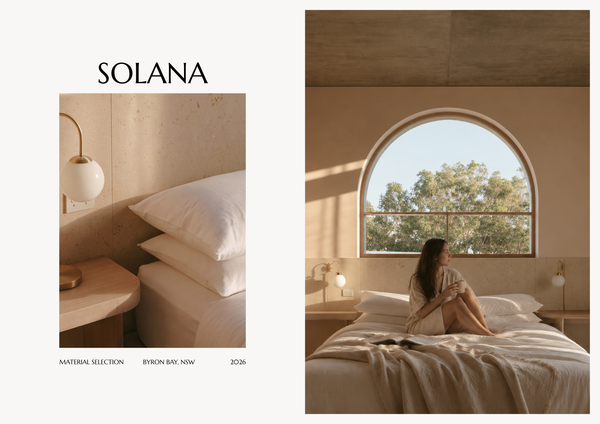
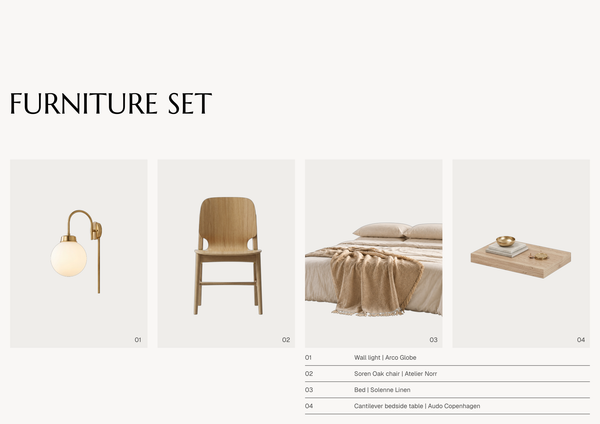
SOLANA - Material selection A4
A refined A4 material selection template for presenting curated finishes, textures, colors, and materials for luxury hotel interiors.
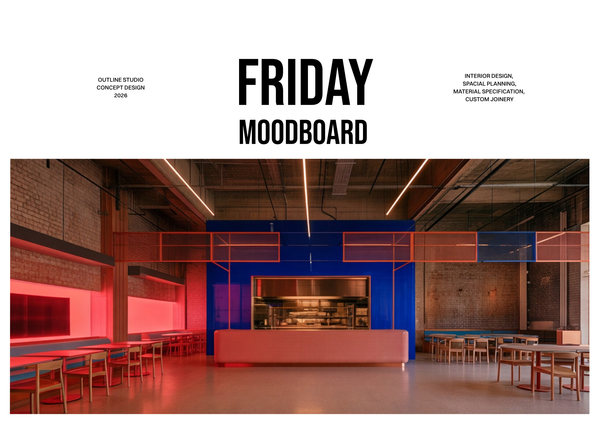
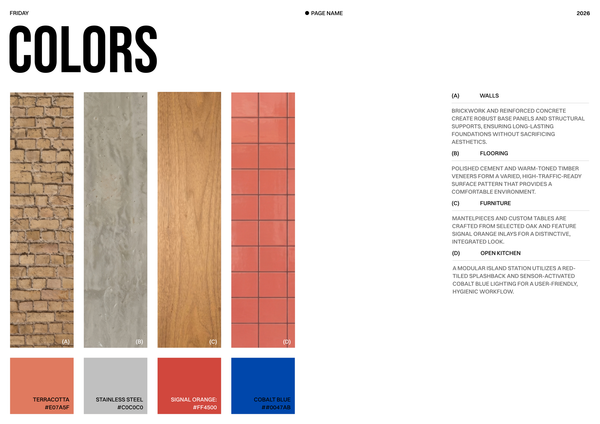
Moodboard - Restaurant chain
A curated moodboard template for presenting the visual identity, materials, colors, and design direction of a restaurant chain.
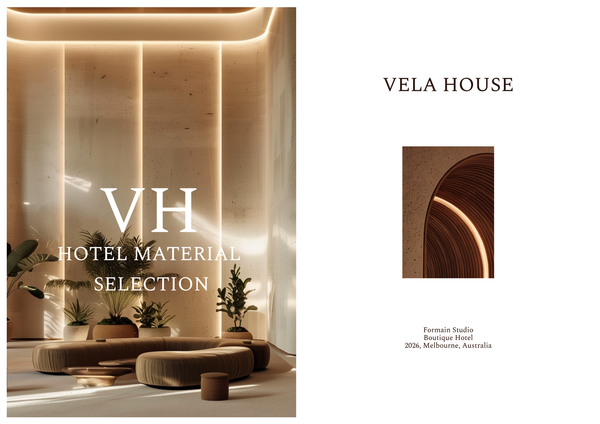
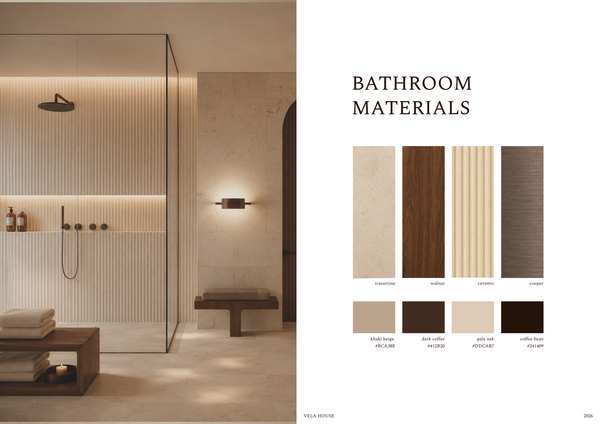
Material selection & FF&E - Luxury hotel
A refined material selection and FF&E template for presenting luxury hotel finishes, furniture, fixtures, and specifications in one cohesive layout.
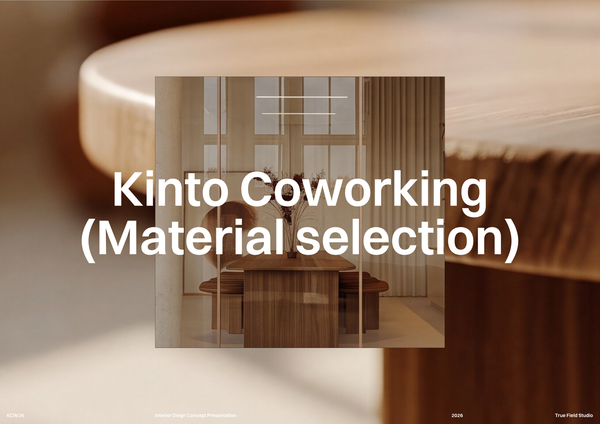
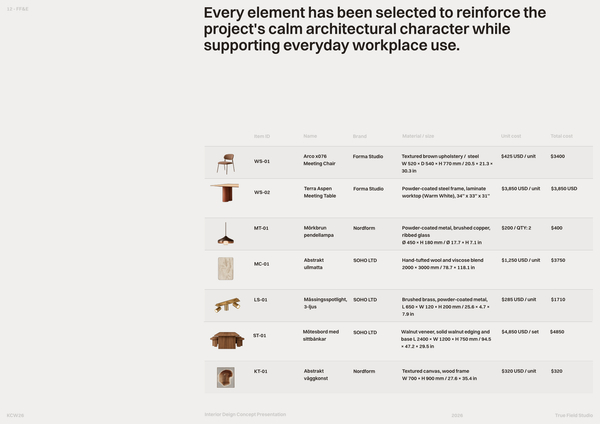
Co-working space material selection
A curated material selection template to organize finishes, textures, colors, and key specifications for office interior projects.
Frequently asked questions
Who is this template for?
This template is for designers, architects, and students presenting material selections for modern sports retail interiors. It suits projects that need a curated overview of finishes, textures, and key design elements, supported by a mood board, an FF&E schedule, and individual product specification sheets.
How do I use this template?
Open the template in Rayon, a browser-based CAD tool, and adapt the drawings, project details, mood board, FF&E schedule, and product specifications to your project. Reuse the included block and style libraries and ready-made model formatting, including layers, line weights, hatches, and print settings. Then present the sheets or export/print them.
What is included in the OUTLINE - Material Selection template?
The template includes a cover sheet, a mood board presentation layout, an FF&E schedule, and an individual product specification sheet. Together, these support the presentation of finishes, textures, and key design elements for modern sports retail interiors. Full block and style libraries and model formatting are also included to support this use case.
What project information belongs on the template’s cover sheet?
The cover sheet introduces the presentation under the title “OUTLINE - Material Selection” and provides space for project details and services offered. You can adapt that information to the sports retail project being presented. It establishes the project context before the mood board, FF&E selections, and individual product specifications provide more detail.
What does the mood board layout help communicate for a sports retail interior?
The mood board presentation layout captures design inspiration and establishes the core aesthetic vision for a modern sports retail interior. It supports a curated presentation of finishes, textures, and key design elements. This gives the material selection a visual context, while the FF&E schedule and product specification sheet document more specific selection information.
What selection details does the FF&E schedule document?
The FF&E schedule details specific furniture, fixtures, and equipment selections, including material descriptions and placement. It connects the selected items to their intended locations within the sports retail interior. This makes its role distinct from the mood board, which establishes the aesthetic vision, and the product specification sheet, which records individual product details.
What information is included on the individual product specification sheet?
The individual product specification sheet includes dimensions, materials, brand, lead time, and pricing information. These fields provide a more detailed record of a selected product than the overall mood board presentation. When adapting the sheet, enter the information for the product being specified so its material and practical details can be reviewed together.
How do the mood board, FF&E schedule, and product specification sheet fit together?
The mood board establishes the core aesthetic vision, while the FF&E schedule documents specific furniture, fixtures, and equipment selections with material descriptions and placement. The individual product specification sheet adds dimensions, materials, brand, lead time, and pricing. Together, these parts connect the visual direction of the sports retail interior with the details of its selected items.
How can I adapt the template’s content to a specific sports retail project?
Adapt the cover sheet with the project details and services offered, then tailor the mood board to the intended finishes, textures, and design elements. Update the FF&E schedule with the selected furniture, fixtures, equipment, material descriptions, and placement. Complete the individual product specification sheet with the relevant dimensions, materials, brand, lead time, and pricing information.
What libraries and formatting are supplied alongside the material selection sheets?
The template ships with full block and style libraries, plus model formatting ready to support the material selection use case. The supplied formatting includes a layer list, line weights, hatches, and print settings. These resources accompany the presentation layouts and selection documentation, providing a formatting foundation when adapting the template to a modern sports retail interior.