
PUSH - Materials & FF&E A3
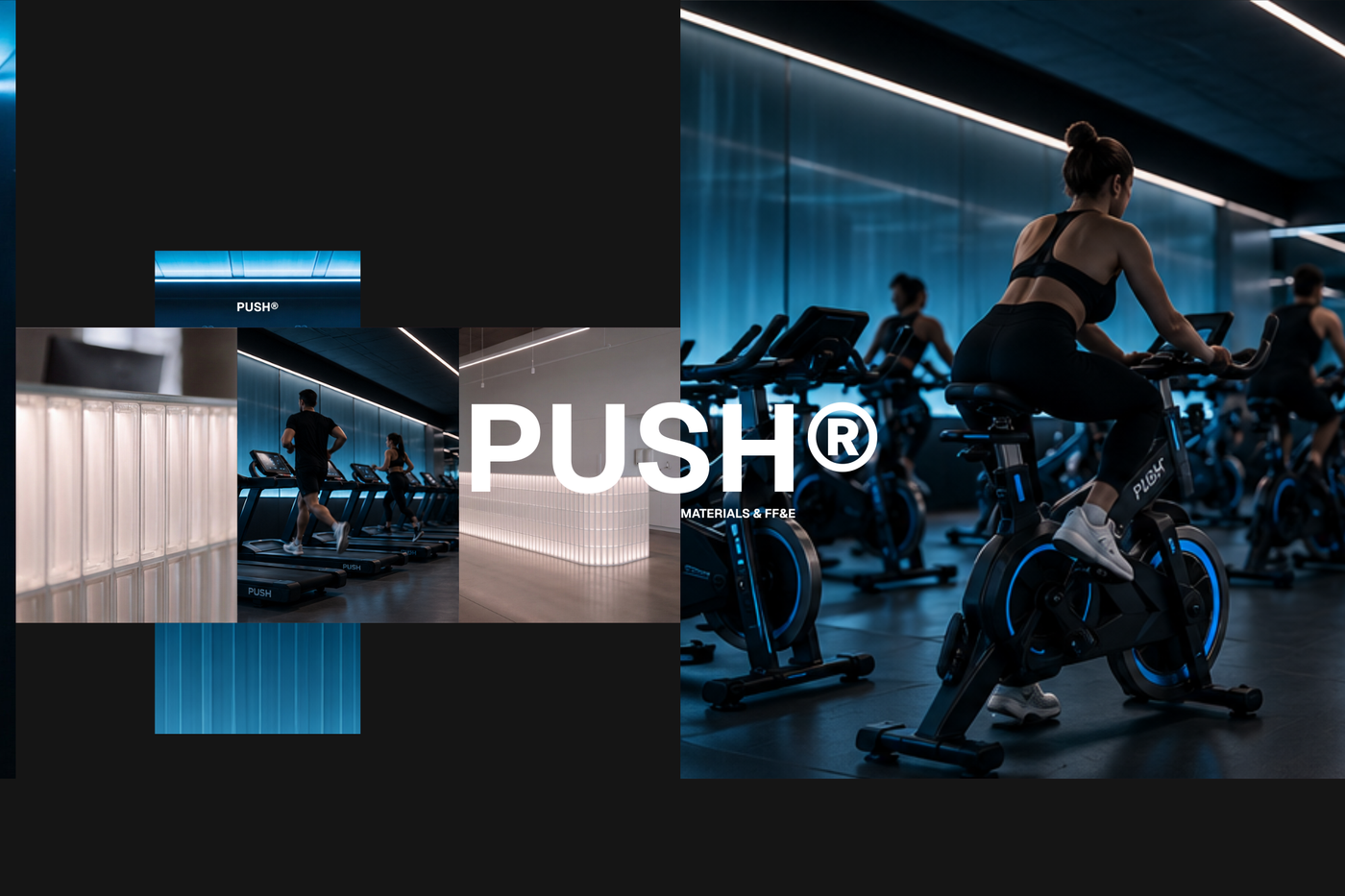
A refined A3 Materials & FF&E template for presenting curated finishes, furniture, fixtures, and equipment for high-end fitness spaces.
About this template
This template is designed for interior designers, architects, and design consultants developing concepts for high-end fitness spaces and wellness facilities. It solves the challenge of organizing complex specification packages by offering a structured visual framework to present curated finishes, furniture, fixtures, and equipment cleanly to clients and procurement teams.
The document features material specification sheets with descriptive labels for each finish option alongside detailed product cards that highlight dimensions and lead time information. It also incorporates furniture set layouts that illustrate curated fitness equipment collections, all organized via a pre-configured title block and sheet index. Complete block and style libraries, paired with predefined layers, line weights, hatches, and print settings, keep the entire package cohesive.
You can open PUSH - Materials & FF&E A3 directly in Rayon, a collaborative browser-based CAD tool. From there, easily adapt the drawing layouts to your project needs, update the material details, and reuse the built-in blocks and styles across future presentations. Once your selections are finalized, export or print your completed A3 sheets directly from the platform.
What's included
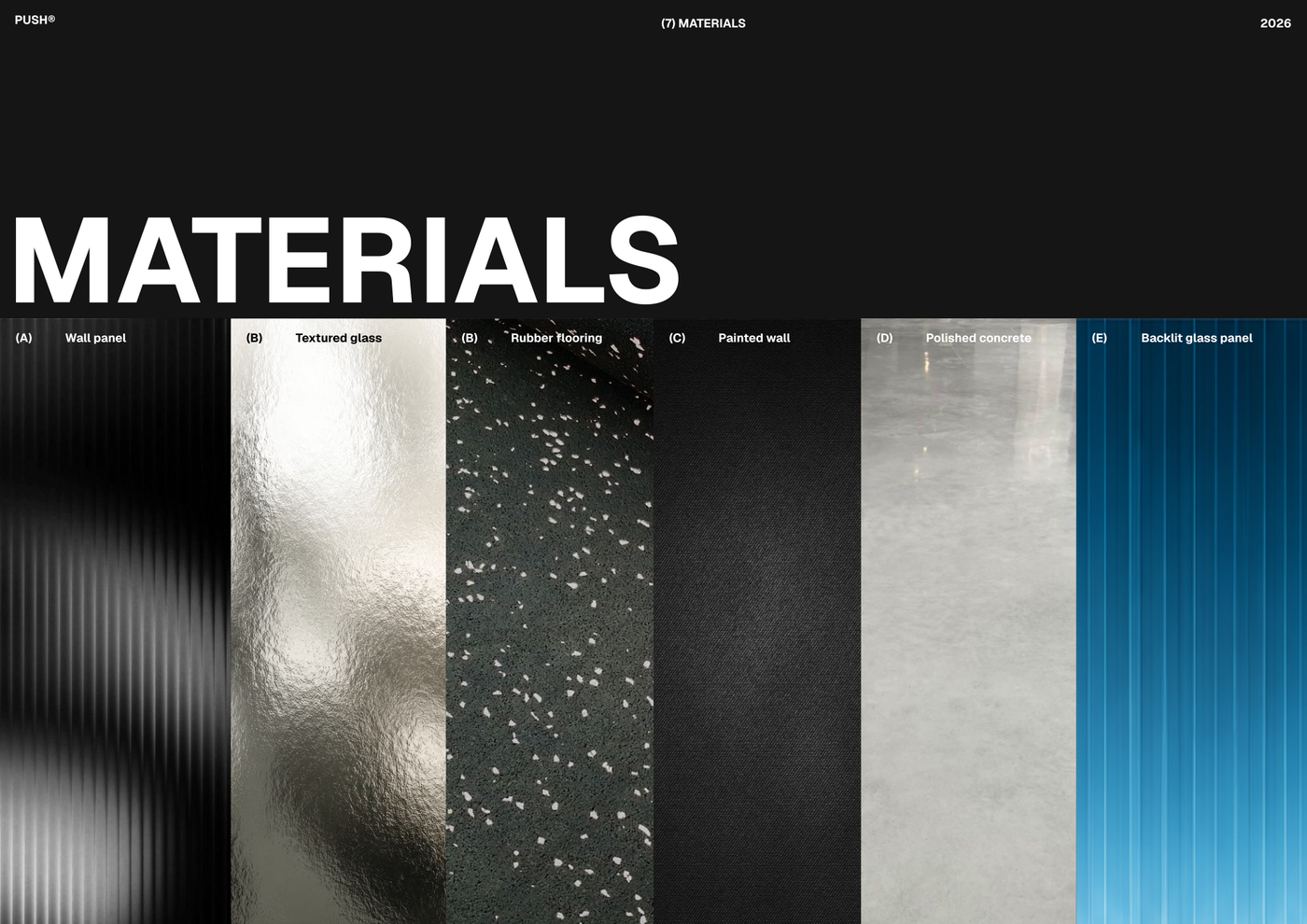
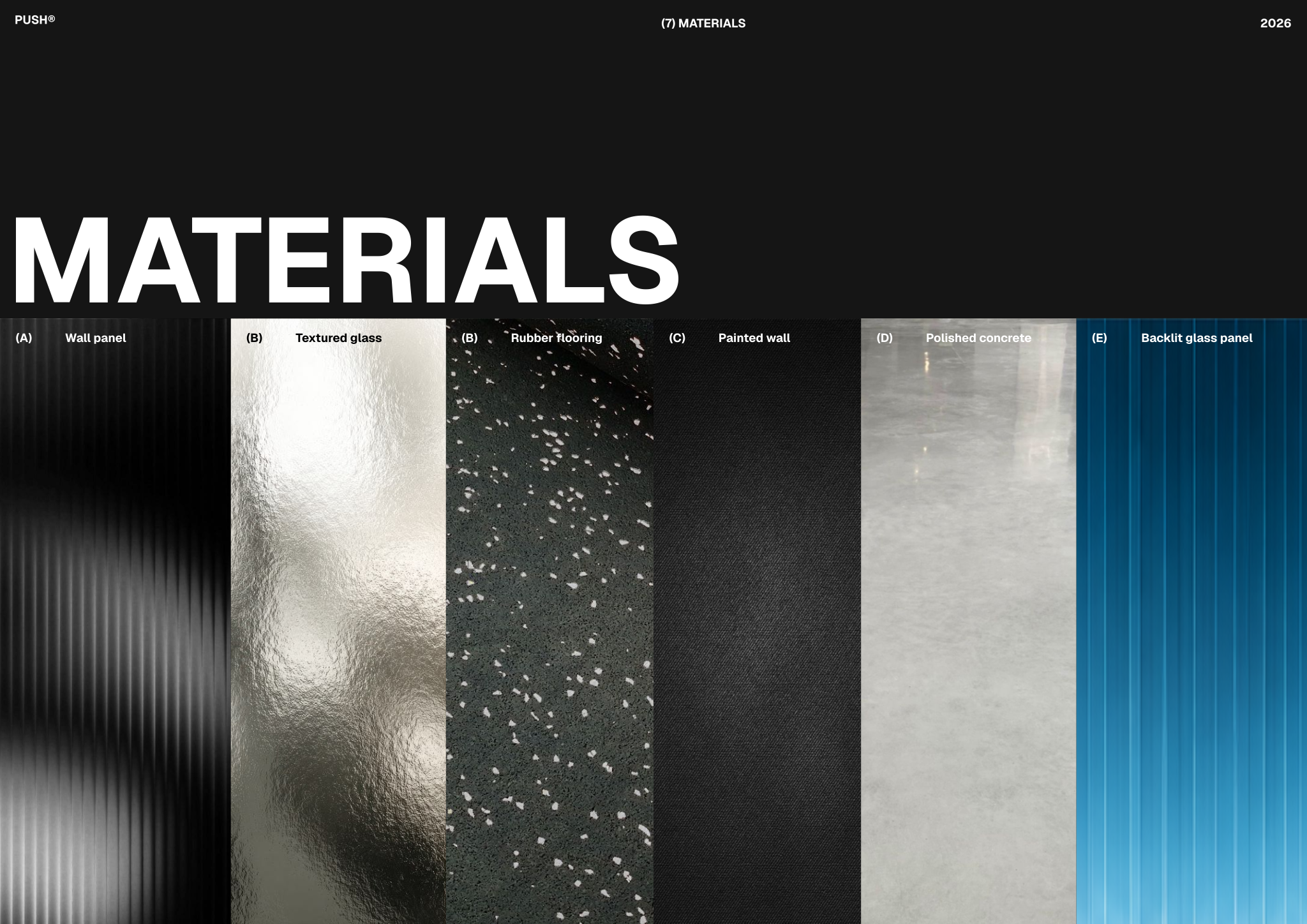
- Material specification sheets clearly presenting selected finishes, with descriptive labels for each material option.
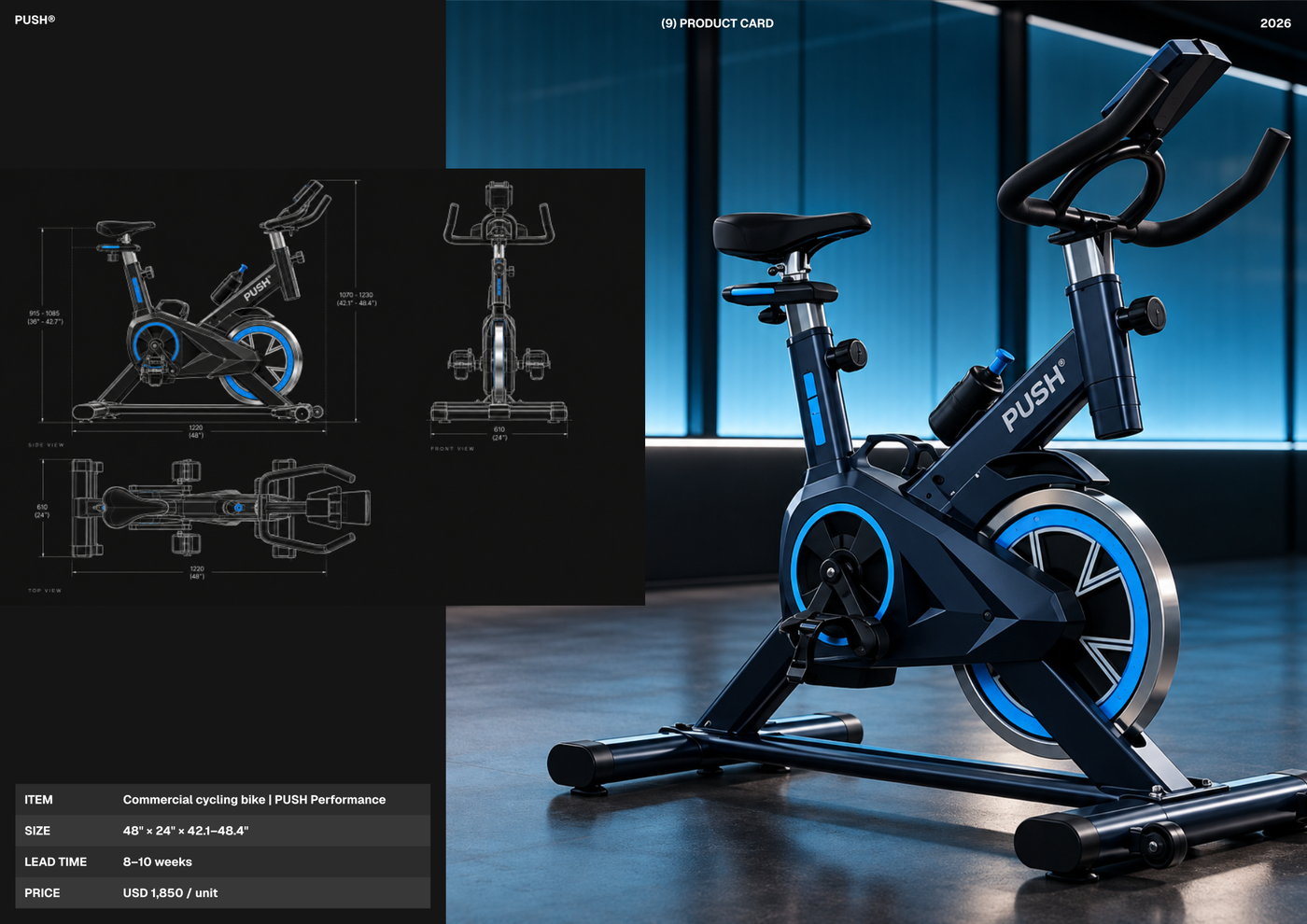
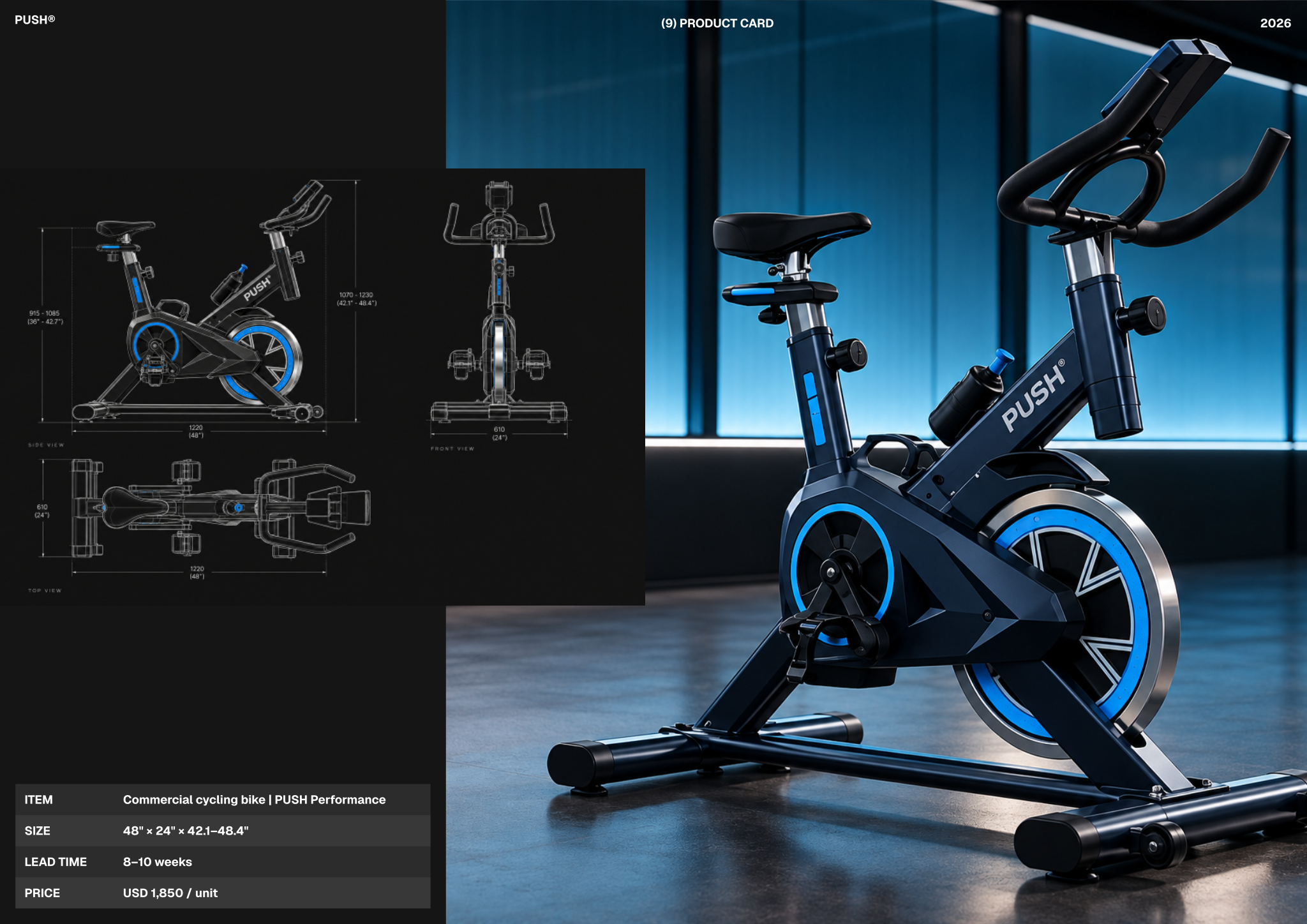
- Detailed product cards showcasing specific FF&E items, including key dimensions and lead time information for procurement.
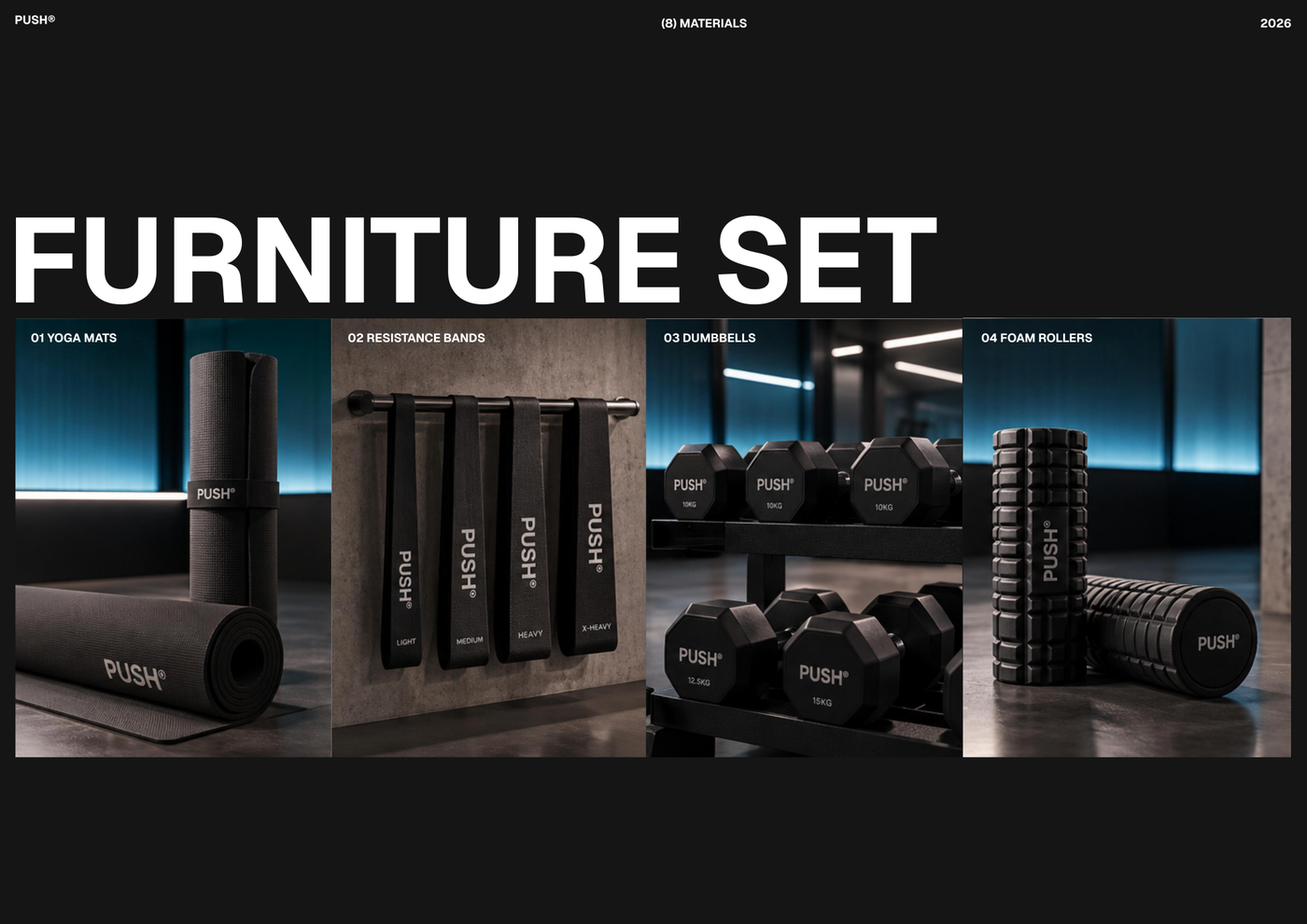
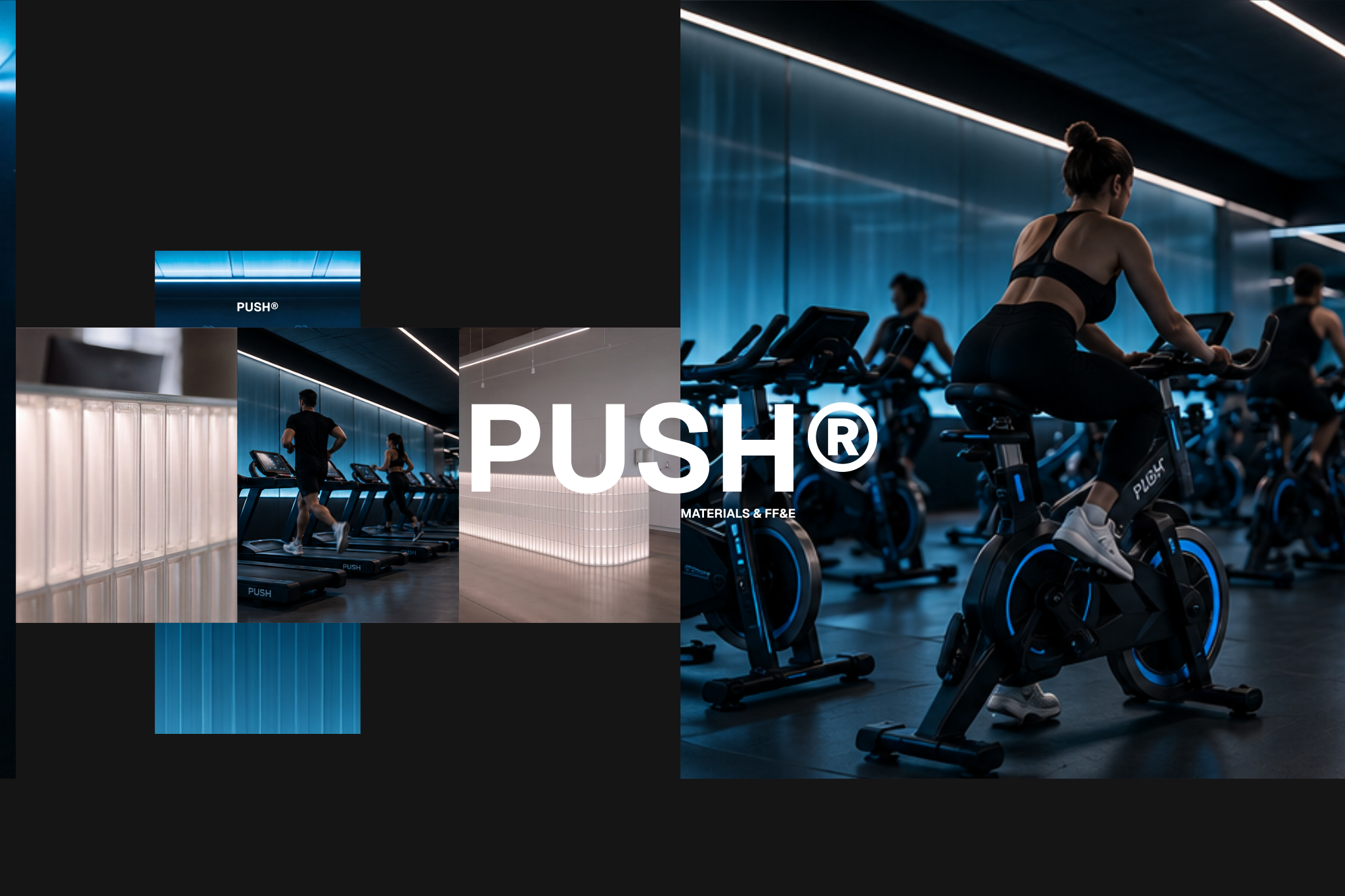
- Furniture set layouts illustrating curated fitness equipment collections, providing a comprehensive overview of included items.
- Pre-configured title block and sheet index for consistent project documentation, ensuring professional and organized presentations.
- Full block and style libraries plus model formatting (layer list, line weights, hatches, print settings) ready to support the use case.
Looking for more like this? Browse all moodboard and material selection templates.
Read the guide
Learn the workflow on Rayon Academy
More templates
Browse all ↗
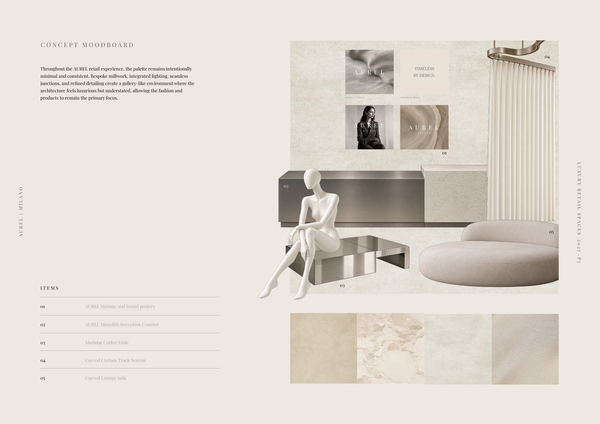
AUREL - Concept moodboard
A curated concept moodboard template for presenting the visual identity, materials, colors, and atmosphere of a luxury retail space.
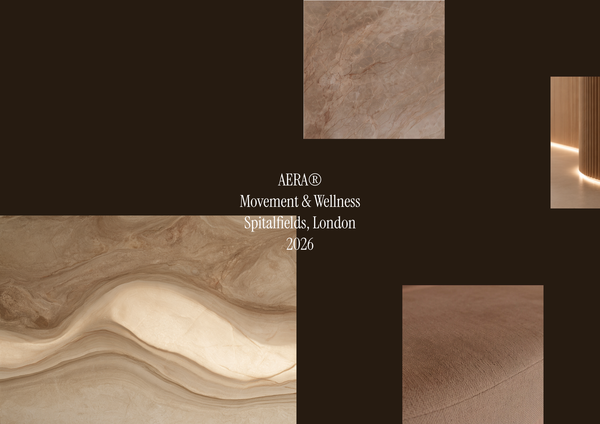
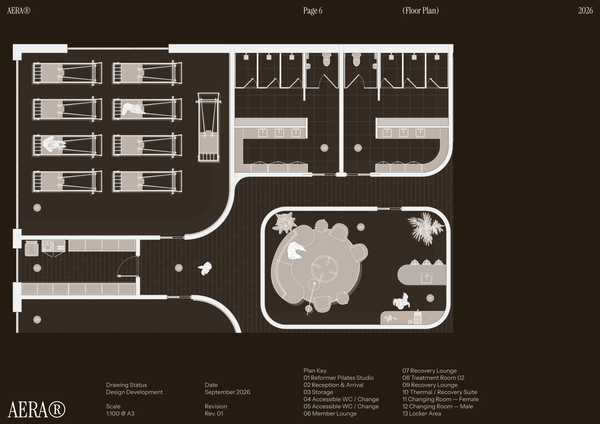
AERA - Moodboard
A curated moodboard template for presenting the atmosphere, materials, colors, and design direction of a modern wellness center and pilates studio.
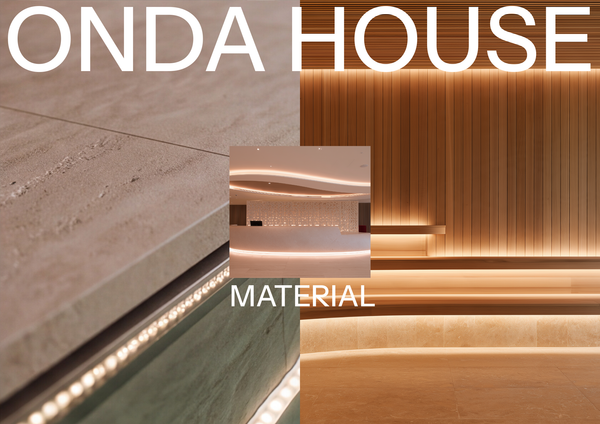
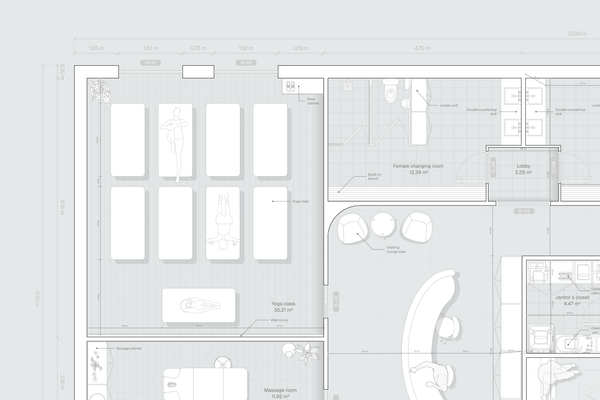
ONDA HOUSE - Material selection
A refined material selection template for presenting curated finishes, textures, colors, and natural materials for a luxury spa and wellness center.
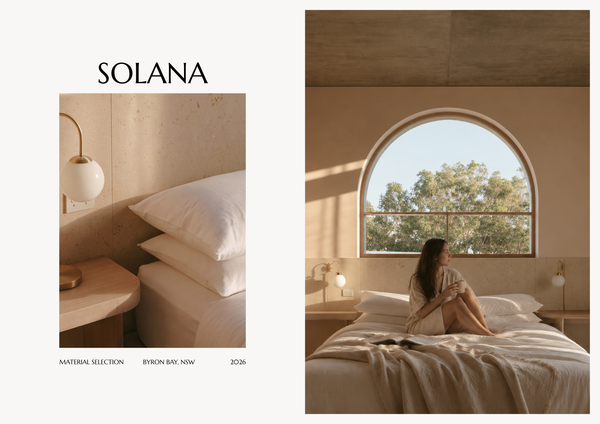
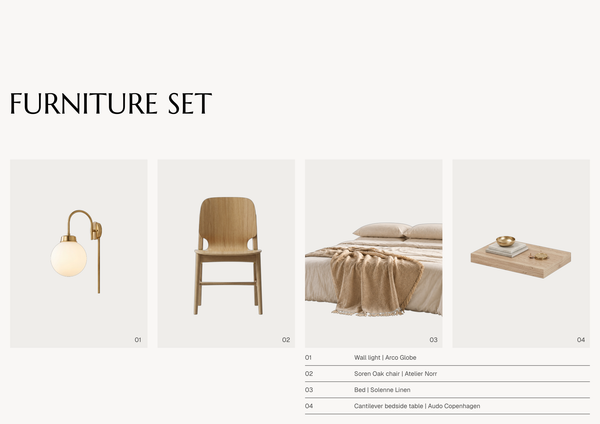
SOLANA - Material selection A4
A refined A4 material selection template for presenting curated finishes, textures, colors, and materials for luxury hotel interiors.
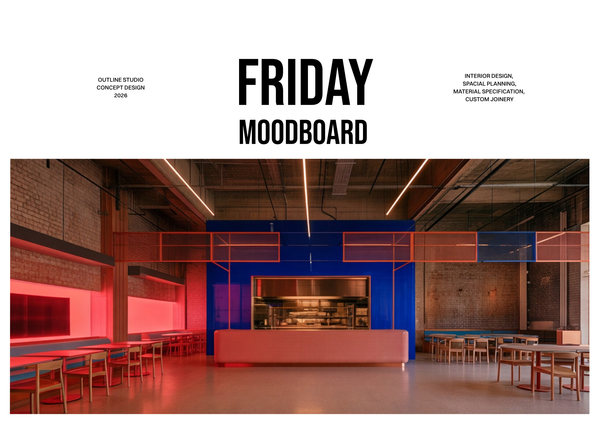
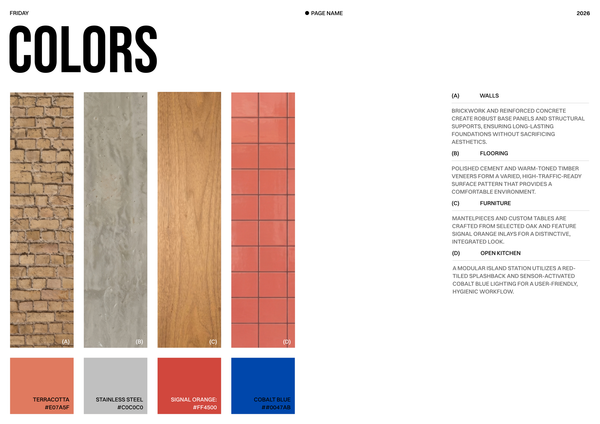
Moodboard - Restaurant chain
A curated moodboard template for presenting the visual identity, materials, colors, and design direction of a restaurant chain.
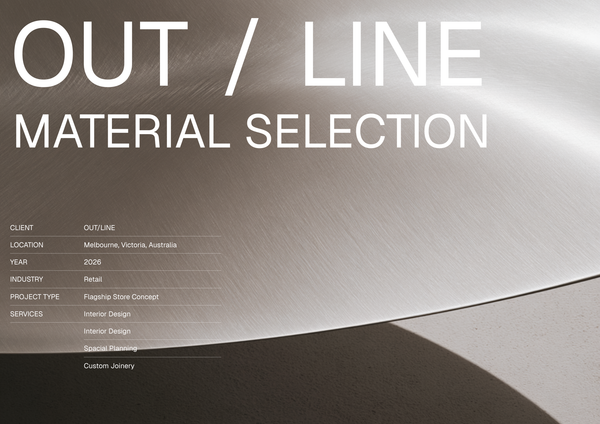
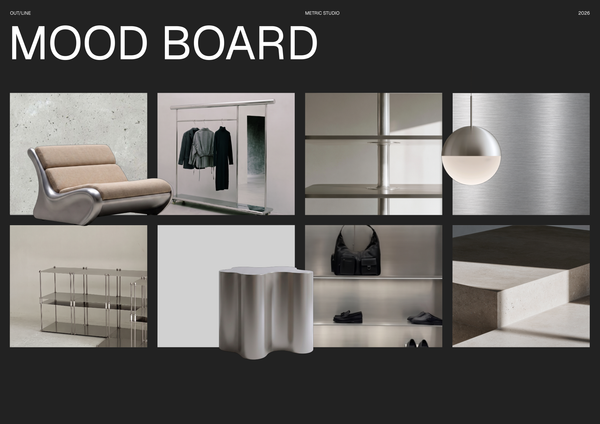
OUTLINE - Material selection
A curated material selection template for presenting finishes, textures, and key design elements for modern sports retail interiors.
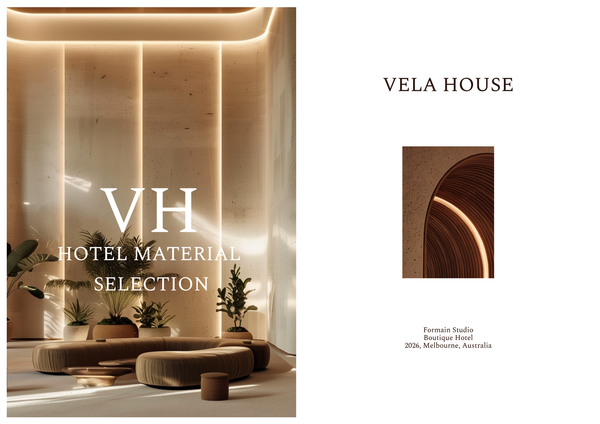
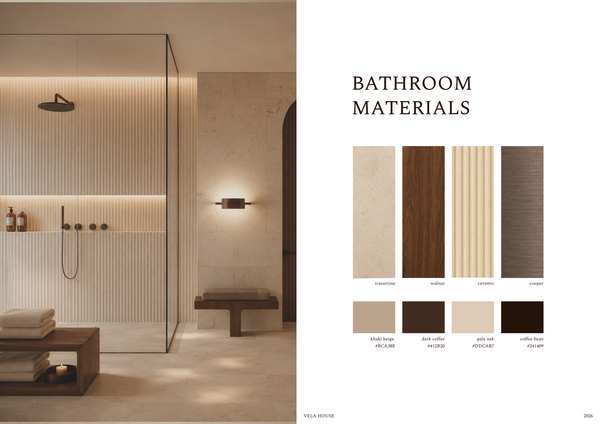
Material selection & FF&E - Luxury hotel
A refined material selection and FF&E template for presenting luxury hotel finishes, furniture, fixtures, and specifications in one cohesive layout.
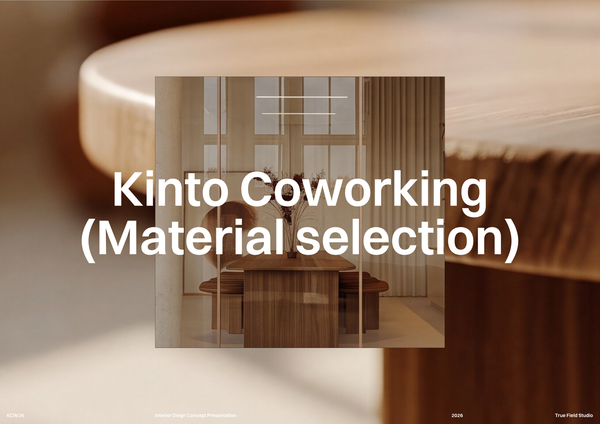
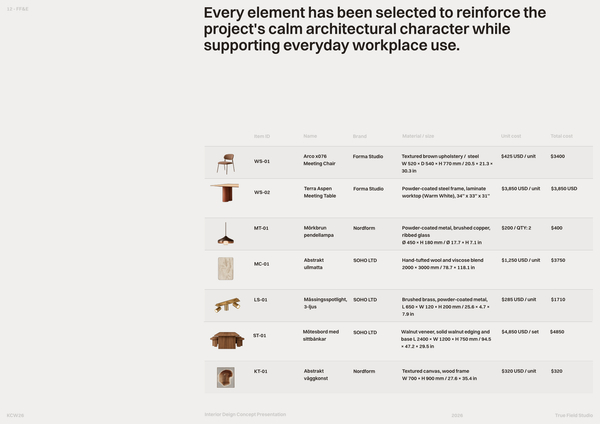
Co-working space material selection
A curated material selection template to organize finishes, textures, colors, and key specifications for office interior projects.
Frequently asked questions
Who is this template for?
This template suits designers, architects, and students presenting materials and FF&E for high-end fitness spaces. Its refined A3 moodboard format supports curated finishes, furniture, fixtures, and equipment selections. Material specification sheets, detailed product cards, and furniture set layouts help communicate design choices and procurement information in an organized presentation.
How do I use this template?
Open the template in Rayon, a browser-based CAD tool, and adapt the material sheets, product cards, and furniture set layouts to your project. Reuse its blocks, styles, and model formatting, updating material labels, product dimensions, and lead times for your selections. Use the pre-configured title block and sheet index to organize your documentation, then present or export/print the A3 sheets.
What does the PUSH - Materials & FF&E A3 template document for a high-end fitness space?
This A3 moodboard template presents curated finishes, furniture, fixtures, and equipment for high-end fitness spaces. Its material specification sheets, detailed product cards, and furniture set layouts document both individual selections and equipment collections. A pre-configured title block and sheet index help organize these parts into a consistent project presentation.
What information is included on the material specification sheets?
The material specification sheets clearly present selected finishes, with descriptive labels for each material option. They provide a dedicated place to communicate the finish selections within the wider Materials & FF&E presentation. When adapting the template, these sheets can reflect the finishes selected for the particular fitness project.
What do the FF&E product cards show?
The detailed product cards showcase specific furniture, fixtures, and equipment items, including key dimensions and lead time information for procurement. They complement the material sheets by documenting individual products rather than finish options. Project-specific adaptations should keep those details aligned with the FF&E selections shown elsewhere in the presentation.
What do the furniture set layouts illustrate?
The furniture set layouts illustrate curated fitness equipment collections and provide an overview of the items included in each collection. Their role is to show selections together, while the product cards provide item-level details. This gives the presentation both a collection overview and supporting information about specific FF&E items.
How do the material sheets, product cards, and furniture set layouts fit together?
The material sheets communicate finish selections, the product cards document specific FF&E items, and the furniture set layouts illustrate equipment collections. Together, they present complementary levels of information about the fitness space's selected materials and furnishings. The title block and sheet index support consistent documentation across these different presentation components.
What documentation elements are pre-configured in this A3 template?
The template includes a pre-configured title block and sheet index to support consistent, organized project documentation. It also includes model formatting covering the layer list, line weights, hatches, and print settings. These elements support the presentation of the material sheets, product cards, and furniture set layouts within the A3 template.
Which parts of the template can be adapted to a specific fitness project?
Project-specific adaptation can focus on the selected finishes and their labels, the FF&E items and their product details, and the equipment collections illustrated in the furniture set layouts. The included block and style libraries, together with the model formatting, support that work. The title block and sheet index provide a consistent documentation framework.
Which design decisions does this Materials & FF&E moodboard communicate?
The template communicates the choice of finishes, the selection of specific furniture, fixtures, and equipment, and the composition of curated fitness equipment collections. Material labels explain the finish options, while product cards add dimensions and procurement lead time information. Together, these components document what has been selected and how the selections are presented as collections.