
Co-working space material selection
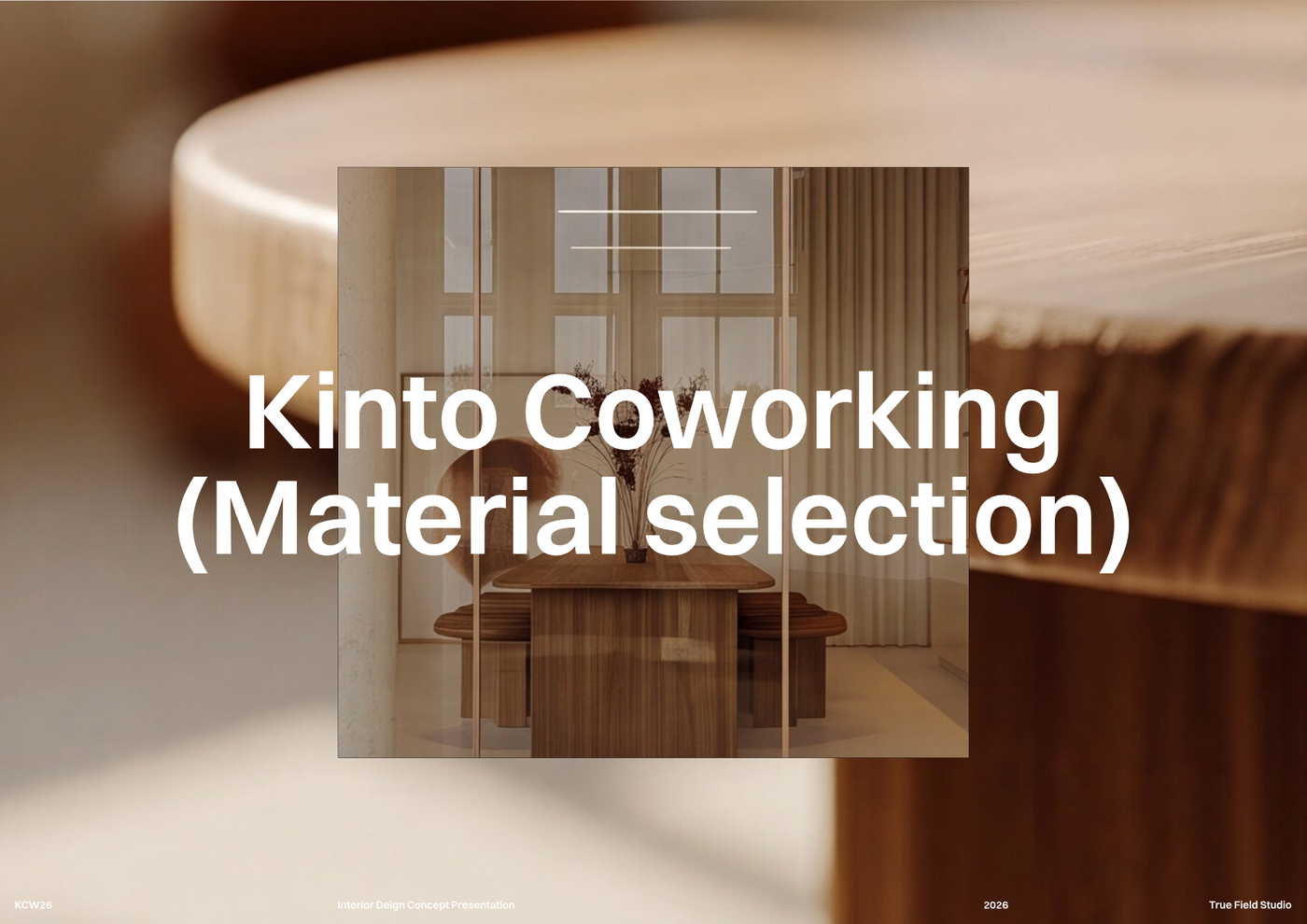
A curated material selection template to organize finishes, textures, colors, and key specifications for office interior projects.
About this template
This template is designed for interior designers, architects, and design students planning workplace environments. Managing material finishes and loose furnishings across an office project often leads to disorganized specifications and disconnected cost estimates. This layout solves that problem by establishing a clear structure to organize finishes, textures, colors, and key specifications for office interior projects.
The workspace integrates visual design layouts with detailed specification sheets. It includes a moodboard section for comprehensive visual presentations combining design concepts, furniture, and materials, accompanied by a furniture selection layout that highlights visual examples, names, brands, and individual pricing. For specification and budgeting, an itemized material selection sheet details brands, materials, unit costs, and total prices, while a detailed furniture schedule tracks item types, dimensions, and quantities. Complete block and style libraries unify these layouts for consistent project documentation across every sheet.
To begin, open the Co-working space material selection template in Rayon, a browser-based CAD tool that operates directly in your web browser. You can quickly adapt the drawings to your project, update the schedules with your selected finishes, and reuse the embedded blocks and styles across your file. When your specification package is complete, export or print the sheets for client presentations, contractor review, and procurement coordination.
What's included
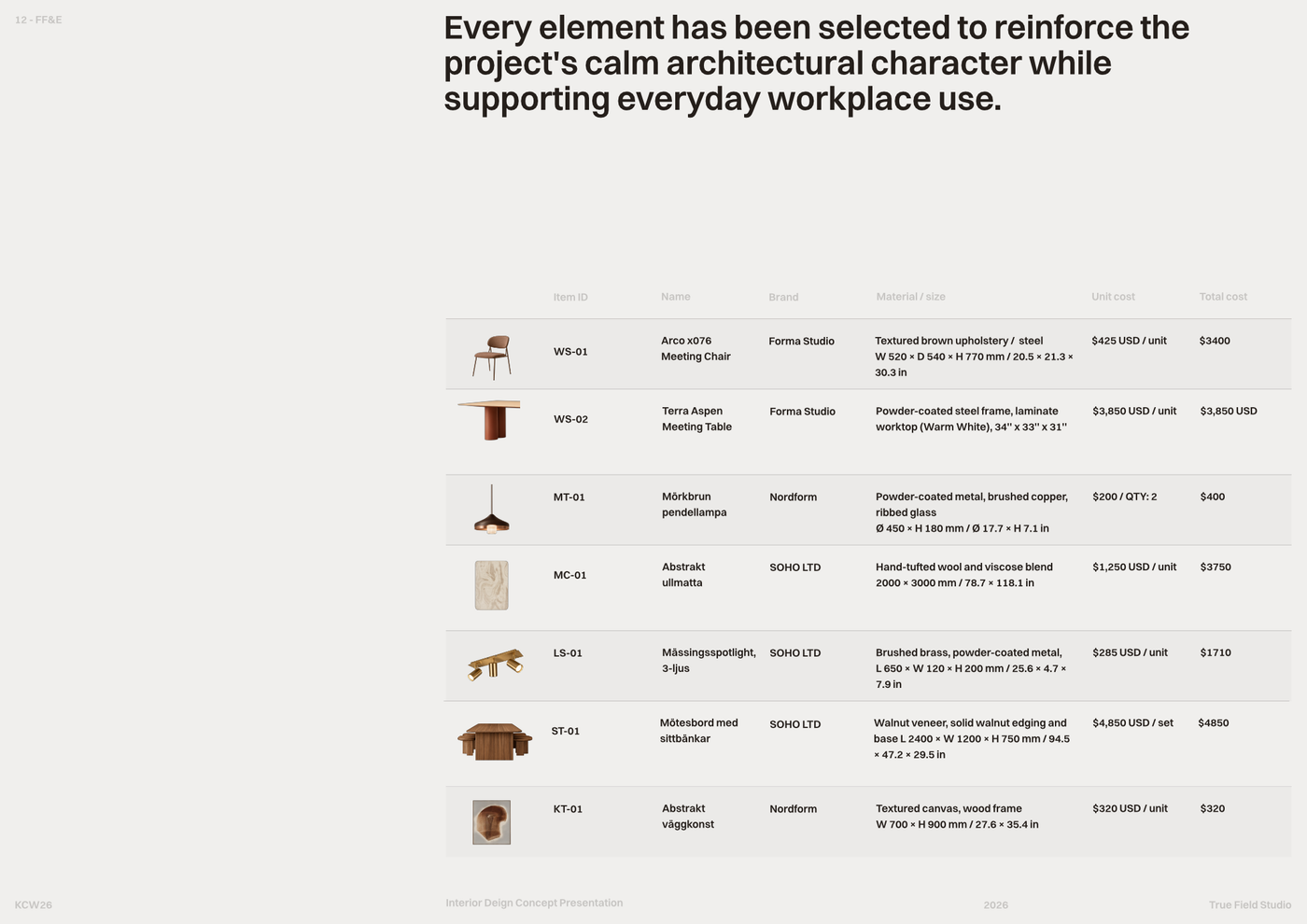
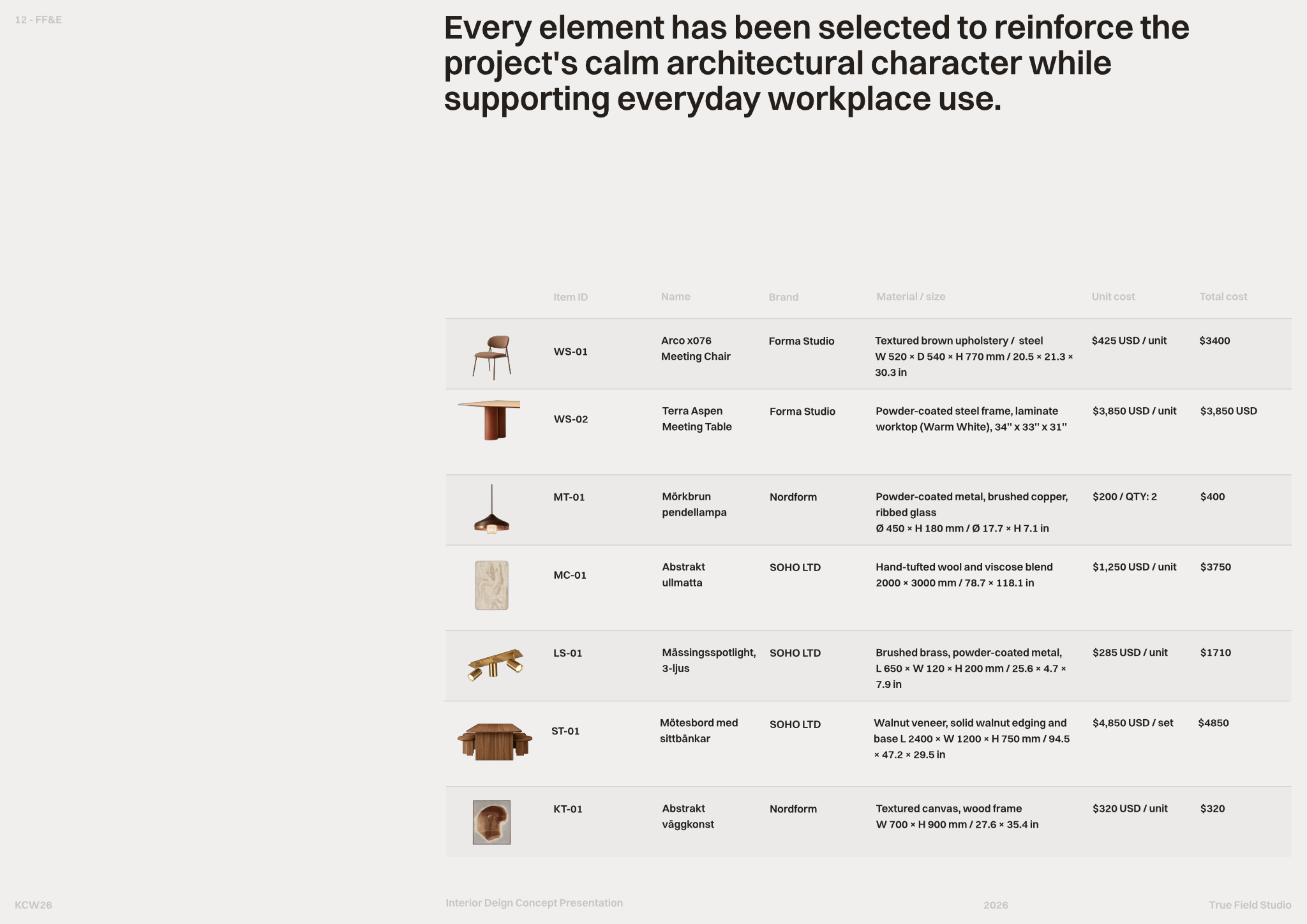
- Material selection sheet with itemized lists detailing brand, material, unit cost, and total price.
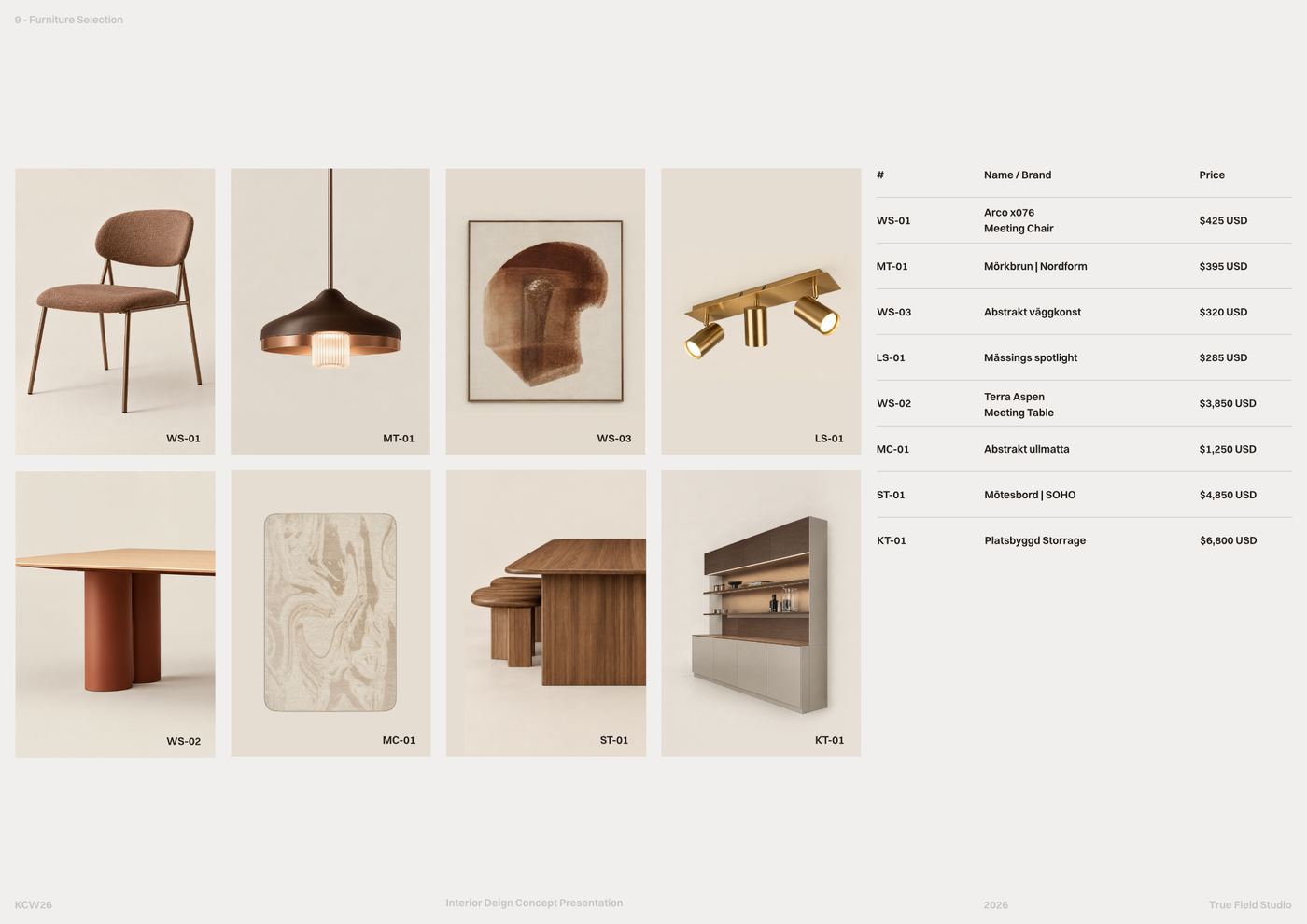
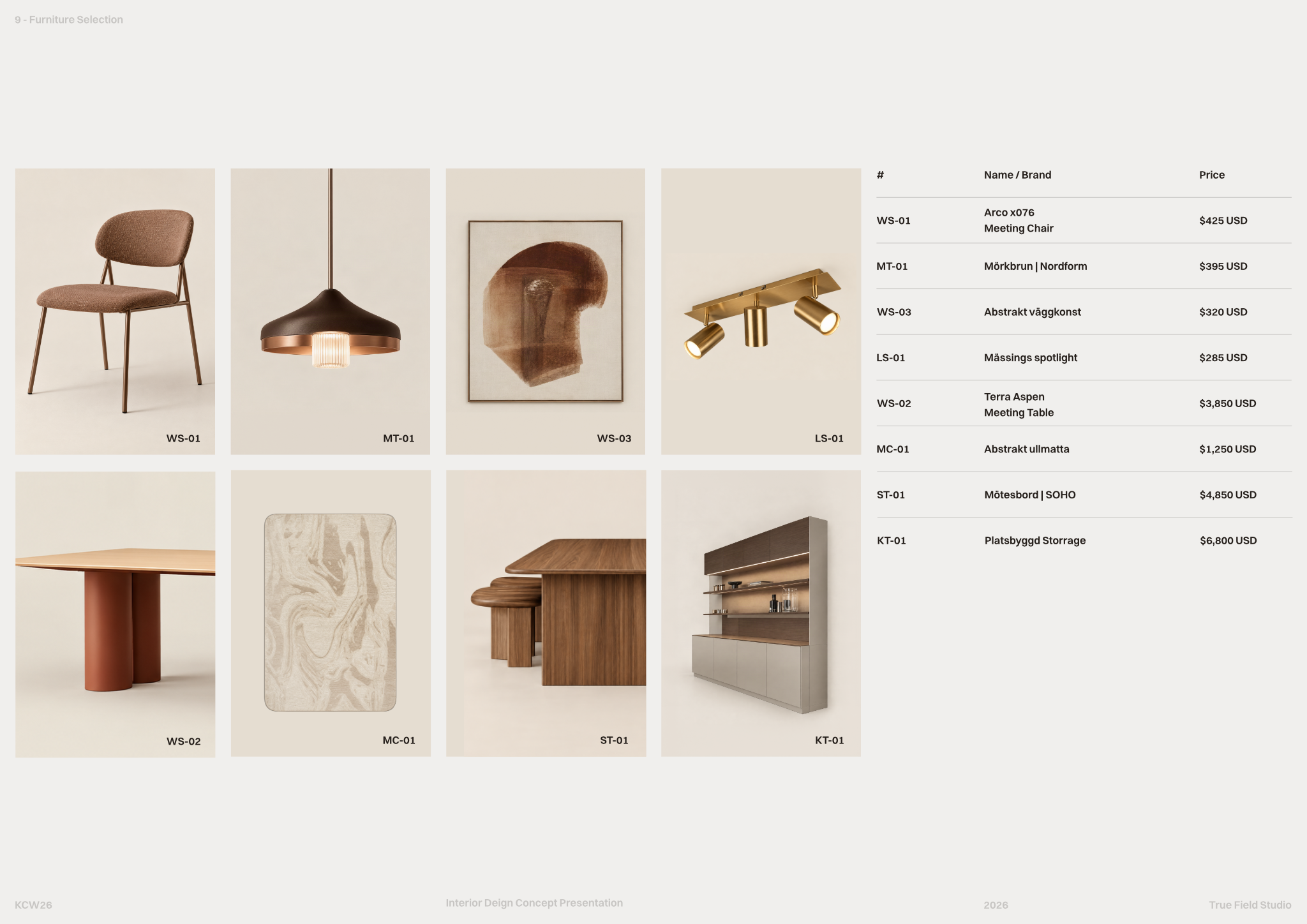
- Furniture selection layout providing visual examples, names, brands, and individual pricing for each item.
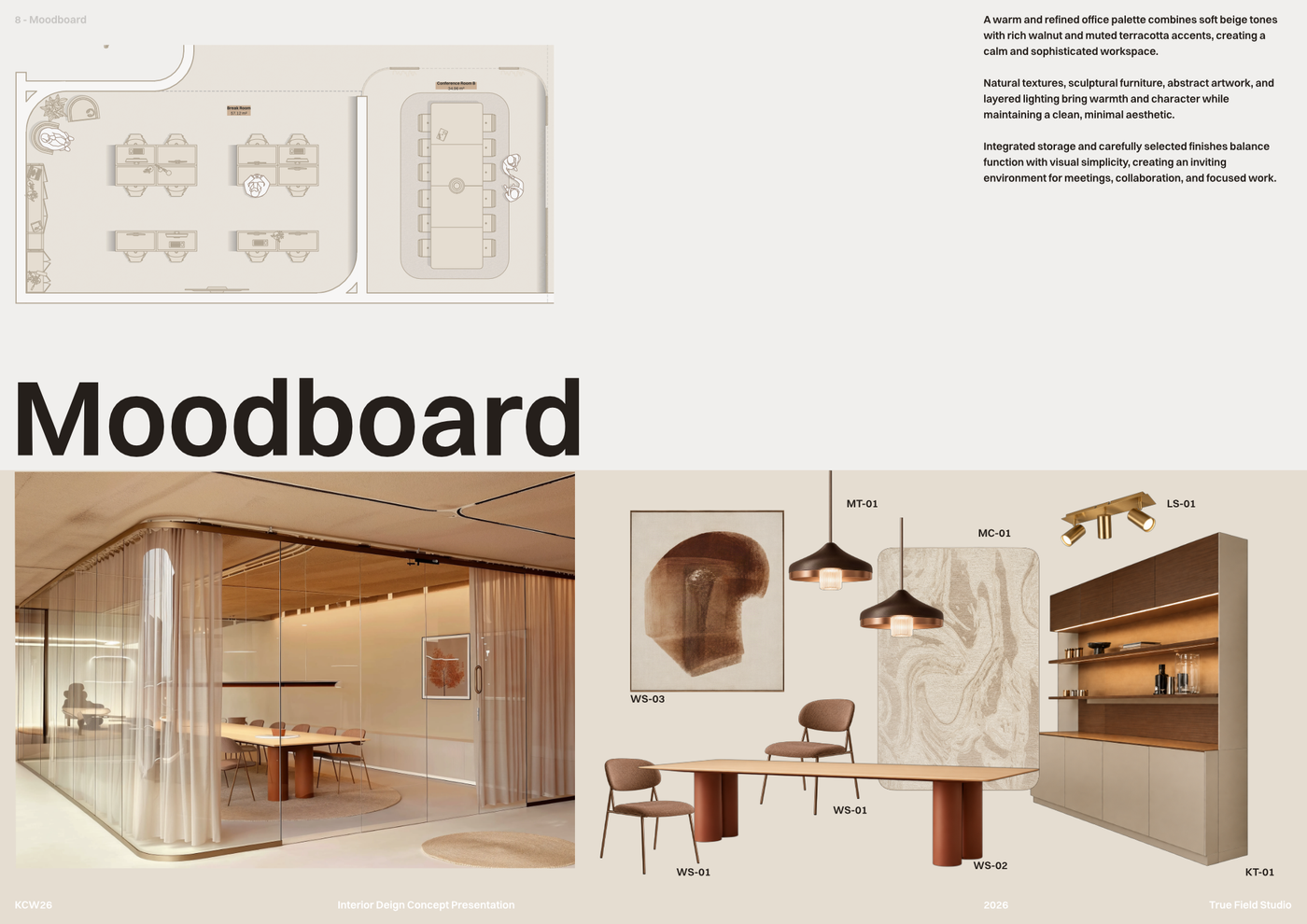
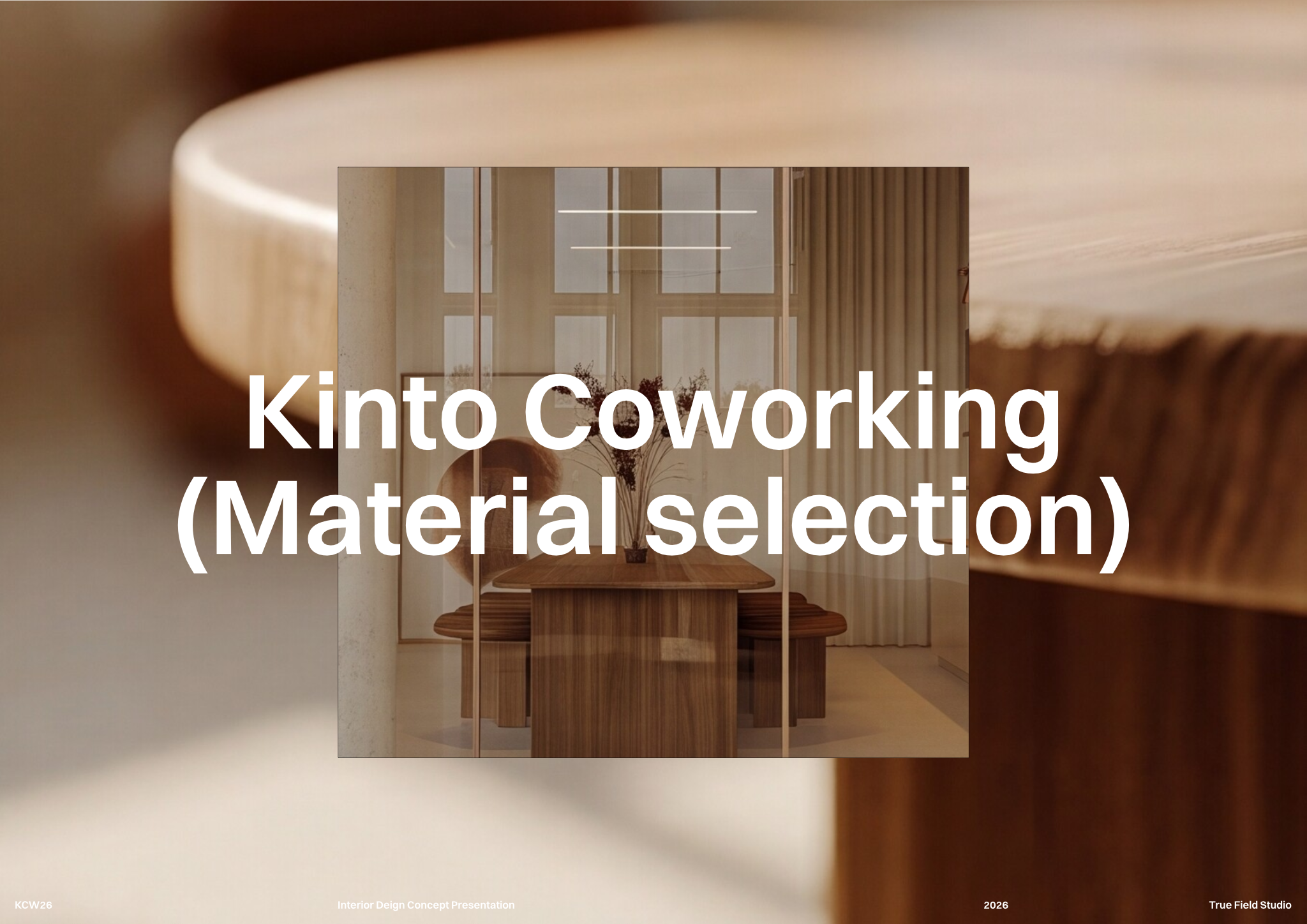
- Moodboard section for comprehensive visual presentations, combining design concepts, furniture, and materials.
- Detailed furniture schedule for efficient tracking of selected pieces, including type, dimensions, and quantities.
- The template includes full block and style libraries, ready for consistent project documentation across all sheets.
Looking for more like this? Browse all moodboard and material selection templates.
Read the guide
Learn the workflow on Rayon Academy
More templates
Browse all ↗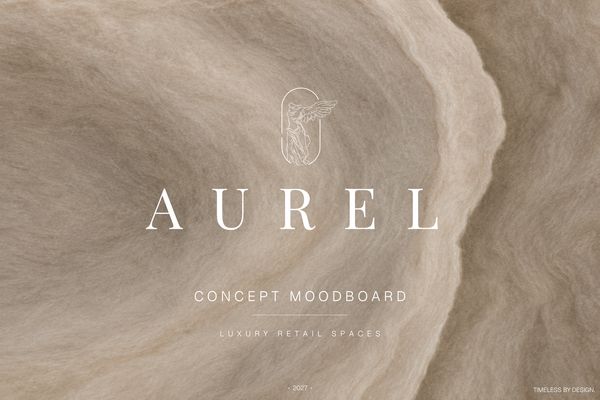
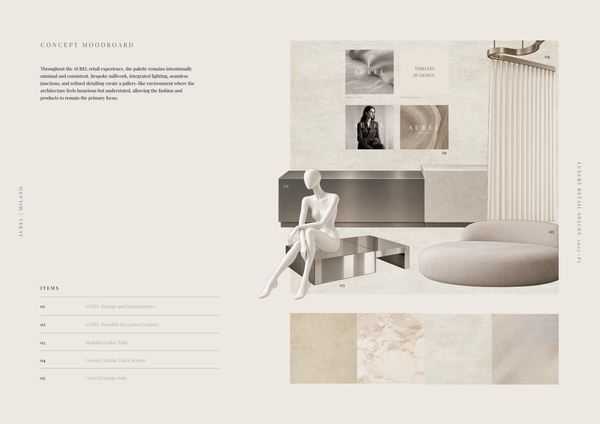
AUREL - Concept moodboard
A curated concept moodboard template for presenting the visual identity, materials, colors, and atmosphere of a luxury retail space.
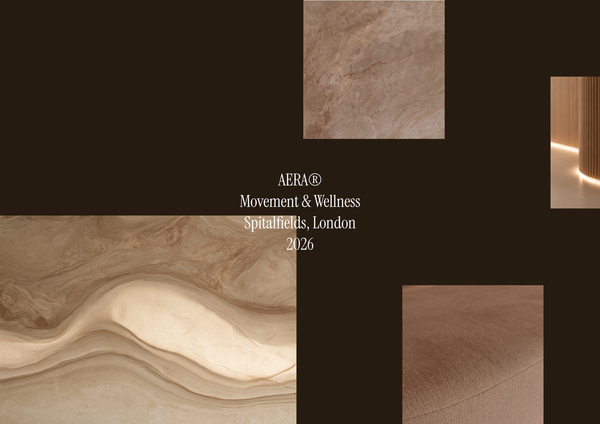
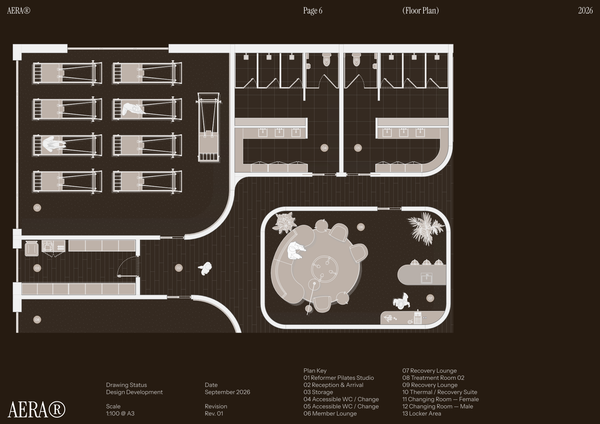
AERA - Moodboard
A curated moodboard template for presenting the atmosphere, materials, colors, and design direction of a modern wellness center and pilates studio.
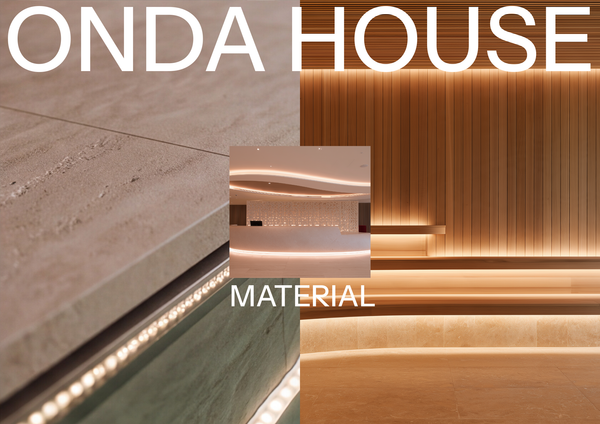
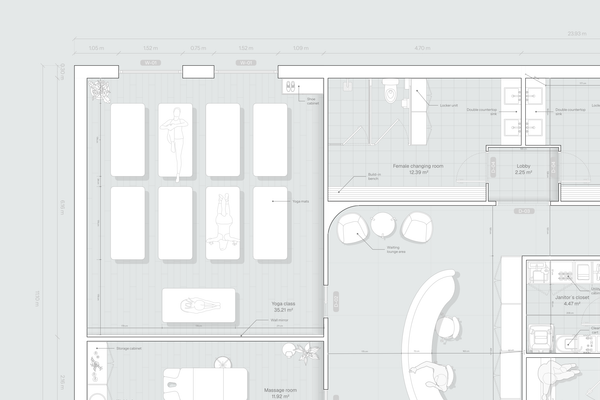
ONDA HOUSE - Material selection
A refined material selection template for presenting curated finishes, textures, colors, and natural materials for a luxury spa and wellness center.
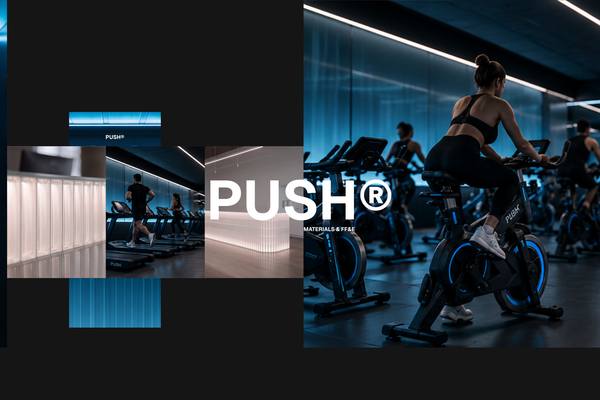
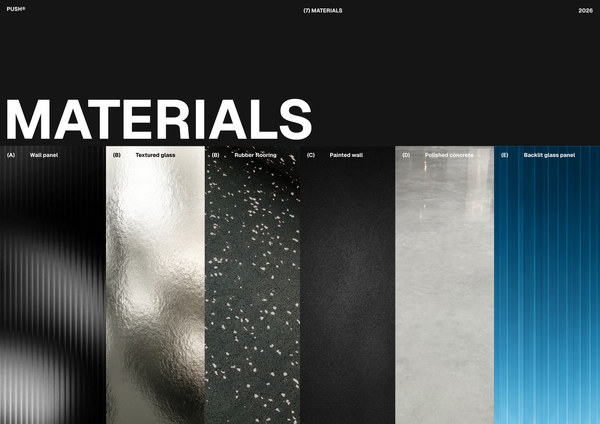
PUSH - Materials & FF&E A3
A refined A3 Materials & FF&E template for presenting curated finishes, furniture, fixtures, and equipment for high-end fitness spaces.
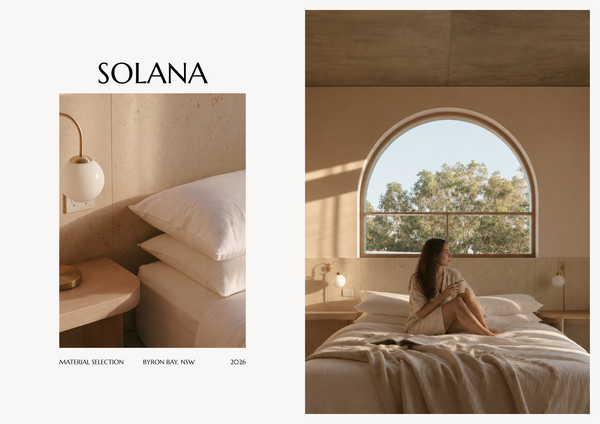
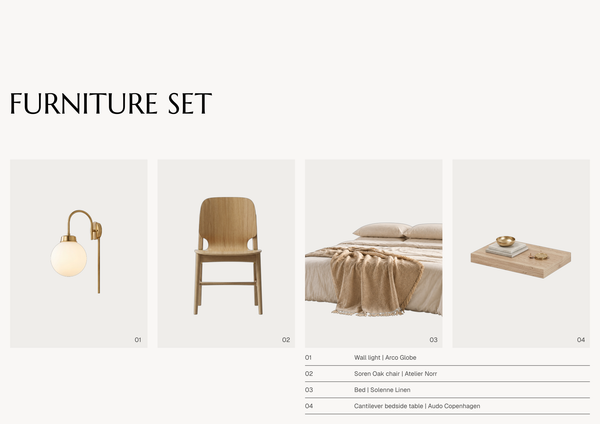
SOLANA - Material selection A4
A refined A4 material selection template for presenting curated finishes, textures, colors, and materials for luxury hotel interiors.
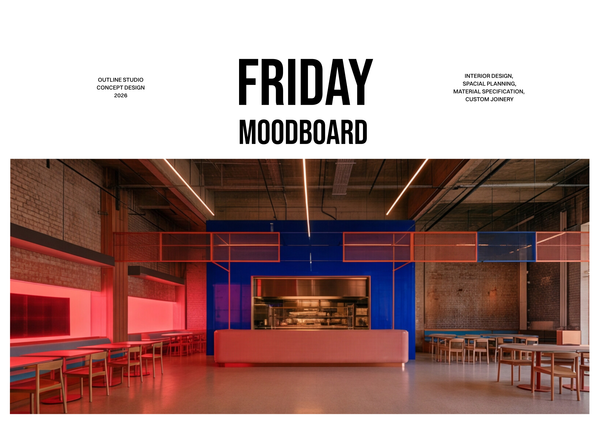
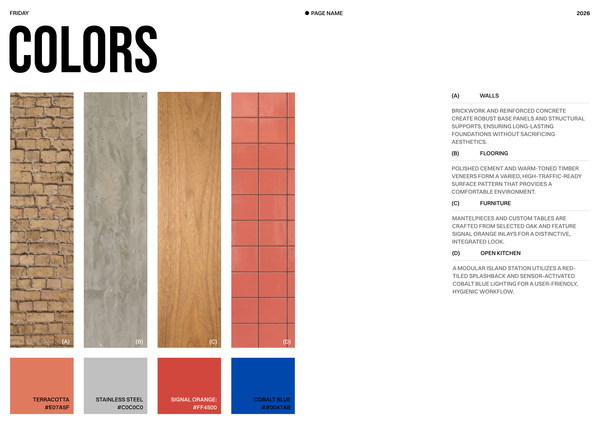
Moodboard - Restaurant chain
A curated moodboard template for presenting the visual identity, materials, colors, and design direction of a restaurant chain.
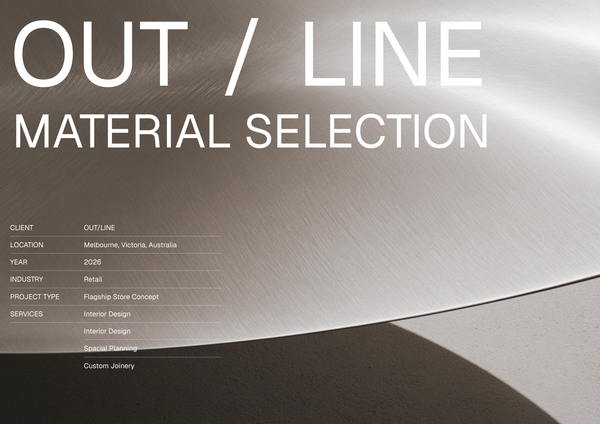
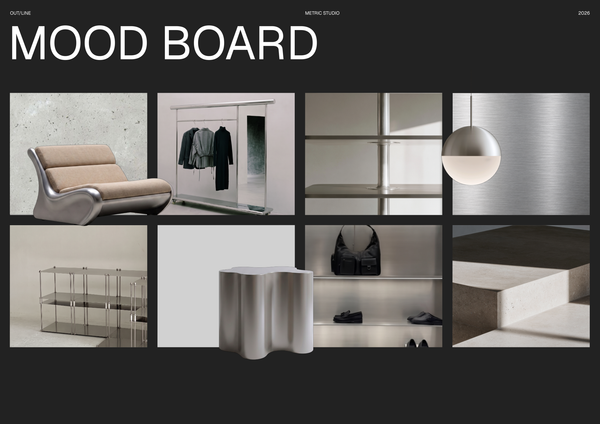
OUTLINE - Material selection
A curated material selection template for presenting finishes, textures, and key design elements for modern sports retail interiors.
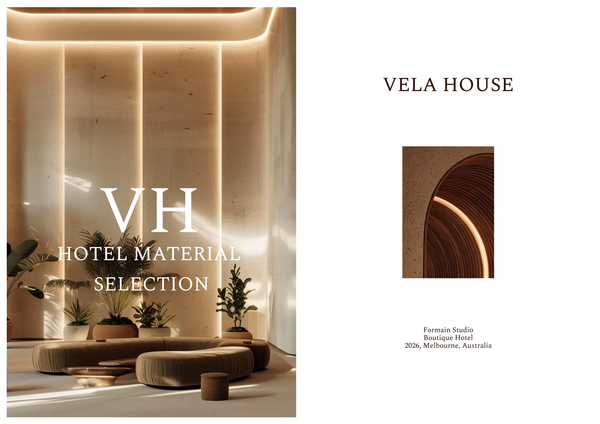
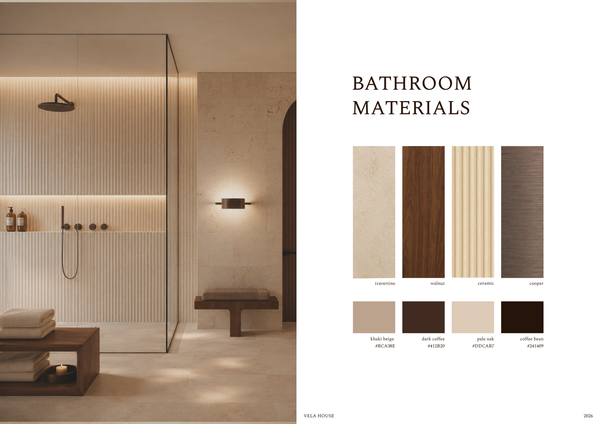
Material selection & FF&E - Luxury hotel
A refined material selection and FF&E template for presenting luxury hotel finishes, furniture, fixtures, and specifications in one cohesive layout.
Frequently asked questions
Who is this template for?
This template suits designers, architects, and students working on co-working spaces and office interior projects. It helps organize finishes, textures, colors, furniture, and key specifications in a coordinated set of sheets. Its material lists, furniture layouts, schedules, and moodboard support both selection tracking and visual presentations of an interior design concept.
How do I use this template?
Open the template in Rayon, a browser-based CAD tool, and adapt the drawings and selection sheets to your office interior project. Update material and furniture entries with your selections, pricing, dimensions, and quantities, and arrange the moodboard to convey your concept. Reuse the included block and style libraries for consistent documentation, then present the sheets or export or print them.
What sheets and layouts are included in the Co-working space material selection template?
The template includes a material selection sheet, a furniture selection layout, a moodboard section, and a detailed furniture schedule. Together, these organize visual references, finish choices, pricing, and furniture specifications for office interior projects. Full block and style libraries support consistent documentation across the sheets.
What information does the material selection sheet document?
The material selection sheet contains itemized lists detailing brand, material, unit cost, and total price. It provides a structured place to document material choices alongside their pricing. Within the wider template, this sheet supports the organization of finishes, textures, colors, and key specifications for the office interior concept.
How does the furniture selection layout present the selected pieces?
The furniture selection layout combines visual examples with each item's name, brand, and individual price. This lets the presentation show both the appearance of the selected furniture and its identifying information. It complements the detailed furniture schedule, which records type, dimensions, and quantities rather than focusing on visual examples.
What belongs in this template's moodboard section?
The moodboard section brings together design concepts, furniture, and materials in a comprehensive visual presentation. For a co-working office project, it can show how selected finishes, textures, colors, and furniture relate to the overall design direction. The accompanying selection sheets provide the itemized information behind those visual choices.
What does the detailed furniture schedule track?
The furniture schedule tracks selected pieces by type, dimensions, and quantities. Its purpose is to keep the furniture selection organized in a detailed record. Used alongside the furniture selection layout, it connects the visual presentation of the pieces with the information needed to document their size and number.
How do the moodboard and selection sheets work together?
The moodboard presents the design concept through a combination of furniture and materials, while the selection sheets document the individual choices behind that presentation. Material entries include brand and pricing details, and furniture entries pair visual examples with names, brands, and prices. The furniture schedule adds type, dimensions, and quantities.
How can this template be adapted to a specific co-working office project?
You can adapt the template by updating the material entries, furniture examples, and moodboard content to reflect the project's selected finishes, textures, colors, and pieces. Record the corresponding brands and prices in the selection sheets, then update furniture types, dimensions, and quantities in the schedule. The included block and style libraries support consistency across those changes.
What do the included block and style libraries contribute to the sheets?
The template includes full block and style libraries, ready to support consistent project documentation across all sheets. They provide a shared basis for presenting the material selections, furniture information, and moodboard content. When adapting the template, these libraries help keep the different deliverables visually coordinated rather than treating each sheet as a separate presentation.