
Campus design layout
A clear and organized school floor plan template for presenting educational spaces.
 by Nadia from Rayon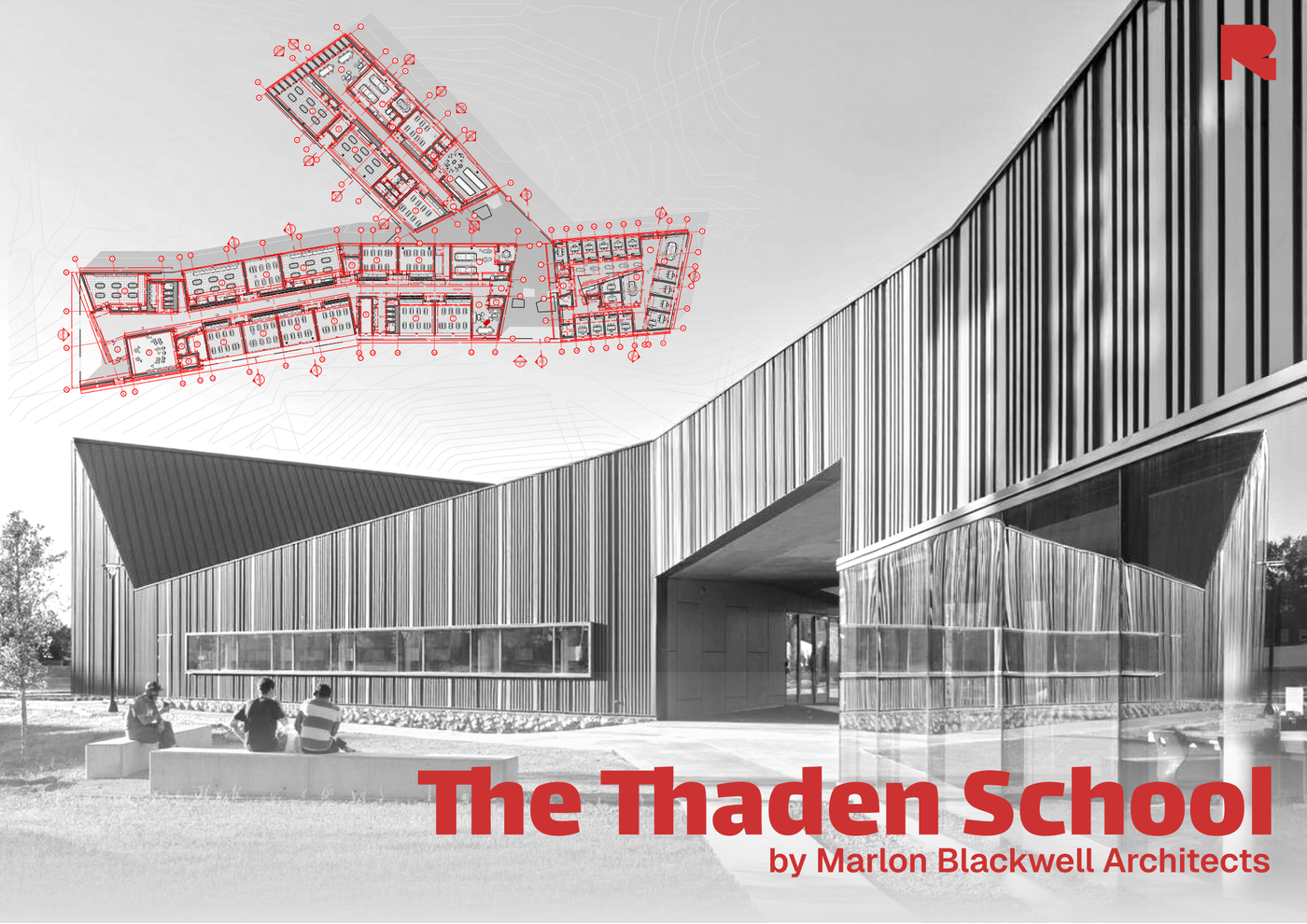
About this template
Designed for architecture students and design professionals, the Campus design layout template streamlines the presentation of educational spaces. Developing school projects requires balancing broad site organization with detailed interior spaces, and this template provides an organized framework to communicate both schematic concepts and functional layouts clearly.
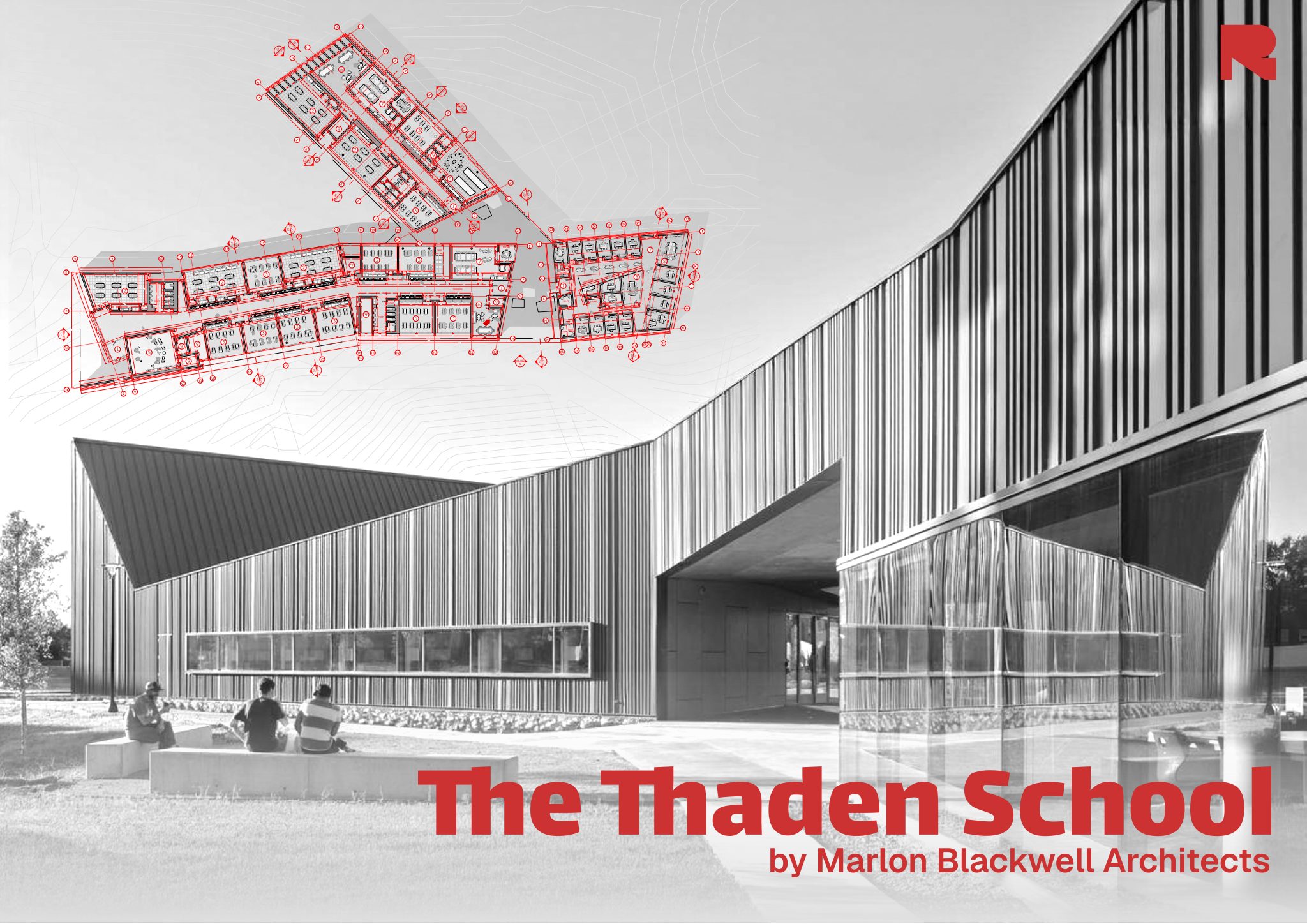
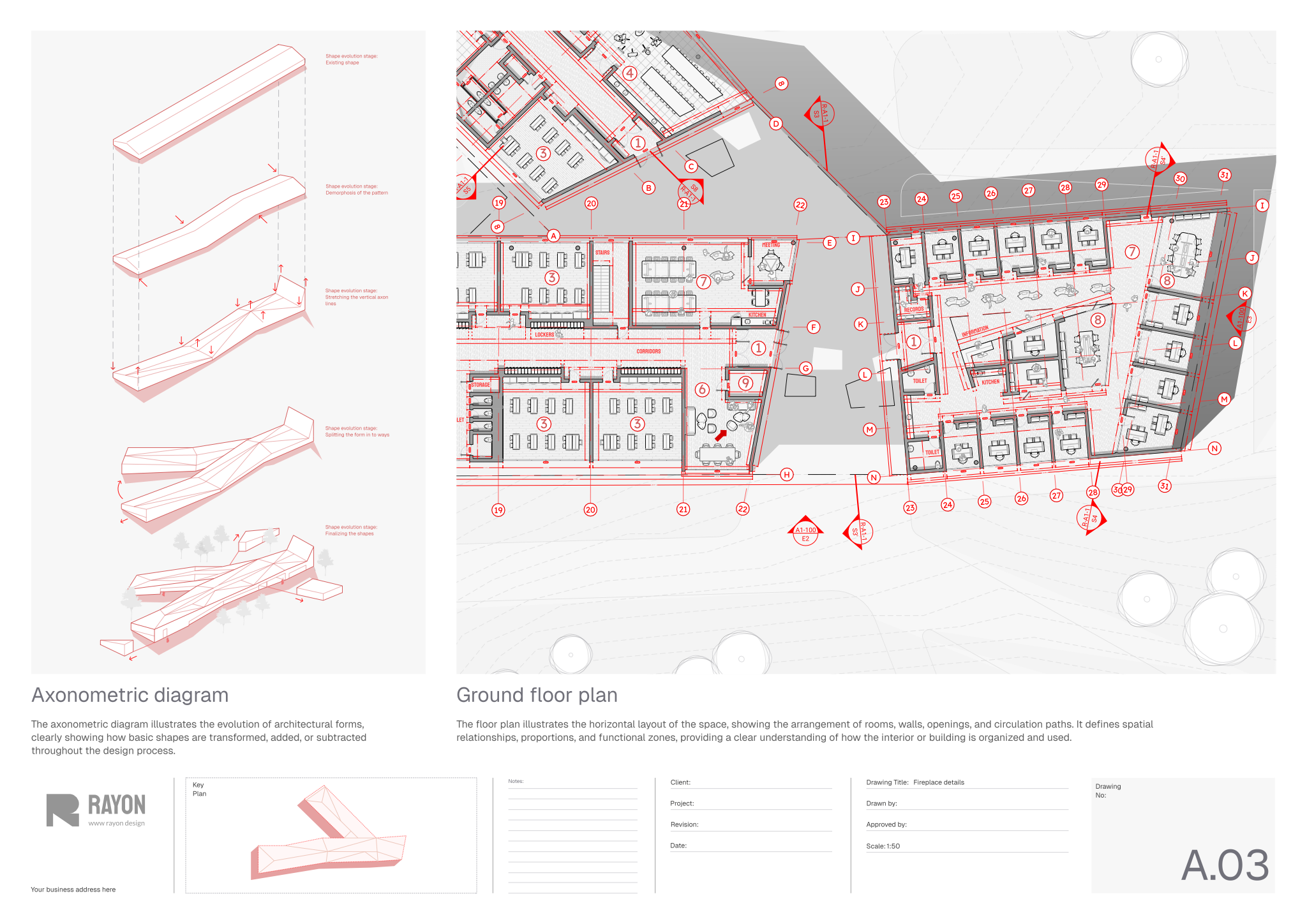
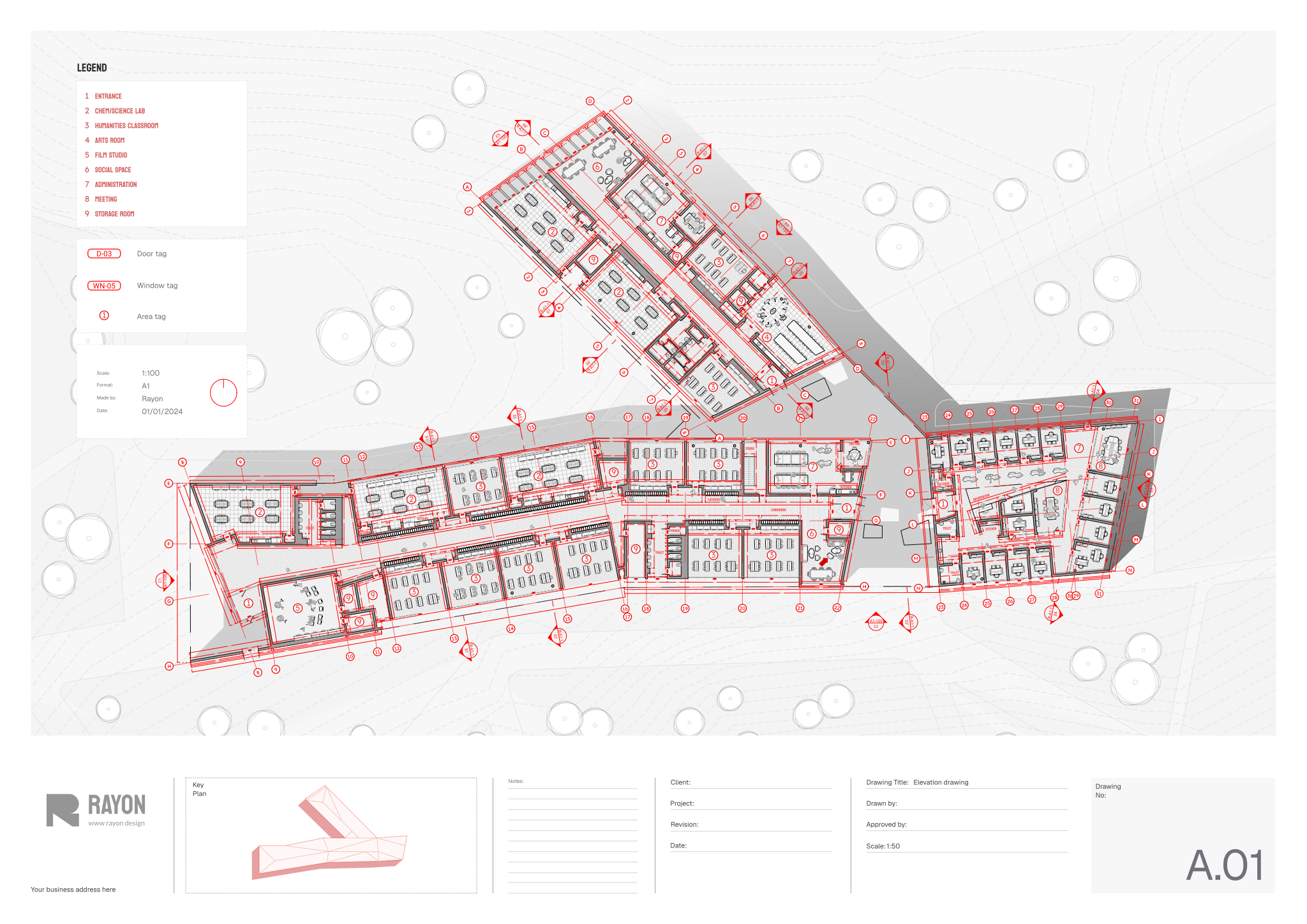
The package contains a master plan drawing illustrating the overall campus layout, including buildings, open spaces, and circulation networks. It also includes a ground floor plan detailing walls, openings, room arrangements, and internal circulation paths. To communicate design development, the template features a sketch diagram capturing early form, geometry, and spatial intent, as well as an axonometric diagram showing how architectural shapes transform and combine. A legend specifies building areas alongside tags for doors, windows, and architectural elements, supported by a block and style library, layer list, hatches, line weights, and print settings.
To use this template, open it directly in Rayon, a browser-based CAD tool. You can adapt the drawings to your specific site, adjust the architectural plans, and reuse the preconfigured blocks and graphic styles to maintain consistency across every drawing. When your project is ready, rely on the integrated print settings to export clean sheets for design reviews or presentations.
What's included
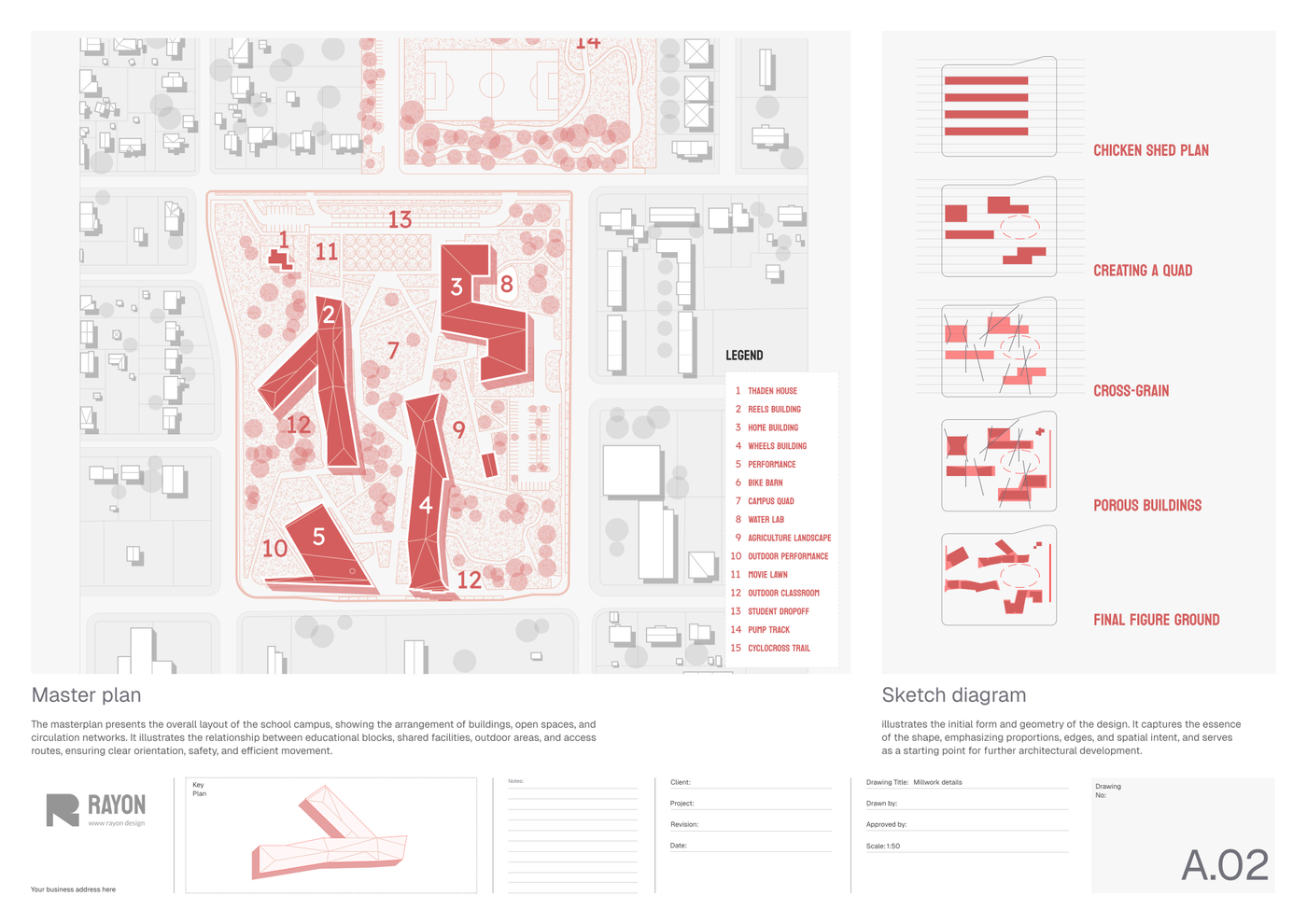
- Master plan drawing illustrating the overall campus layout including buildings, open spaces, and circulation networks.
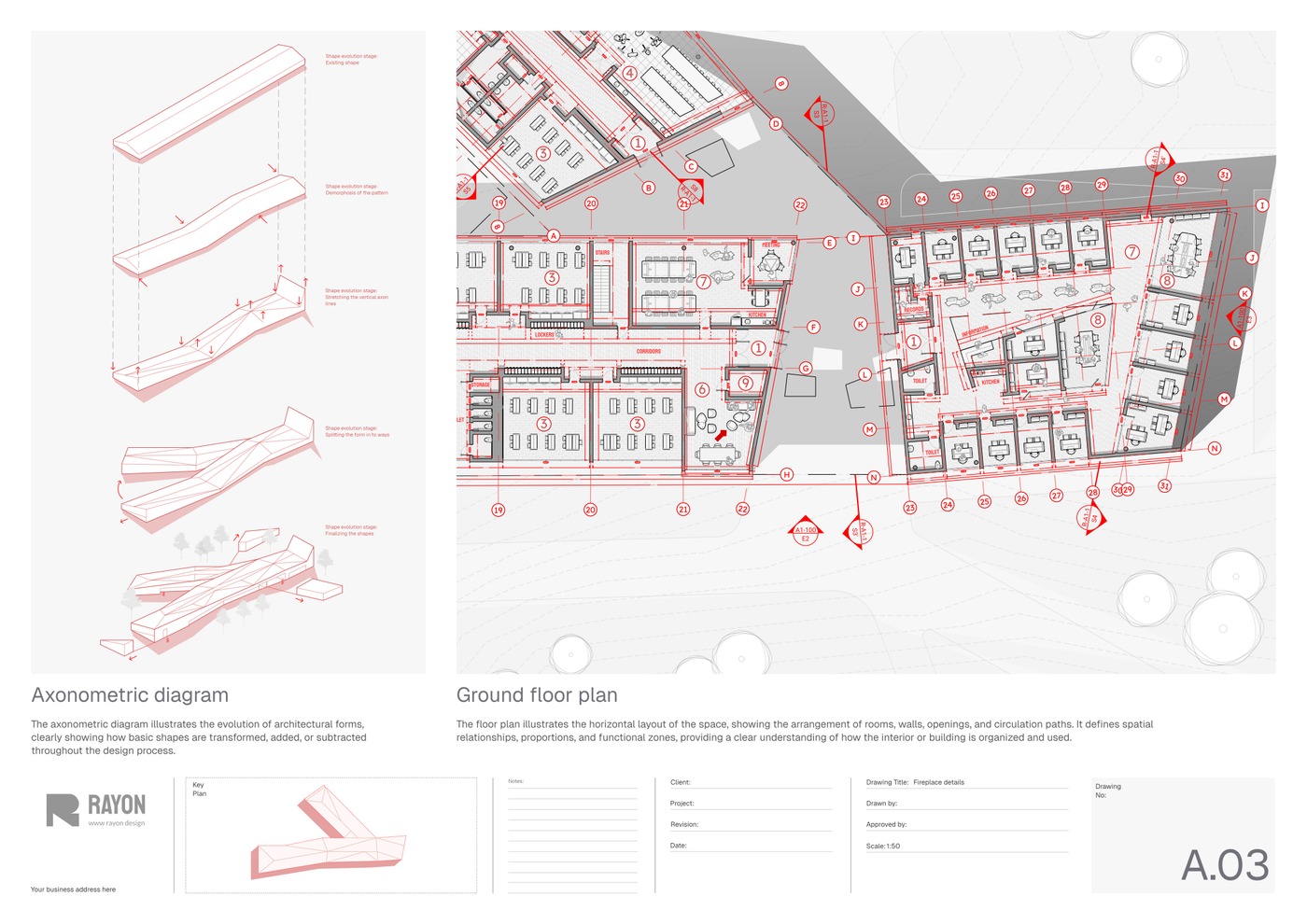
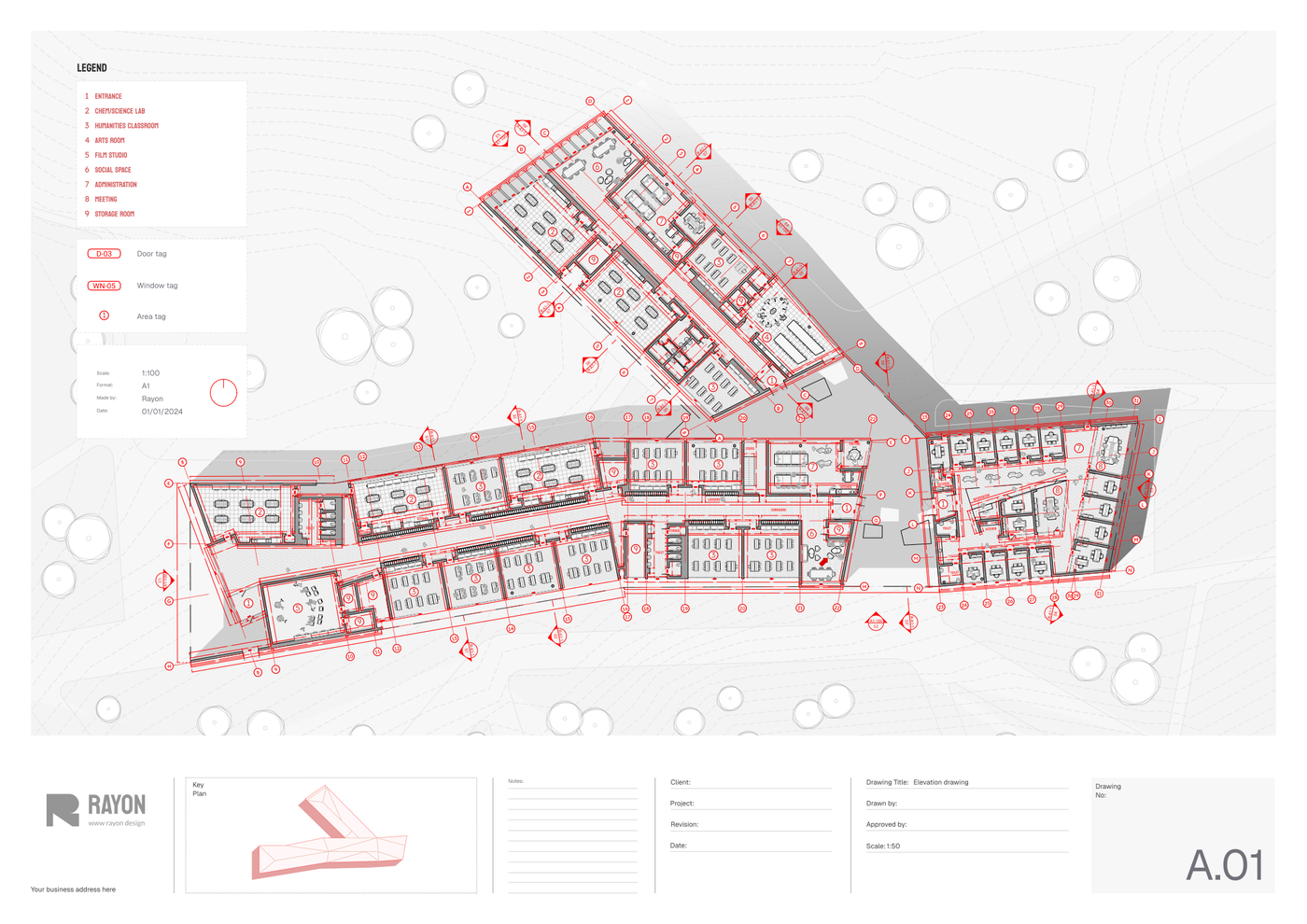
- Ground floor plan showing the arrangement of rooms, walls, openings, and paths within the educational space.
- Axonometric diagram visualizing the evolution of architectural forms, detailing how basic shapes transform and combine.
- Legend indicating building areas and tags for doors, windows, and other architectural elements for clear identification.
- Sketch diagram capturing initial form and geometry of the design, emphasizing proportions and spatial intent.
- The template includes a comprehensive block and style library, layer list, line weights, hatches, and print settings for consistent design output.
Looking for more like this? Browse all student presentation templates.
Read the guide
Learn the workflow on Rayon Academy
More templates
Browse all ↗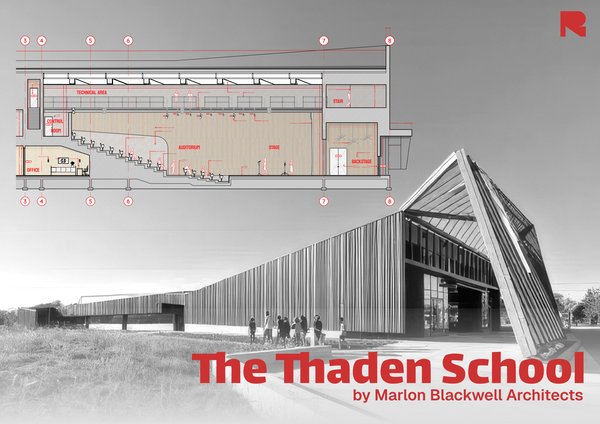
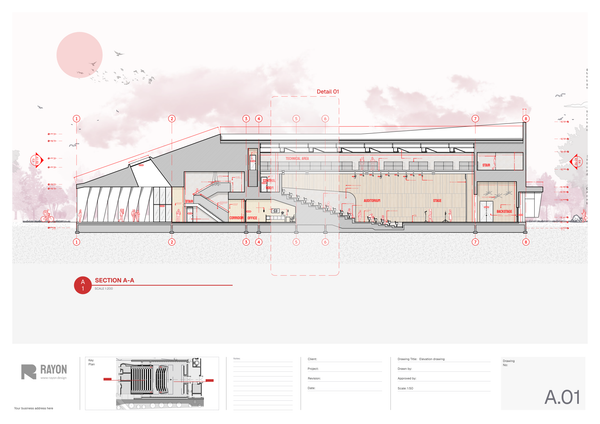
Auditorium layout
A structured template for illustrating the form, function, and experience of auditorium spaces.
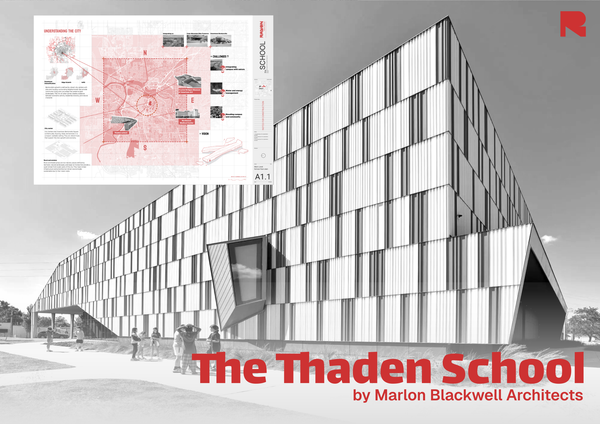
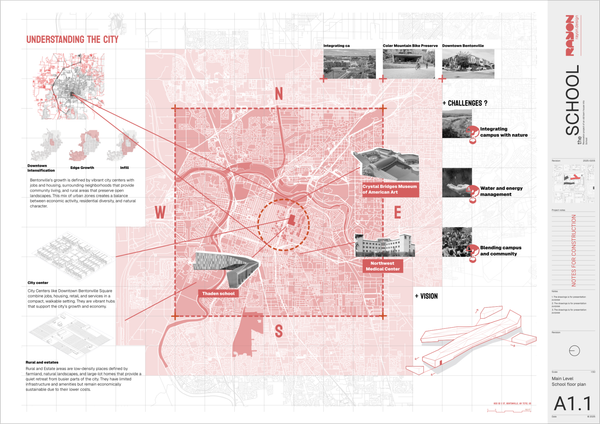
City map analysis template
A structured template for presenting site conditions, context, and key insights.
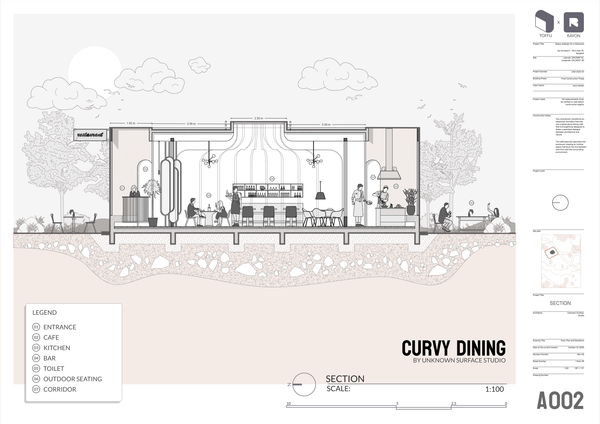
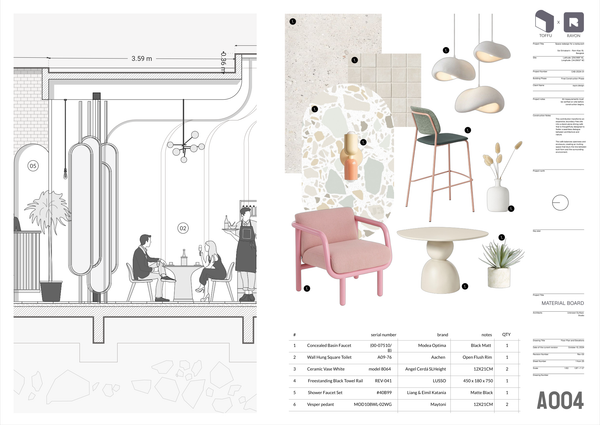
Restaurant furniture and people blocks
A selection of blocks for the restaurant project
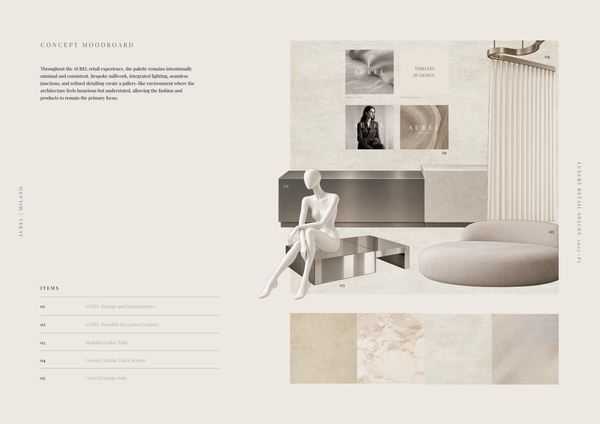
AUREL - Concept moodboard
A curated concept moodboard template for presenting the visual identity, materials, colors, and atmosphere of a luxury retail space.

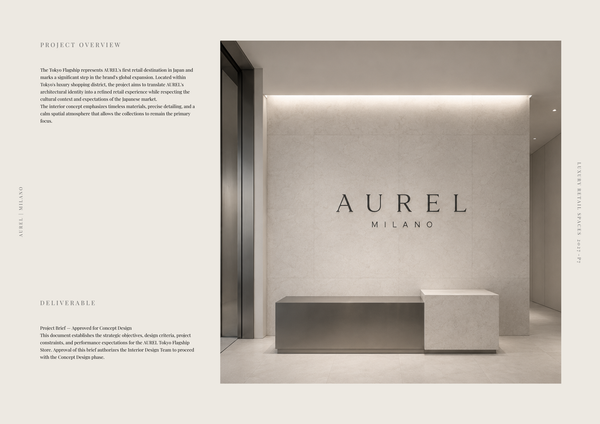
AUREL - Concept deck
A concept deck template for presenting the brand vision, spatial experience, materials, and design direction of a luxury retail space.
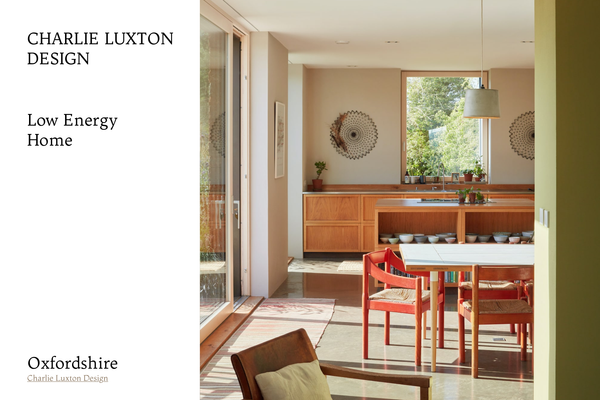
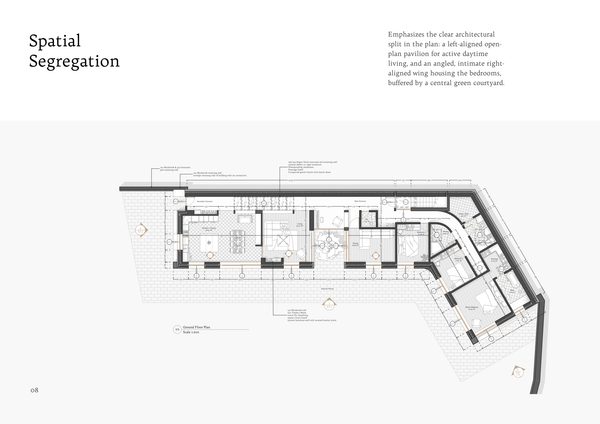
Charlie Luxton - Low energy home
A real-project template showcasing Charlie Luxton Design’s Low Energy Home through architectural drawings, details, and sustainable design solutions.
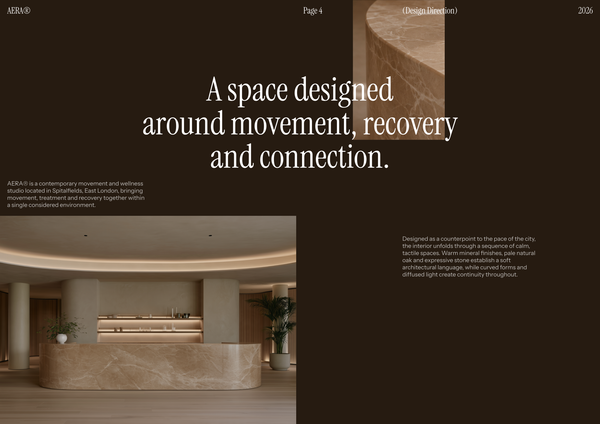
AERA - Millwork drawings
A detailed millwork drawing template for presenting custom reception desks, storage, built-ins, and bespoke joinery for a modern wellness and Pilates studio.
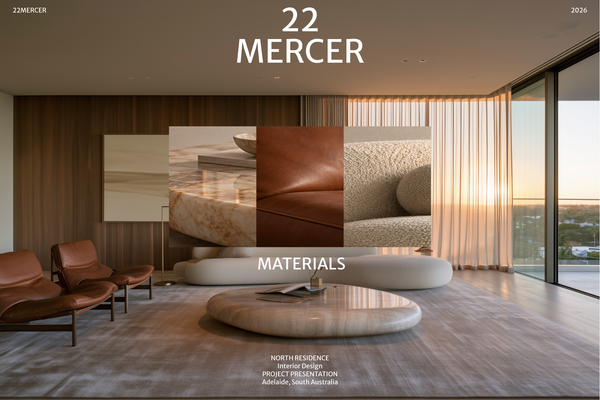
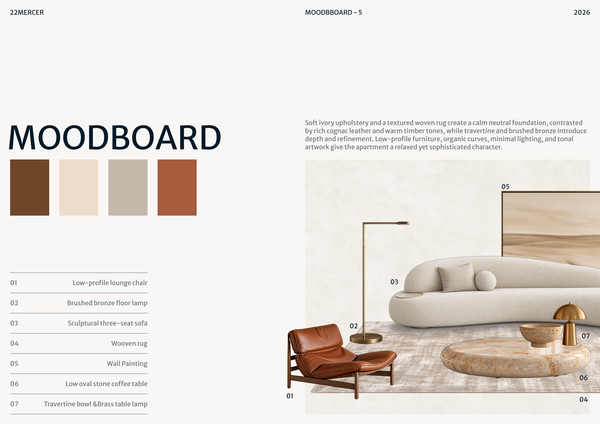
22 MERCER - Materials & FF&E
A refined Materials & FF&E template for presenting curated finishes, furniture, lighting, and fixtures for a luxury residence.
Frequently asked questions
Who is this template for?
This template is for students, designers, and architects presenting school and campus design projects. It suits educational projects that need to communicate both the overall campus layout and the arrangement of ground-floor spaces. Master plans, floor plans, sketches, and axonometric diagrams help explain circulation, spatial intent, and the development of architectural forms.
How do I use this template?
Open the template in Rayon, a browser-based CAD tool, and adapt the campus master plan, ground floor plan, and diagrams to your educational project. Reuse the included blocks, styles, layers, line weights, and hatches to keep drawings consistent, and update the legend to identify architectural elements. Then present the sheets or export or print them using the included print settings.
What does the Campus design layout template include?
The template includes a campus master plan, a ground floor plan, an axonometric form-evolution diagram, a legend, and an initial design sketch. Together, these drawings present the educational space from overall site organization to room arrangement and architectural form. A block and style library, layer list, line weights, hatches, and print settings support consistent presentation.
What does the campus master plan drawing show?
The master plan illustrates the overall campus layout, including buildings, open spaces, and circulation networks. It provides a broader view of the educational setting than the ground floor plan, showing how the campus is organized rather than focusing on individual rooms, walls, and openings.
How does the ground floor plan relate to the master plan?
The ground floor plan shows the arrangement of rooms, walls, openings, and paths within the educational space. It complements the master plan by moving from campus-wide organization to the layout of interior spaces. Read together, these drawings connect the overall campus design with the spaces and routes shown at ground level.
What design decisions does the axonometric diagram document?
The axonometric diagram visualizes the evolution of the architectural forms, showing how basic shapes transform and combine. Its focus is the development of building form rather than the room-by-room arrangement shown in the ground floor plan. It complements the sketch diagram by explaining the progression of the design’s geometry.
What is the purpose of the initial sketch diagram?
The sketch diagram captures the design’s initial form and geometry, emphasizing proportions and spatial intent. It provides a conceptual starting point for understanding the proposal alongside the more organized plan drawings. Paired with the axonometric diagram, it helps present both the initial geometry and the subsequent transformation and combination of architectural forms.
What information is identified in the template’s legend?
The legend indicates building areas and provides tags for doors, windows, and other architectural elements. It gives readers a reference for identifying these elements in the drawings. When adapting the educational layout, keep the legend aligned with the areas and tags shown so the plan information remains clear.
How can the drawings be adapted to a different educational layout?
Adapt the master plan to reflect the intended arrangement of campus buildings, open spaces, and circulation networks, then revise the ground floor plan’s rooms, walls, openings, and paths accordingly. Update the sketch and axonometric diagrams to describe the revised form and geometry. Keep the legend consistent with the architectural elements and building areas presented.
Which included resources help keep the campus drawings visually consistent?
The template includes a comprehensive block and style library, a layer list, line weights, hatches, and print settings. These resources support consistent design output across the campus drawings. When revising the layout, retain a coordinated approach to these settings so the master plan, ground floor plan, and diagrams remain visually coherent.