
Furniture & shopping list
A professionally organized furniture and shopping list template designed to streamline specifications, budgeting, and procurement for interior design projects.
How to make a furniture shopping list
Follow these steps, and use this template to keep everything on one page your client can approve:
- Go room by room from the floor plan and list every piece you need: furniture, lighting, rugs, accessories.
- Add a product image, name and brand for each item so the client sees exactly what is proposed.
- Record quantity, unit price and line total, then sum a budget per room and for the whole project.
- Note the specification details: finish, size, supplier reference and any notes for ordering.
- Group the items by status (proposed, approved, ordered, delivered) to track procurement.
- Share the list with the client for sign-off before placing any orders.
Go deeper in our guide: FF&E schedule: what to include in interior design (with templates)
About this template
This template is created for interior designers, architects, and design students who need an organized workflow for FF&E documentation. Coordinating furniture selections, estimating budgets, and communicating specifications with vendors often leads to fragmented records and purchasing errors. The Furniture & shopping list template provides a unified structure designed to streamline specifications, budgeting, and procurement across any interior design project.
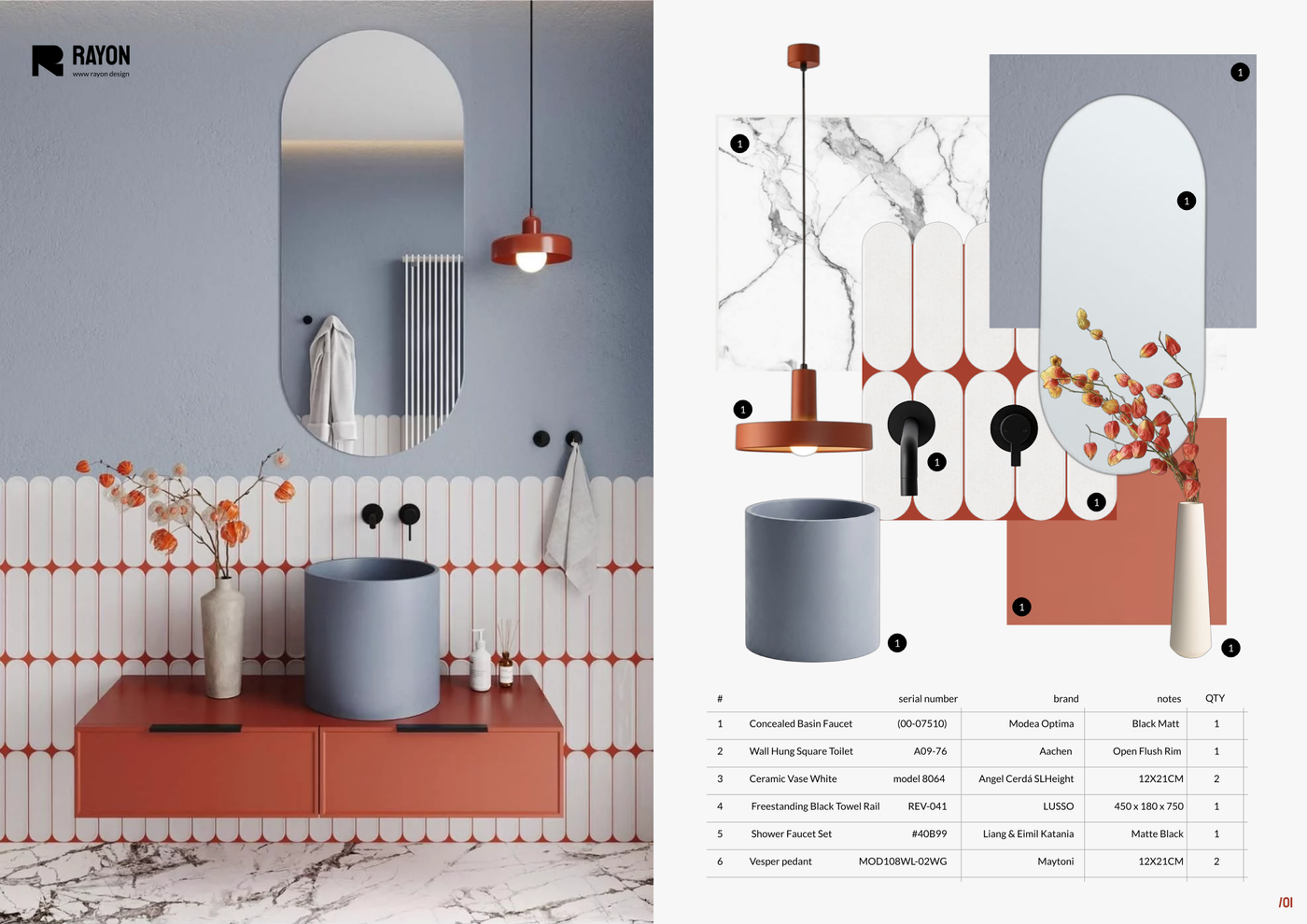
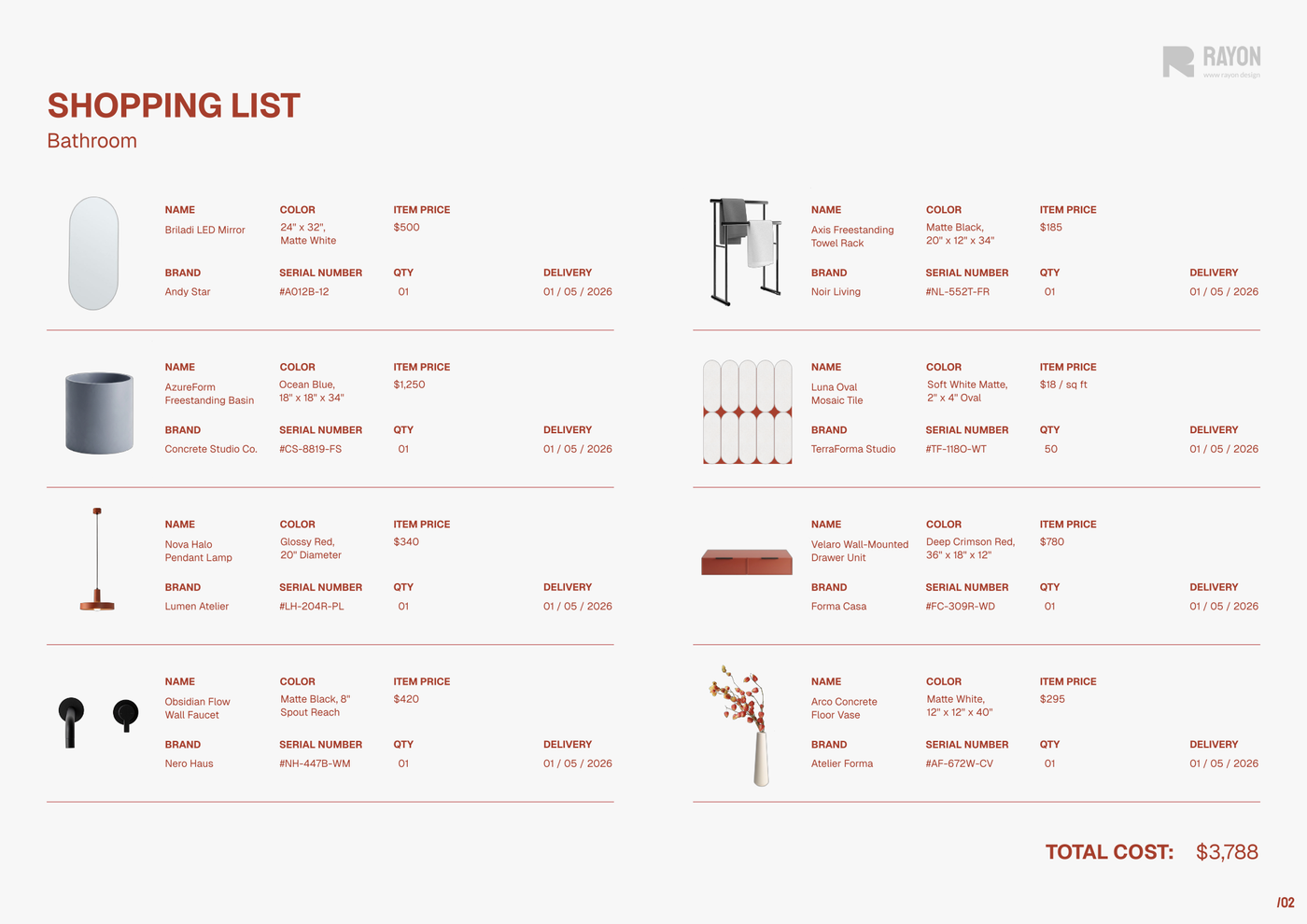
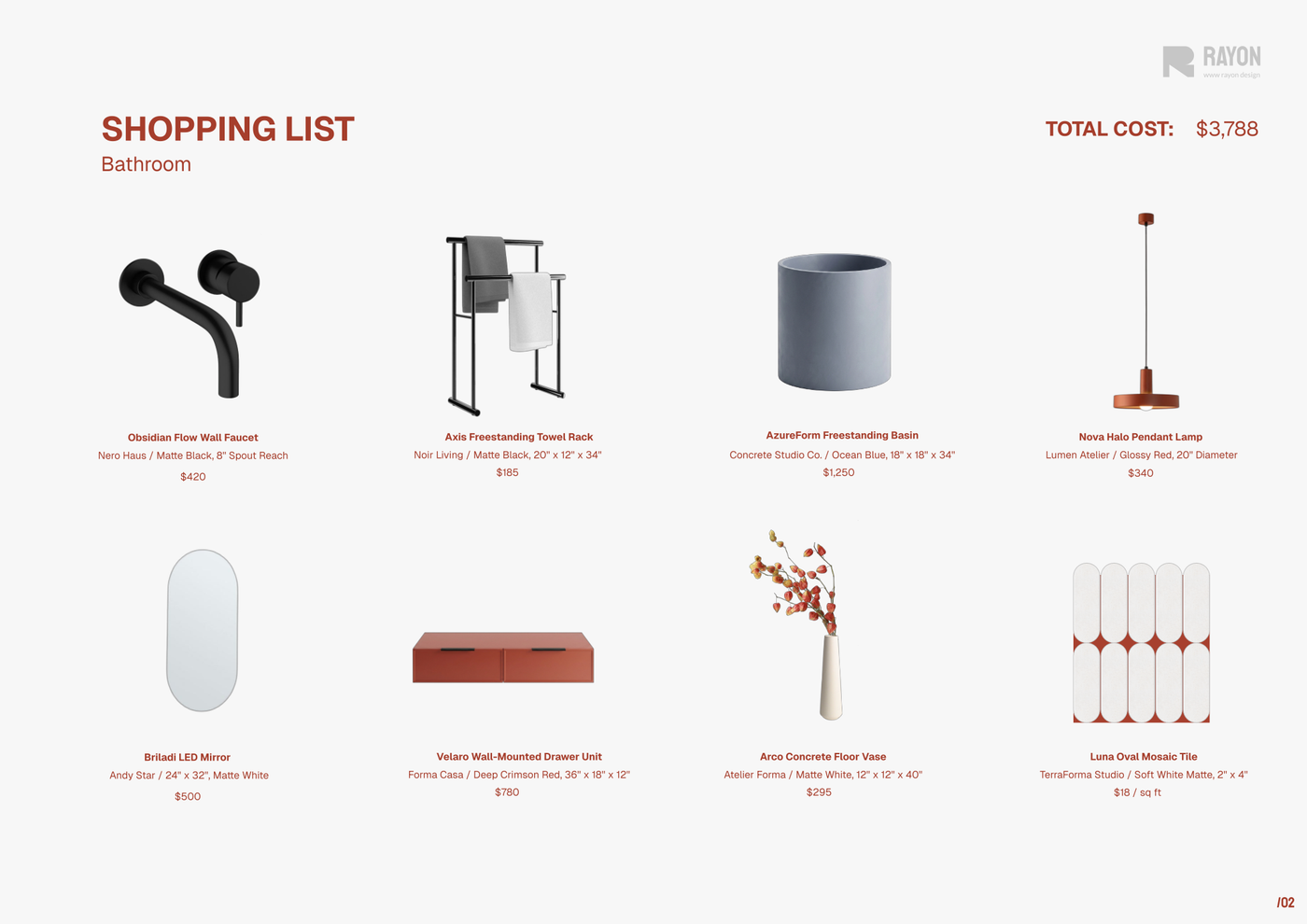
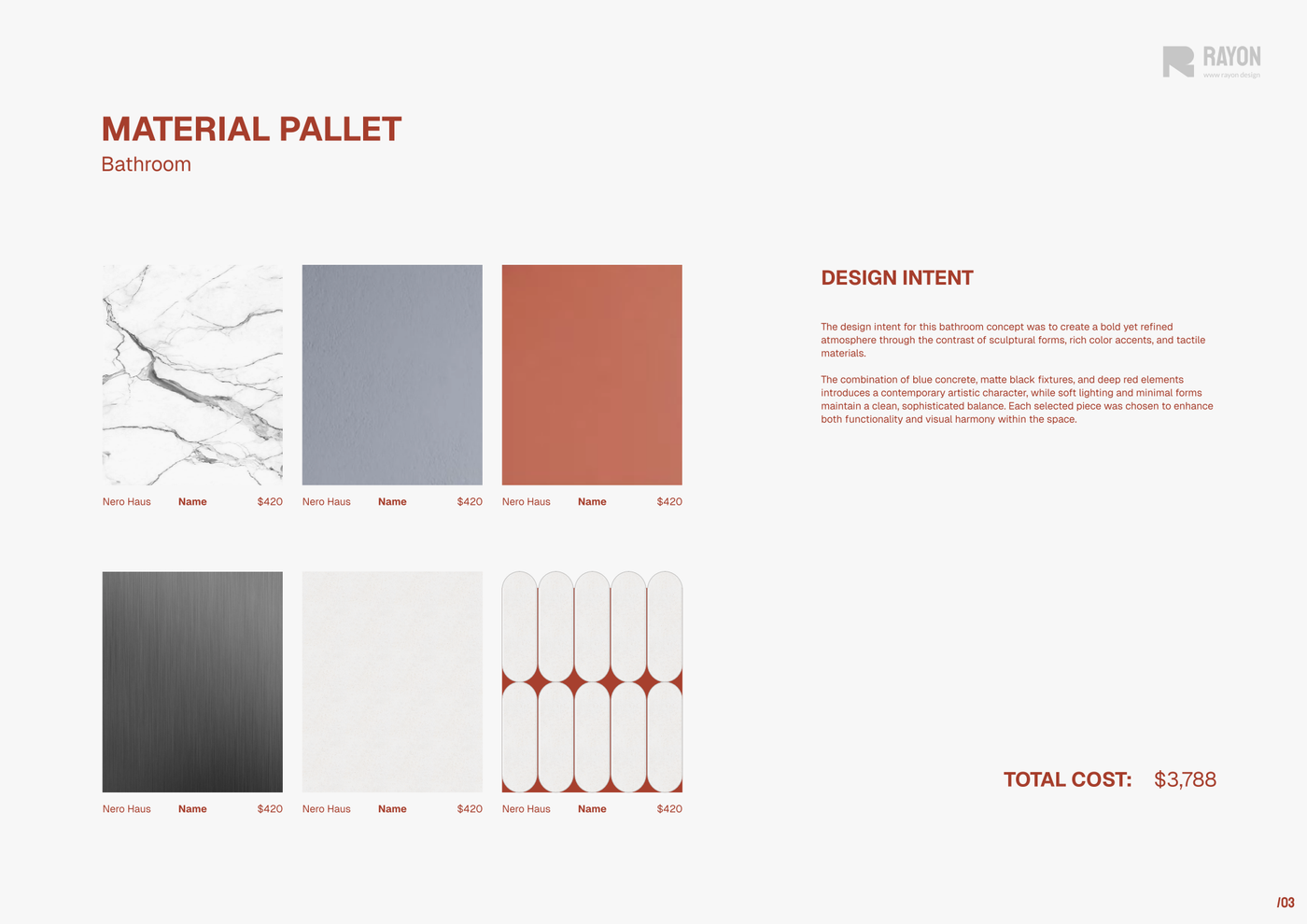
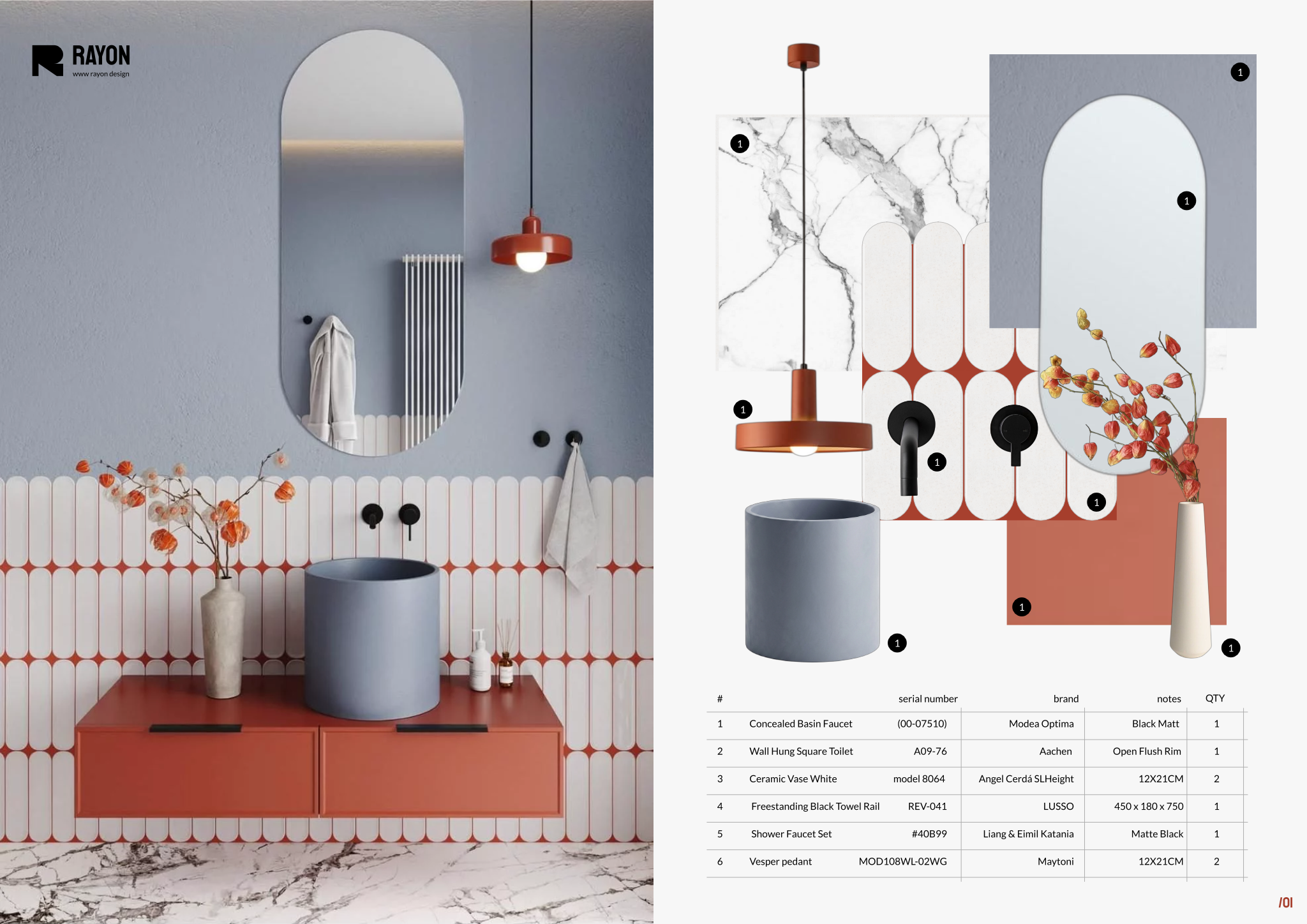
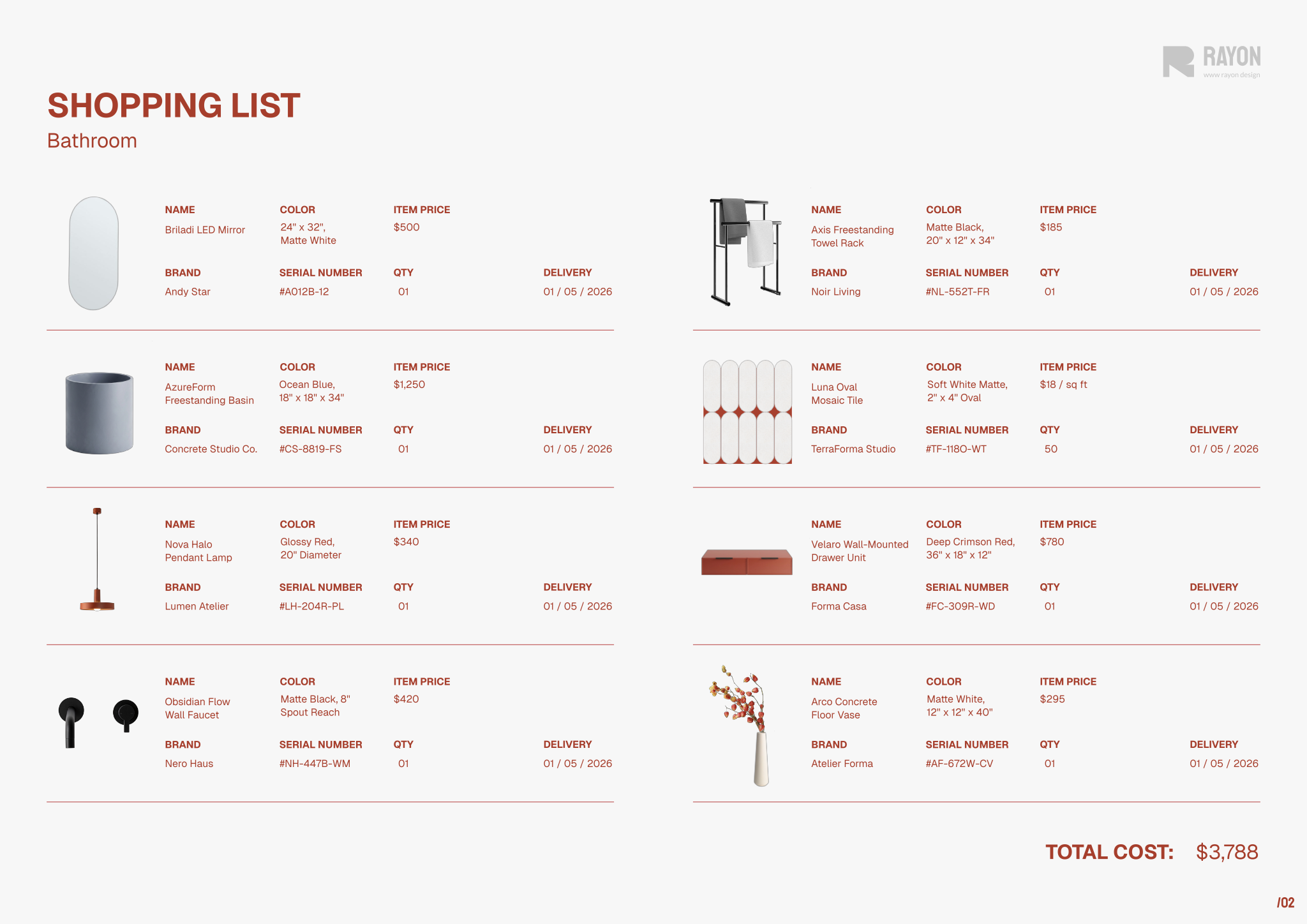
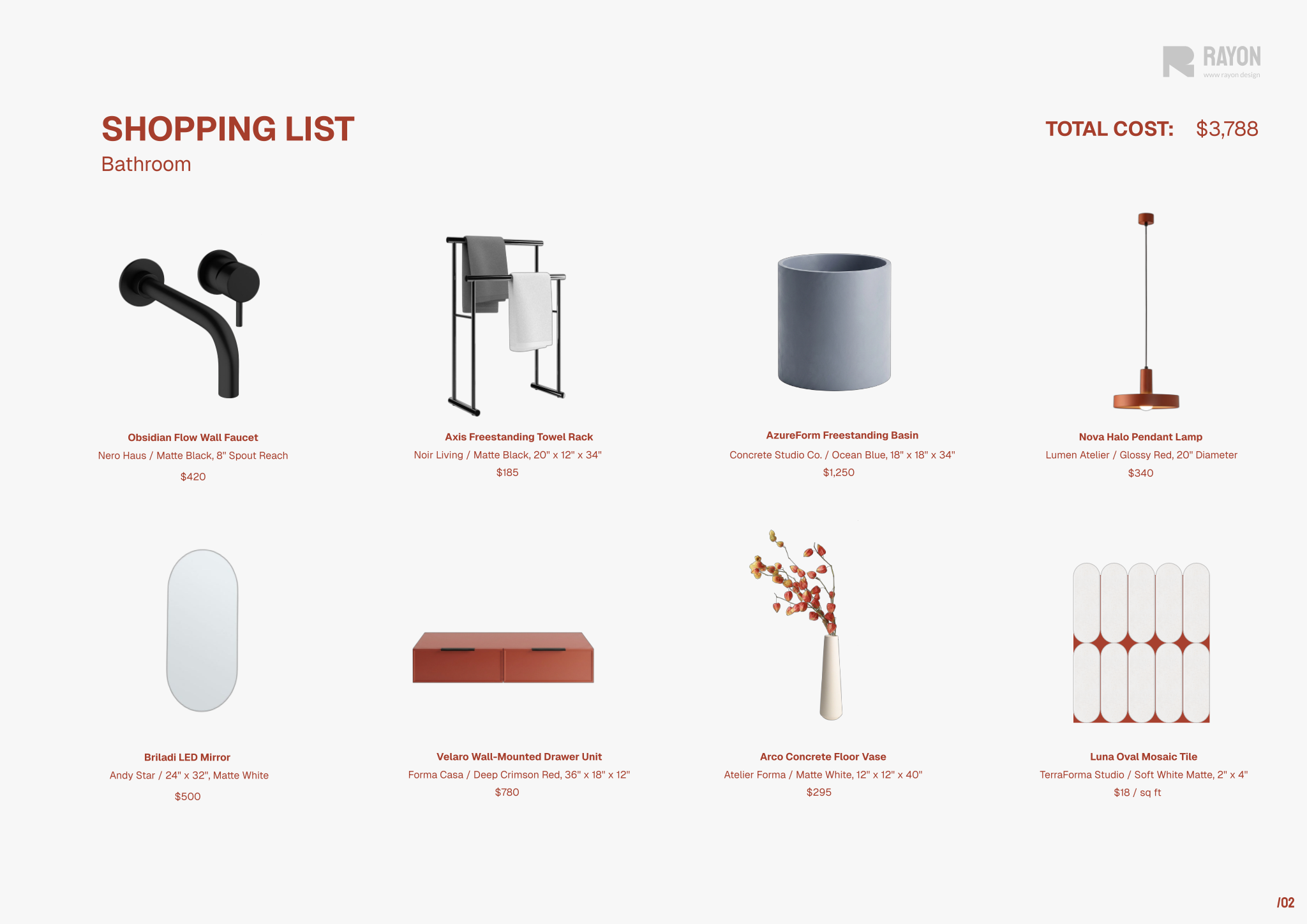
The document includes material palette mood boards that showcase chosen finishes and textures alongside cost details for early design visualization. For procurement tracking, detailed product specification tables record serial numbers, brands, notes, and quantities. Complementing these are comprehensive shopping list pages that present product images, names, brands, and pricing in an accessible format for order placement. The file also integrates reusable asset libraries containing blocks, styles, layer lists, line weights, hatches, and print settings.
To use the template, open it in Rayon, a browser-based CAD tool accessible directly from your browser. You can adapt the drawings and tables to your specific project needs, swap out images, and reuse the preconfigured blocks and styles to ensure visual consistency. Once your schedule is complete, use the built-in print settings to export polished presentation sheets and procurement documents for clients and contractors.
What's included
- Material pallet mood boards clearly depicting chosen finishes and textures alongside cost information for design visualization.
- Detailed product specification tables outlining serial numbers, brands, notes, and quantities for effective procurement tracking.
- Comprehensive shopping list pages presenting visual product images, names, brands, and pricing for easy budgeting and order placement.
- Reusable asset libraries include blocks, styles, layer lists, line weights, hatches, and print settings for consistent project documentation.
Looking for more like this? Browse all ff&e schedule templates.
Read the guide
Learn the workflow on Rayon Academy
More templates
Browse all ↗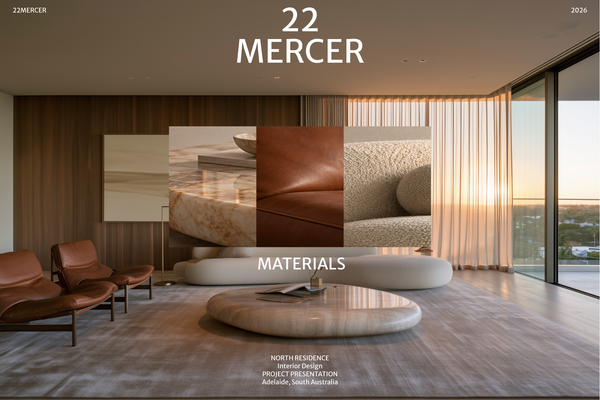
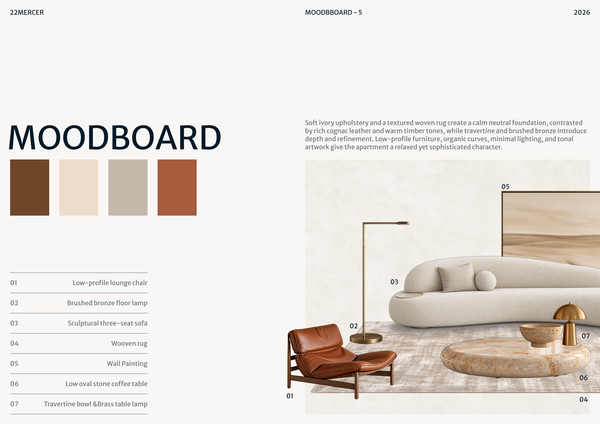
22 MERCER - Materials & FF&E
A refined Materials & FF&E template for presenting curated finishes, furniture, lighting, and fixtures for a luxury residence.
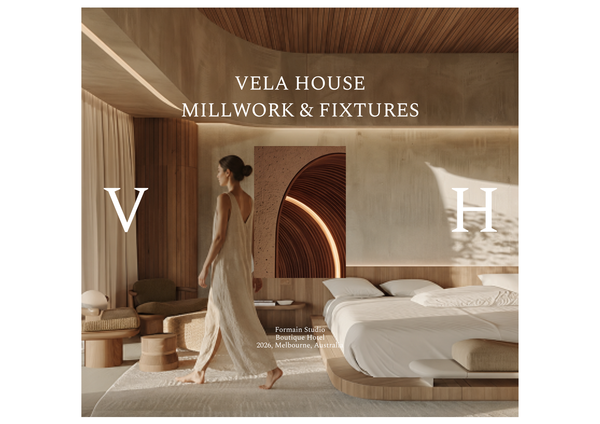
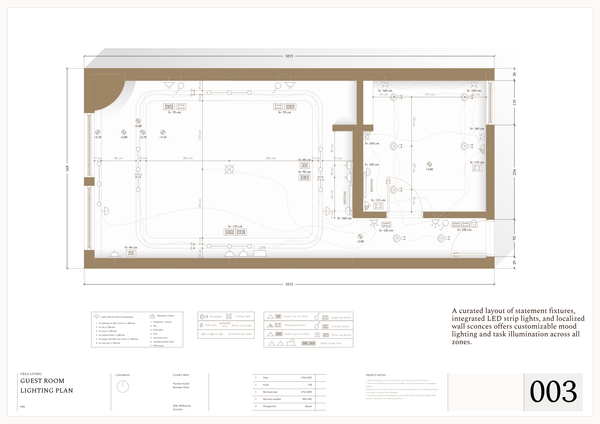
Millwork & fixtures - Luxury hotel
A detailed millwork and fixtures template for presenting custom joinery, built-ins, and bespoke design elements for luxury hotel interiors.
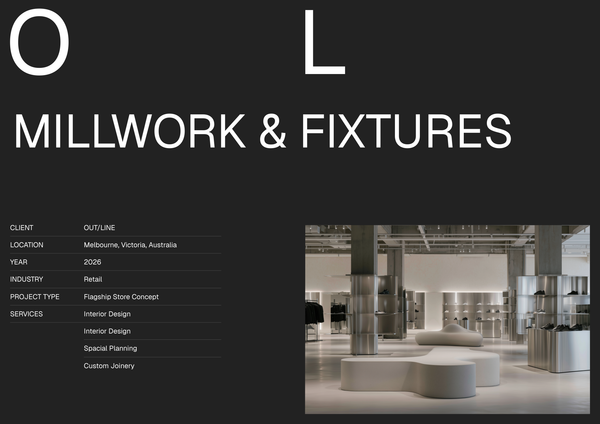
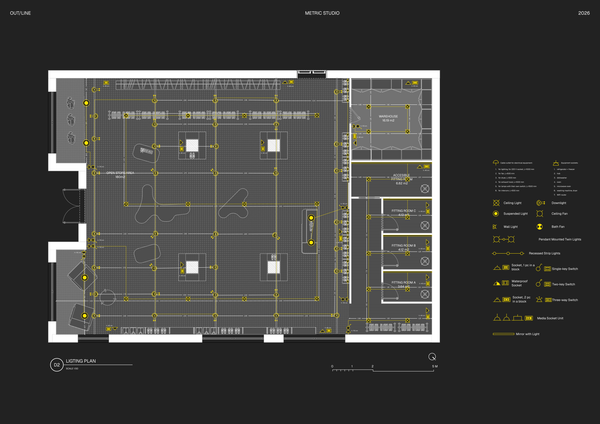
Fixture & millwork - Sport retail
A detailed fixture and millwork template for presenting custom displays, shelving, counters, and joinery for modern sports retail interiors.
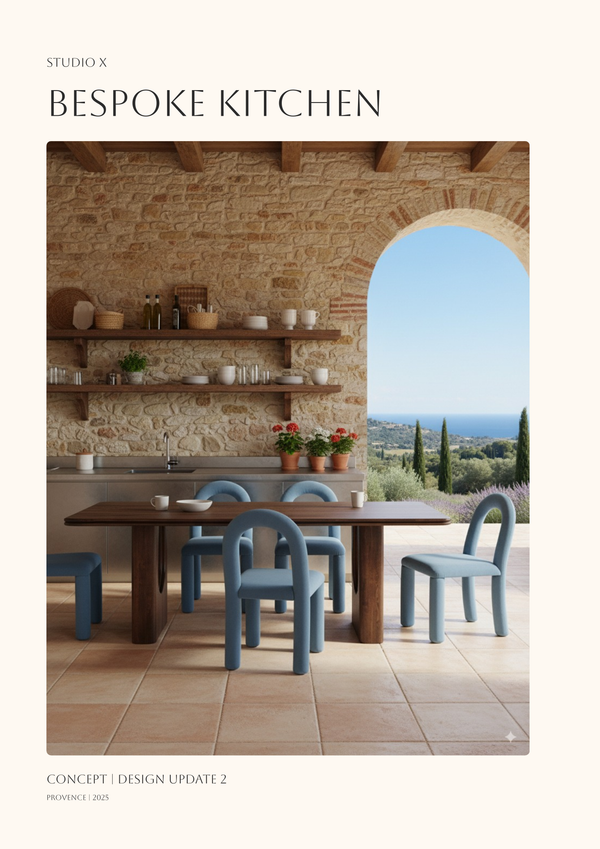
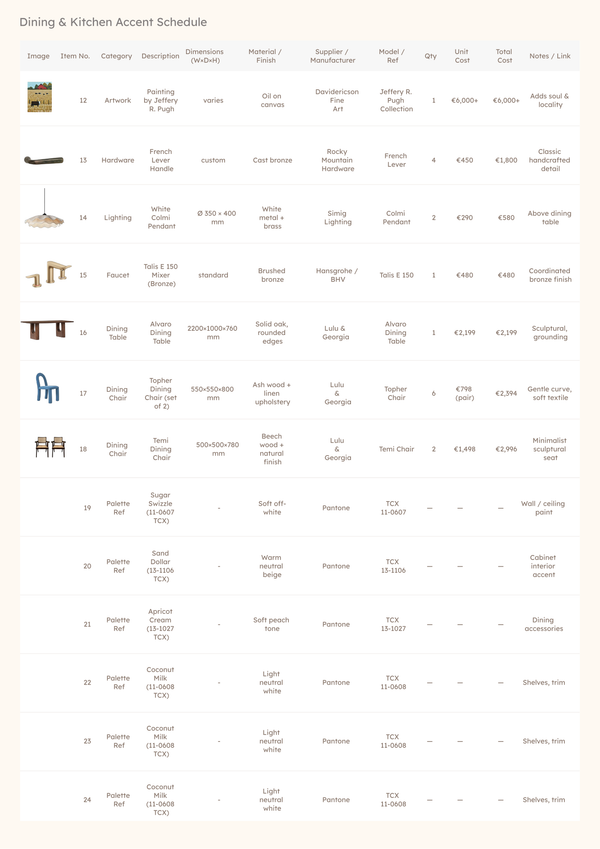
Vertical design proposal template
A refined bespoke kitchen template with concept pages, moodboards, palettes, furniture selections, and final visuals.
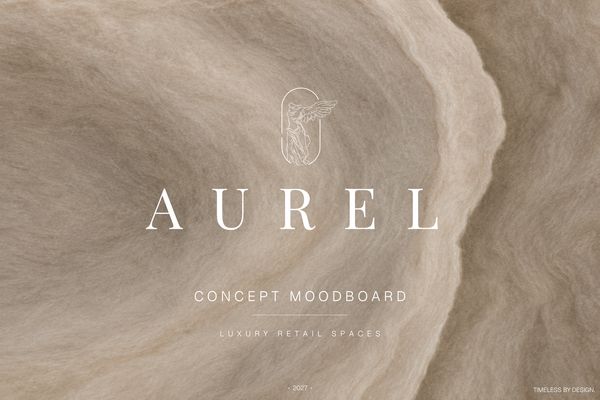
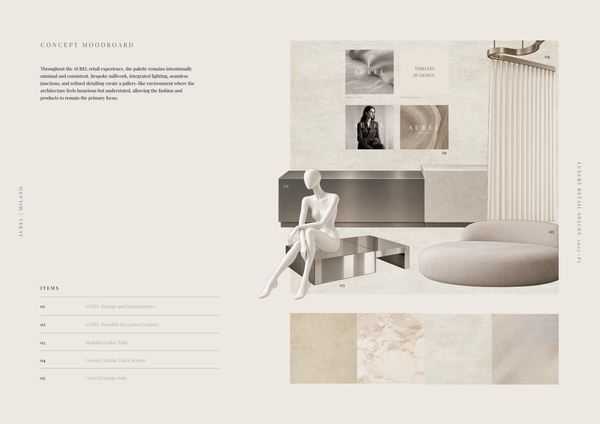
AUREL - Concept moodboard
A curated concept moodboard template for presenting the visual identity, materials, colors, and atmosphere of a luxury retail space.

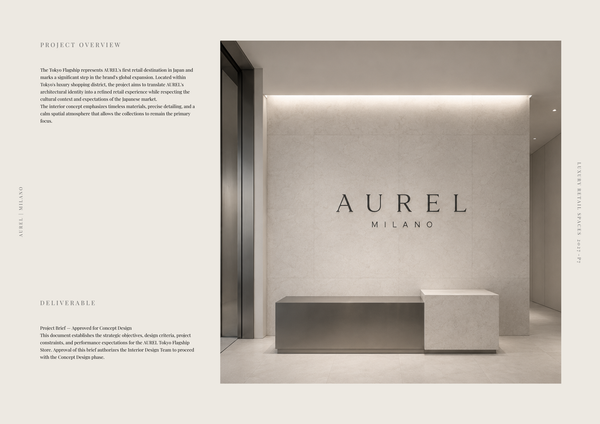
AUREL - Concept deck
A concept deck template for presenting the brand vision, spatial experience, materials, and design direction of a luxury retail space.
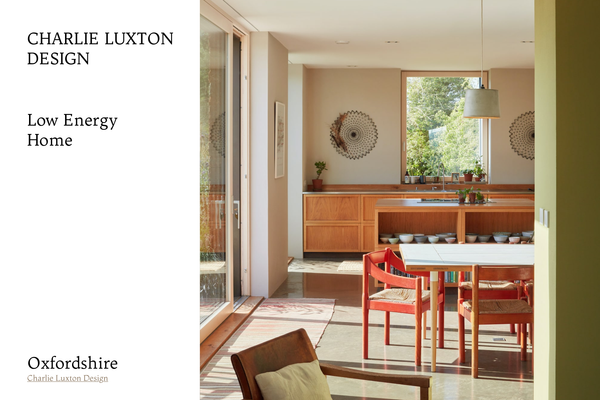
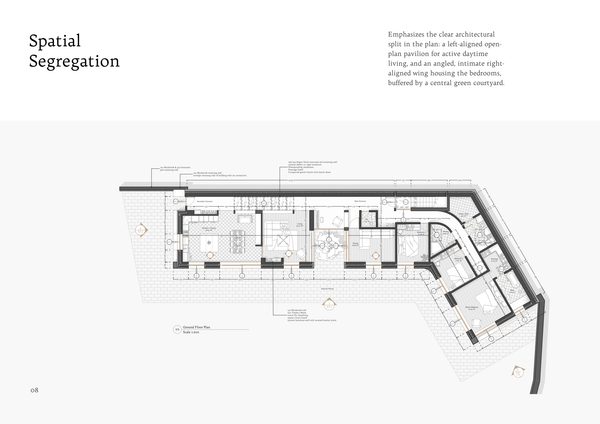
Charlie Luxton - Low energy home
A real-project template showcasing Charlie Luxton Design’s Low Energy Home through architectural drawings, details, and sustainable design solutions.
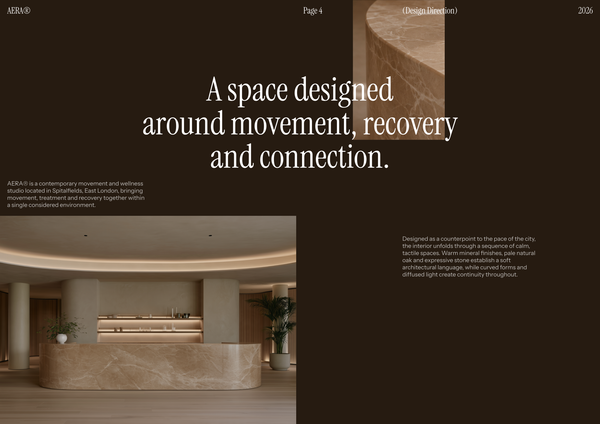
AERA - Millwork drawings
A detailed millwork drawing template for presenting custom reception desks, storage, built-ins, and bespoke joinery for a modern wellness and Pilates studio.
Frequently asked questions
Who is this template for?
This template is for interior designers, architects, and design students organizing furniture specifications, budgets, and procurement for interior design projects. It suits projects that need coordinated finish and texture mood boards, detailed product specification tables, and visual shopping lists to support design presentation, cost planning, and order placement.
How do I use this template?
Open the template in Rayon, a browser-based CAD tool, and adapt the drawings, mood boards, specification tables, and shopping lists to your project’s furniture, finishes, quantities, and costs. Reuse its blocks, styles, layer lists, line weights, and hatches to keep documentation consistent. Then present the sheets or export/print them using the included print settings.
What does the Furniture & shopping list template include?
The template includes material palette mood boards, detailed product specification tables, and visual shopping list pages. It also provides reusable documentation assets, including blocks, styles, layer lists, line weights, hatches, and print settings. Together, these components support finish visualization, furniture specifications, budgeting, and procurement for interior design projects.
What information is shown on the material palette mood boards?
The material palette mood boards depict chosen finishes and textures alongside cost information. They provide a visual reference for the project's material selections while keeping associated costs visible. These boards complement the product specification tables and shopping list pages by documenting the finish and texture choices behind the overall design.
Which details can be recorded in the product specification tables?
The product specification tables include fields for serial numbers, brands, notes, and quantities. These details support procurement tracking by keeping product references and required quantities organized. The notes field provides space for project-specific specification information, while the shopping list pages separately present product images, names, brands, and pricing.
What appears on the template's shopping list pages?
The shopping list pages present visual product images together with product names, brands, and pricing. This layout brings identification and cost information into one place for budgeting and order placement. Alongside the specification tables, the pages provide a visual reference for the products documented in the project's furniture selections.
How do the mood boards, specification tables, and shopping lists fit together?
Each component documents a different part of the selection and procurement process. The mood boards show chosen finishes, textures, and costs; the specification tables record serial numbers, brands, notes, and quantities. The shopping lists add product images, names, brands, and pricing, connecting visual selections with the information needed for budgeting and ordering.
How can the template be adapted to a particular interior design project?
You can adapt the content by replacing the pictured products and material selections with those chosen for your project. Update the corresponding names, brands, serial numbers, notes, quantities, and prices across the relevant pages. The included reusable assets support consistent documentation as you tailor the mood boards, specification tables, and shopping lists.
Which reusable assets are included for consistent project documentation?
The reusable asset libraries include blocks, styles, layer lists, line weights, hatches, and print settings. These resources support a consistent presentation across the project's documentation. They complement the template's mood boards, specification tables, and shopping list pages, providing documentation resources alongside the project-specific product and material content.
What design and budget decisions does this FF&E schedule template document?
The template documents furniture and product selections, chosen finishes and textures, required quantities, and associated cost information. Its visual pages show what has been selected, while the tables capture specification and procurement details. This combination keeps design choices and purchasing information together within the furniture and shopping list documentation.